Skip to content
View in the app

A better way to browse. Learn more.

Pokemon Revolution Online

A full-screen app on your home screen with push notifications, badges and more.

To install this app on iOS and iPadOS
  1. Tap the Share icon in Safari
  2. Scroll the menu and tap Add to Home Screen.
  3. Tap Add in the top-right corner.
To install this app on Android
  1. Tap the 3-dot menu (⋮) in the top-right corner of the browser.
  2. Tap Add to Home screen or Install app.
  3. Confirm by tapping Install.

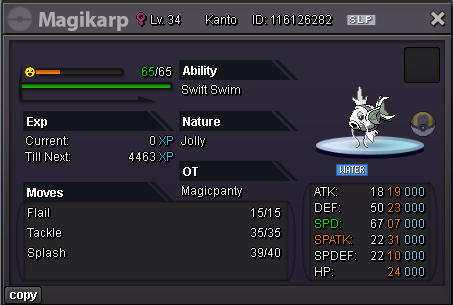
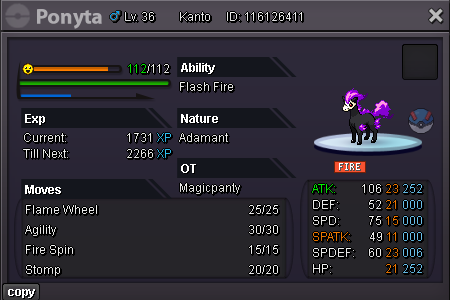
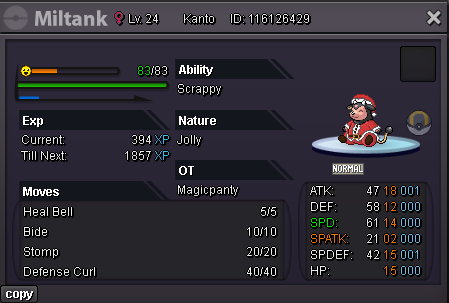
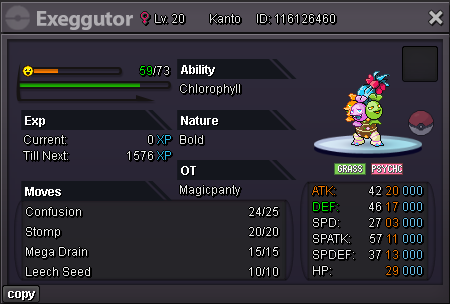
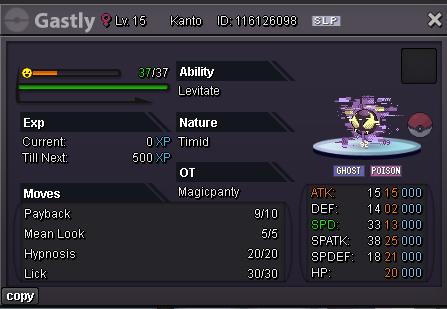
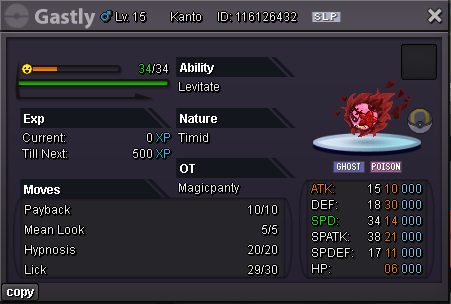
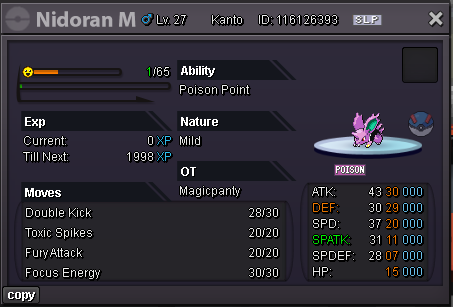
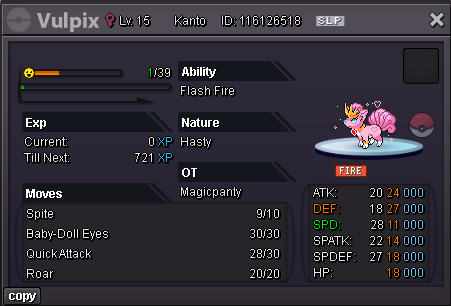
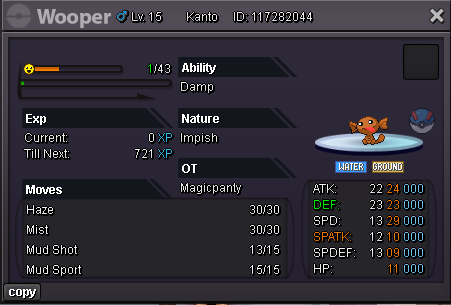
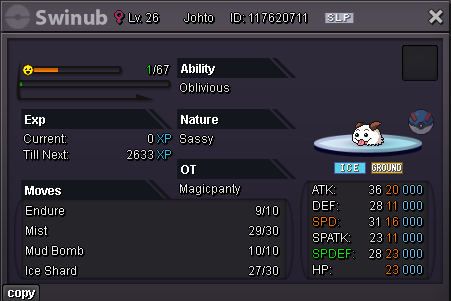
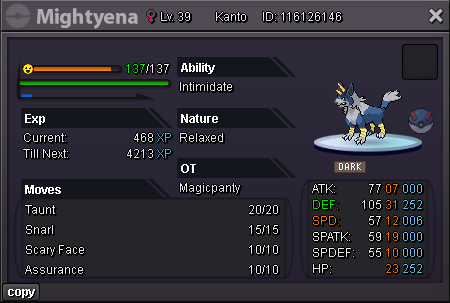
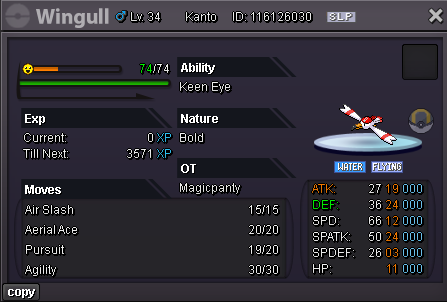
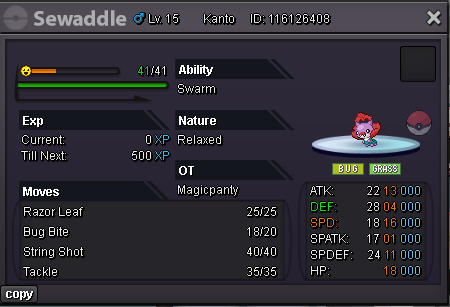
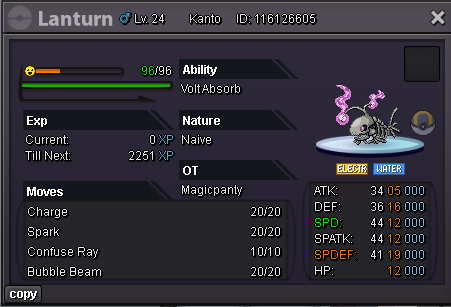
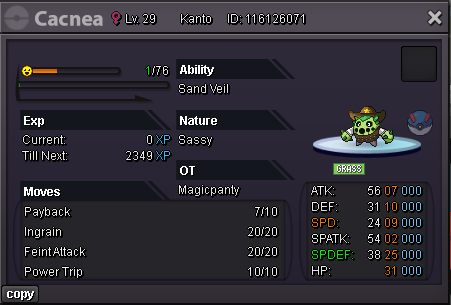
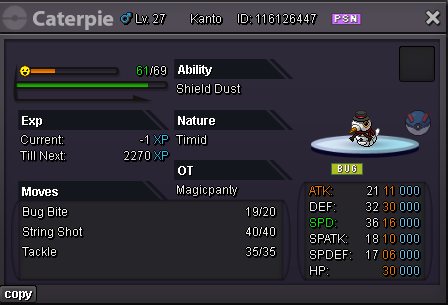
Bundle of 25 forms

ActiveCross-ServerPokemonAuction
Magicpanty Time left: Highest Bidder: Wolfpek
Start price
250.000
Instant price
1.800.000
Minimum bid
25.000
Current offer
275.000

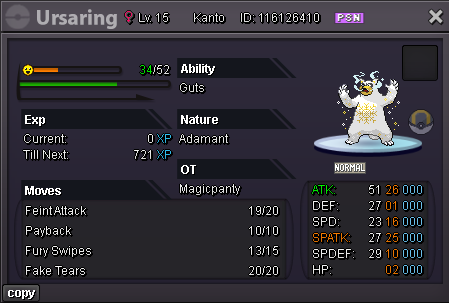
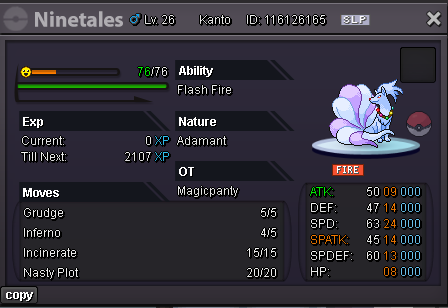
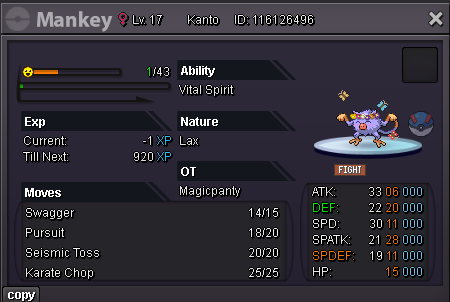
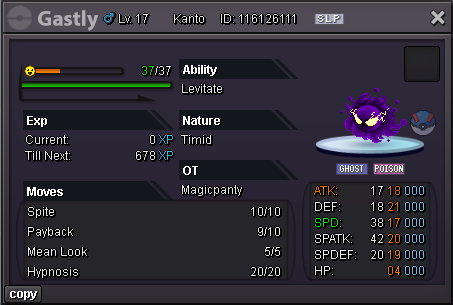
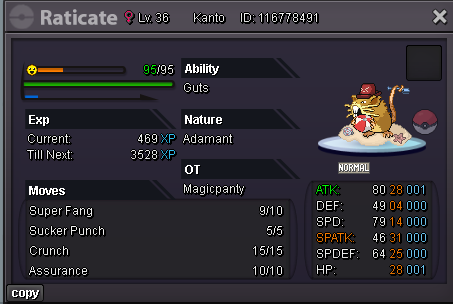
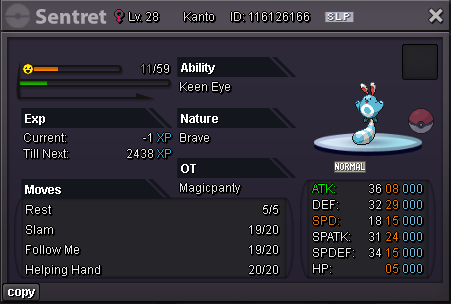
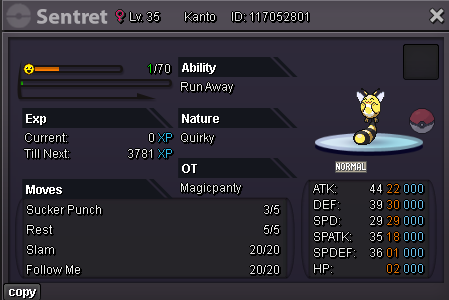
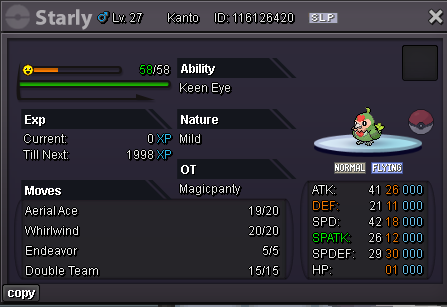
Image of the Pokemon for sale
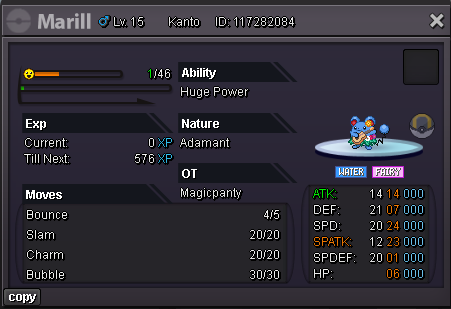
form marill.pngform magi2.pngform pony3.pngform milt4.pngform exxeg5.pngform ursarin6.pngform ninetales7.pngform mank8.pngform gast9.pngform gast10.pngform gast11.pngform nido12.pngform vulp13.pngform woop14.pngform swin15.pngform mightyena16.pngform wing17.pngform sewadd17.pngform lantu19.pngform cacn20.pngform cat.pngform rat x.pngform sentr1.pngform sentr2.pngform starl.png

Accepted alternative payment methods:

Coin Capsule = 500.000

Cross Server Auction - I will change Server for Trade

Bid history

Wolfpek
275.000
2026-10-18 01:58:10
Pinggui
250.000
2026-10-18 00:59:58

Account

Navigation

Search

Search

Configure browser push notifications

Chrome (Android)
  1. Tap the lock icon next to the address bar.
  2. Tap Permissions → Notifications.
  3. Adjust your preference.
Chrome (Desktop)
  1. Click the padlock icon in the address bar.
  2. Select Site settings.
  3. Find Notifications and adjust your preference.