All Activity
- Past hour
-
bump
-

-
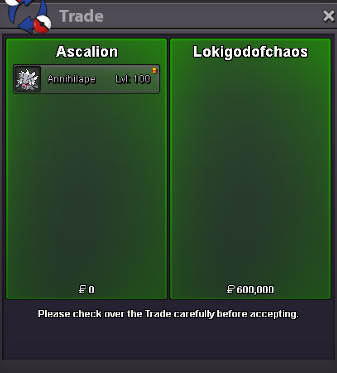
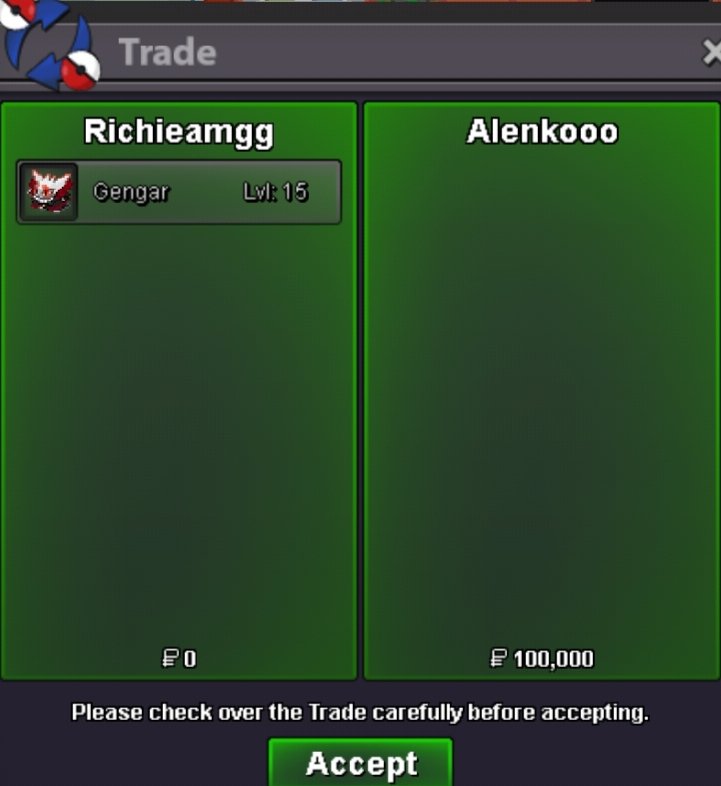
@Tracekun I’ve shared a link to the "Trade Rules" below. Make sure to read through them. The trade terminology you mentioned is also useful, as these are common phrases players use to describe what they’re looking for or offering. As for how trading works: once you’ve earned your 4th Kanto badge, the trade feature becomes available. To complete a trade, both players need to be in the same Pokémon Center, since all trades take place there. Trades are usually arranged through direct messages, where you negotiate the terms and agree on a meeting location. If you’re on a laptop or desktop, simply right click the other player’s username and select "Trade". On mobile, simply tap the character to access the trade option. From there, drag and drop the Pokémon from your party or an item from your bag into the trade window. Before confirming, take a moment to review the trade carefully. Make sure everything looks correct, including any pokedollars or items involved. Once both players confirm, the trade is completed. It’s very straightforward once you’ve done it a few times. If you’re new, trading with a more experienced player at first can help you get comfortable with the process. [Forums and In-Game] General Trade Rules. - PRO Rules - Pokemon Revolution Online P.S. Regarding “Best Offer”. This is an area where you need to be careful. When trading, players should follow one of three clear approaches: Ask for offers (and accept or decline them), run a proper auction, or set a fixed price. Using a vague “Best Offer” approach is not allowed. Any offers received privately or outside of a formal, public auction cannot be presented or claimed as the “best offer” in public chats or the forum. Be clear and transparent with your pricing. This helps keep trading fair for everyone.
-

turbo epic arrokuda ada 31 spd
Swgmacro replied to Swgmacro's topic in Selling Pokémon - Cross Server
Mochi00 won -
thanks for letting the kid earn extra 5m Anyway I'm saved.. goodluck
-

turbo epic arrokuda ada 31 spd
Mochi00 replied to Swgmacro's topic in Selling Pokémon - Cross Server
13m1 -
13m
-
turbo epic arrokuda ada 31 spd
Mochi00 replied to Swgmacro's topic in Selling Pokémon - Cross Server
12m1 -
12m
-
turbo epic arrokuda ada 31 spd
Mochi00 replied to Swgmacro's topic in Selling Pokémon - Cross Server
11m1 -
11m
- Today
-
turbo epic arrokuda ada 31 spd
Mochi00 replied to Swgmacro's topic in Selling Pokémon - Cross Server
10m1 -
10m
-
turbo epic arrokuda ada 31 spd
Mochi00 replied to Swgmacro's topic in Selling Pokémon - Cross Server
9m8 -
9m7
-
turbo epic arrokuda ada 31 spd
Mochi00 replied to Swgmacro's topic in Selling Pokémon - Cross Server
9m6 -
9m5
-
turbo epic arrokuda ada 31 spd
Mochi00 replied to Swgmacro's topic in Selling Pokémon - Cross Server
9m1 -
9m
-
 yes bro lets meet for a trade now ?
 -
turbo epic arrokuda ada 31 spd
Mochi00 replied to Swgmacro's topic in Selling Pokémon - Cross Server
8m8 -
turbo epic arrokuda ada 31 spd
Mochi00 replied to Swgmacro's topic in Selling Pokémon - Cross Server
8m8 -
8m7

.thumb.jpg.280f0b86236e6c87ca70889b80b6039a.jpg)