




New Trade Zone
Trade Zone is now live
Use the new Trade Zone for auctions and instant-price trades so Pokemon and item offers are easy to find.
All Activity
Past hour
-
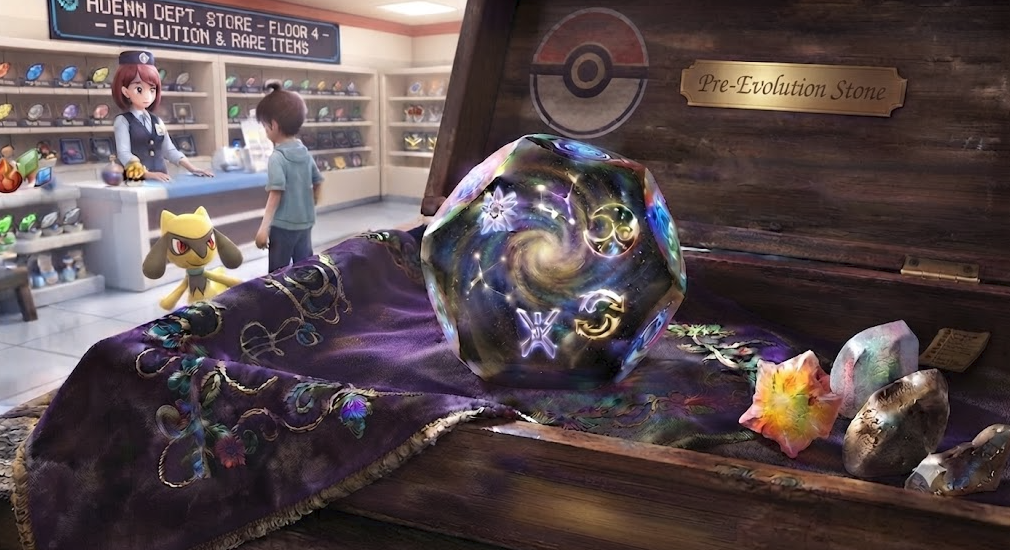
Hello everyone, sometimes people accidentally evolve their Pokemon into the wrong thing, for example like turning a Kirlia into a Gardevoir instead of a Gallade, or missing out on Hisui evolutions. Another issue is when you hand over your Pokemon over for a training service, and the other trainer evolves it without your permission, leaving you with no way to to fix it since we do not have a reversing evolution service. So I would like to suggest the introduction of the Devolution Stone. Item Description: A mysterious stone that fell from the cosmos. Its internal temporal distortion can revert an evolved Pokémon to its prior form. Useful for preparing for unique regional evolutions or correcting developmental paths. Shop: PvE Shop: 250 PvE Coins PvP Shop: 250 PvP Tokens/Coins Item Status: Untradeable Item Usage: Reverses the Pokemon to its first evolution stage. Rule/Infraction: If a service provider evolve someone's Pokemon without asking, they should be held responsible for providing the stone to fix it. Thanks in advance! Kind Regards, Lugario
-
Hello @Gangstersus ! Apologies for the issue you are encountering. Can you please try to download the Legacy version instead? Can be found in Android download section. Once you have downloaded this one, be sure to disable the setting "Stream Music" from the sound setting. Let me know if it solve your issue. Very Respectfully, Zarachi
-
Gautaglisse joined the community
-
Woooooper joined the community
-
Malavalso joined the community
Today
-
Krodo joined the communitySrilesh joined the communityCan you pm me ingame?
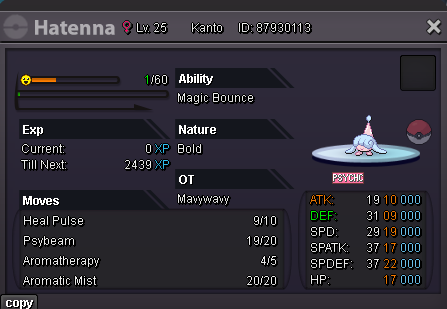 this oneYes which one? Can you send imagecan i get hatennaAge: 26 From: US Favourite thing: Socializing, Quests, want to do dunegons and excavations with people Favourite Pokemon: Magnezone discord: t4ildawg
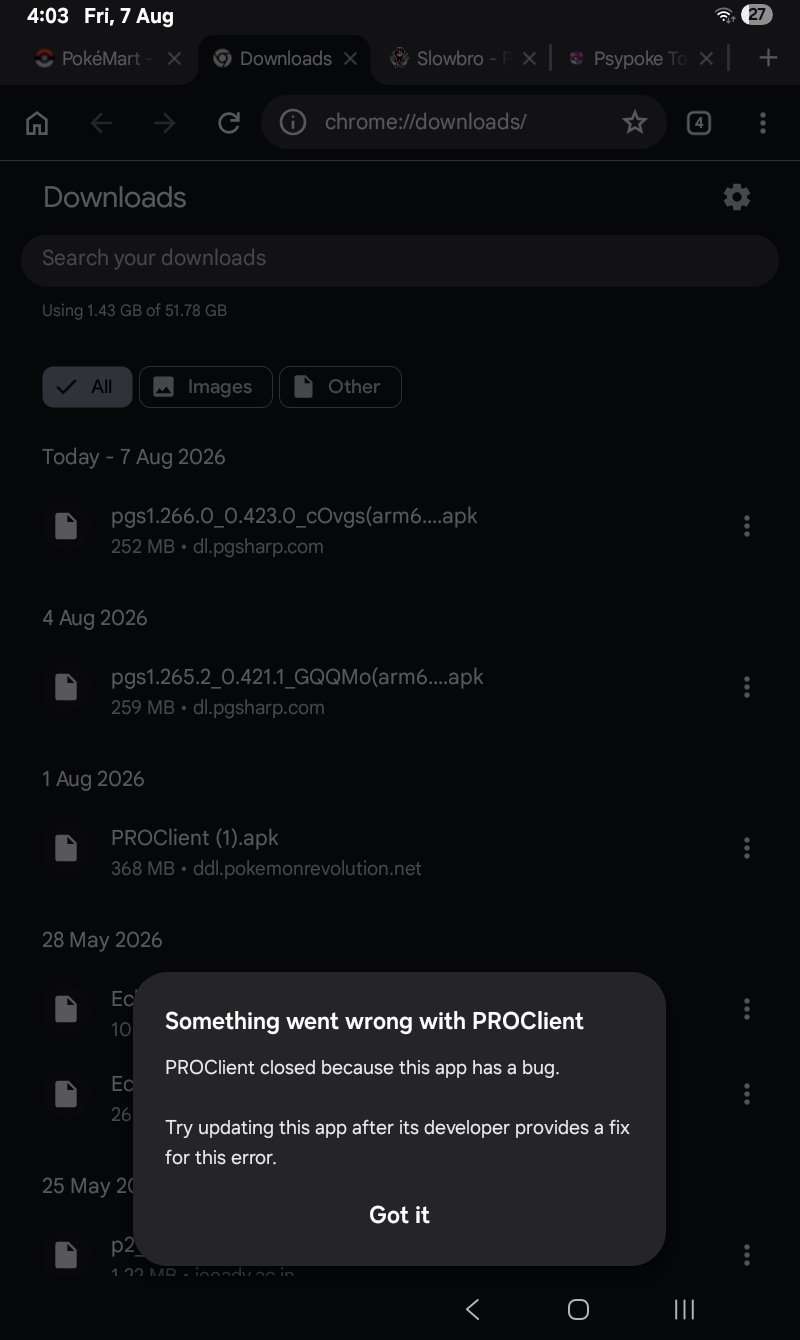
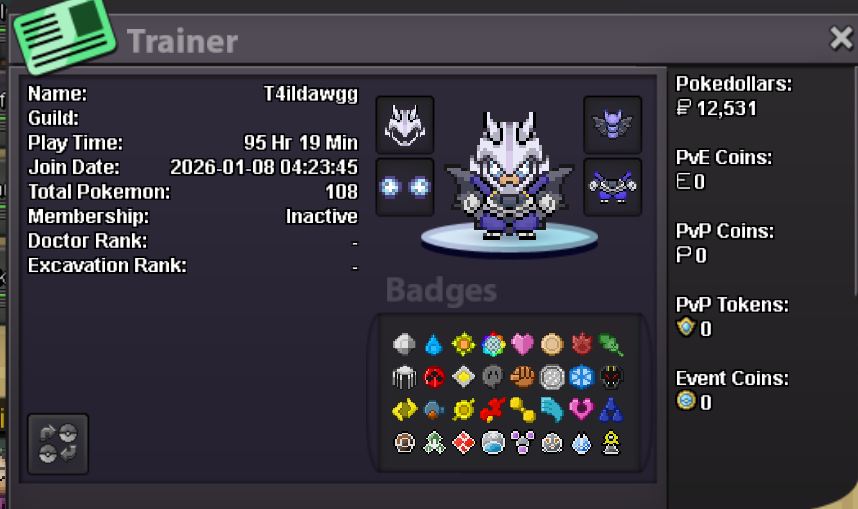 T4ildawgg joined the communityi'm online rn!Pro is crashign frequentlt and this msg is showing on my sansung a4 tab
 Gotenkomplex joined the communityBuck01 joined the communityValerazabor joined the communityXluckyx joined the communityupfast and mega good service, with high level of communication, I recommend it to everyoneWtb this for 200k.
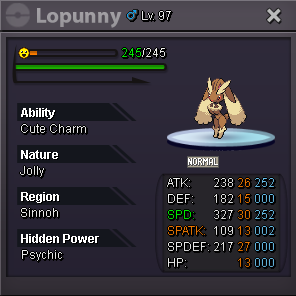 bumpBump! Open againupsure when are u available





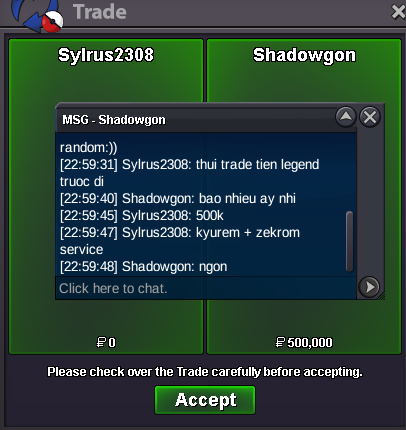




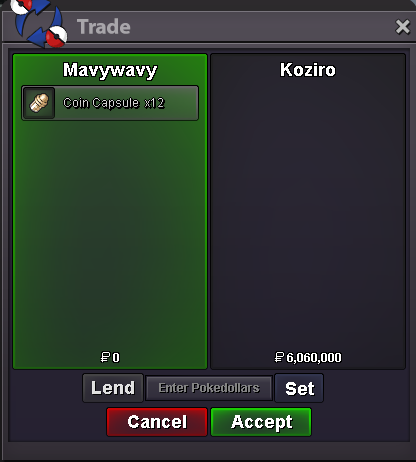

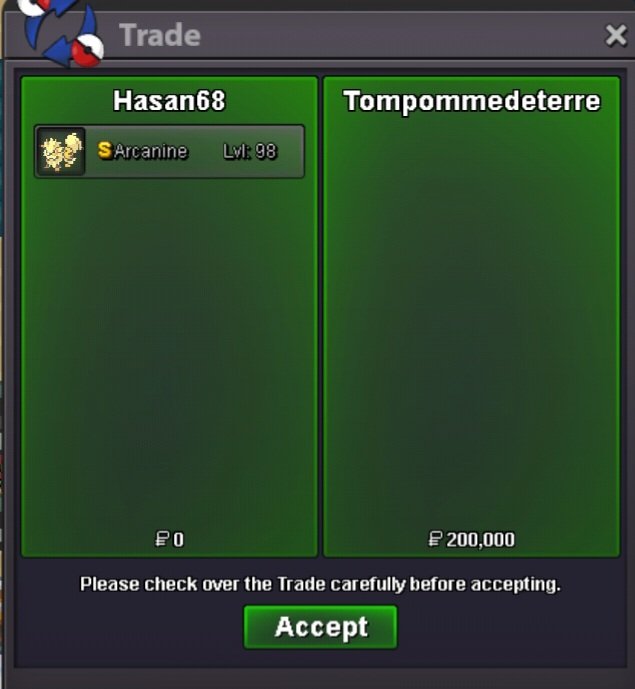













Account
Navigation
Search
Configure browser push notifications
Chrome (Android)
- Tap the lock icon next to the address bar.
- Tap Permissions → Notifications.
- Adjust your preference.
Chrome (Desktop)
- Click the padlock icon in the address bar.
- Select Site settings.
- Find Notifications and adjust your preference.
Safari (iOS 16.4+)
- Ensure the site is installed via Add to Home Screen.
- Open Settings App → Notifications.
- Find your app name and adjust your preference.
Safari (macOS)
- Go to Safari → Preferences.
- Click the Websites tab.
- Select Notifications in the sidebar.
- Find this website and adjust your preference.
Edge (Android)
- Tap the lock icon next to the address bar.
- Tap Permissions.
- Find Notifications and adjust your preference.
Edge (Desktop)
- Click the padlock icon in the address bar.
- Click Permissions for this site.
- Find Notifications and adjust your preference.
Firefox (Android)
- Go to Settings → Site permissions.
- Tap Notifications.
- Find this site in the list and adjust your preference.
Firefox (Desktop)
- Open Firefox Settings.
- Search for Notifications.
- Find this site in the list and adjust your preference.