New Trade Zone
Trade Zone is now live
Use the new Trade Zone for auctions and instant-price trades so Pokemon and item offers are easy to find.
Leaderboard
-
Mtmazhab007
Registered User2Points144Posts -
Frankjokerxx
Registered User1Points2Posts -
Lugario
Registered User1Points613Posts -
Vantienhero200
Registered User1Points162Posts



Popular Content
Showing content with the highest reputation on 07/24/26 in Posts
-
2 pointsJoin our active, friendly community! We are proud to consistently rank among the best: - #2 in Lavender Dungeon - #4 in all dungeons - #15 in the PVP ladder Come be a part of the Corviknights family!2 points
-
1 pointHello everyone, here some ideas I thought would be cool to add in the Trade Zone: Ascending and Descending Sorting for Current Price, so that we can filter better what we are looking for. Price Range Searching, so that we we can give a price range and see what is available to buy with our budged. Thanks in advance! Kind Regards, Lugario1 point
-
67 type shift. i would totally recommend as well.1 point
-
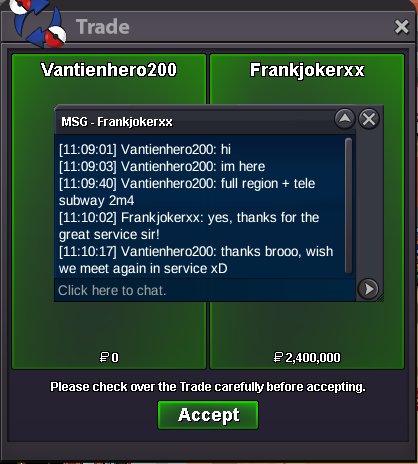
Great, fast efficient service. Thank you very much sir.1 point
-
1 point1 pointglacial: alo vulpix, alo shandshrew, shelder, snorunt, snover natural: weedle, weedle, weedle, sewadle, fomatice, and surprisingly weedle haunted: sandygast. alo ratatta, phantump, gastly historical: alo digglett, mankey, yungoos historical: alo digglett, mankey, trump jr (aka yungoos), mienfoo1 pointGood day @Inces As there have been no further questions regarding this topic, I will be closing this thread now. If you have any further questions or concerns, do not hesitate to reach out. Regards, Bitterblade1 point