New Trade Zone
Trade Zone is now live
Use the new Trade Zone for auctions and instant-price trades so Pokemon and item offers are easy to find.
Leaderboard
-

Puffola
Registered User3Points165Posts -
Adiuvo
Community Coordinator1Points1393Posts -
Liakouras95
Registered User1Points24Posts -

S1lverh4wk
Registered User1Points149Posts



Popular Content
Showing content with the highest reputation on 11/23/26 in Posts
-
Agreeing on the fact that the game is losing some players and barely new players coming (majority is alt accounts). Something needs to change. Maybe just release a Part of Astrella idk
 1 point
-
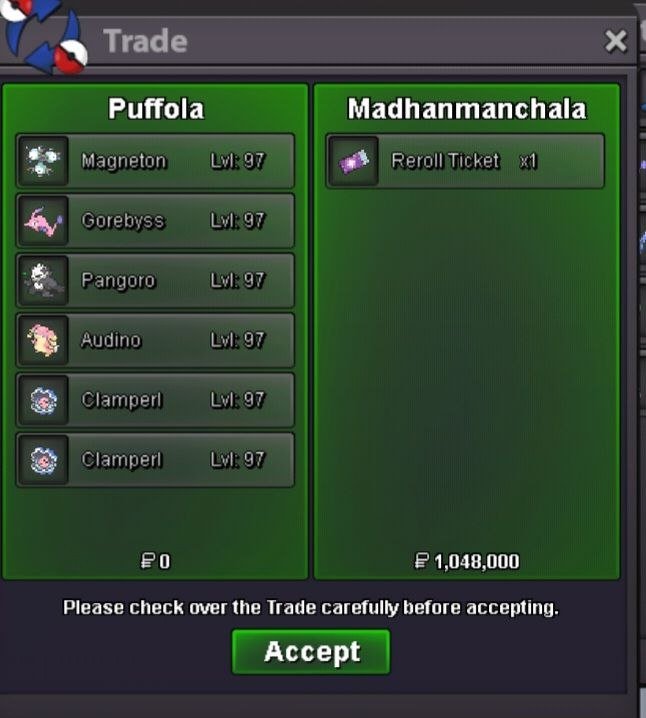
1 pointIts a really frustrating thing when a spam single user make an acoount just to buy everything with insta prices at trade zone and also making comments like "bump" to some posts. That has been happened in the last 2 months 3 times every 10 days. Feel free to share your own thoughts for the matter. Thank you all for reading my experience
 1 point
-
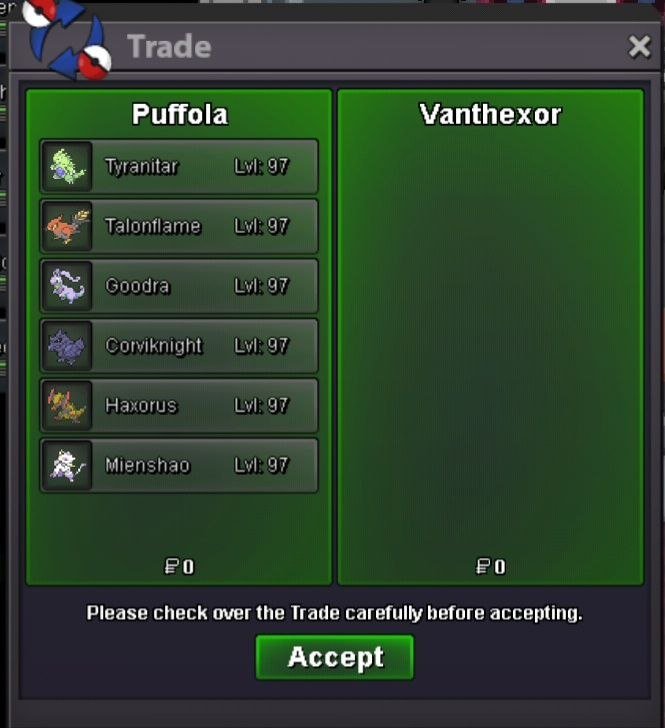
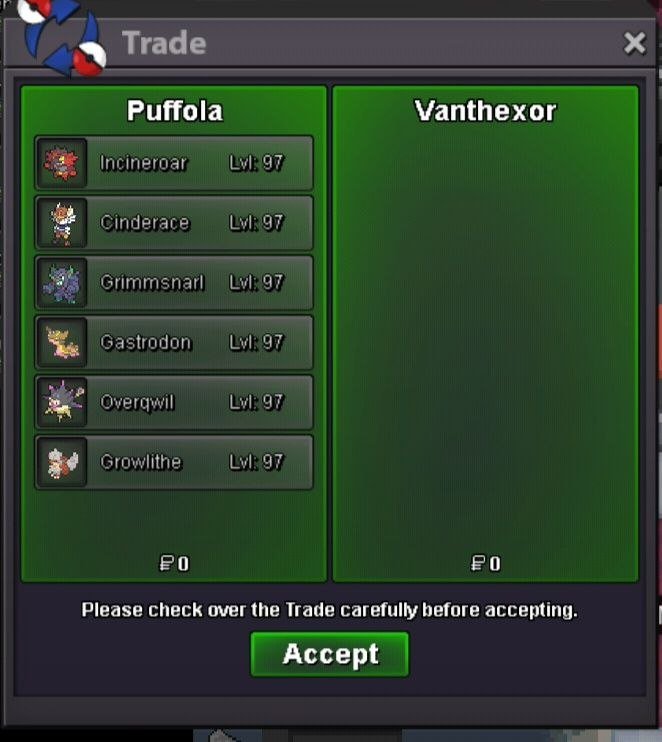
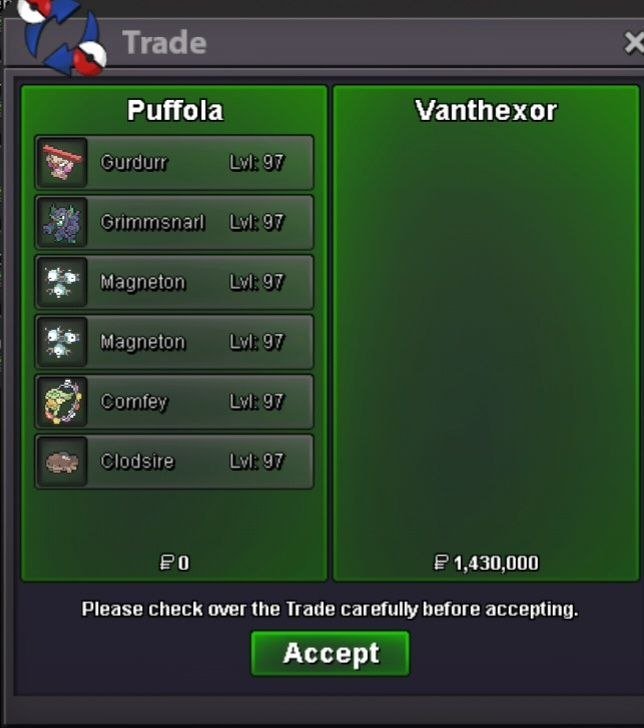
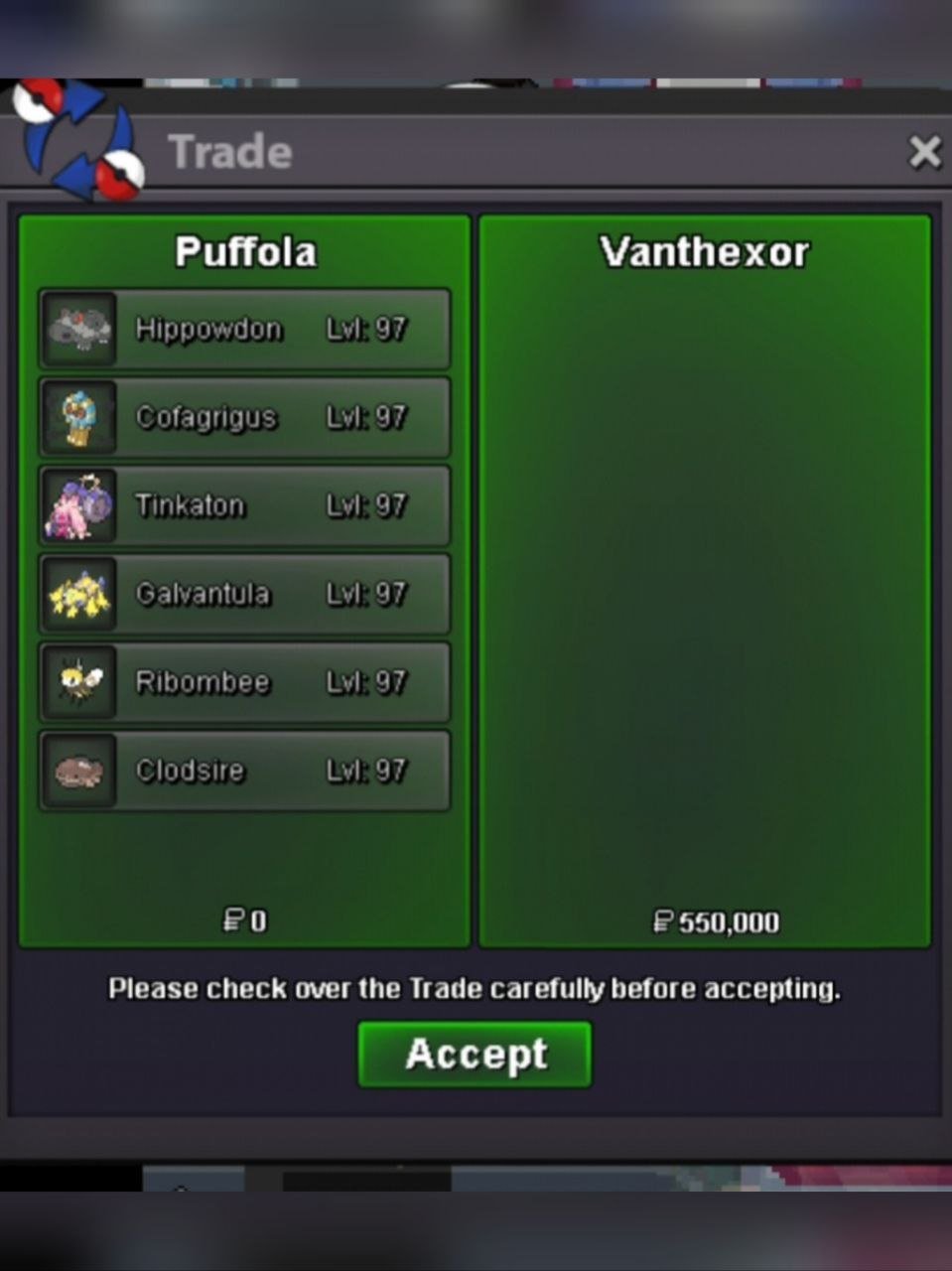
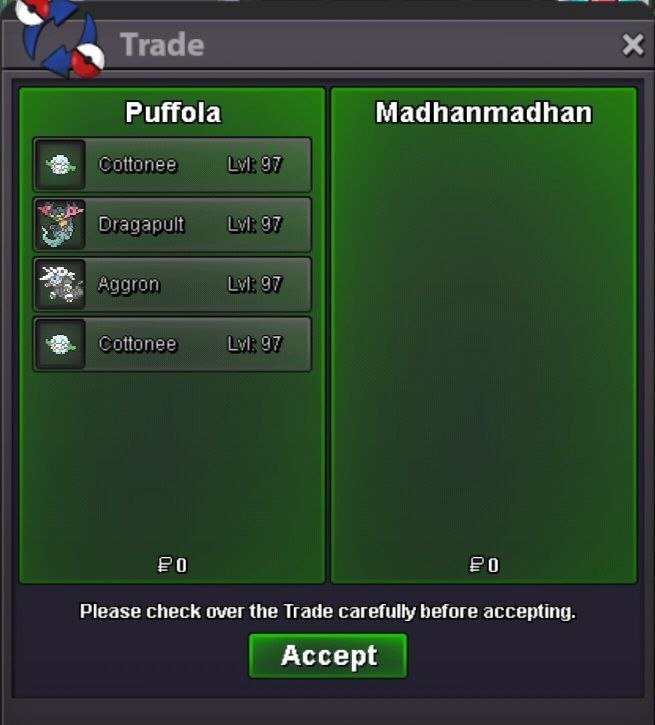
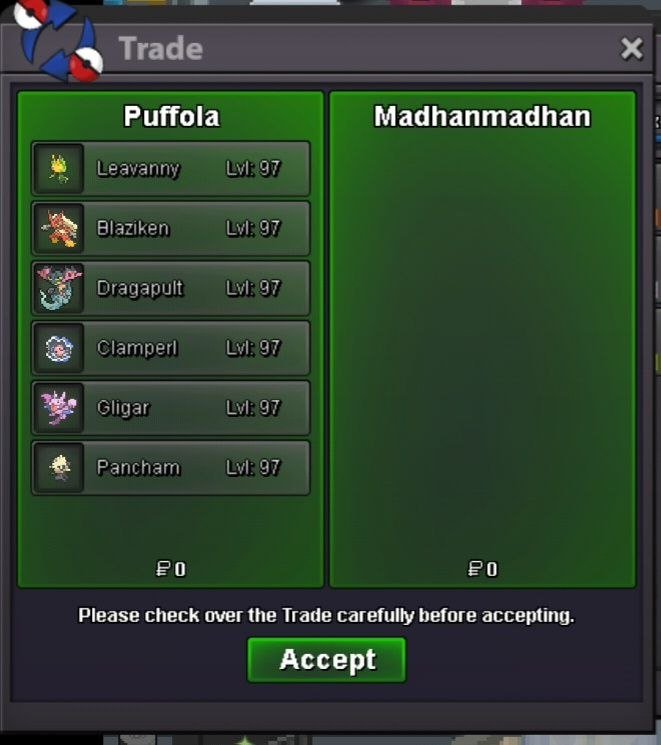
63rd and 64th services Thanks @Madhanmanchala / @Vanthexor for the trust!🤗
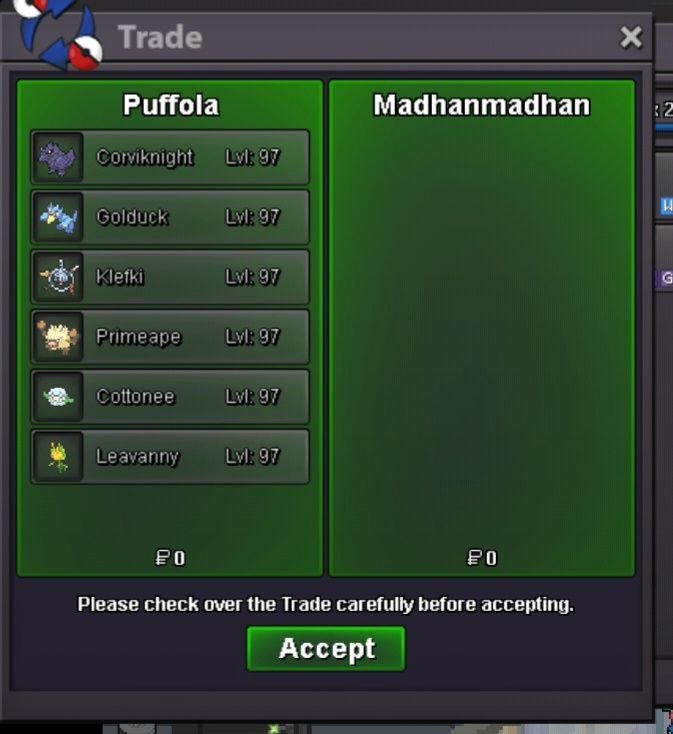
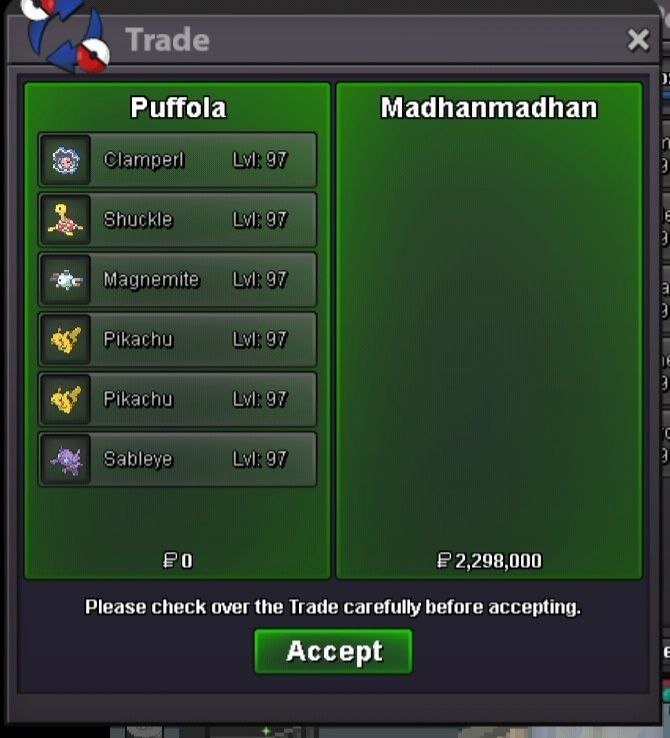 1 point
-
Darkrai Dark World Quest: https://youtu.be/cDJ1Wea7ki0 Mega Gengar(Gengarite) Quest: https://youtu.be/qv28lWHBdXA Baby Shadow Lugia XD001 Quest: https://youtu.be/W_nvykQH8t Lake Trio Forms (Unholy Sands Pyramid) Quest 2023 https://youtu.be/DfIyKQ77WbU Elder Dragon Quest Guide 2024 https://youtu.be/S_oLbiUVG80 Arche Valley Quest Guide 2024 https://youtu.be/d4Sxmx6CP2E


 1 point
-
1 point
-
1 point
-
0 points