New Trade Zone
Trade Zone is now live
Use the new Trade Zone for auctions and instant-price trades so Pokemon and item offers are easy to find.

Tranductrung
Registered User
-
Joined
-
Last visited
Everything posted by Tranductrung
-
I wtb that bold snivy if it wasnt sold yet
-
Ill buy that 1 170k pm me ingame when u come online
-
Lul i got full trash
-
pm me ingame if you buy
-
100k
-
Oh nvm i go tricked gible myself sry
-
Wait is that one sold?
-
Wtb jolly 27 26 speed gible 170k
-
Pm me ingame for price cuz i dont know kow to edit (sry)
-
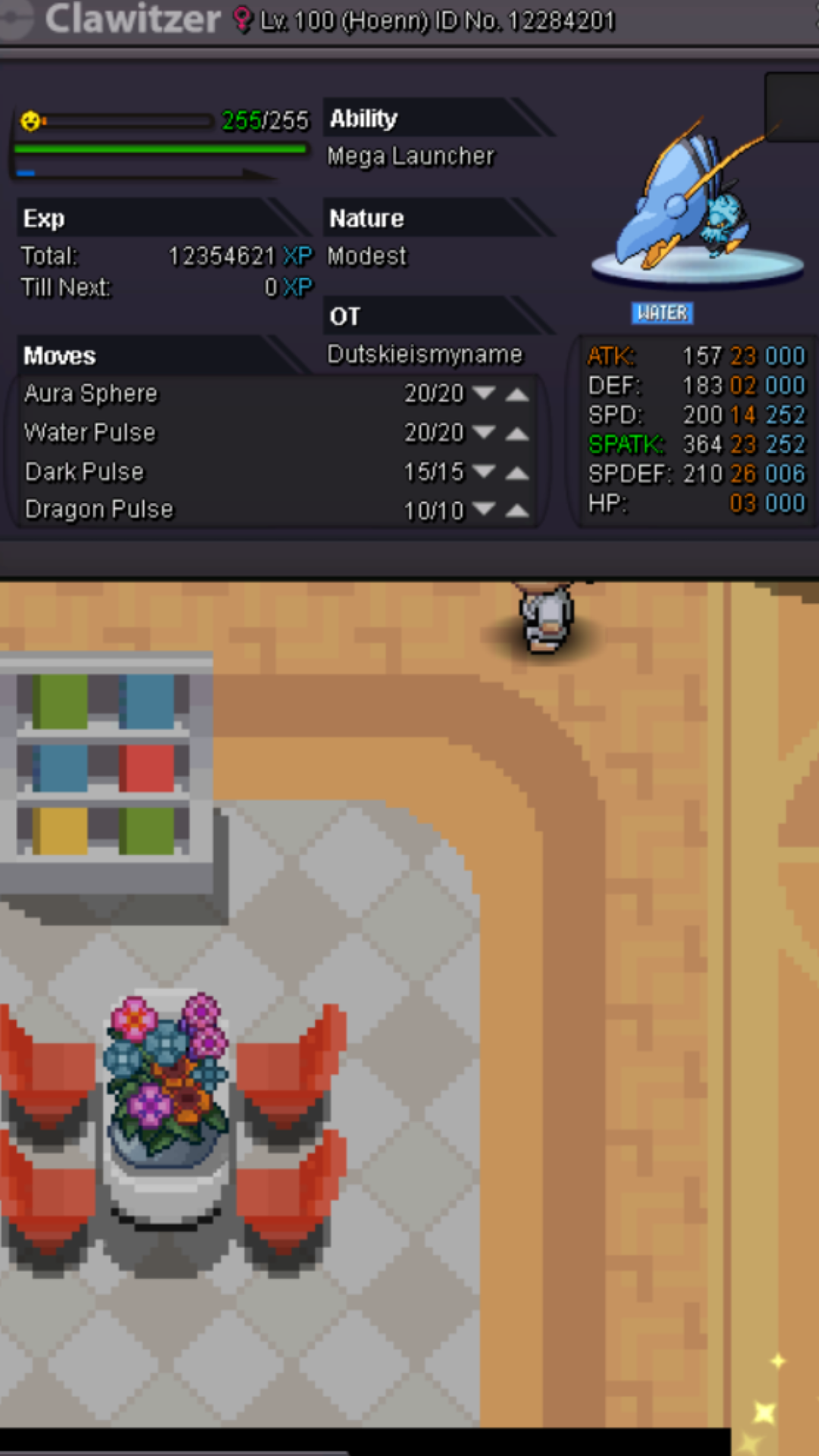
But who should i pm nowWtb dragoniteWtb the last roseliaWtb charmander 100kClawitzer 23 02 14 23 26 03 modest nature full ev trainedClawitzer 23 02 14 23 26 03when i open the game,it always say "The produce entry point InitializeCriticalSectionEx could not be located in the dynamic link library KERNEL32.dll." I don't know whyi download new pro32 but i cant play in window xp :confused: ! maybe new update has been changed so i cant play pls help