New Trade Zone
Trade Zone is now live
Use the new Trade Zone for auctions and instant-price trades so Pokemon and item offers are easy to find.

Leeooo0727
Registered User
-
Joined
-
Last visited
Everything posted by Leeooo0727
-
hi! i can't quite find the option you are talking about in the control panel, sorry! i checked both the settings and control panel, and i run windows 10
-
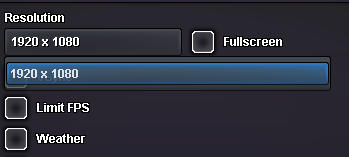
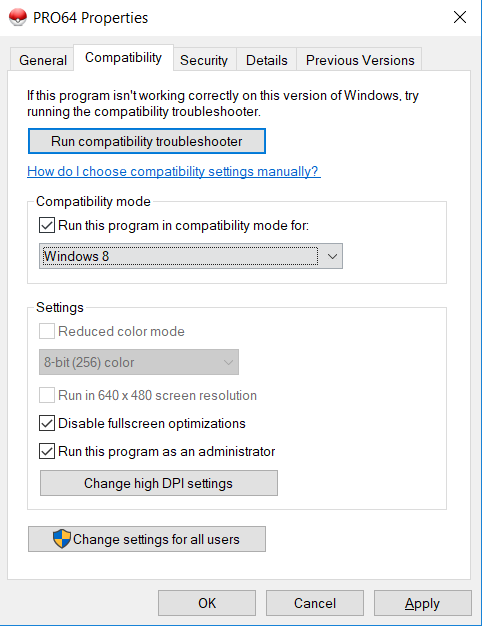
howdy folks! i've been having a bit of a problem with my game- it is set by default to have a resolution of 1920x1080 which my laptop does not support and cannot run. i've tried downloading the newest, both 64 and 32 bit version, opening the game as an administrator, and going into compatibility mode to disable full screen optimization for both versions. i tried forcing it into 640x480 resolution but that option is simply greyed out and i cannot choose it. i've tried all compatibility modes and yet it remains greyed out. this game looks AMAZING and i'd absolutely love if i could fix this dumb little problem so that i could get to have fun playing it! thanks to anyone who ends up helping me or trying to in advance!