New Trade Zone
Trade Zone is now live
Use the new Trade Zone for auctions and instant-price trades so Pokemon and item offers are easy to find.

Sawtewth
Registered User
-
Joined
-
Last visited
Everything posted by Sawtewth
-
The reason I am asking is because the only way to evolve pumpkaboo seems to be by having it hold a pal pad and trading it to a friend? Is this not how to get gourgeist?
-
Thanks a TON but can I ask for some more info regarding the Pal Pad? I need it to evolve pumpkaboo but are unable to determine how to get it.
-
I guess I am unable to find a Pal Pad. I'm assuming it is in Pal Park but I can't find the quest line walkthrough or how to get there?
-
Thanks everyone for all of the help! I will try again later, hopefully I don't get the same error.
-
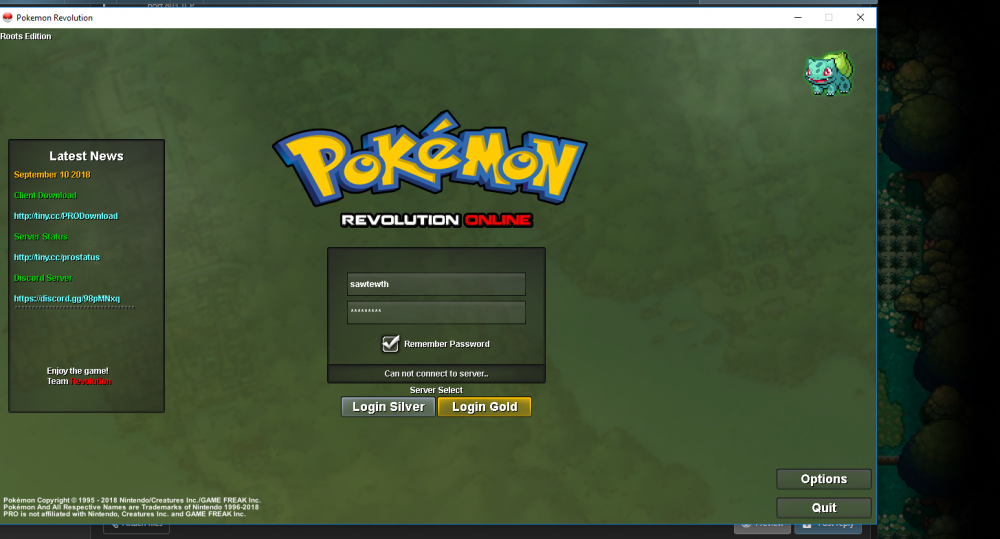
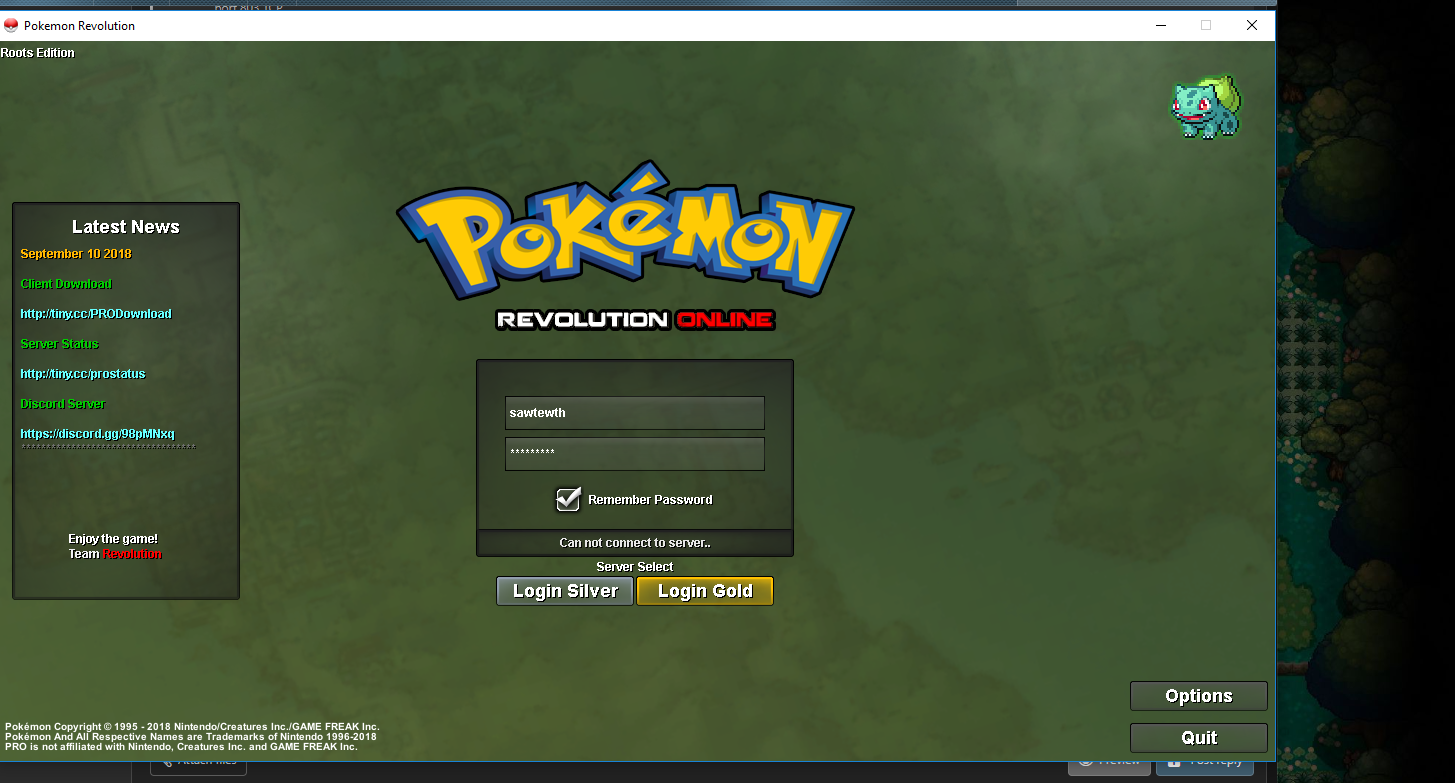
I am getting a different error. I called my ISP and got a new modem swapped out. Now I just get 'can't connect' on silver server and 'server locked' on gold server.
-
Is there any information regarding ports or specific IP addresses I might need when I contact my ISP?
-
*bump. Still having exact same issue.
-
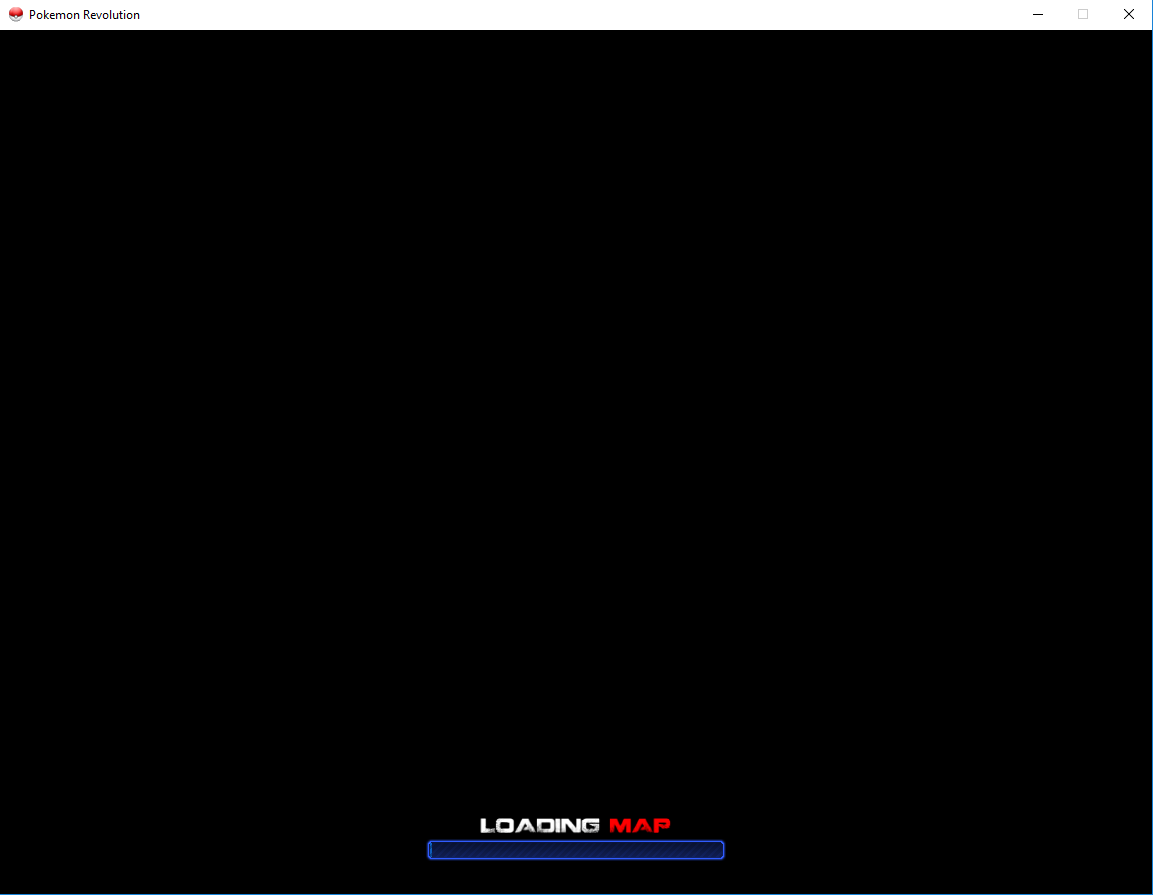
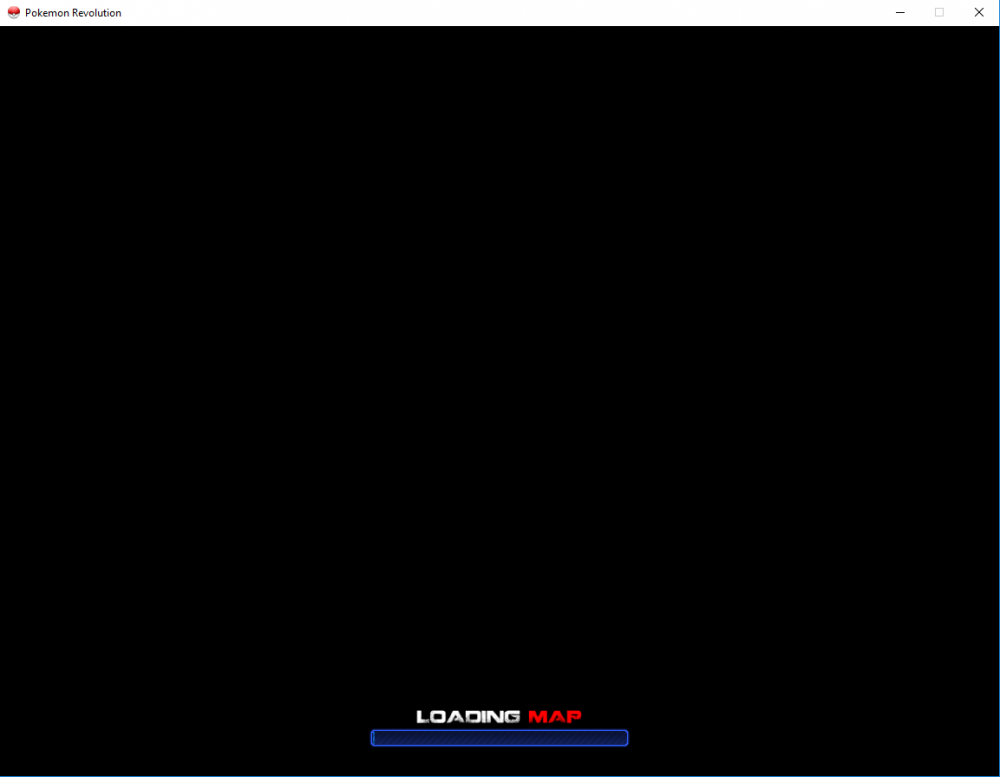
I have logged in successful on my phone via mobile, but none of my devices get past this 'loading map' screen from my home internet connection.
.thumb.png.438b26ac54e00aece13b599262ec093c.png)
-
I am getting basically the same issue, have tried the same steps on multiple devices with no fix.
.png.c537978a53b65815d588f9b22425e75e.png)