New Trade Zone
Trade Zone is now live
Use the new Trade Zone for auctions and instant-price trades so Pokemon and item offers are easy to find.

Djbipox
Registered User
-
Joined
-
Last visited
-
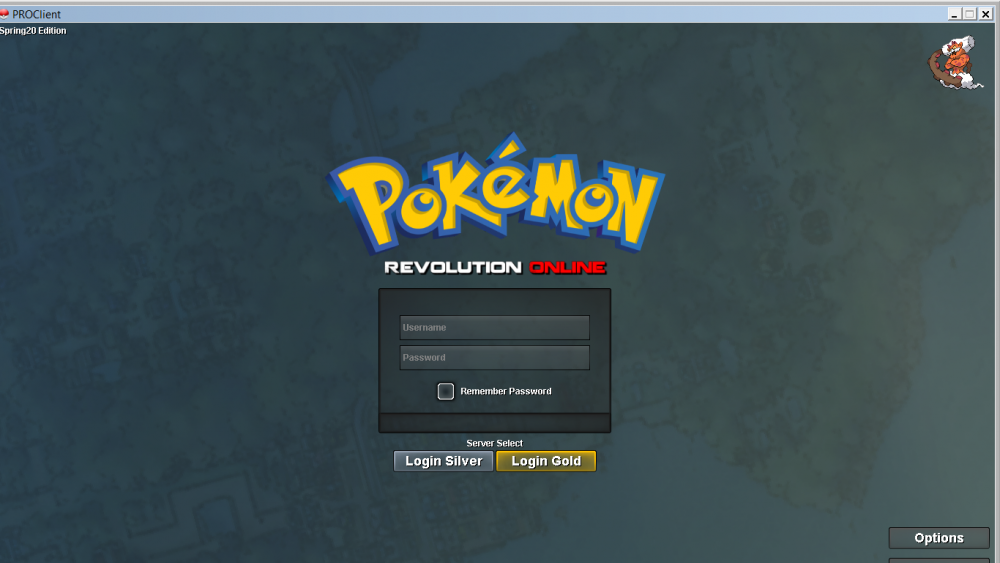
i tried, it changes to window mode but didn't change the problem :'(
-
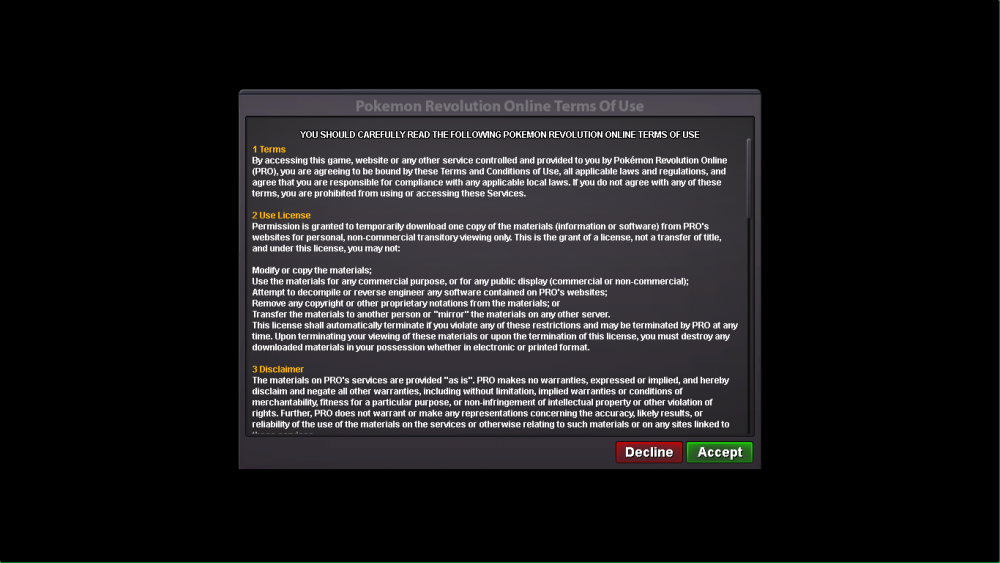
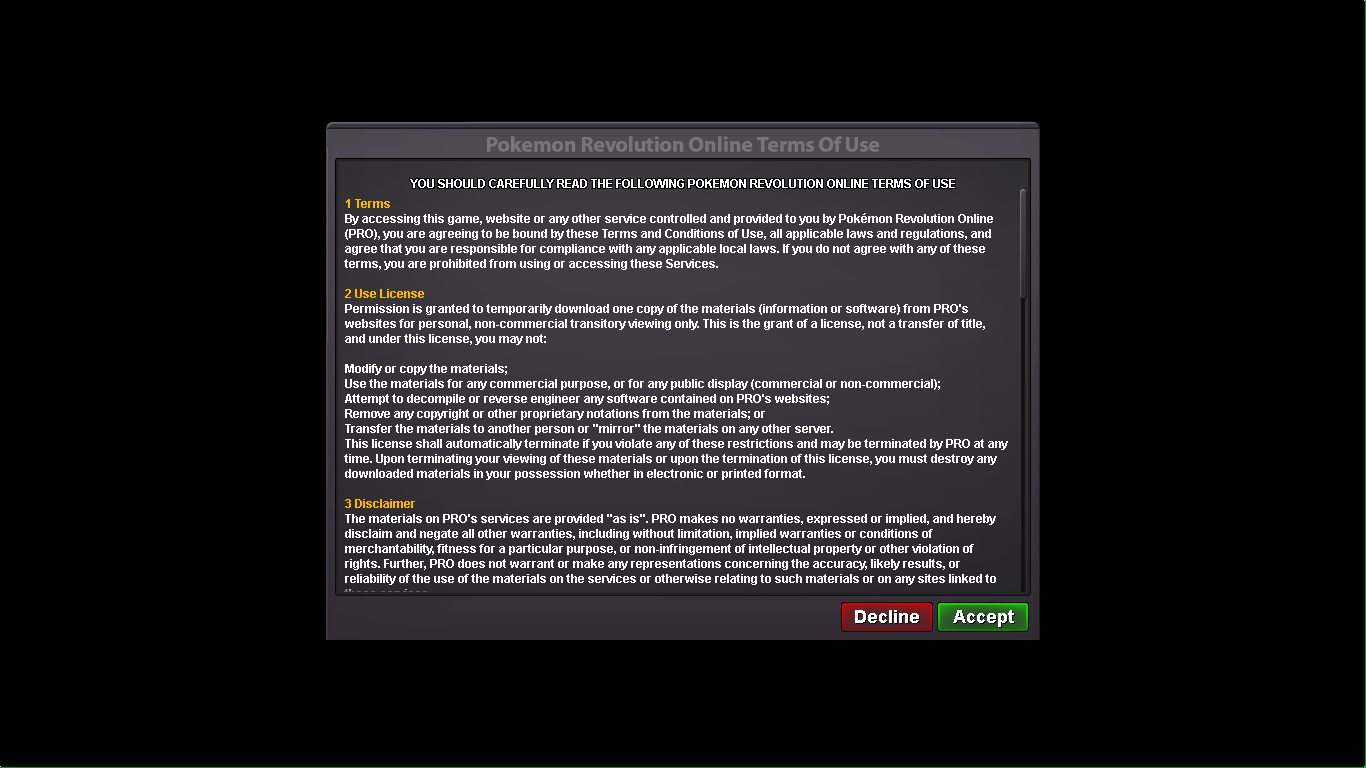
hi ! here the screenshot, directly in full screen and the clic doesn't work :'(
-
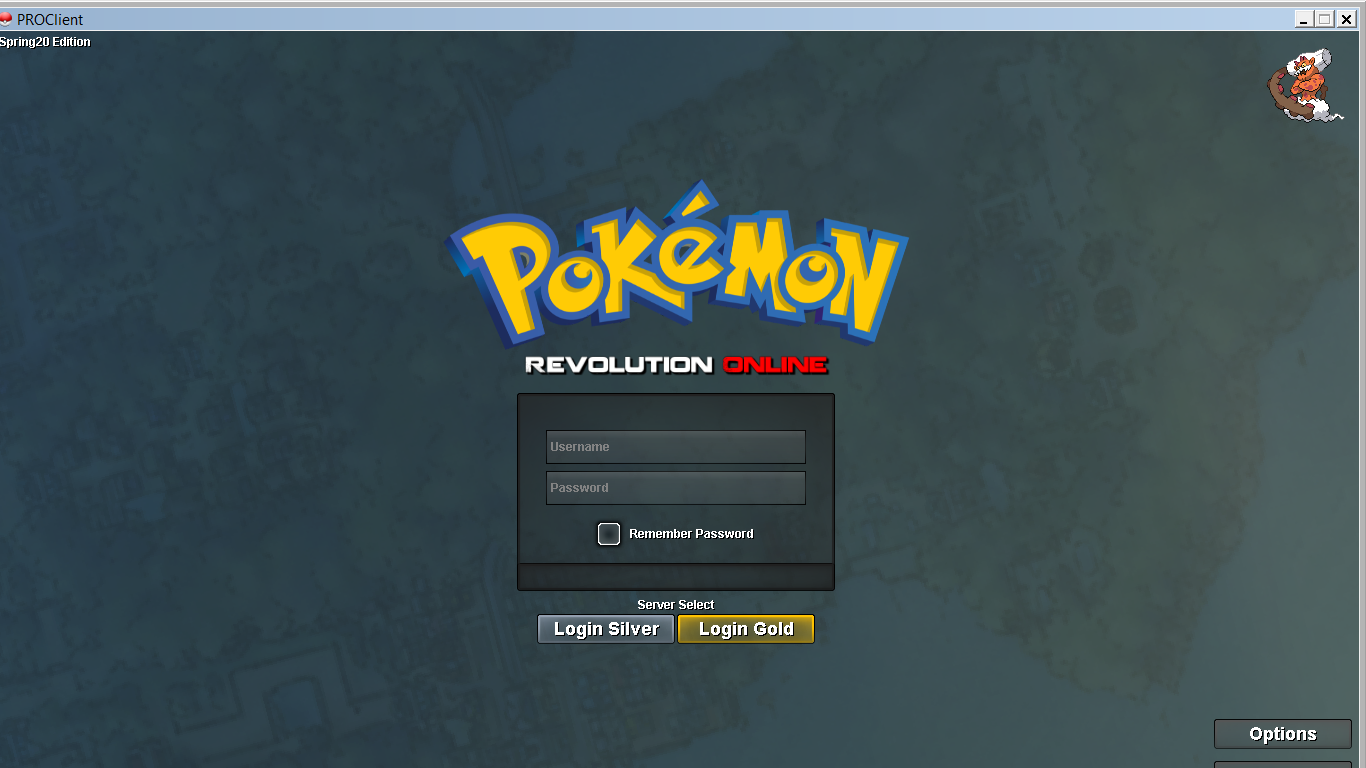
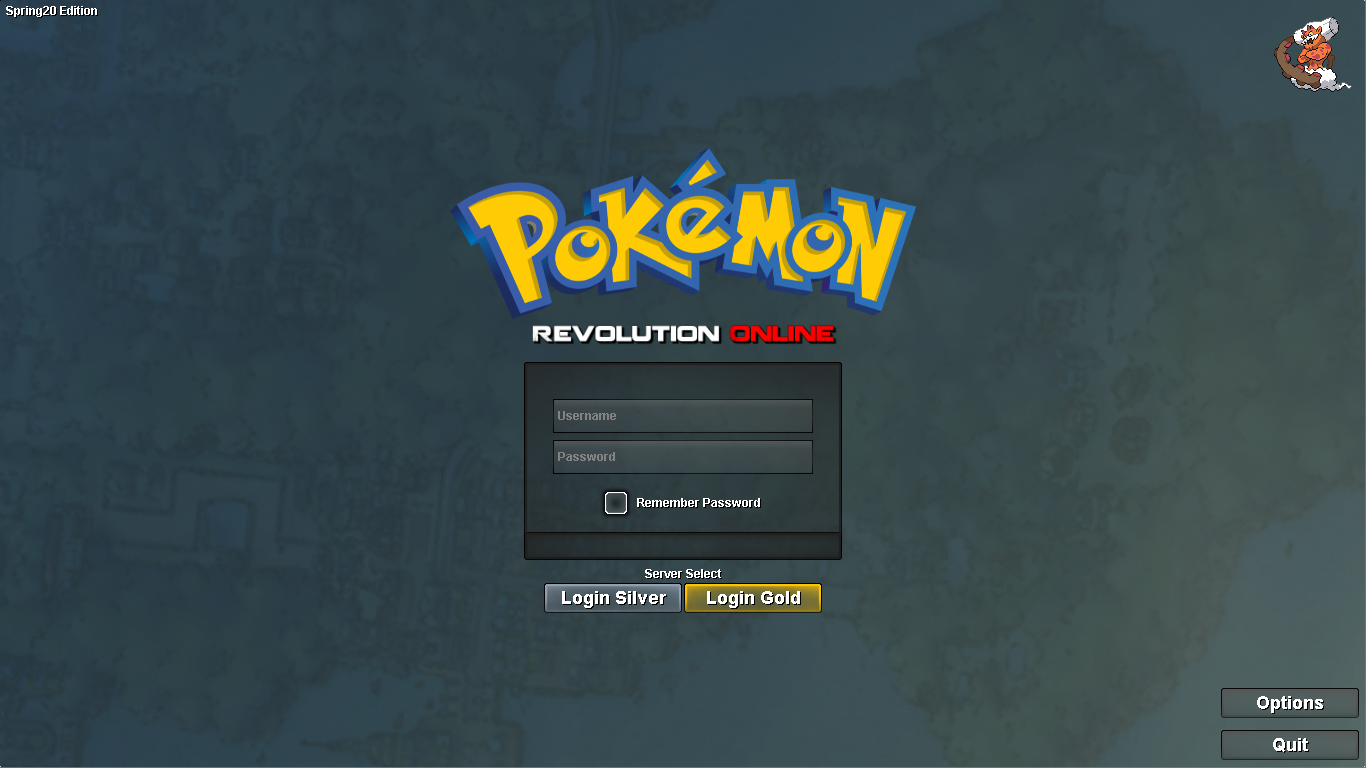
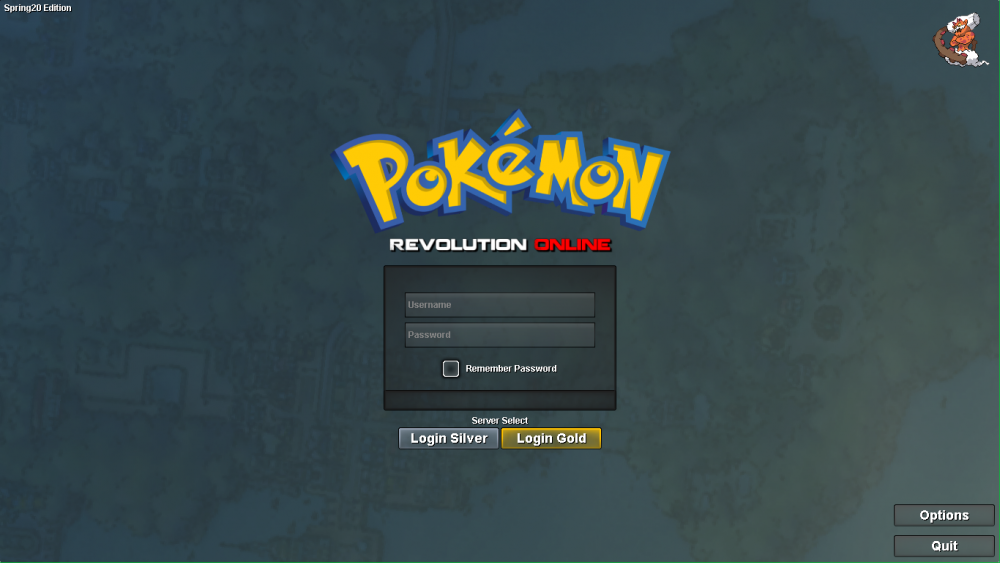
now it opens directly at the page of the login, but i still can't clic, the page is directly in full screen btw, i don't know why :/
-
Hi ! i tried to : - uninstall and reinstall with different links (i'm on windows x64, i tried in x32 too but it didn't even start) - use Cleaner - change screen resolution - update graphic pilots :'(
-
PS : i saw other thread about this, i tried some advices but it never work :'(
-
hello, i had download the game (windows x64) and at the screen of terms of use, i can't clic on "accept" few years ago i played on this pc and i never had problem picture joined can you help me please ? :)