New Trade Zone
Trade Zone is now live
Use the new Trade Zone for auctions and instant-price trades so Pokemon and item offers are easy to find.

Kishore712
Registered User
-
Joined
-
Last visited
Everything posted by Kishore712
-
After you fixed it. I tried to talk with her. She said oops I'm leaving hoenn.and she disappeared. She didn't take me with her to sinnoh. Please fix this soon..

-
Ok. Please fix it as soon as you can.please
-
When will it be fixed.its been 3 days now.

-
How much longer does it take them to fix that issue
-
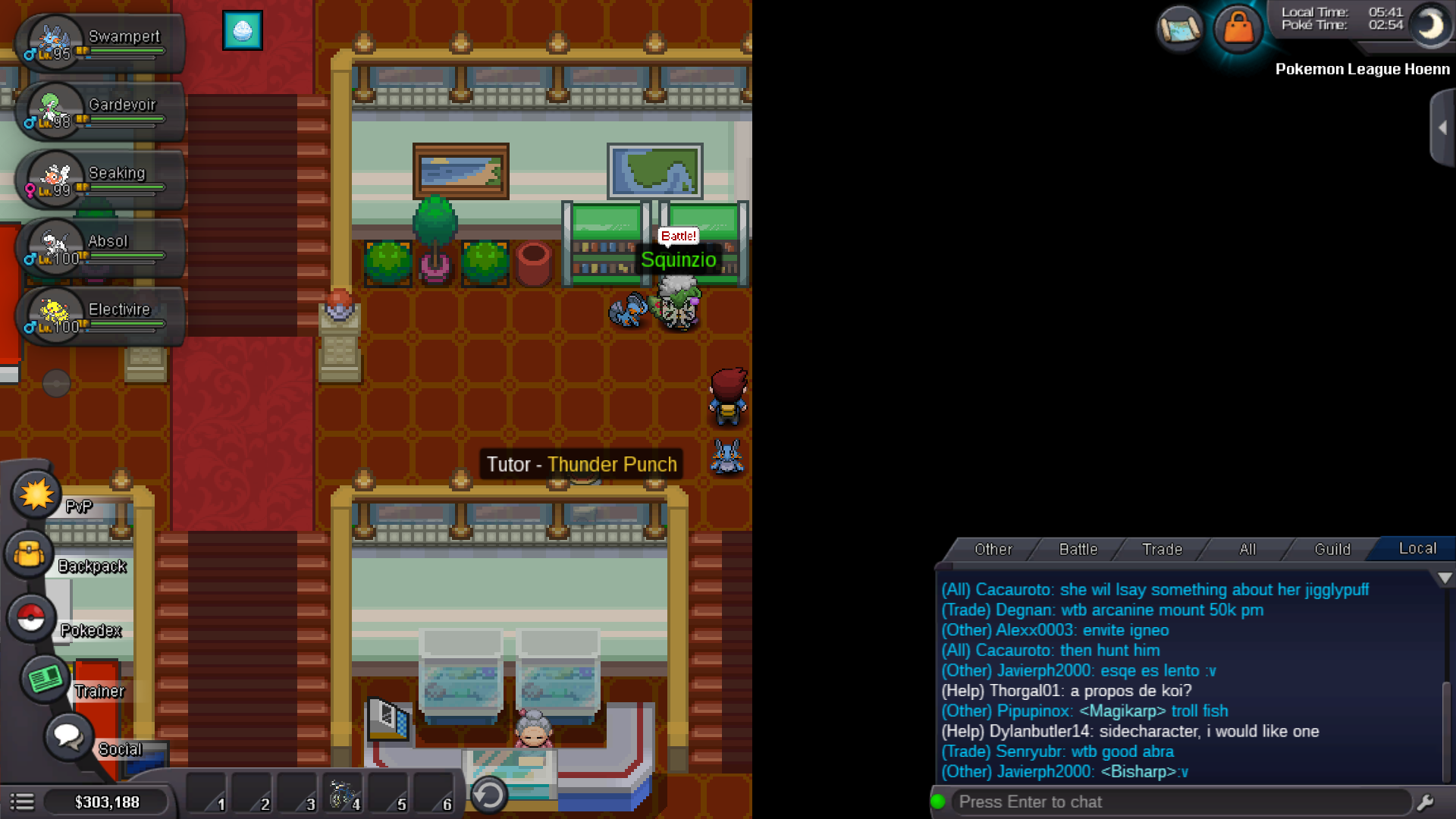
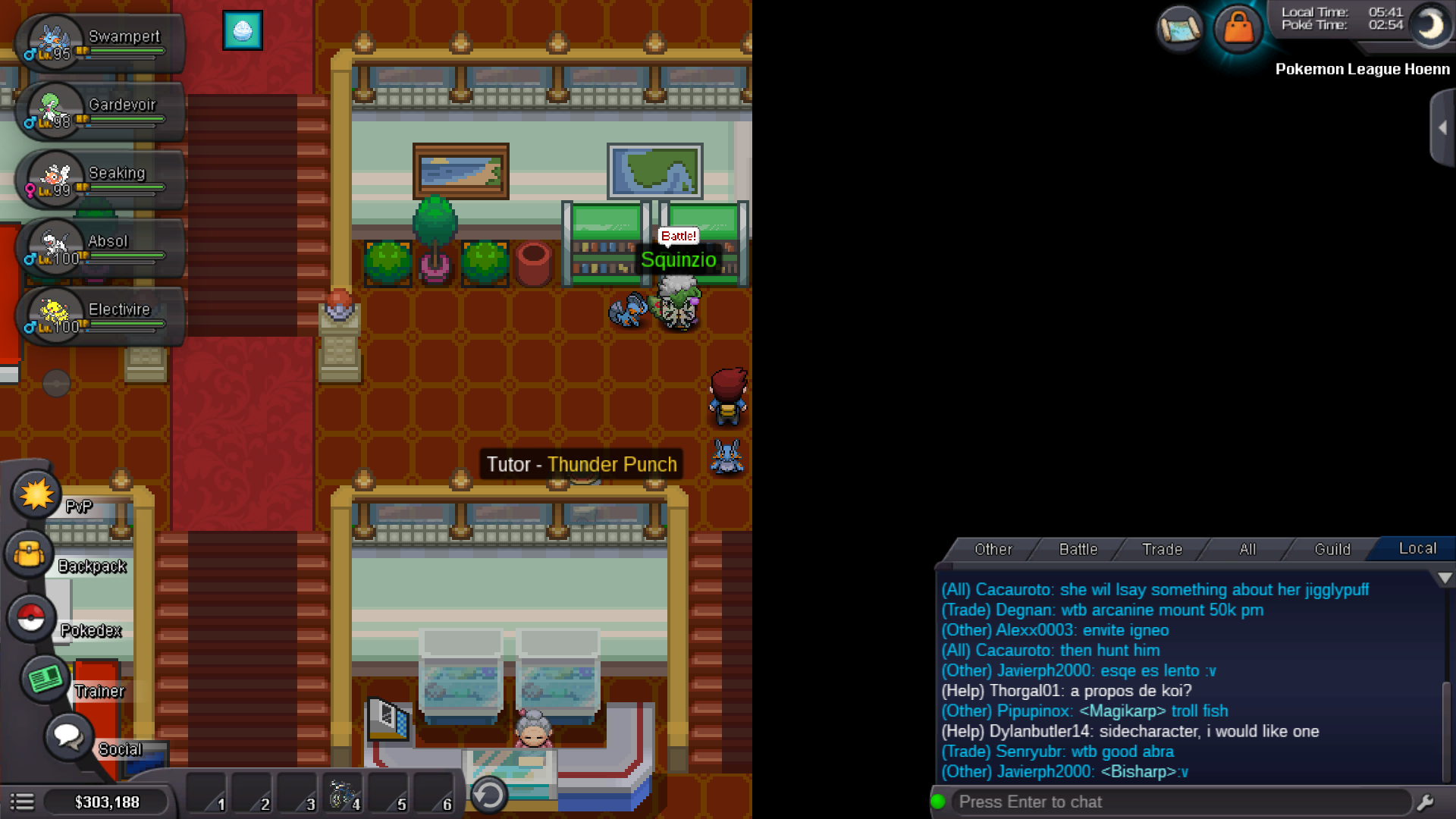
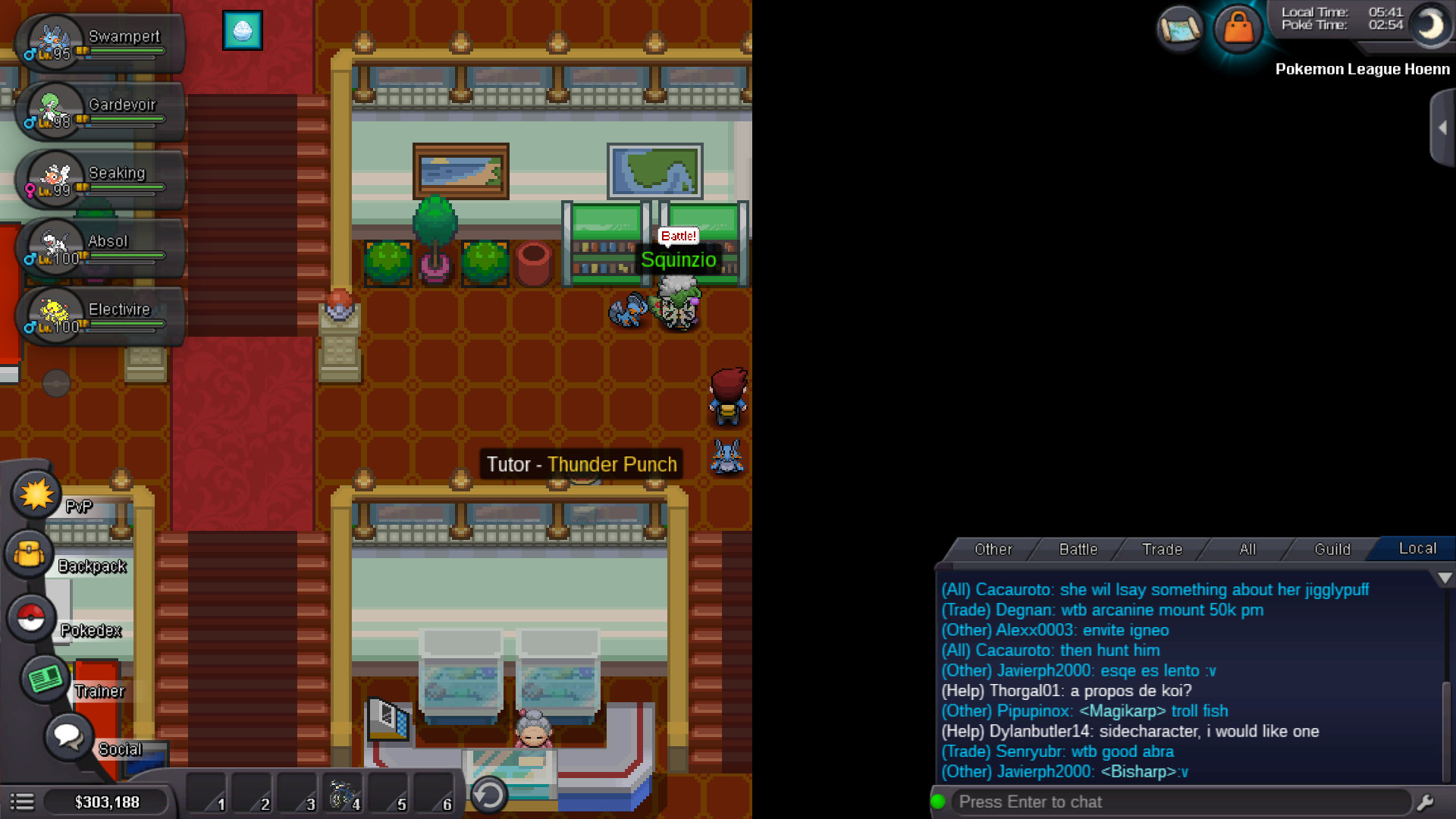
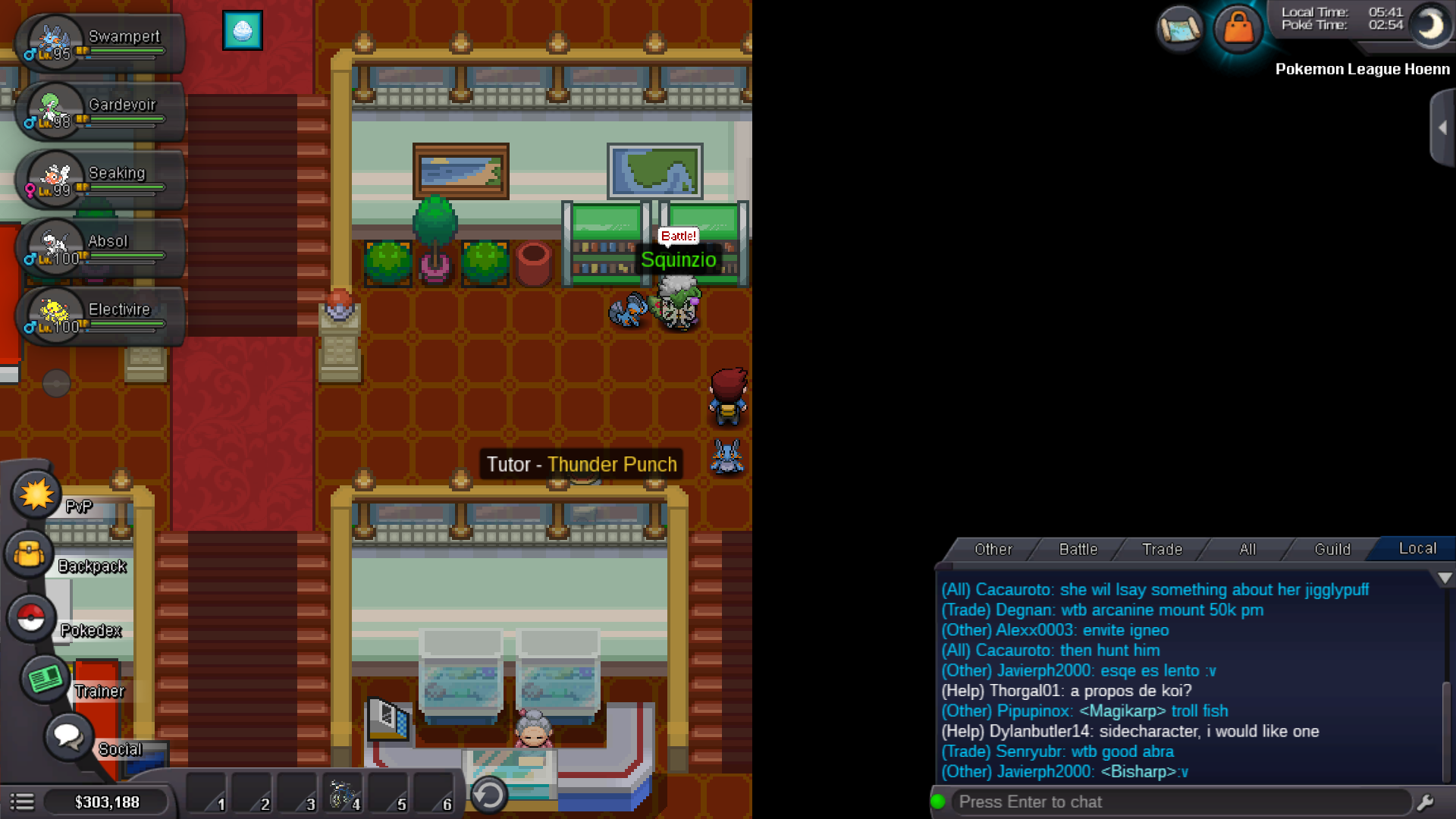
I have defeated npc named hannah. In order to enter sinnoh region. But while I was talking to her.suddenly server thrown me out. I was loged out. I loged in again but the npc was missing.what should I do. Here I have attached the proof of it . Please look after it as soon a possible...

-
Admines. I had defeated npc named hannah. After some times . I speak with Hannah . At that time gold server thrown me out. Now I can't find her. How will I entre sinnoh or what should I do. I have attached a picture to prove.please look after it as soon as possible

-
Ok thanks for advice
-
Sure.so you want me to post it in bug form

-
Yes I have defeated her already.and to enter sinnoh. I was talking to her.at that time server thrown me out.now I can't find her in that place.what should I do
-
I have defeated Hannah in ever grand city. While I was talking to her. suddenly server crashed and loged me out. After re logging now . I can't find her.what should I do in order to go sinnoh