New Trade Zone
Trade Zone is now live
Use the new Trade Zone for auctions and instant-price trades so Pokemon and item offers are easy to find.

Jlc25
Registered User
-
Joined
-
Last visited
-
Magnemite 200k silver server
-
any chance i could try the program?
-
What is your ingame name? * How old are you? I'm 15 years old * Do you use Discord often? Yes * Where are you from? I'm from indonesia * What is your goal in PRO?beating my brother * Do you play any other game?yes,PUBG MOBILE and DRAGON NEST * What is your favorite pokemon and why? CHANDELURE,because it's good looking * Show a picture of your trainercard can't, it's says"the file too big"
-
My invitation expired
-
1. What's your Player name (IGN)? Jlc25 2. Number of hours played? 524 hours 3. What's your favorite Pokemon? Pichu 4. What country are you from? Indonesia 5. How old are you? 15 years old 6. When's your Birthday? (Optional) 25 march
-
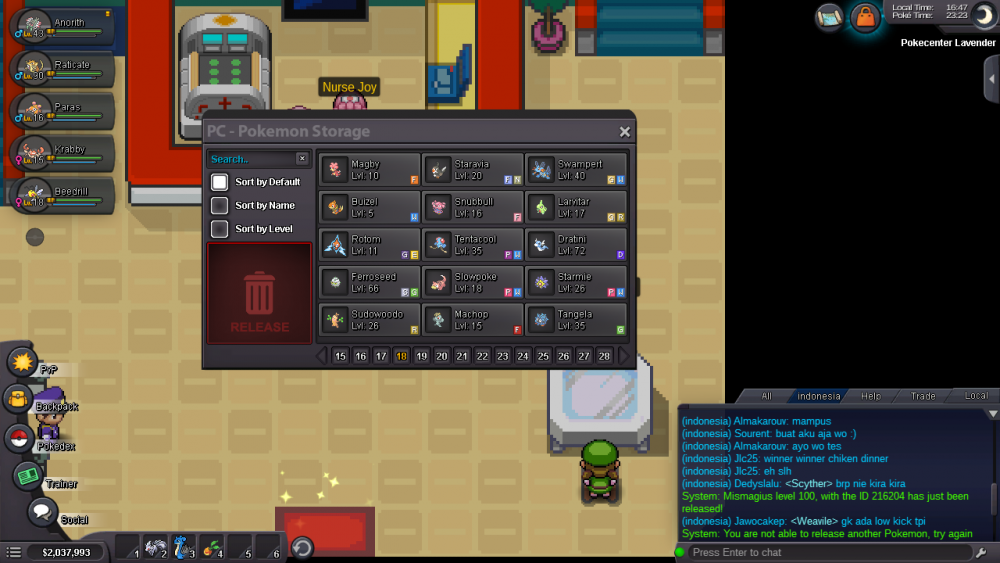
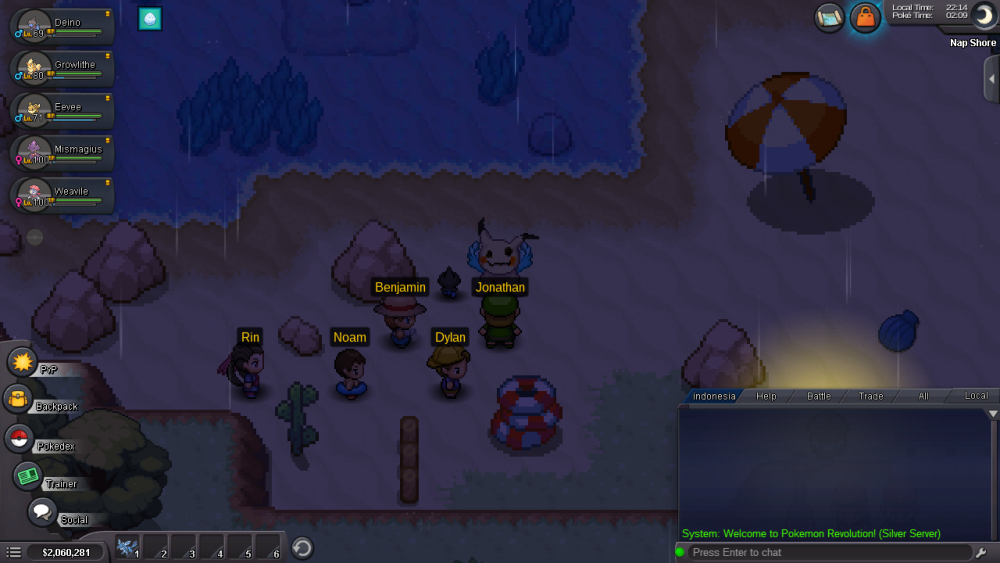
Emmm,staff im so sorry this is my 2nd accident,i release my mismagius :(
-
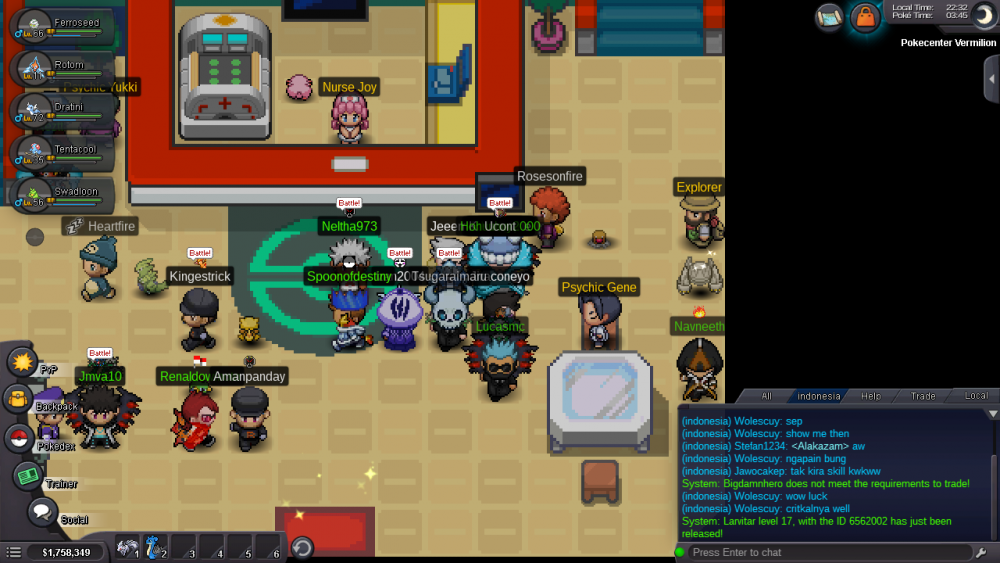
Stafff,please revive my poke,i accidently release it (larvitar)
-
Bump
-
Please fix this ,i want lv up my poke
-
1.Jlc25 2.Snorlax 3.have fun,and catch shiny snorlax haha 4.384 hours. 5.15 years old 6.yes 7.cannot ,its say error( i will send in discord if i accepted in guild)
-
My age is 16, i play in red server my ign is Jlc25,i have play 384hours and i have 30badges,my fav poke is snorlax ,because he is cute
-
OFFER FROM JLC25, 150K:CharYay:
-
-
Ign= jlc25 310 hours++ Gengar 14 years old 25 march 2004