New Trade Zone
Trade Zone is now live
Use the new Trade Zone for auctions and instant-price trades so Pokemon and item offers are easy to find.

Elmayson
Registered User
-
Joined
-
Last visited
-
Eu baixei o jogo com antivírus, firewall e windows defesas para e extrair os arquivos com "PeaZip" ... ALGUEM PODE ME AJUDAR?
-
Eu fiz download do jogo com anti vírus, firewall e windows defensores desligados, e extrai os arquivos com o "PeaZip" ... ALGUEM PODE ME AJUDAR?
-
O jogo não roda .. Já tentei usar o modo de compatibilidade e rodar como administrador .. Alguem ajuda ...
-
My system is "Windows" ... I tried to unzip using "WinZip" there was no problem (as you were suggested not to use "Winrar" or "7zip") but when I tried to run the game .. It does not work .. I already tried to run as administrator and I even changed the compatibility, but it did not work ... What can I do? .. Q.: I downloaded the file with antivirus turned off, both the antivirus and the firewall and windows defend.
-
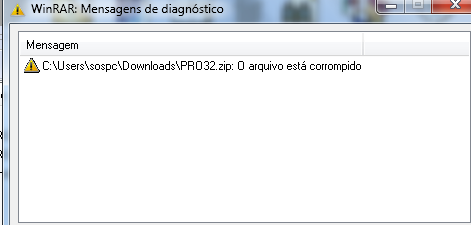
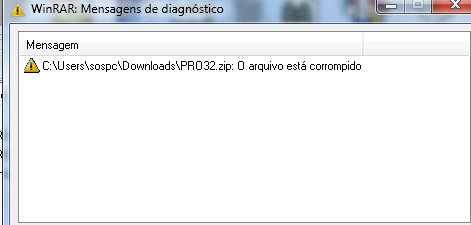
Hello ... When extracting files from "WinRar", a message appears saying that the files are corrupted. Can someone help me?
-
Olá ... Na hora de extrair os arquivos do "WinRar" exibe uma mensagem que está disponível para os arquivos. Alguém pode me ajudar? Detalhes