New Trade Zone
Trade Zone is now live
Use the new Trade Zone for auctions and instant-price trades so Pokemon and item offers are easy to find.

Lordmk
Registered User
-
Joined
-
Last visited
Everything posted by Lordmk
-
I would like to buy the 1.2m growlithe
-
Use this post, it was done exactly for that. Good luck https://pokemonrevolution.net/forum/topic/65717-url
-
?
-
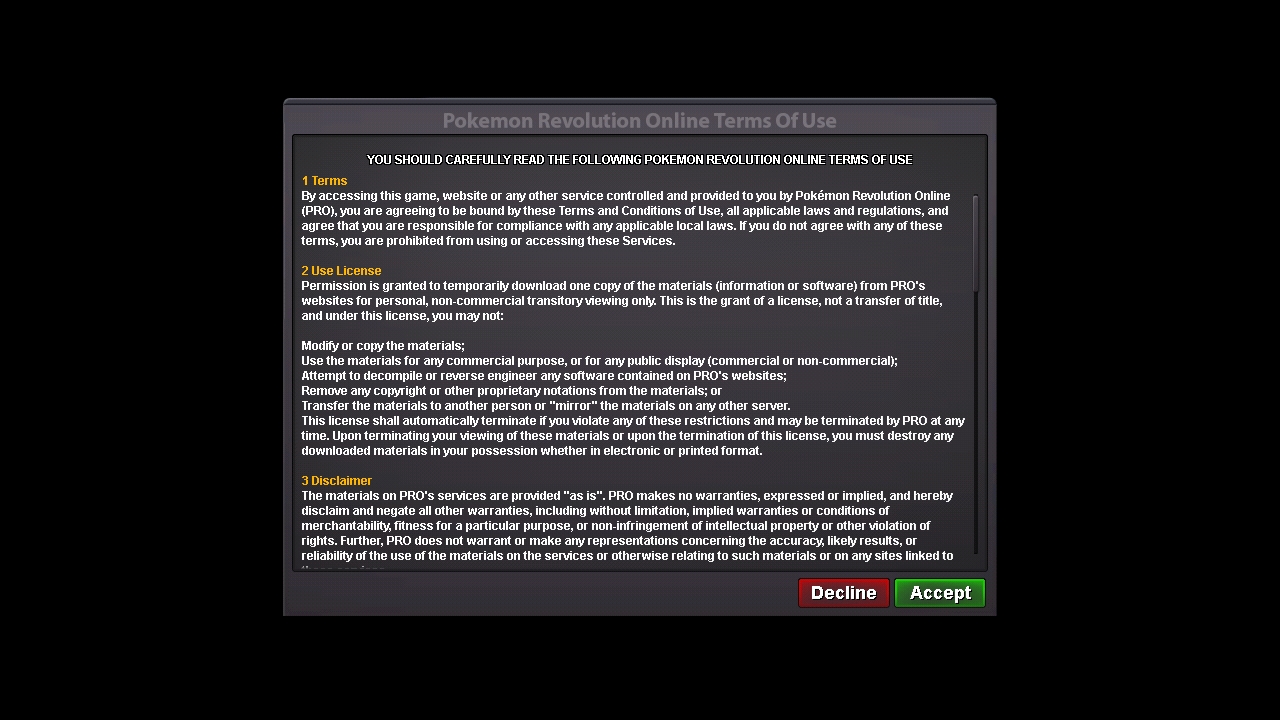
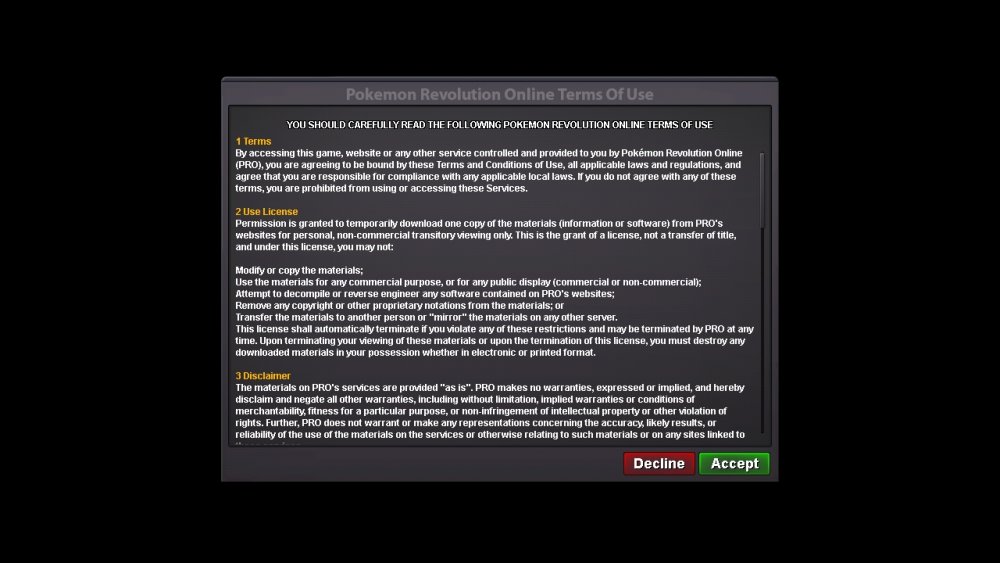
I'm stuck on that screen, I've tried to clear the cache, uninstall, delete the proclient, download again, from another browser, but so far nothing has worked .
-
Hi, I haven't played for a while, and I decided to go back now, I played on the PC and now as I don't have a computer anymore, I decided to play on my phone, I install the game but I can't accept the terms, it's just like there is no touch -screen, I can't click anything on the screen, my phone is a j5 prime, Android 8.0 I also tested on a moto5 Plus from Android 8.1 and it didn't work, I've done everything, but nothing worked. Does anyone have any solutions? Sorry for any typos, I'm using Google translator, because I live in Brazil.