New Trade Zone
Trade Zone is now live
Use the new Trade Zone for auctions and instant-price trades so Pokemon and item offers are easy to find.


Suz
Registered User
-
Joined
-
Last visited
Everything posted by Suz
-
-
The auction ended a day ago @Hazrizollais the winner of both scyther. I traded his but forgot to take the ss
-
Noted C.O. Scyther 1 - 301k C.O. Scyther 2 - 410k
-
Noted C.O. Scyther 1 - 300k C.O. Scyther 2 - 410k
-
-
C.O. Scyther 1 - 300k C.O. Scyther 2 - 408k
-
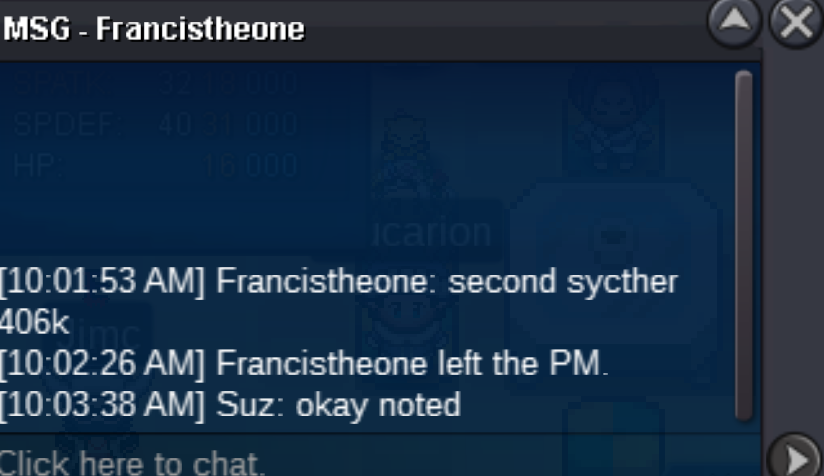
C.O. Scyther 1 - 300k C.O. Scyther 2 - 406k
-
-
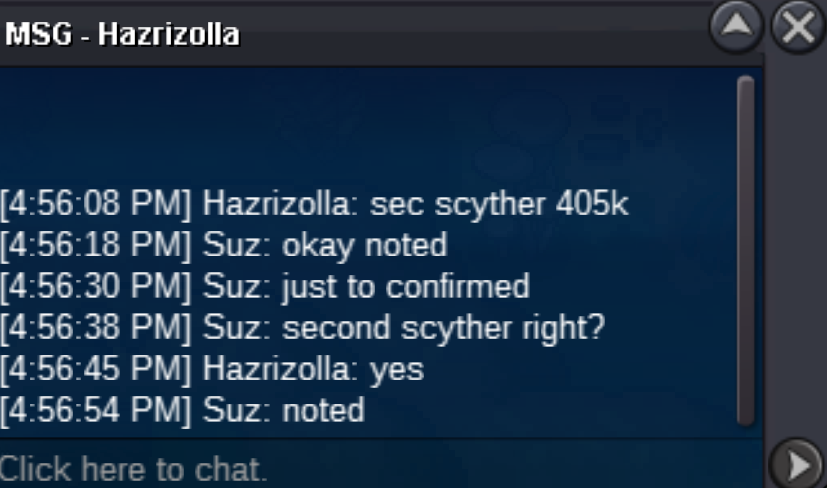
C.O. Scyther 1 - 300k C.O. Scyther 2 - 405k
-
Noted! C.O. Scyther 1 - 300k C.O. Scyther 2 - 400k
-
Noted! C.O. Scyther 1 - 250k C.O. Scyther 2 - 350k
-
-
start
-
C.O. Scyther 1 - 250k C.O. Scyther 2 - 302k

-
C.O. Scyther 1 - 250k C.O. Scyther 2 - 301k

-
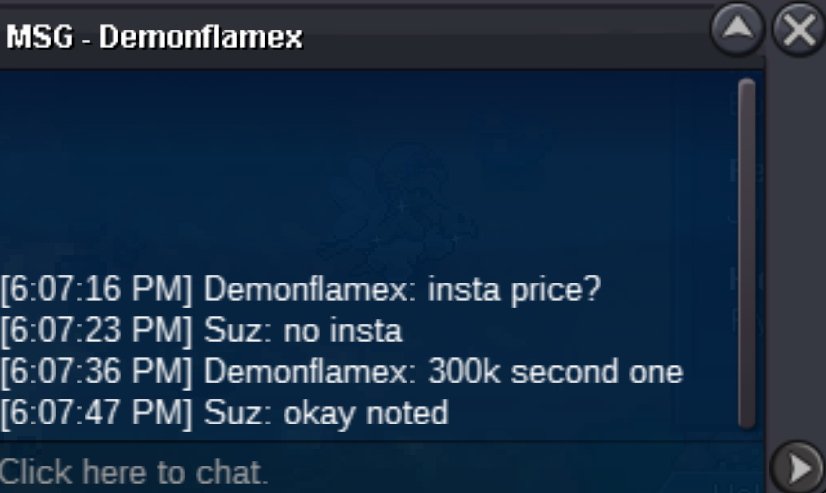
C.O. Scyther 1 - 250k C.O. Scyther 2 - 300k
-
Noted!! C.O. Scyther 1 - 250k C.O. Scyther 2 - 235k
-
Noted C.O. Scyther 1 - 205k C.O. Scyther 2 - 235k
-
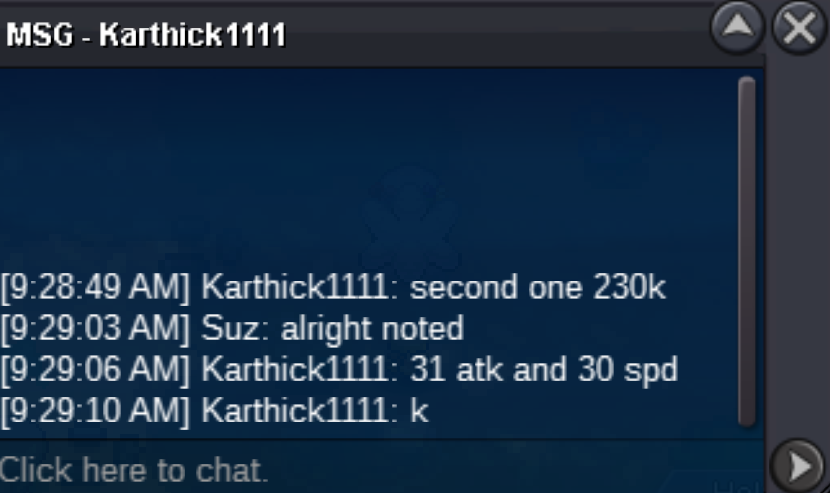
C.O. Scyther 1 - 205k C.O. Scyther 2 - 230k
-
C.O. Scyther 1 - 200k C.O. Scyther 2 - 200k

-
C.O. Scyther 1 - 102k C.O. Scyther 2 - 160k
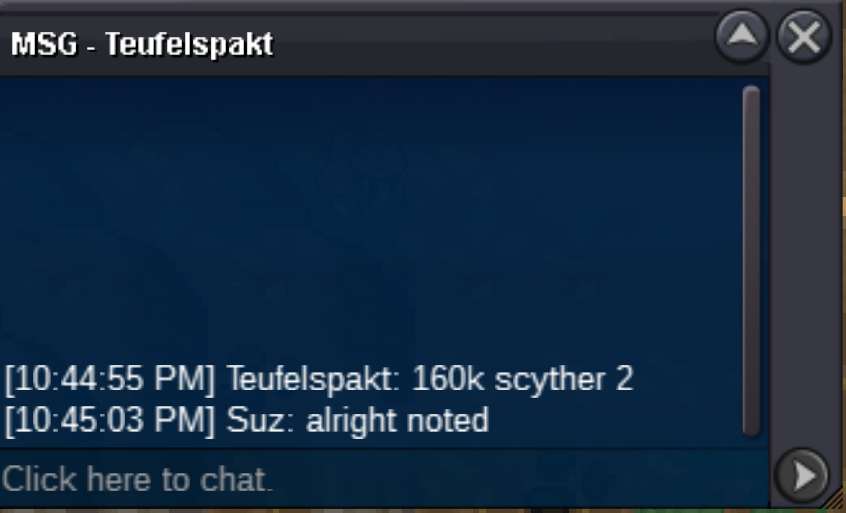
-
C.O. Scyther 1 - 102k C.O. Scyther 2 - 150k

-
Please remember min bid is 1k Thank you! c.o. Scyther 1 - 102k c.o. Scyther 2 - 102k
-
Scyther 1 - 80k Scyther 2 - 80k
-
Scyther 1 - 40k Scyther 2 - 50k