New Trade Zone
Trade Zone is now live
Use the new Trade Zone for auctions and instant-price trades so Pokemon and item offers are easy to find.

Valcarenghi
Registered User
-
Joined
-
Last visited
-
Nice empoleon
-
PLAYER CATEGORY Smartest: Chroll0 Friendliest: Radiatam Funniest: Samonosuke Coolest: RobertoRamoss Comeback Player of the Year: Xerife175 Most Talkative: Brandonlee1 Most Trustworthy: Radiatam Most Helpful: Hisoka444 Most Missed: Max32 Most Influential: Chroll0 Most Intriguing: Shabilagu Most Experienced Player: Deidaraa Best/Funniest Username: Ratoqfuma Most Professional Guide Maker: Prehax Most Professional Discord Moderator: Logan STAFF CATEGORY Best Mapper: Dimitri Best Artist: Aeolus Best Community Coordinator: Shaui Best Moderator: Mutantspider Best Trade Moderator: Logan Best Game Master: Letrix Best Admin: Shane Best Staff Username: Logan Most Professional Staff: Hercule Most Dedicated Staff: Logan Funniest Staff: Mutantspider Friendliest Staff: Mutantspider Most Honorable Former Staff: Rekkuza Most Missed Former Staff: Rekkuza
-
Só poke coco !
-
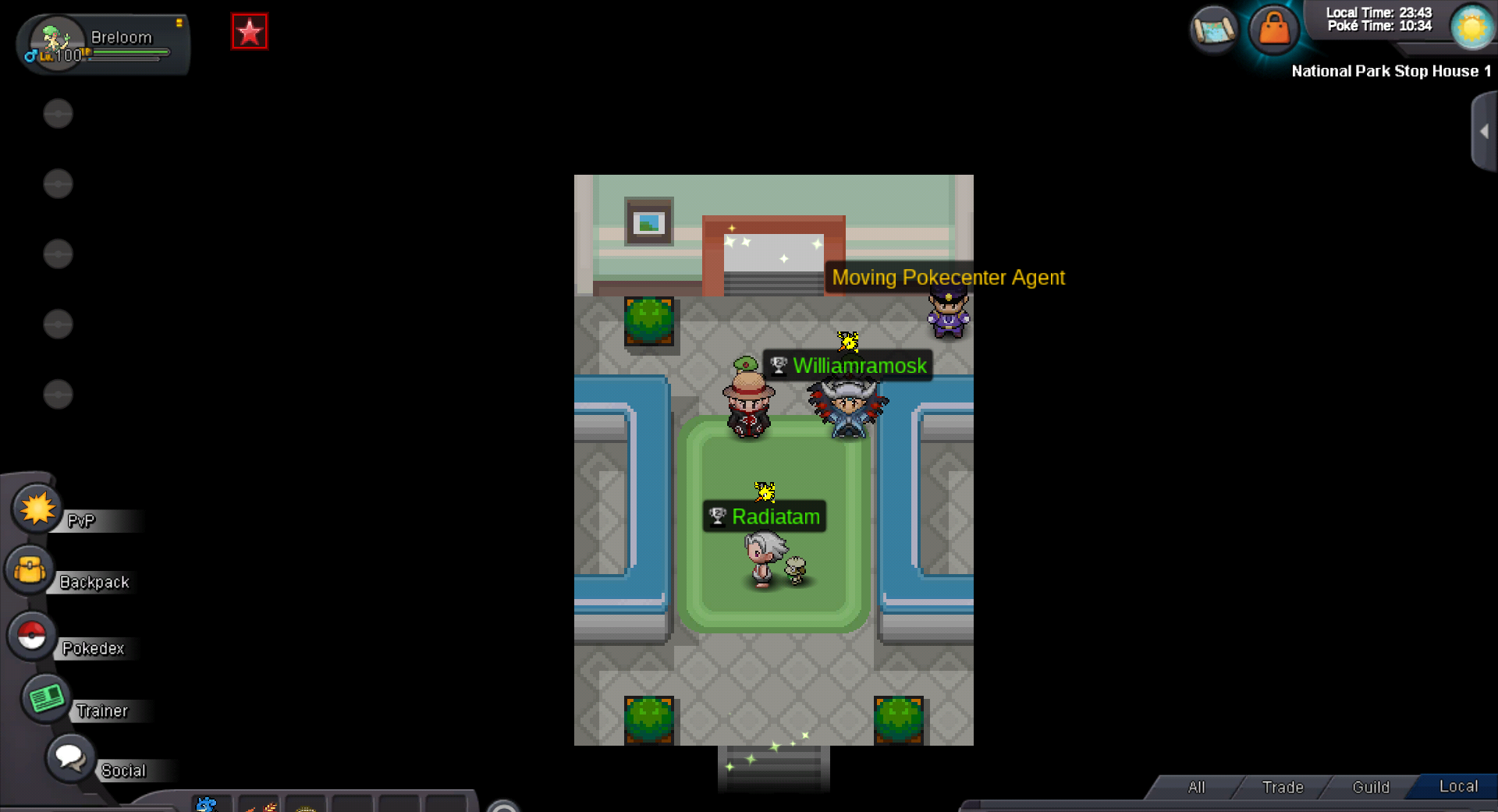
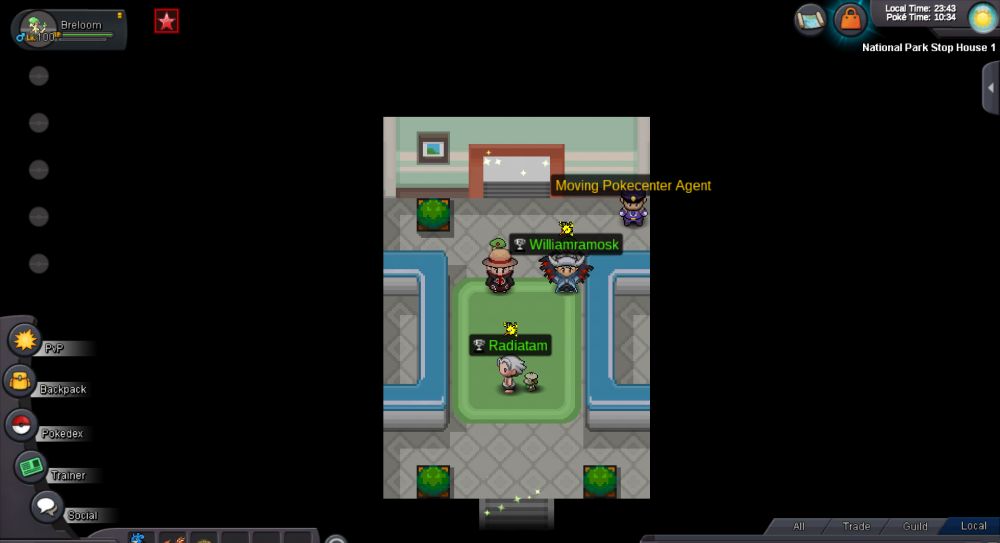
Hi, I went to do the bcc and I did not find the NPC that gives me access to the event.
-
1m050k
-
950k
-
800k