




New Trade Zone
Trade Zone is now live
Use the new Trade Zone for auctions and instant-price trades so Pokemon and item offers are easy to find.

Bermie25
Suspended
-
Joined
-
Last visited
Everything posted by Bermie25
-
Togekiss and Bisharp sold
-
Glisc, Cofa, Chansey, Ditto, Ferro sold.
-
btw you can only do 1 auction at a time and dont advertise by doing forum posts ^^
-
4m
-
2.5m
-
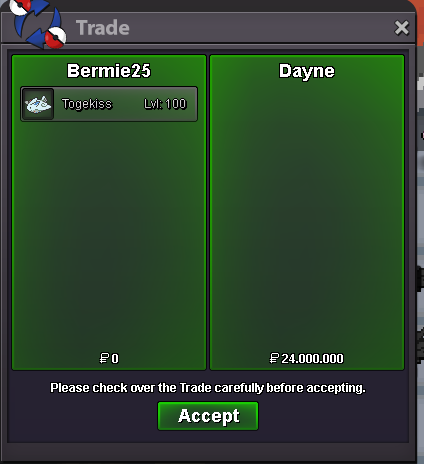
Congratulations to @Dayne ! Togekiss sold for 24M!
-
last 3 mins
-
bump
-
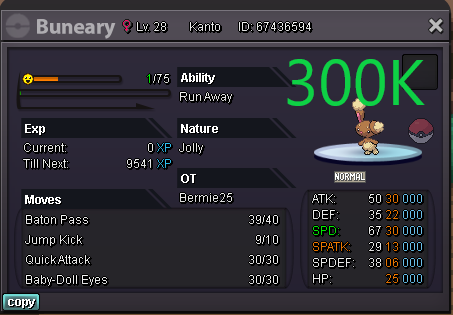
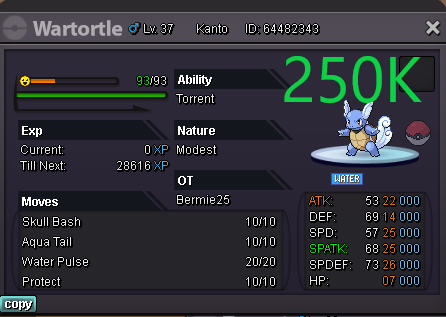
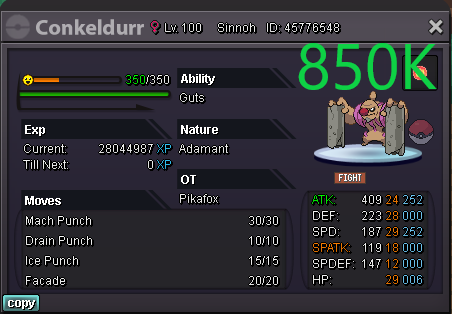
Welcome to my store! *All prices are negotiable* PAYMENT METHODS: Pokedollar Coin Capsule - 400k Reroll IV - 700k Reroll Nature - 350k Contact You can contact me ingame Bermie25 or on Discord nois#0367 50K-499K 500K-1M 1M+






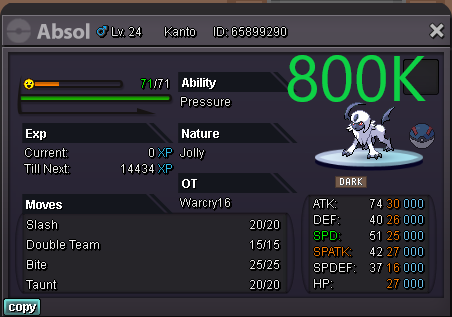


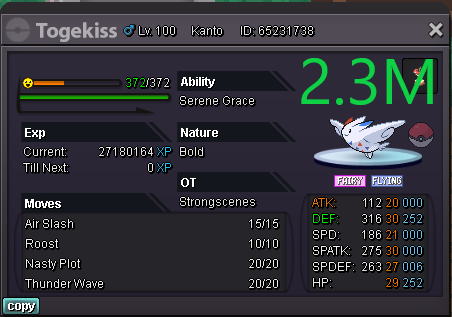
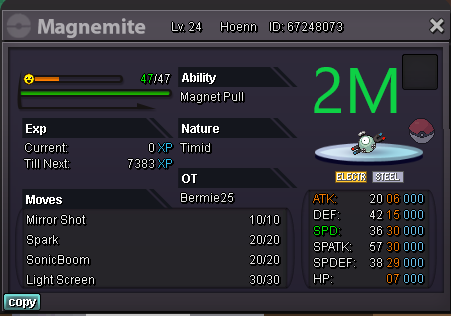
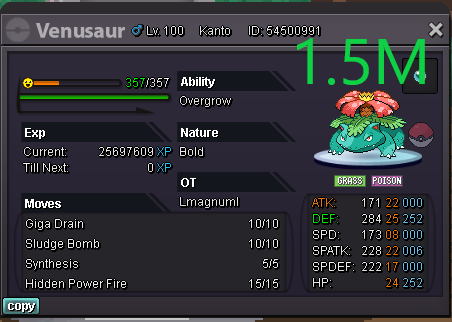
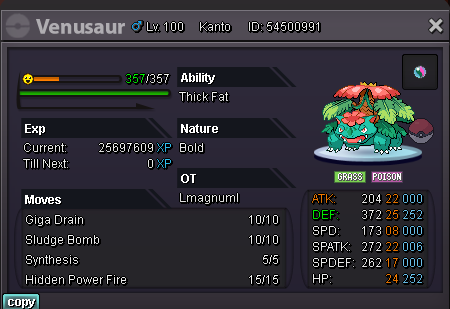
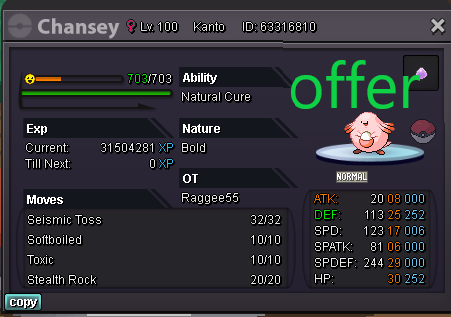
-
edited
-
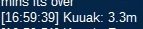
c.o 3.3m by kuuak
.png.fc6caddc41eb9e878b9fcda9562db5d2.png)

-
c.o 3m hoagluan58




-
c.o Deusvult43 2.2m
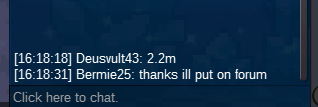 bumpbumpI havnt added it as payment method so I cant accept rerolls as payment sadly.c.o 2.1m by kuuak
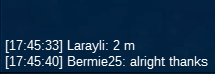
 c.o 2m by larayli
 c.o 1.6m by raiak
 started already ^^started by
 Auction for a H.A Excadrill with Max spd START OFFER: 500K MIN BID: 100K INSTA: 5M Auction will end 24H After first bid. GL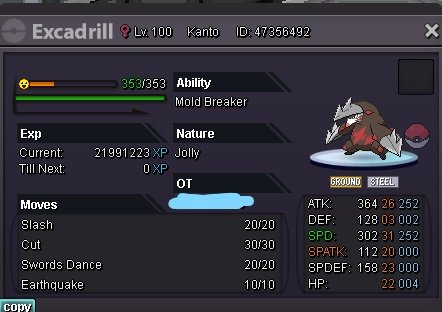




Account
Navigation
Search
Configure browser push notifications
Chrome (Android)
- Tap the lock icon next to the address bar.
- Tap Permissions → Notifications.
- Adjust your preference.
Chrome (Desktop)
- Click the padlock icon in the address bar.
- Select Site settings.
- Find Notifications and adjust your preference.
Safari (iOS 16.4+)
- Ensure the site is installed via Add to Home Screen.
- Open Settings App → Notifications.
- Find your app name and adjust your preference.
Safari (macOS)
- Go to Safari → Preferences.
- Click the Websites tab.
- Select Notifications in the sidebar.
- Find this website and adjust your preference.
Edge (Android)
- Tap the lock icon next to the address bar.
- Tap Permissions.
- Find Notifications and adjust your preference.
Edge (Desktop)
- Click the padlock icon in the address bar.
- Click Permissions for this site.
- Find Notifications and adjust your preference.
Firefox (Android)
- Go to Settings → Site permissions.
- Tap Notifications.
- Find this site in the list and adjust your preference.
Firefox (Desktop)
- Open Firefox Settings.
- Search for Notifications.
- Find this site in the list and adjust your preference.