New Trade Zone
Trade Zone is now live
Use the new Trade Zone for auctions and instant-price trades so Pokemon and item offers are easy to find.

Overangelix
Registered User
-
Joined
-
Last visited
Everything posted by Overangelix
-
Up
-
He still has the problem :/
-
Up ^^
-
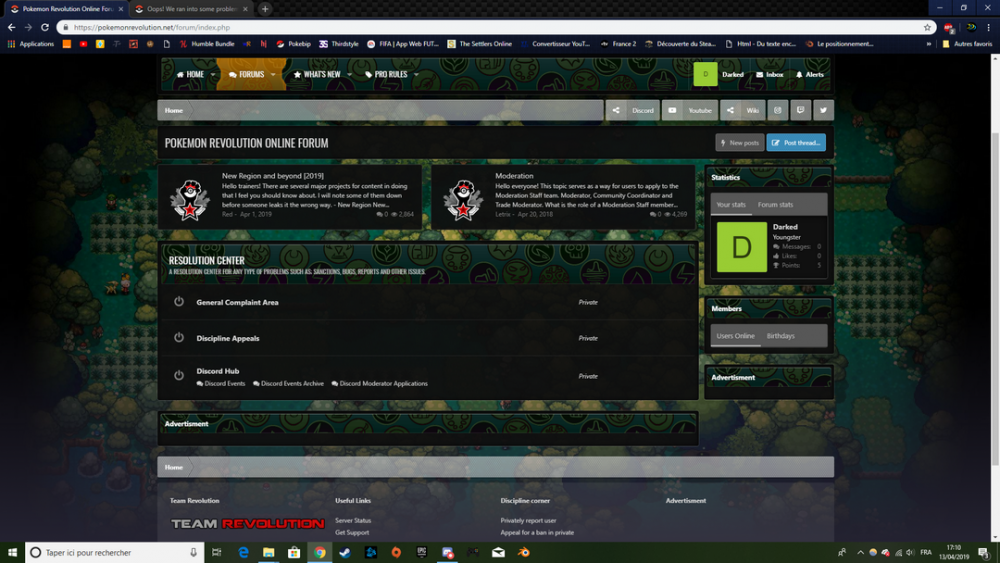
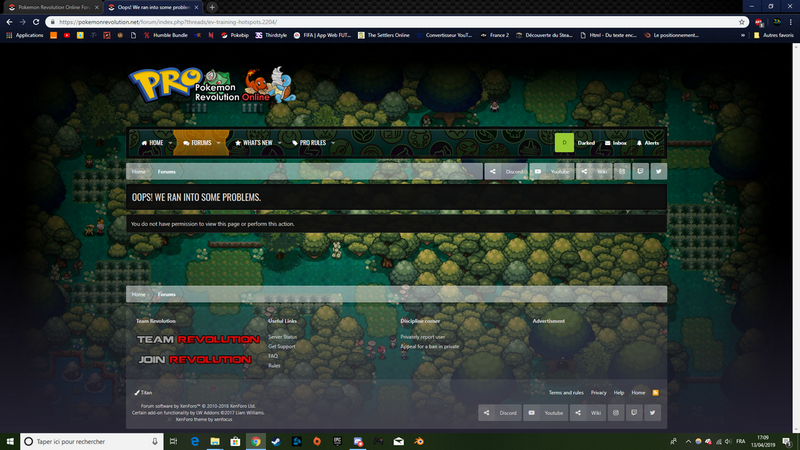
Hello there, One of my friend has been banned three years ago ( for two weeks ) and since this moment he can't access the forum. He asked for help on Discord and junior moderators told him to ask on the support with another account and that why I do that. His ID is Darked. Thank you for your help and for my friend :) PS : He can connect on the forum (look the screenshots ).
-
Why a can't learn Headbutt ?
-
yes I have the proper versionof the game (32) but i have not queue :Frown: and when i click "login" my game freeze and after (when there is not freeze) i see "can not connect"
-
PRO Username: OverAngeli Do you have active membership?: No Your knowledge about PRO: Beginner What have you done before the problem was there? My problem is that when i want log me my game freeze and there is "can't connect" sorry for my english >_< What have you already tried to solve the problem? I re-download the game but nothing, it's the same Description and Message Can you help me ? ^^ :Cry: