New Trade Zone
Trade Zone is now live
Use the new Trade Zone for auctions and instant-price trades so Pokemon and item offers are easy to find.

Princessmimii
Suspended
-
Joined
-
Last visited
-
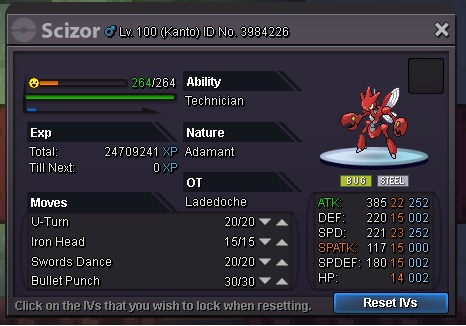
HI GUYS, IM SELLING THIS POKEMON ON MY YELLOW SERVER. OFFER YOUR PRICES. I WANT YOU TO BUY IT ON BLUE SERVER COZ IM ON BLUE SERVER NOW.
-
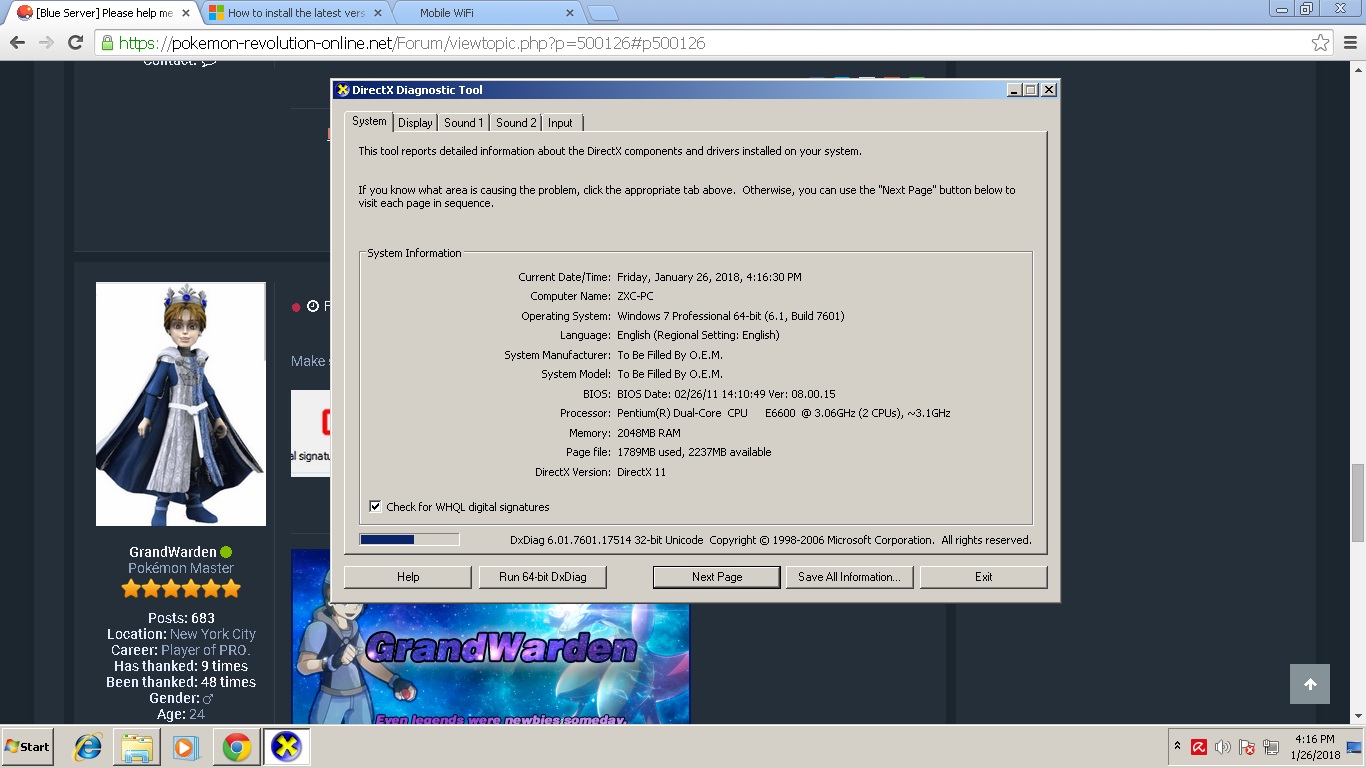
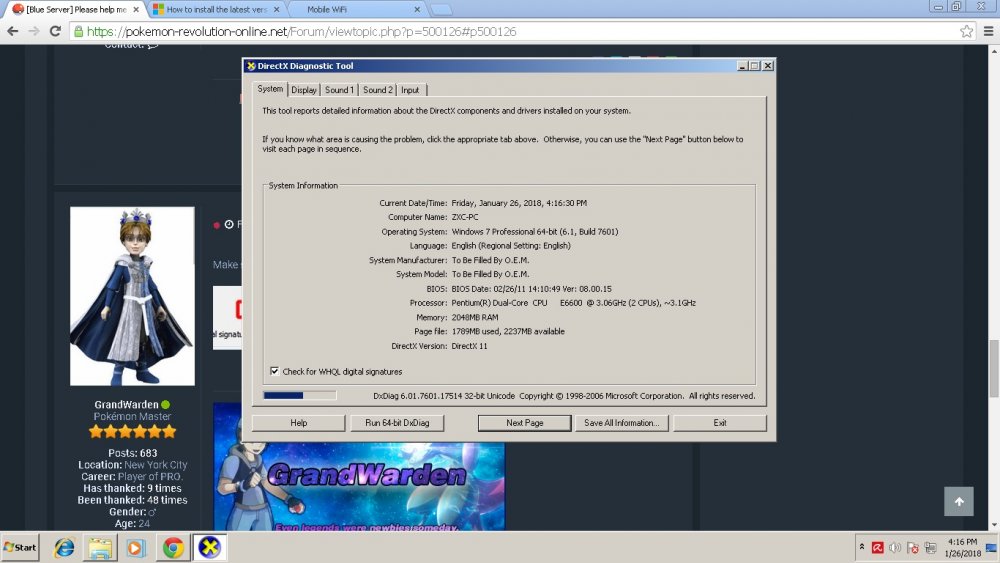
thanks guys. i've formatted my pc coz i think it would work, but still no luck, and im also on directx 11 :(
-
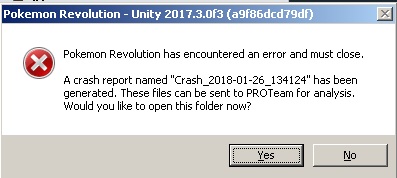
Hi guys, im having problem opening my pro (64 bit), it keeps giving me an error/crash. I've searched here and tried everything and it still wont work, hope you can help me please :( here the crash log:
-
still no luck :( please help me :( the older version is working perfectly, the only crashing on startup is the new client :(
-
will 64bit run on 32?
-
Still no luck :'(
-
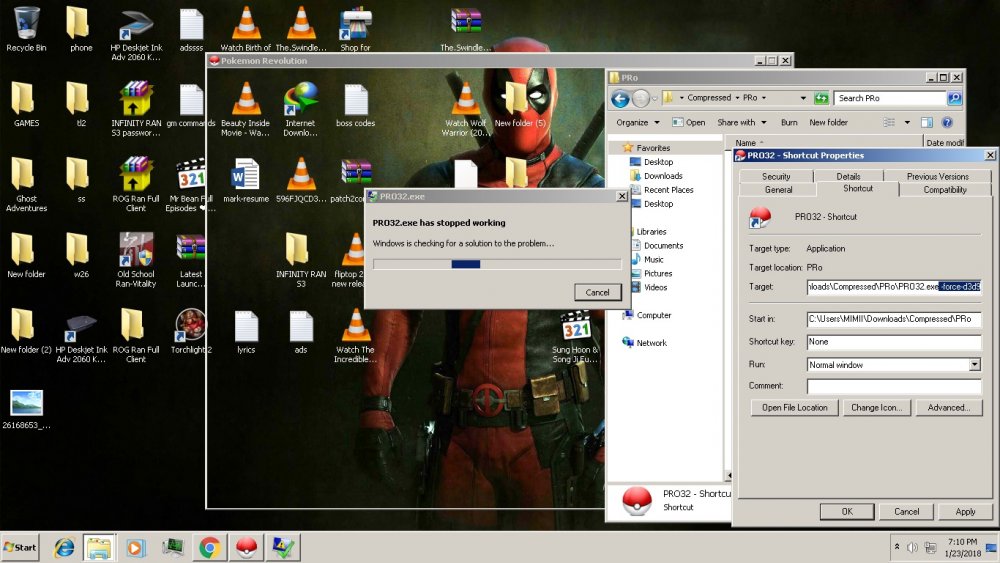
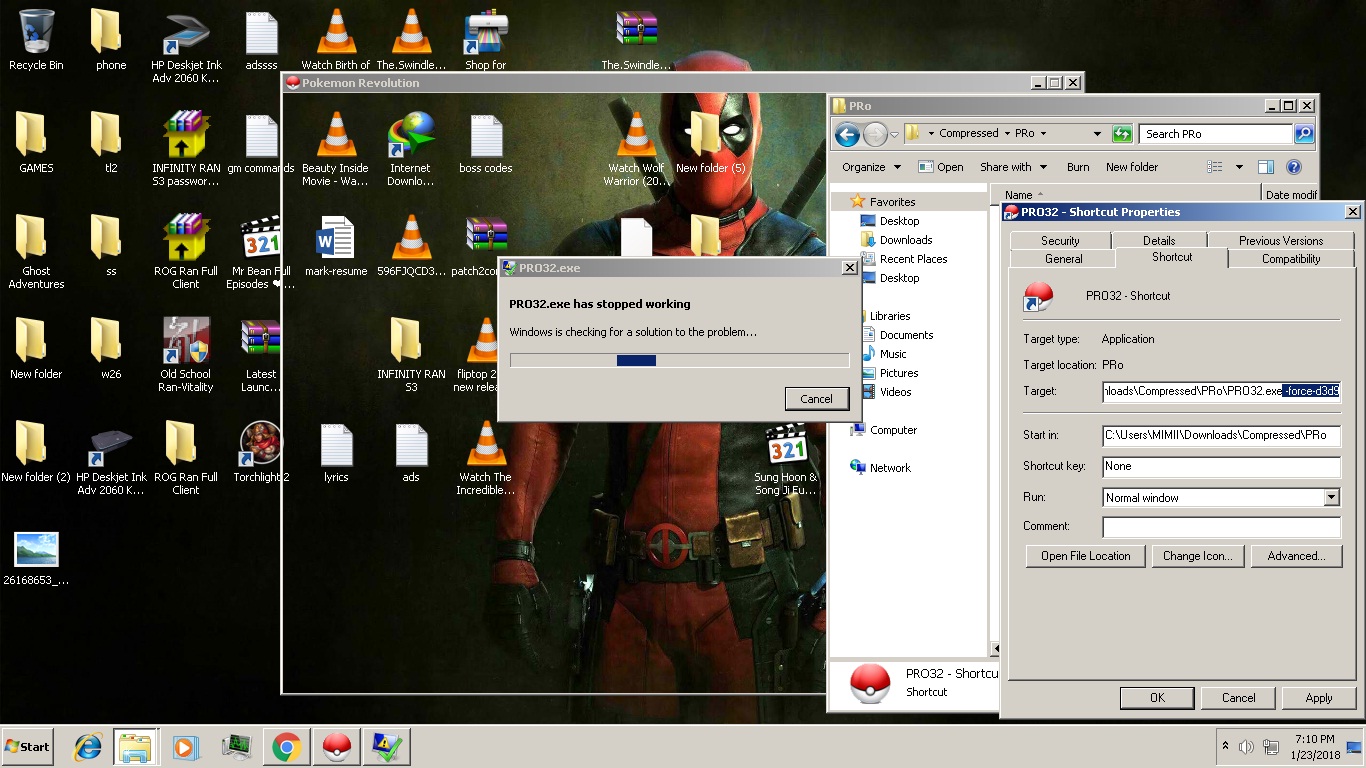
Hi guys please help me, I really wanna play! :'( I've installed this pro on my pc. There was a crash on start up but i manage to fix it (the -force-d3d9 thingy) and it worked again. But after the new update. After i download the client it starts on crashing again, (same issue) i tried the thing i did before (-force-d3d9) but it didnt worked this time :((((( please help me what should i do! :( OH AND ONE MORE THING. I TRIED OPENING THEM BOTH AT THE SAME TIME. THE OLDER VERSION WORKS PERFECTLY, BUT THE NEW VERSION STILL CRASHES ON STARTUP, I'VE ALSO TRIED DOWNLOADING AGAIN BUT STILL NO LUCK :'( SO PLEASE HELP ME. I REALLY WANNA PLAY :(