New Trade Zone
Trade Zone is now live
Use the new Trade Zone for auctions and instant-price trades so Pokemon and item offers are easy to find.

Gelkin17
Registered User
-
Joined
-
Last visited
Everything posted by Gelkin17
-
Sorry for inactivity - I have been otherwise preoccupied. Pleased to report that I have managed to download the client again! Happy Friday
-
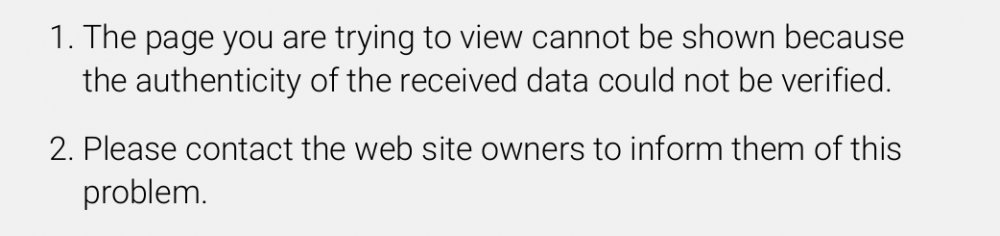
@Menrva Whether it can be classed as progress I'm not sure but I've now received a different error message:
-
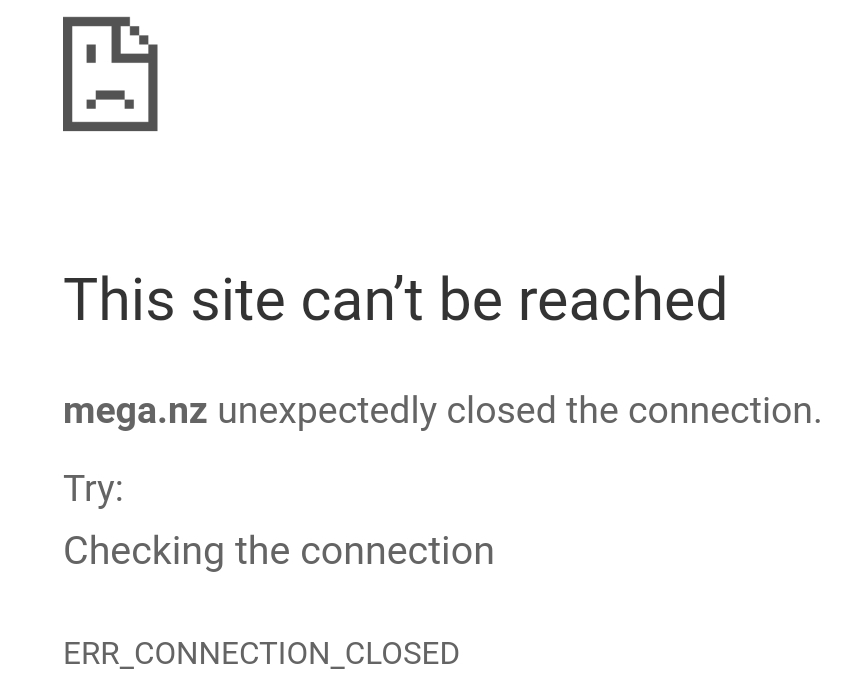
Perhaps this might help your diagnostic? This is the error message I receive but my connection is stable. I use a Samsung Galaxy Note 8 and the only 'issue' my phone has currently is the Android download client - all other clients download.
-
No worries at all - I'm sure you have more pressing issues than me not being able to download ^_^. Thanks for the tip - I have tried both but have had no success unfortunately. Is there anything else you could suggest? I'll keep trying all methods in the mean time in the hope that it works :-) Have a nice day!
-
Thanks Menrva but the download client won't load. Not sure if it's a problem my end?
-
As the title says - I'm trying to return to PRO, merged my account onto Silver but when I try to battle either trainers or wild Pokes as soon as my avatar throws the ball the app crashes :(