




New Trade Zone
Trade Zone is now live
Use the new Trade Zone for auctions and instant-price trades so Pokemon and item offers are easy to find.

Superwoody
Registered User
-
Joined
-
Last visited
Everything posted by Superwoody
-
Ok Omw and tk just message me when you are ready for the rock head bagon
-
Gz you win sheer force bagon if you are on now I can meet you in Verm or just lmk when you on and I’ll try to log on asap just bare with me I’m at work
-
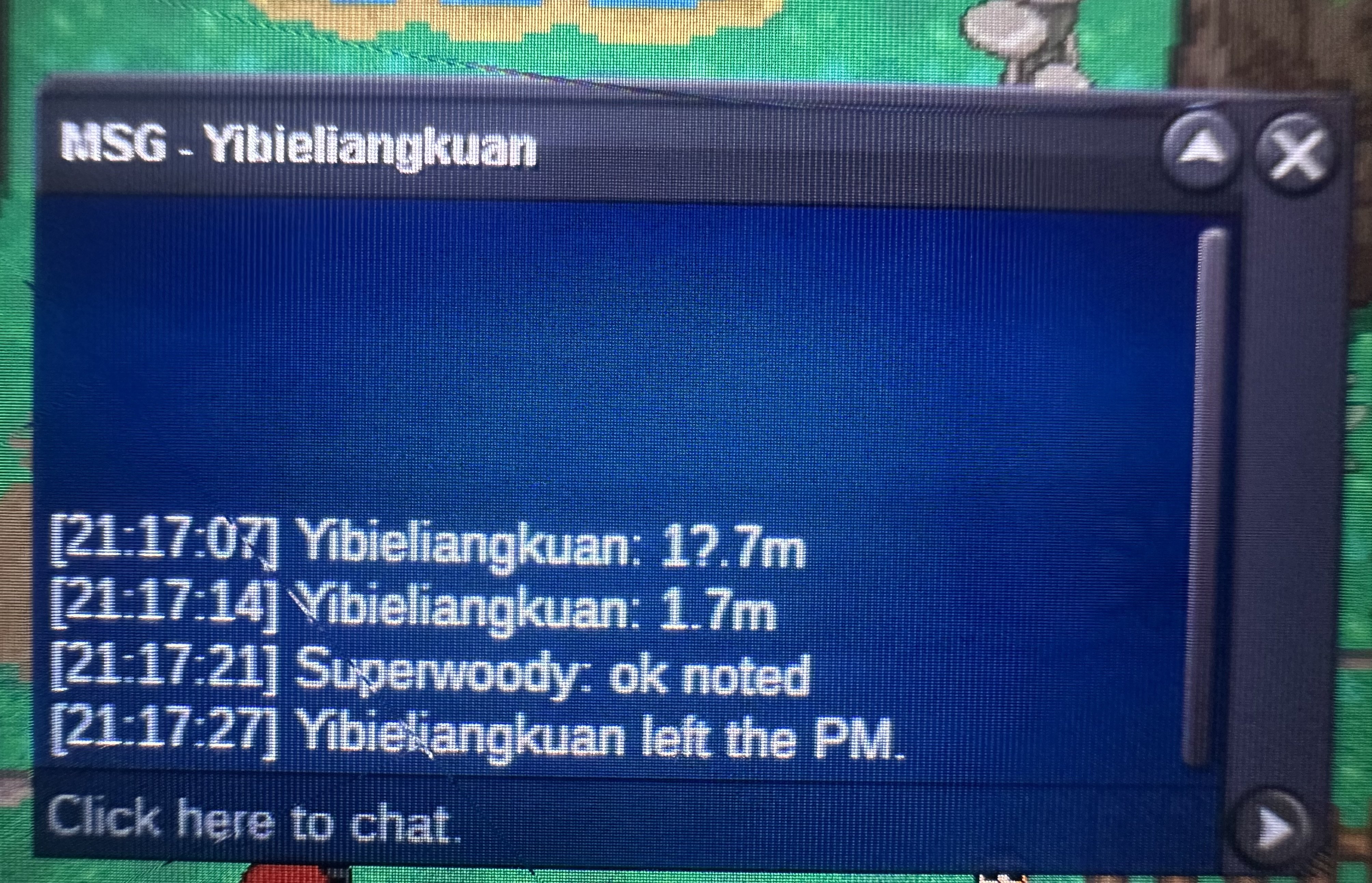
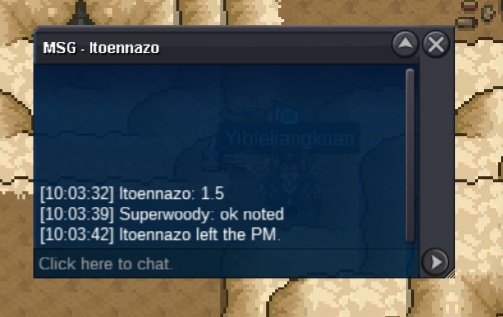
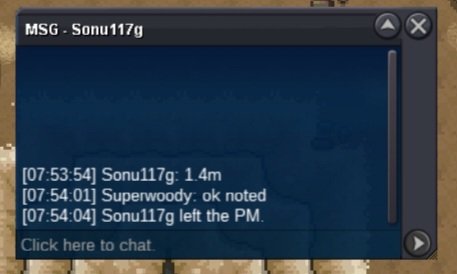
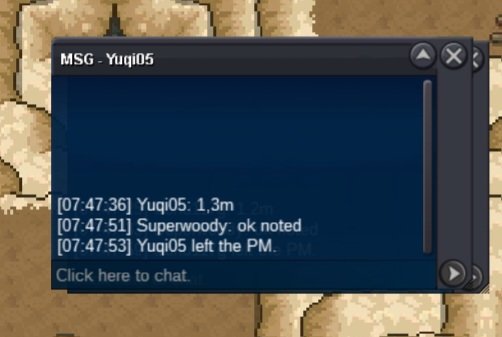
Winner of rock head bagon is Tkl070701 whoever holds top bid for 15 min wins sheer force bagon gl
-
not a bundle S.o 500k each min bid 50k last 15 min bid rule applies ends 48h after start accept cc =500k

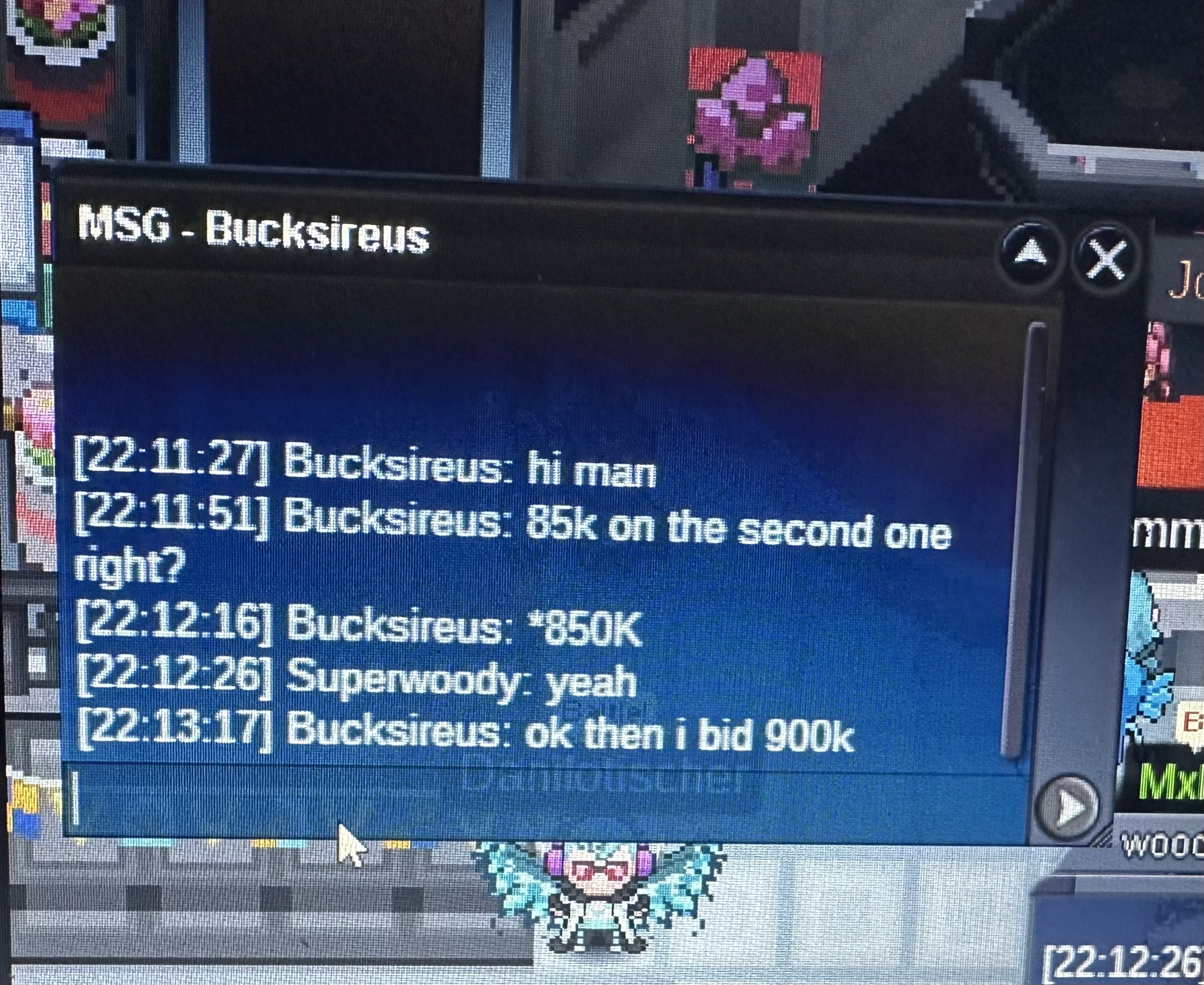
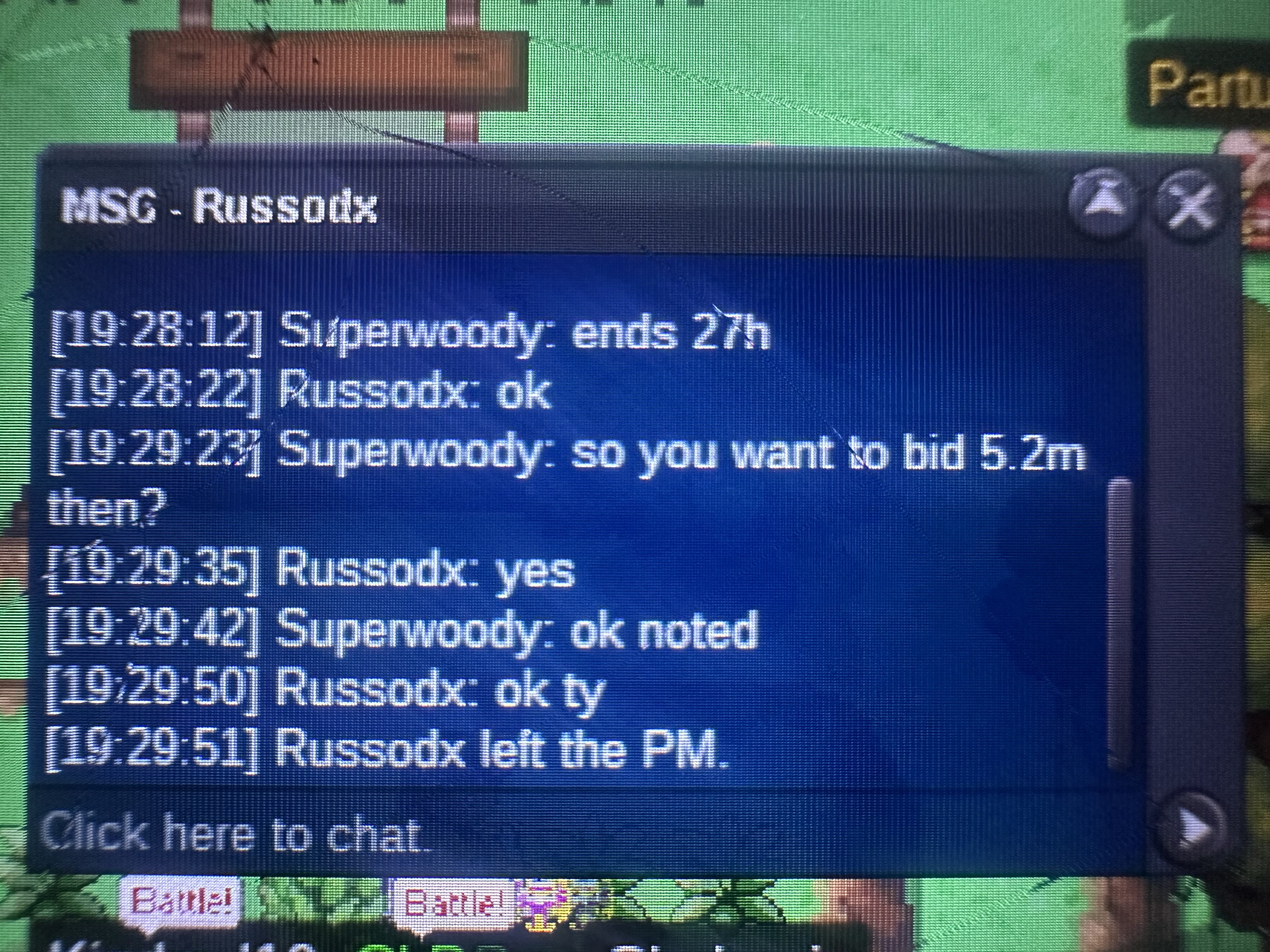
 150kK I can hop on now on mobile if your ready or in about 30 min when I get back to the houseGz Smurf378 you winEnds in 5h glStarting offer 5m min bid 200k accept cc 400k nature rr 250k iv rr 500k ends 48h after start. if a bid is made in the last ten min auction continues for 15 min each bid until top bid is held for 15min.
 Gz t1nkat0n. That is your ig name right?So not sure exact min but I believe first bid was 10pm my time (gmt-4) so auction ends I 1h 56 min from now gl edit I’m dumb I see now it says 9:52. also if bid is made in last couple minutes they must hold top bid for 15 min giving others a chance to bid if they want ty glS.o 1m Min bid 100k Ends 48h after start Accept cc 400k iv rr 500k nature rr 250k rc 5k
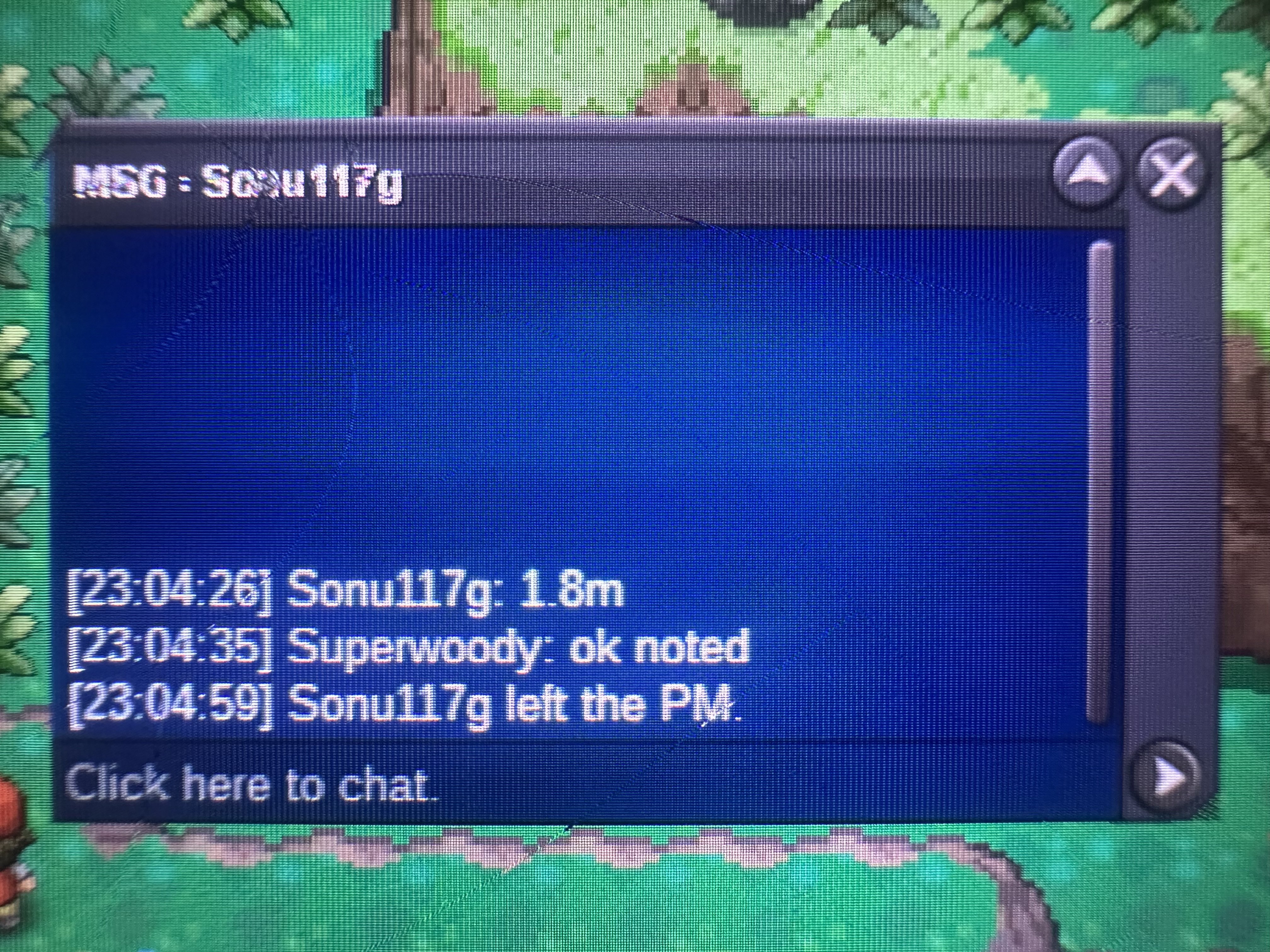
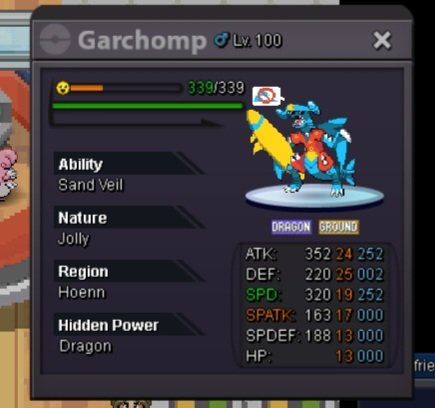 That’s noble of you joksch appreciate it’s ok tho you win congratsStupid WiFi lolWas I too late with the 1.8? Lol


Account
Navigation
Search
Configure browser push notifications
Chrome (Android)
- Tap the lock icon next to the address bar.
- Tap Permissions → Notifications.
- Adjust your preference.
Chrome (Desktop)
- Click the padlock icon in the address bar.
- Select Site settings.
- Find Notifications and adjust your preference.
Safari (iOS 16.4+)
- Ensure the site is installed via Add to Home Screen.
- Open Settings App → Notifications.
- Find your app name and adjust your preference.
Safari (macOS)
- Go to Safari → Preferences.
- Click the Websites tab.
- Select Notifications in the sidebar.
- Find this website and adjust your preference.
Edge (Android)
- Tap the lock icon next to the address bar.
- Tap Permissions.
- Find Notifications and adjust your preference.
Edge (Desktop)
- Click the padlock icon in the address bar.
- Click Permissions for this site.
- Find Notifications and adjust your preference.
Firefox (Android)
- Go to Settings → Site permissions.
- Tap Notifications.
- Find this site in the list and adjust your preference.
Firefox (Desktop)
- Open Firefox Settings.
- Search for Notifications.
- Find this site in the list and adjust your preference.