New Trade Zone
Trade Zone is now live
Use the new Trade Zone for auctions and instant-price trades so Pokemon and item offers are easy to find.

Ferrymierdas
Suspended
-
Joined
-
Last visited
-
can close

-
coming
-
24h ended. biggest bid: 3m by lokigodofchaos. pm me at Ferrytiuuu (Gardevoir's OT). Im online atm
-
30 min left
-
Wasn't my intention to try to scam or piss you loki, just wanted to clear things up.
-
Then we're taking ur statement. 3h and 8 min left. Just wanted to clarify it, so I didn't close it at 25h or 23h.
-
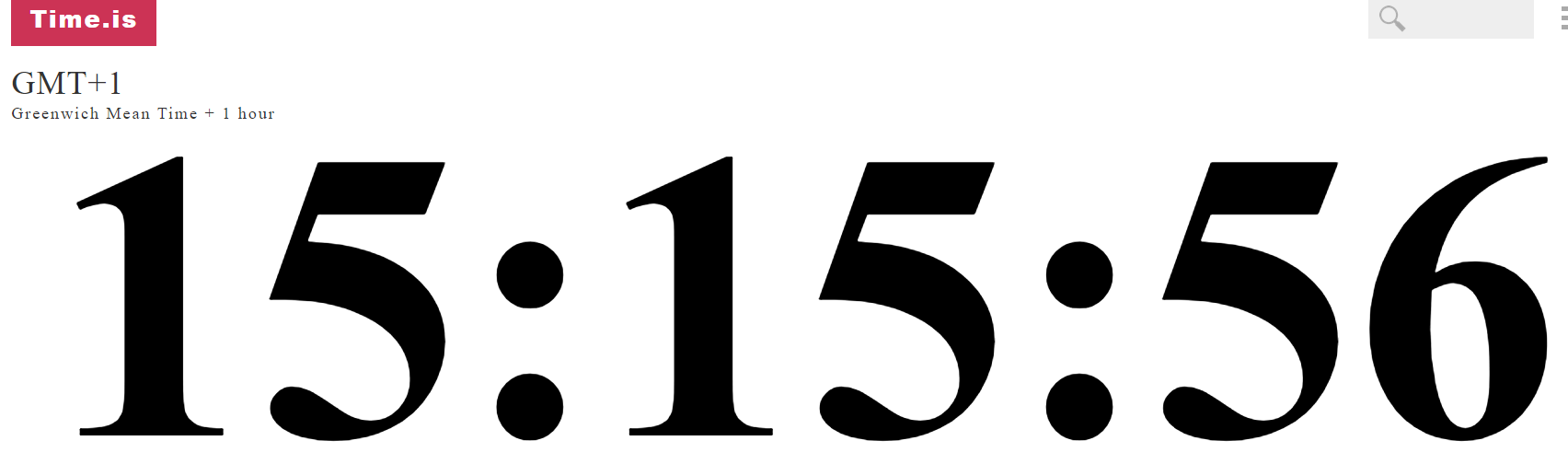
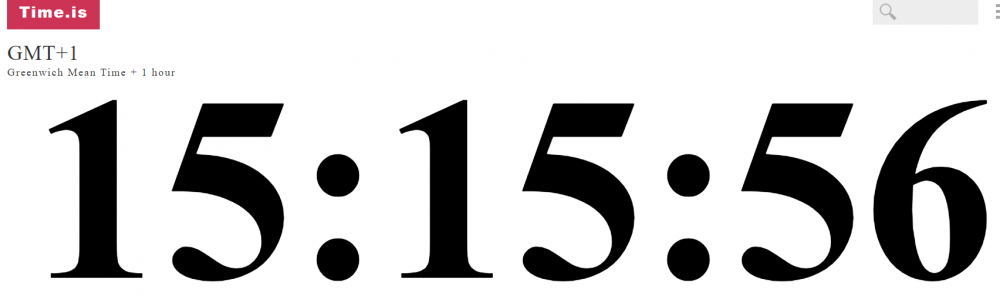
Then we're at the start again. the first bid was made at 20:00 GTM +1. We're at 15:36, so 4h and 24 min till the auction ends.
-
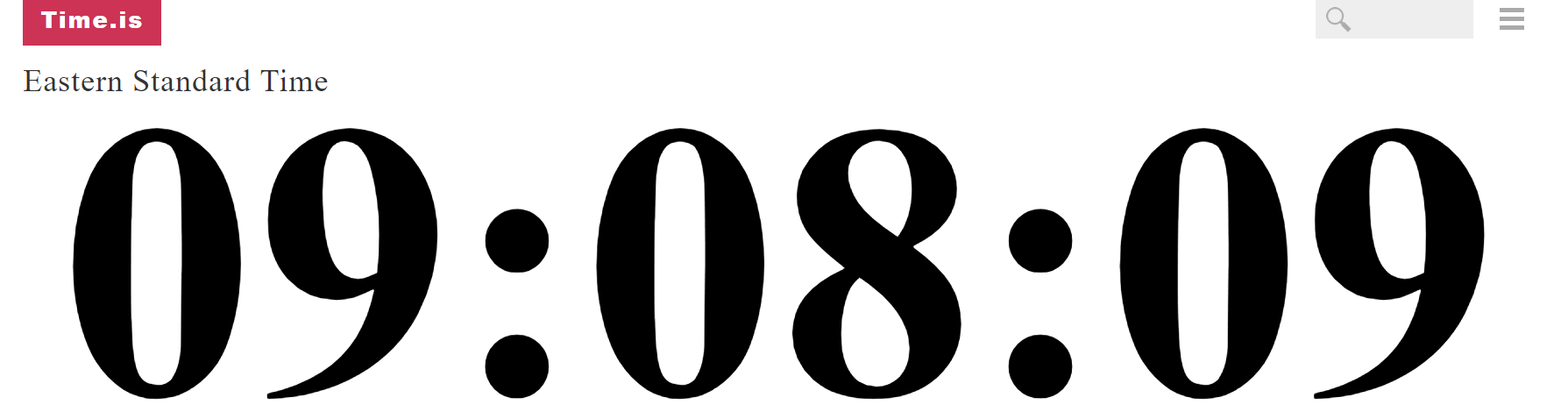
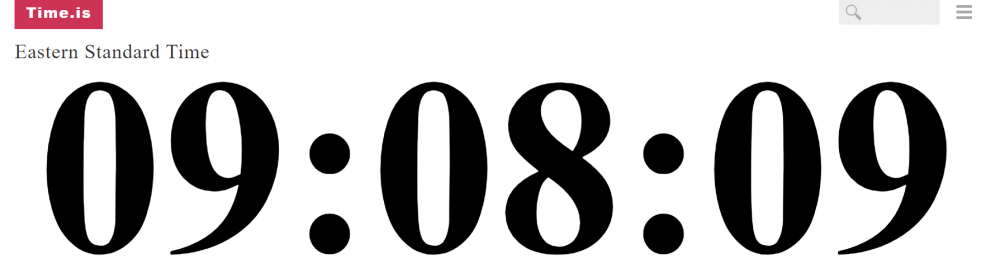
That's the thing, every single page says it's 9:28 am. The only time zone that's 10:28 its ET, not EST
-
As we aren't understanding each other, gonna close it at my 19:00, as it seems nobody is gonna bid more.
-
As I said, i don't get how the Eastern time works, so I'm not sure what's happening First bid was made at 20:00 GMT +1 GMT +1 is 4 hours 40 min away from 20:00

-
Isn't EST time 5 hours away from the end of the auction instead of 4?
-
The first bid was made at 20:00 at GMT +1. 5 hours till its 20:00 again
-
Let me try this again cause this is my first auction (sorry) and im kinda lost with the Eastern Time. End of auction: UTC +1 (my timezone): 20:00 ET: 15:00 EST: 14:00 UTC +1 right now: 11:55 ET right now: 6:55 EST right now: 5:55 8 hours and 5 min to finish Is it right?
-
-
10h left