New Trade Zone
Trade Zone is now live
Use the new Trade Zone for auctions and instant-price trades so Pokemon and item offers are easy to find.

Andyesque
Registered User
-
Joined
-
Last visited
-
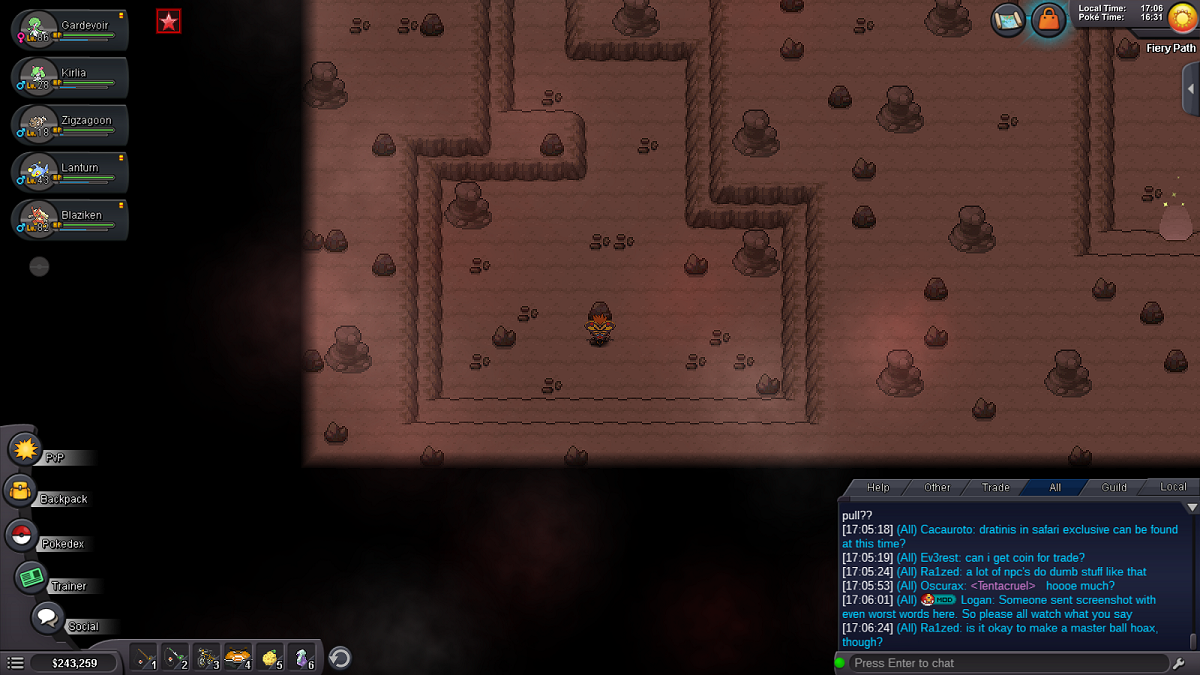
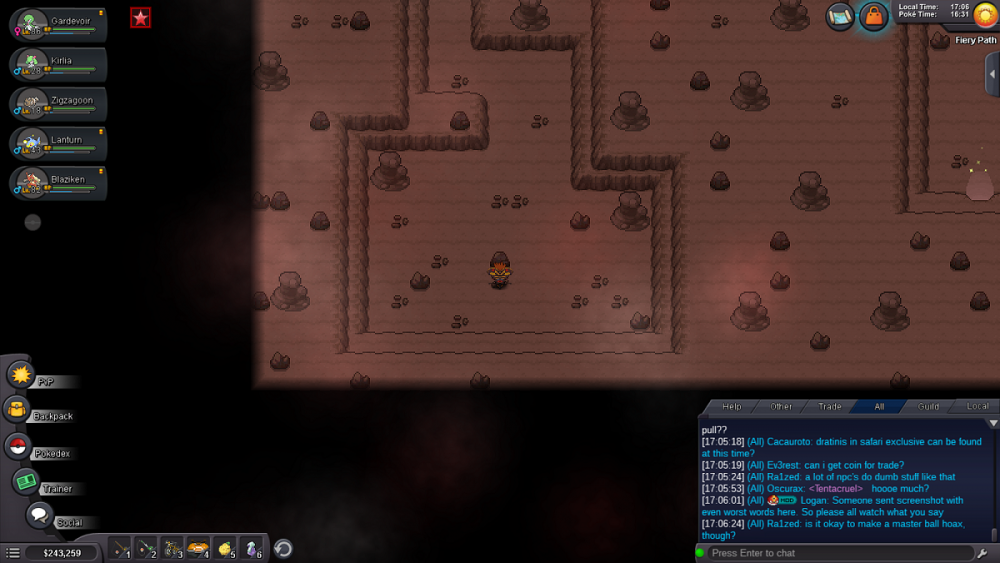
Hi, Yeah its weird, i definitely didn't use the tm yet, nor have i found it yet. If it makes a difference, i don't see the bambang npc that shows up in the screenshot. Here's a screenshot of where i am.
-
I've looked at past threads on this issue, and i've checked the spot shown in the screenshot, but there's nothing there? https://pokemonrevolution.net/forum/topic/85160-url/?do=findComment&comment=491843 (this is the past thread)
-
I can't update my game because the link is down. A mirror download would be greatly appreciated!