New Trade Zone
Trade Zone is now live
Use the new Trade Zone for auctions and instant-price trades so Pokemon and item offers are easy to find.

Riveli
Registered User
-
Joined
-
Last visited
Everything posted by Riveli
-
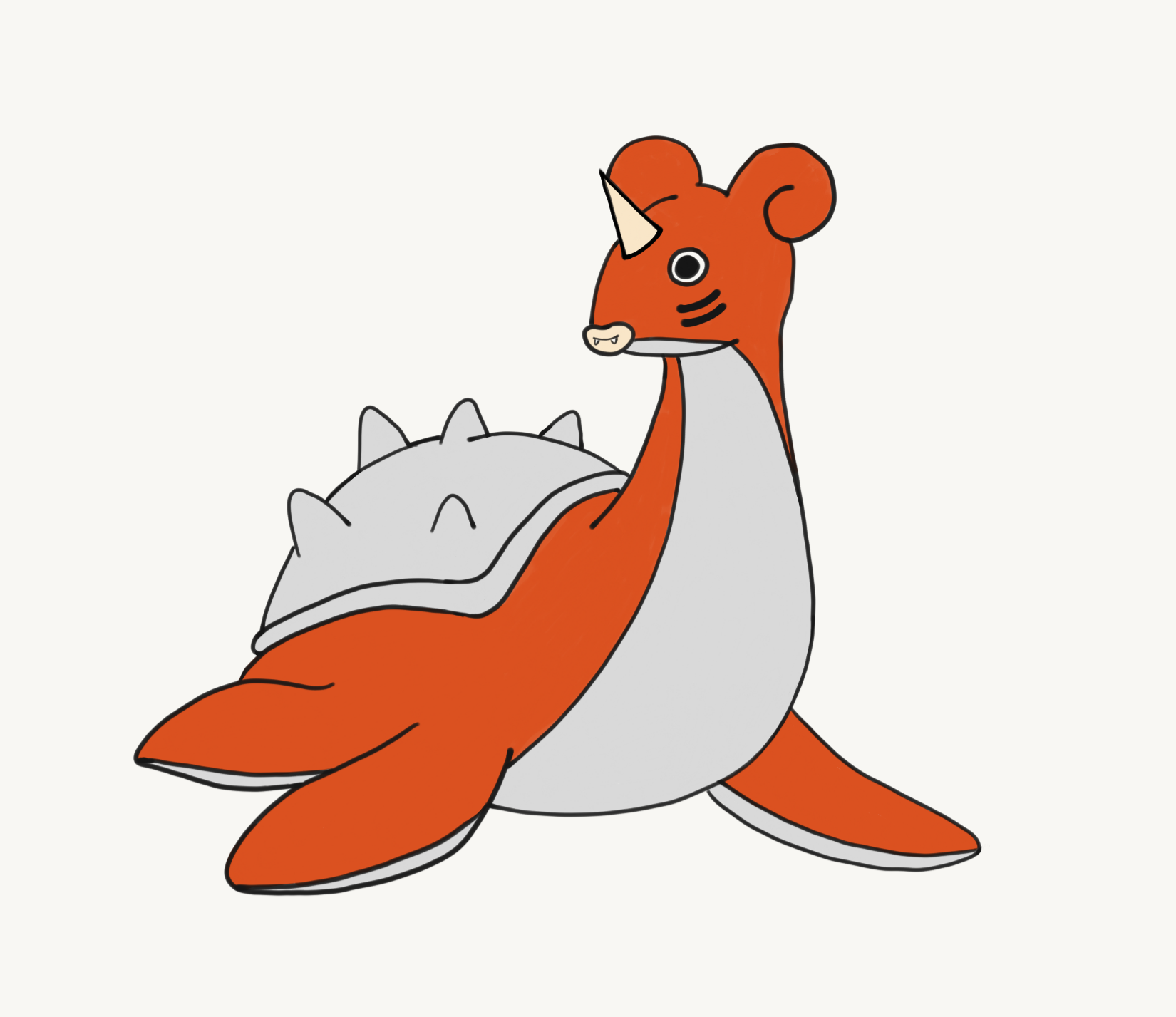
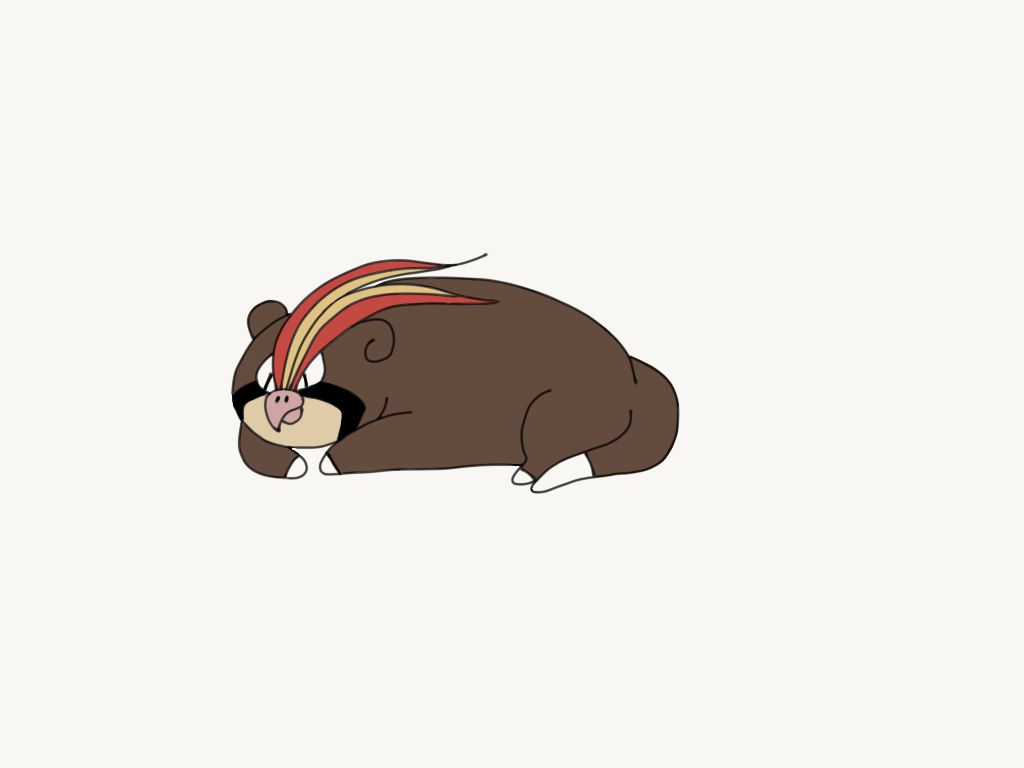
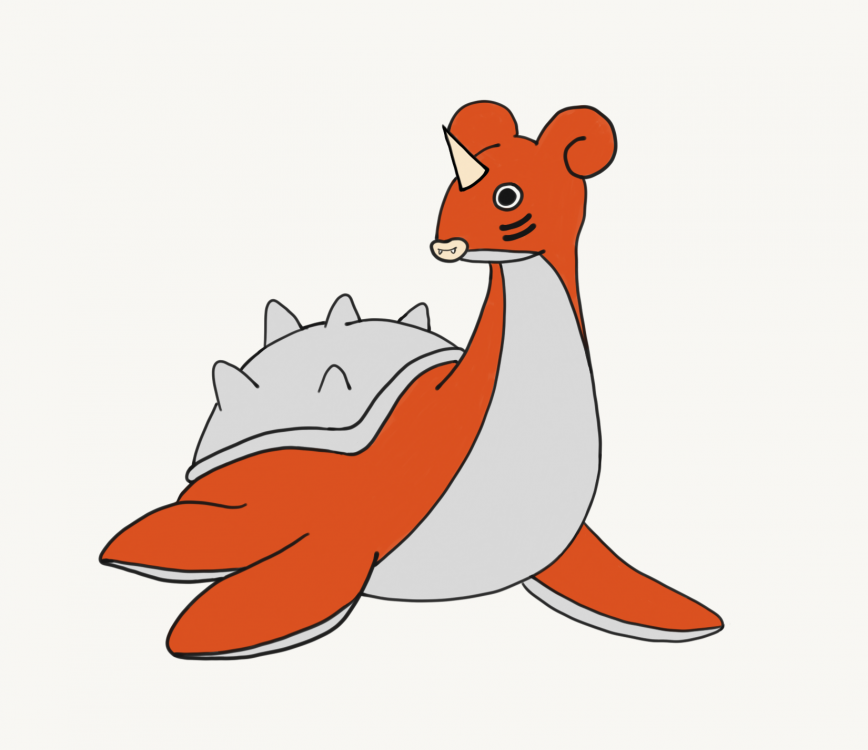
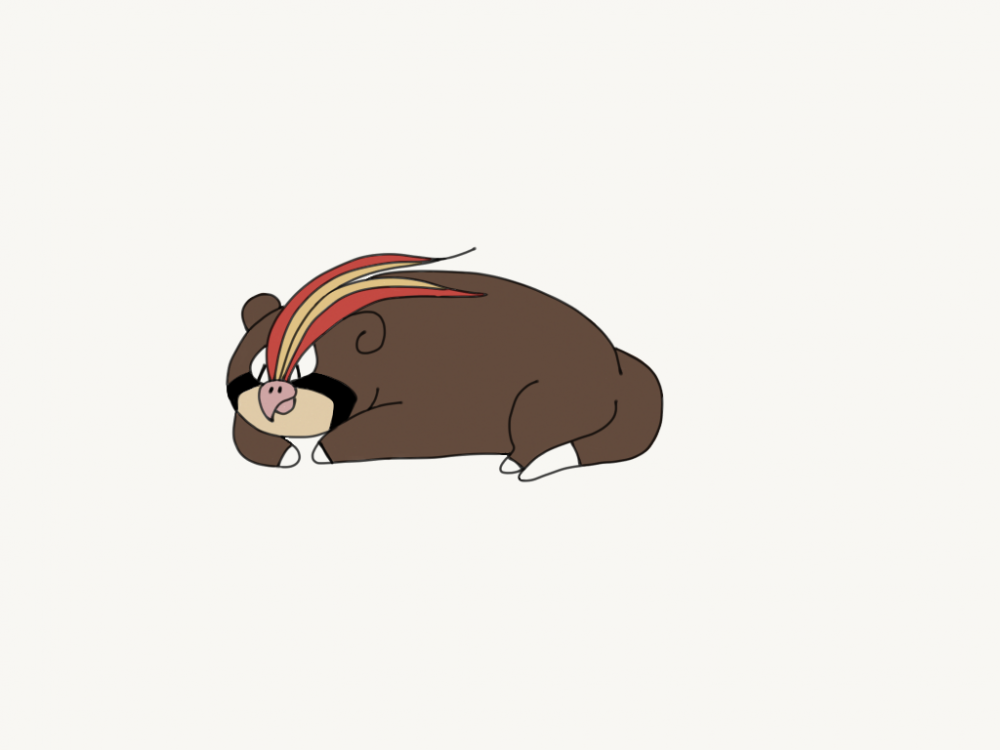
So I've done a few of these in the past, and have even taken them to Walmart to get them printed onto glassware that I can use lol. Meet Searas (Seaking and Lapras) and Pidgepoke (Pidgeot and Slowpoke)
-
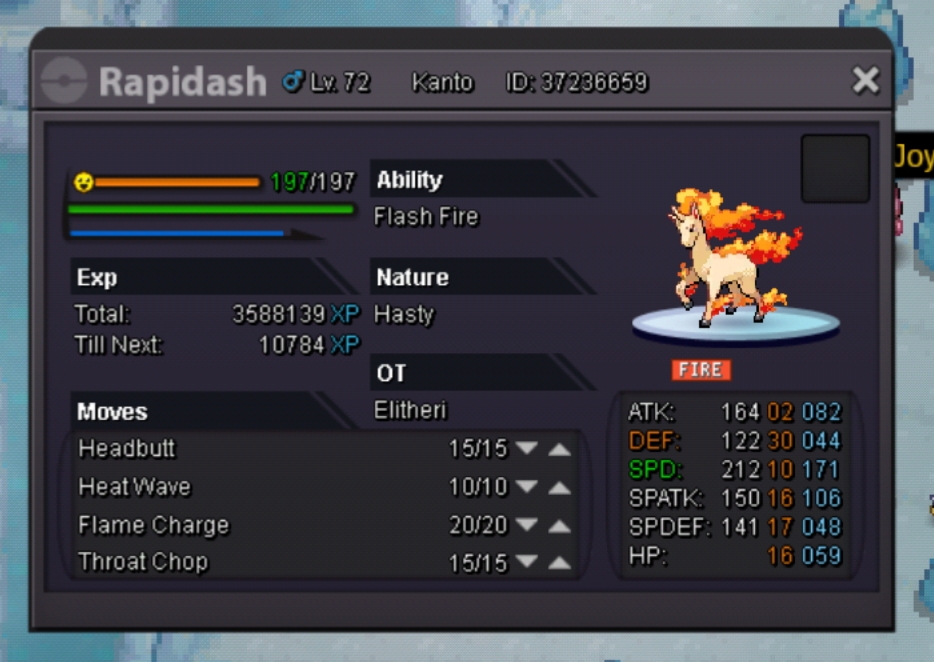
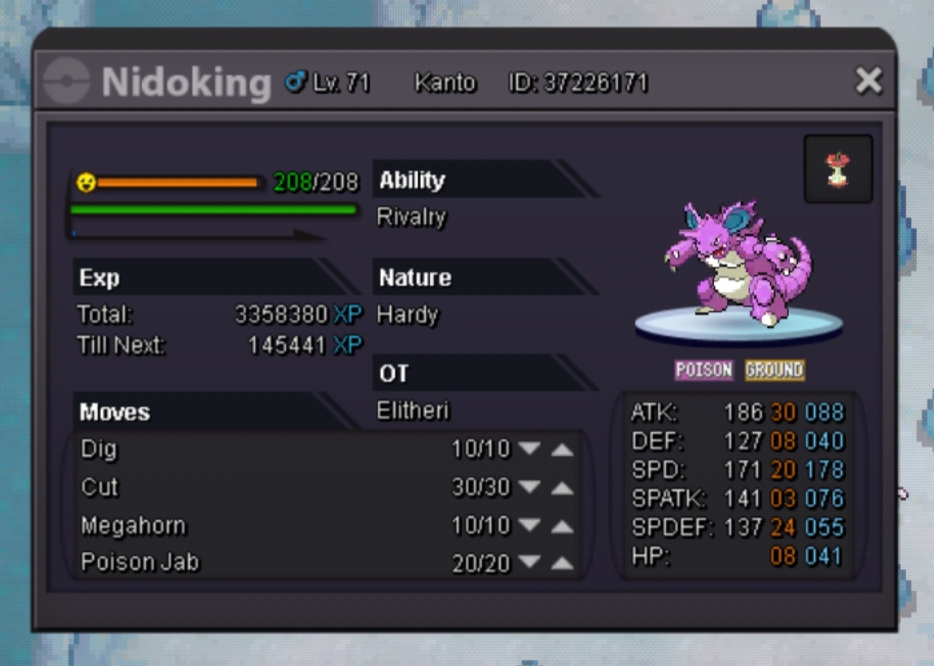
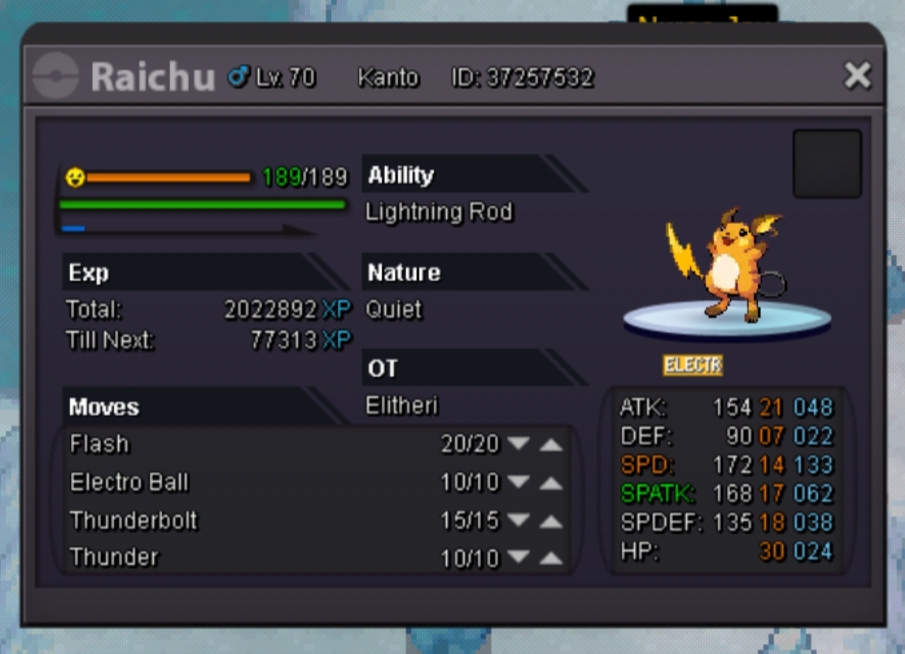
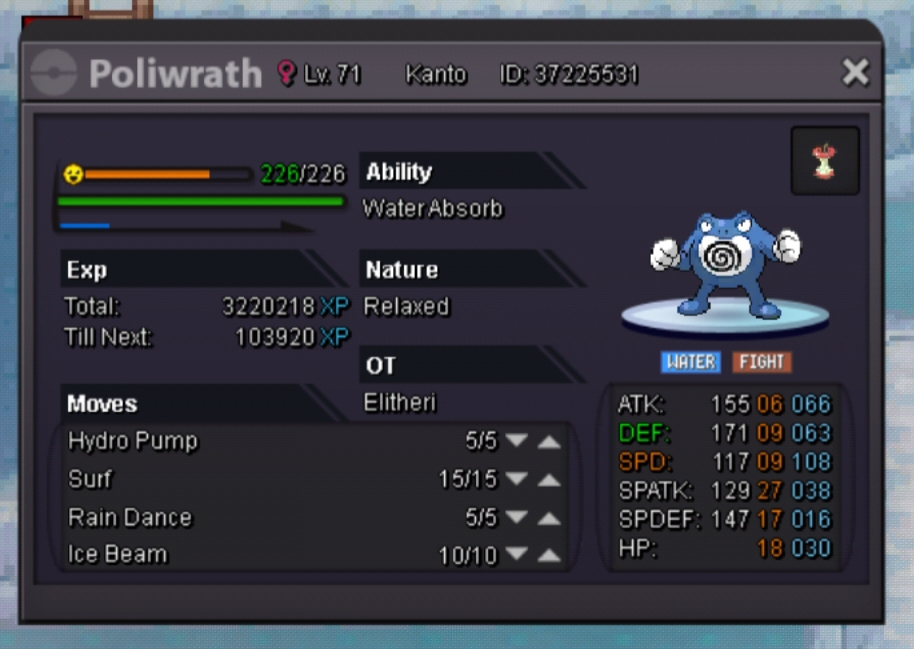
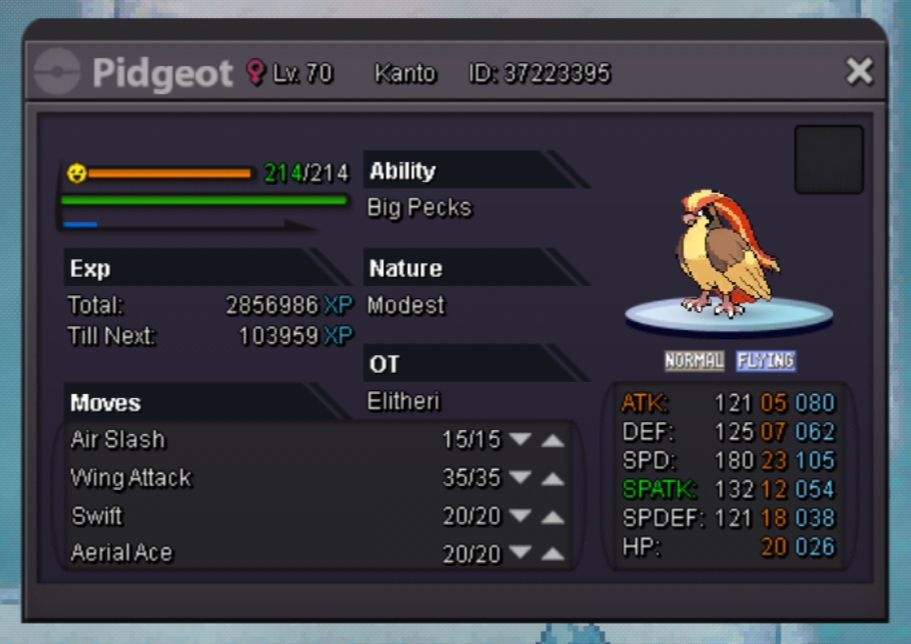
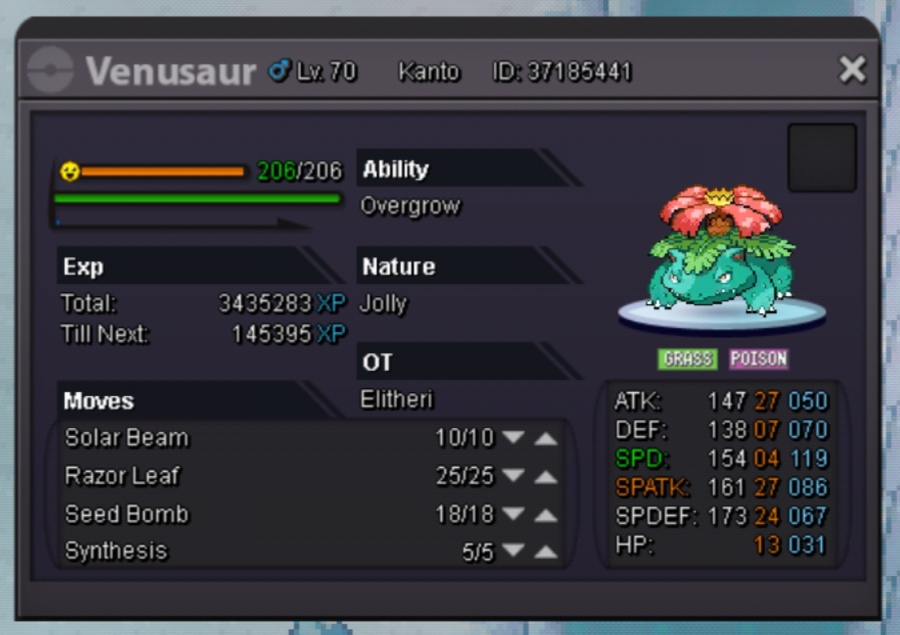
So I only recently started learning in depth about IVs and EVs, as well how to train EVs and how natures affect stats. I'm currently 1 badge away from entering the Kanto League and I'd like to put some of that knowledge to use, but I'm still kind of lost. What I'd like to do to help me understand a little more is post my current team in the spoilers below to be rated, and I'd like to get reasons why they rate well or poorly. Maybe give me some tips on what I should be looking for when I'm catching Pokemon in terms of stats and natures. [spoiler=Current team]