New Trade Zone
Trade Zone is now live
Use the new Trade Zone for auctions and instant-price trades so Pokemon and item offers are easy to find.

Onenote
Registered User
-
Joined
-
Last visited
-
What is your Discord tag? onenote#6344 How often do you use Discord? I pretty much have it on all the time If you could improve PRO's Discord with one suggestion, what would it be? Maybe a channel that is specifically for the different servers to talk? Like a yellow server chat a red server chat and a blue server chat? It would be nice to talk to my server mates when I can't get on the game.
-
Oh! Thank you! I didn't think about restarting the client. It's fixed now.
-
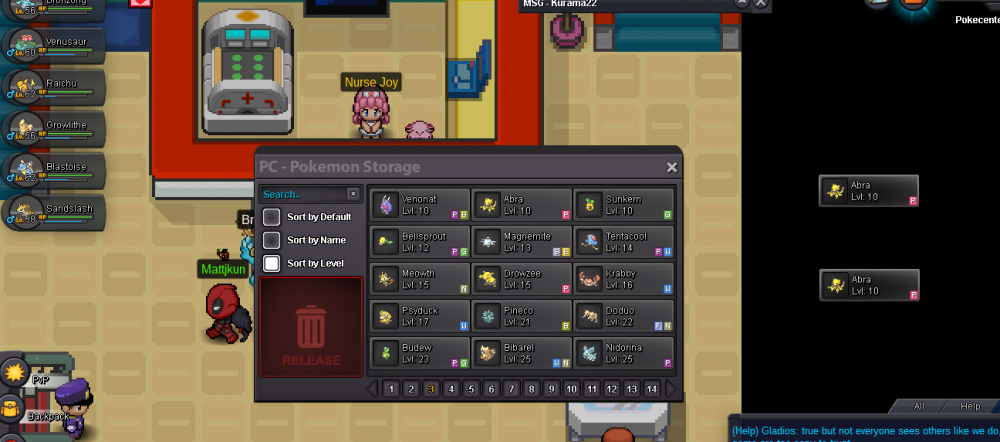
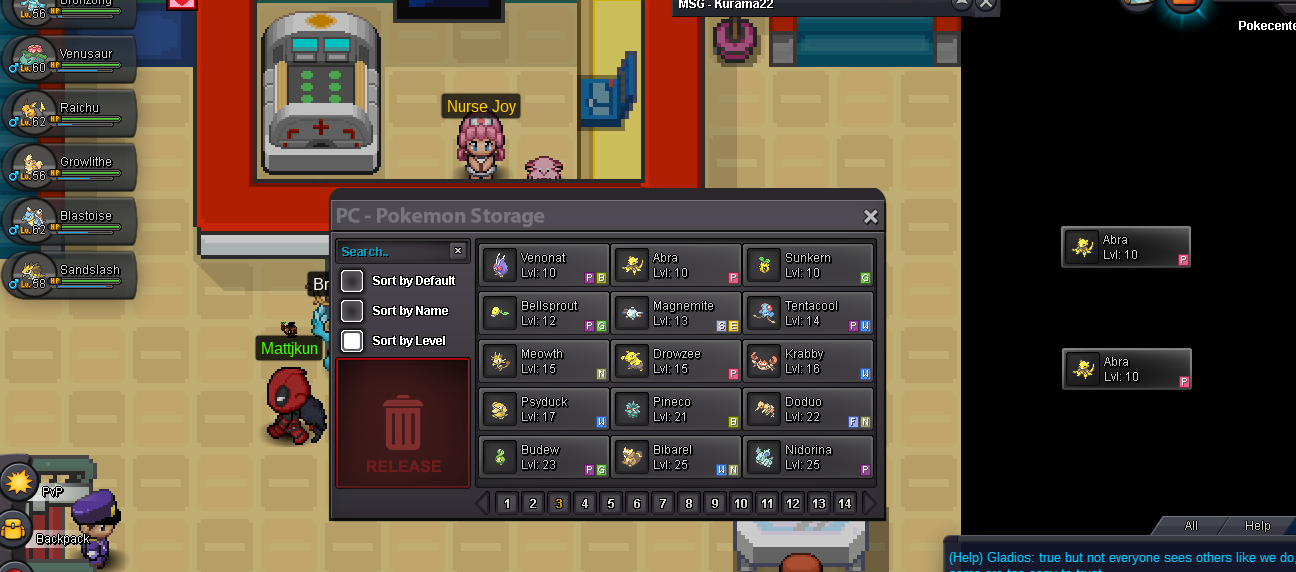
So I was trying to show someone an abra I had through a pm. I had heard that all you need to do was drag it to do so in the chat and figured it would work the same in the pm. Well, I tried to drag it from my box to the pm twice and now its just stuck there twice. I still have access to the pokemon, its just the box graphic won't go away, even if I got outside or log off and then back on. So yeah, anyone know how to fix this?