New Trade Zone
Trade Zone is now live
Use the new Trade Zone for auctions and instant-price trades so Pokemon and item offers are easy to find.

Ohlordyg
Registered User
-
Joined
-
Last visited
Everything posted by Ohlordyg
-
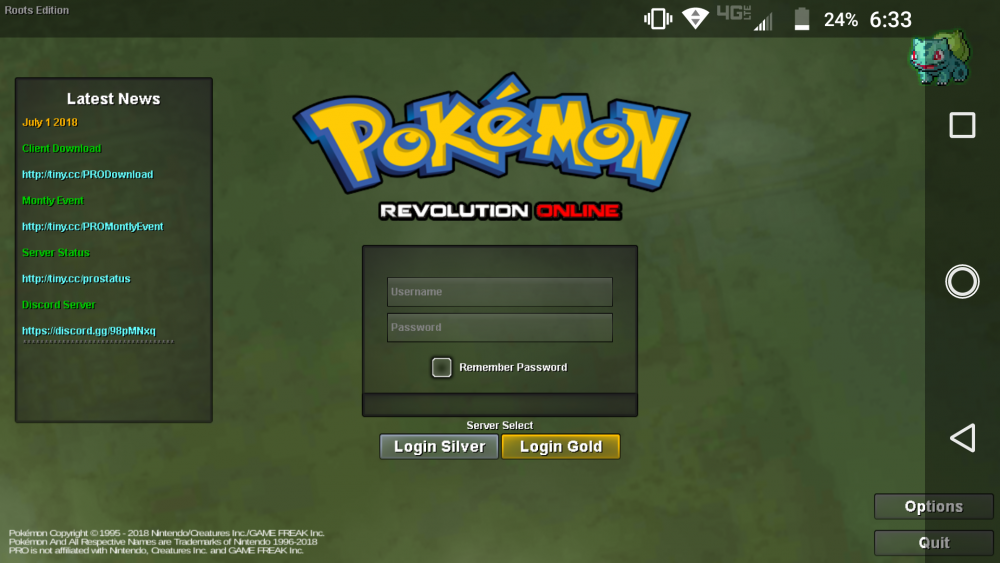
Sigh, now it looks completely normal, like seriously what the heck, thanks ive literally uninstalled this pronative clien 4 times and now all of a sudden its fixed, weird but thanks
-
lol, i cant change the resolution, so yea and im on android 7.1.1, i never had this problem before this new native client, i think this needs to be checked out and fixed
-
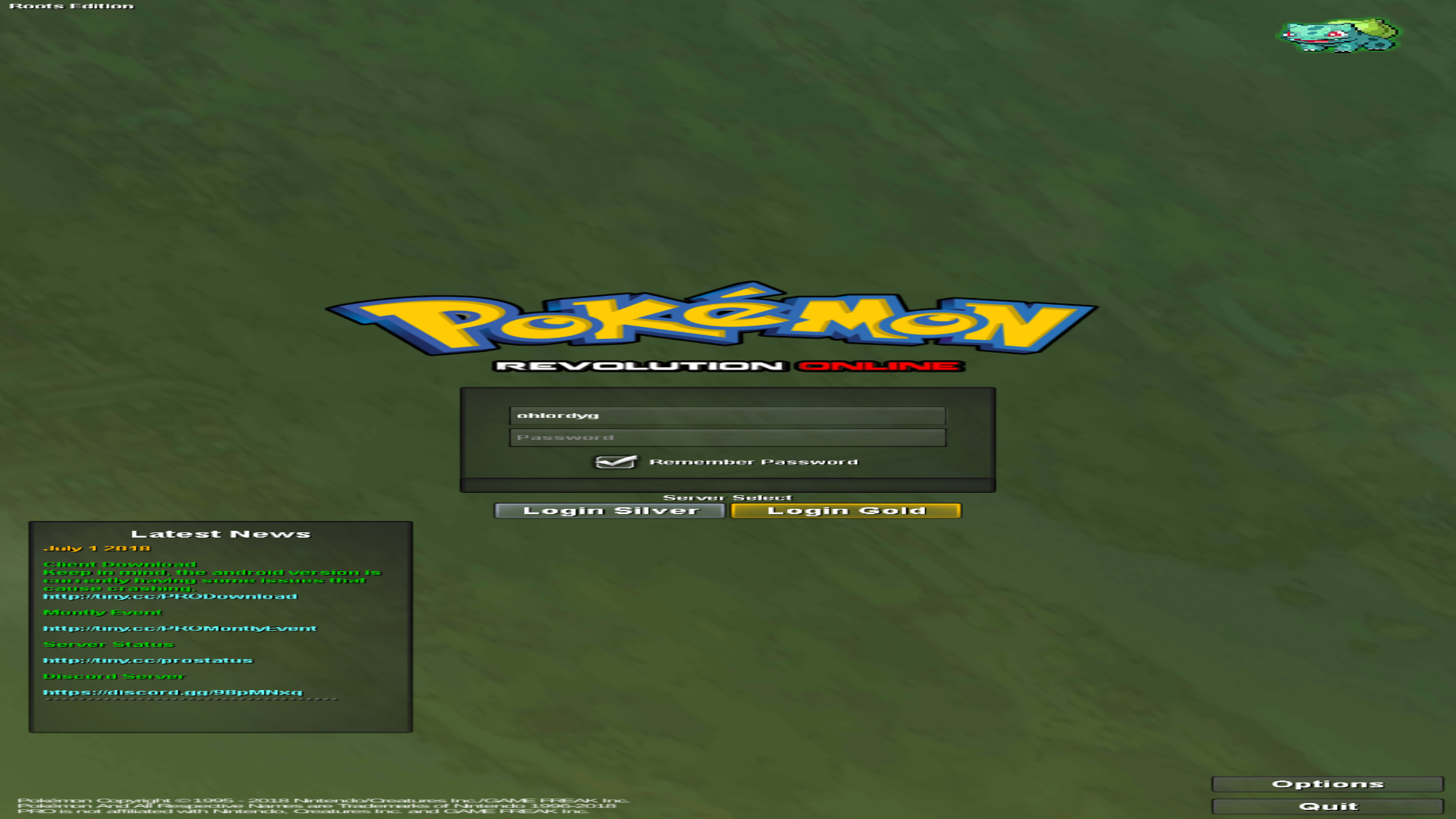
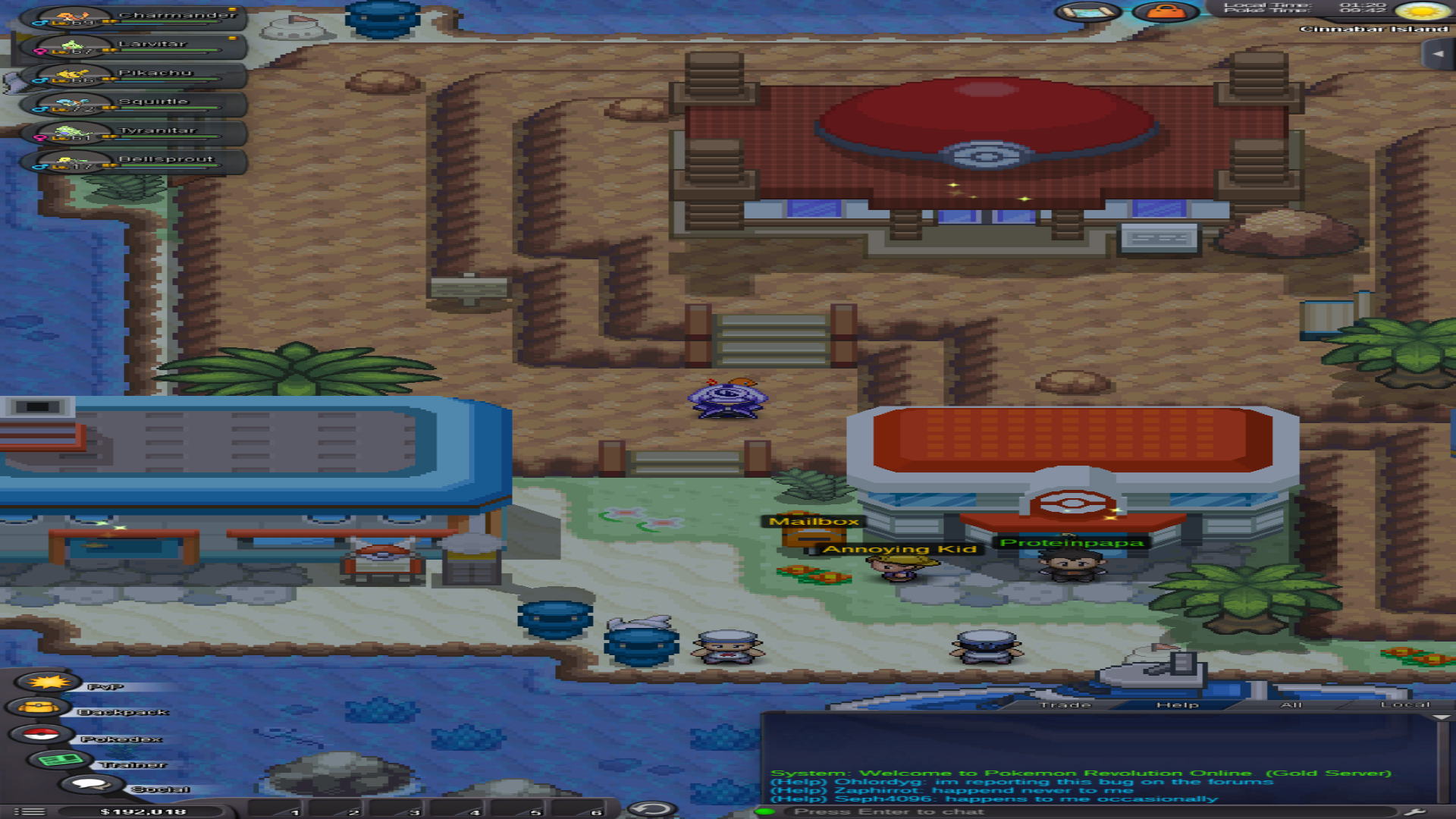
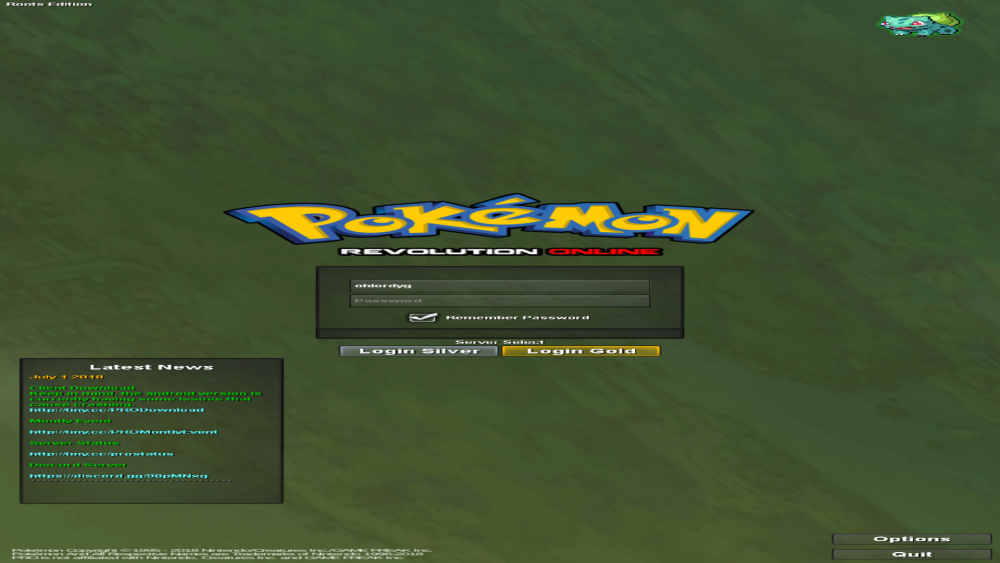
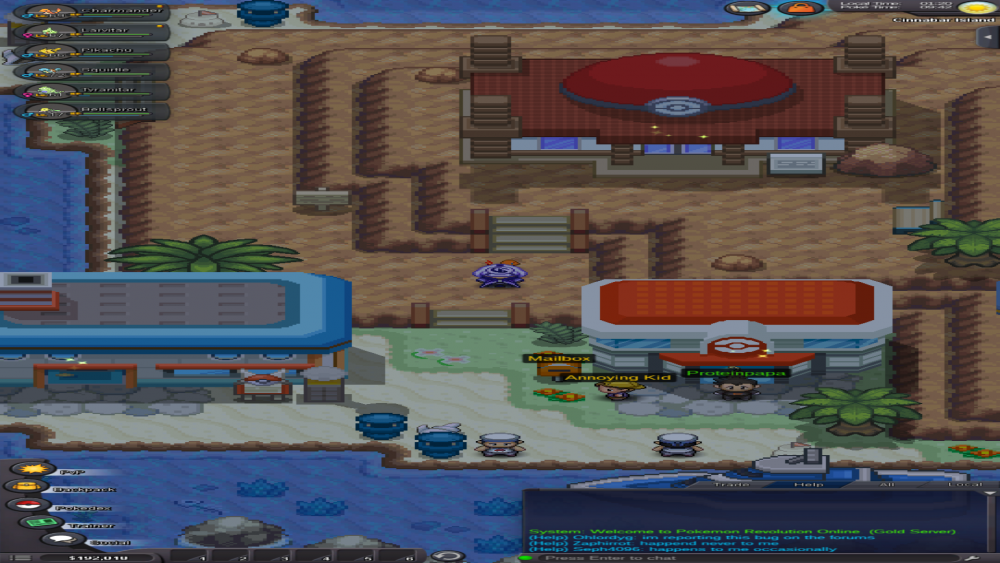
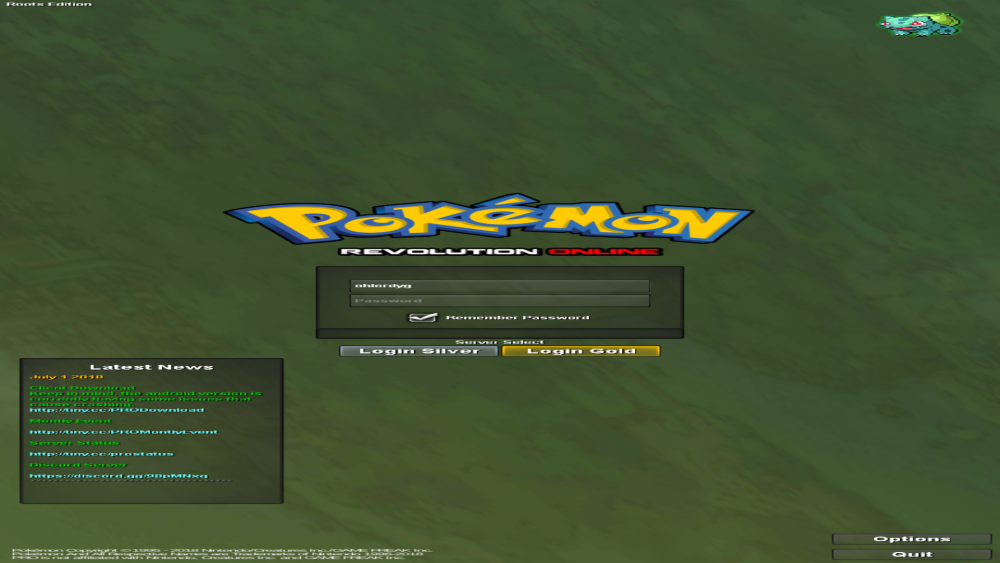
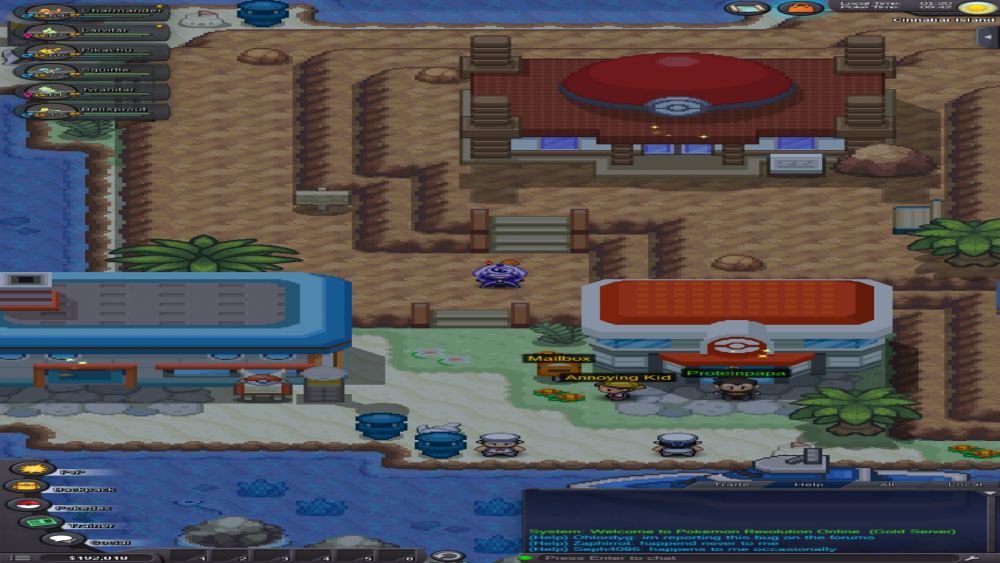
Now when i play pro my game looks like this, it super squushed looking and makes it impossible to read anything, ive tried messsing with the gui scale but that does nothing but make the screen looks even worse
-
Thanks friend i have pictures to show you how my game looks currently on this new client
-
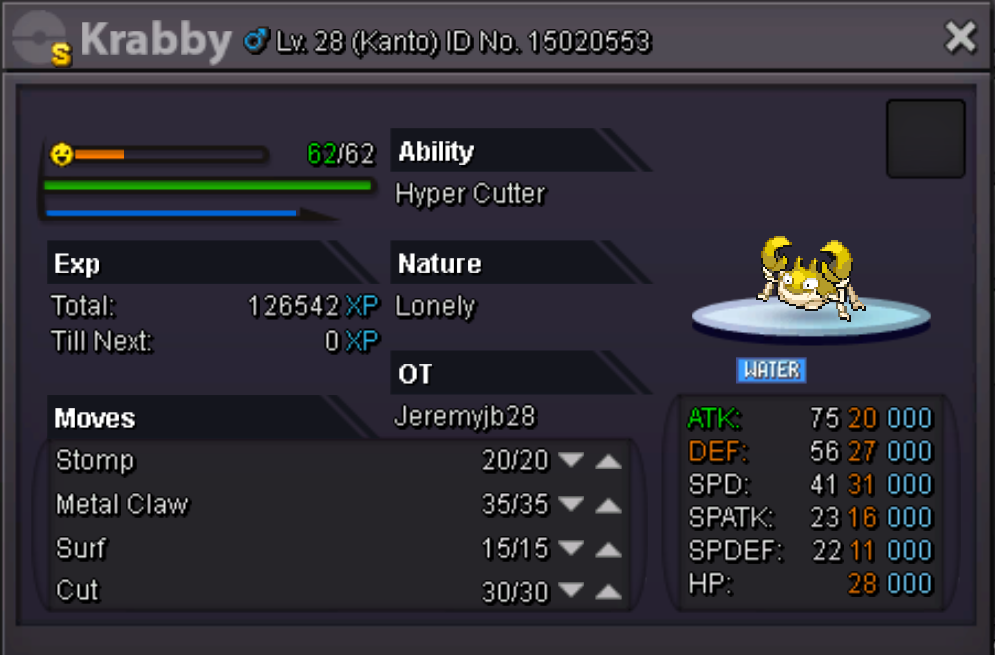
Comment your offers
-