New Trade Zone
Trade Zone is now live
Use the new Trade Zone for auctions and instant-price trades so Pokemon and item offers are easy to find.

Bhonz21
Registered User
-
Joined
-
Last visited
-
Thanks mate. You are kind. I appreciate it. I have an offer to your poke. If you accept it, we can still make the deal.
-
Very well said. and i do appreciate your concern to the seller. But please be noted that never in my mind that I will run on this bid. I would say it's happen on wrong time and unexpected day. Not every day you will get a best offer on trade chat, so I grab it. For sake of honesty, I send picture proof that I don't have money left to buy the poke. thats why I send picture. Anyways, we can STILL make it. I have epic pokes + cc and items(Choice items, life obs). I can probably reach 2.7m. lf the seller accept then I still in the bid right?
-
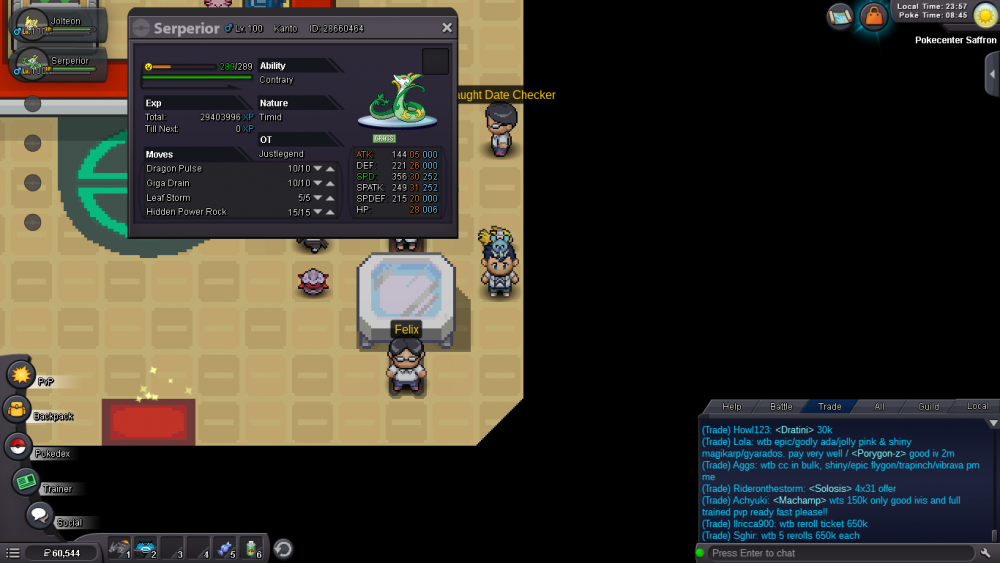
I'm really sorry to tell you i need to decline my offer. i actually bought this 2... and i dont have money left.
-
Still available? If available....2.7m for me. Thanks
-
1.4m for doublade pls. :)
-
ATLEAST 31HP AND 25+ OTHERS STATS IS WHAT I WANTED.
-
is this sold? if not...2m for me
-
1.2m for me
-
300k for me..
-
Start on me...
-
BUMP!
-
is goomy sold? want to bid 400k for it.
-
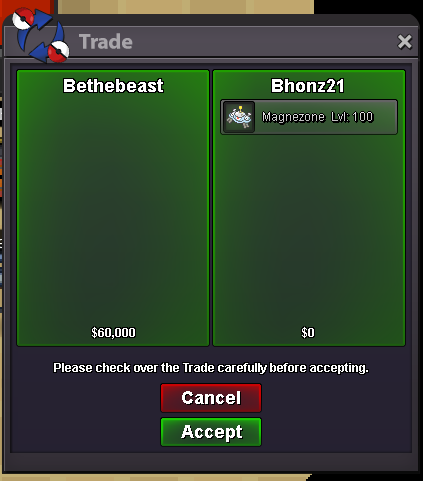
BUMP! UPDATE! Magnezone hp ground is SOLD to Bethebeast. Thanks sir! :)
-
BTW ALL GOLD SERVER. xD
-
do u mean you are on silver server? im trying to pm you but your not online?