New Trade Zone
Trade Zone is now live
Use the new Trade Zone for auctions and instant-price trades so Pokemon and item offers are easy to find.

Hunchojack
Registered User
-
Joined
-
Last visited
Everything posted by Hunchojack
-
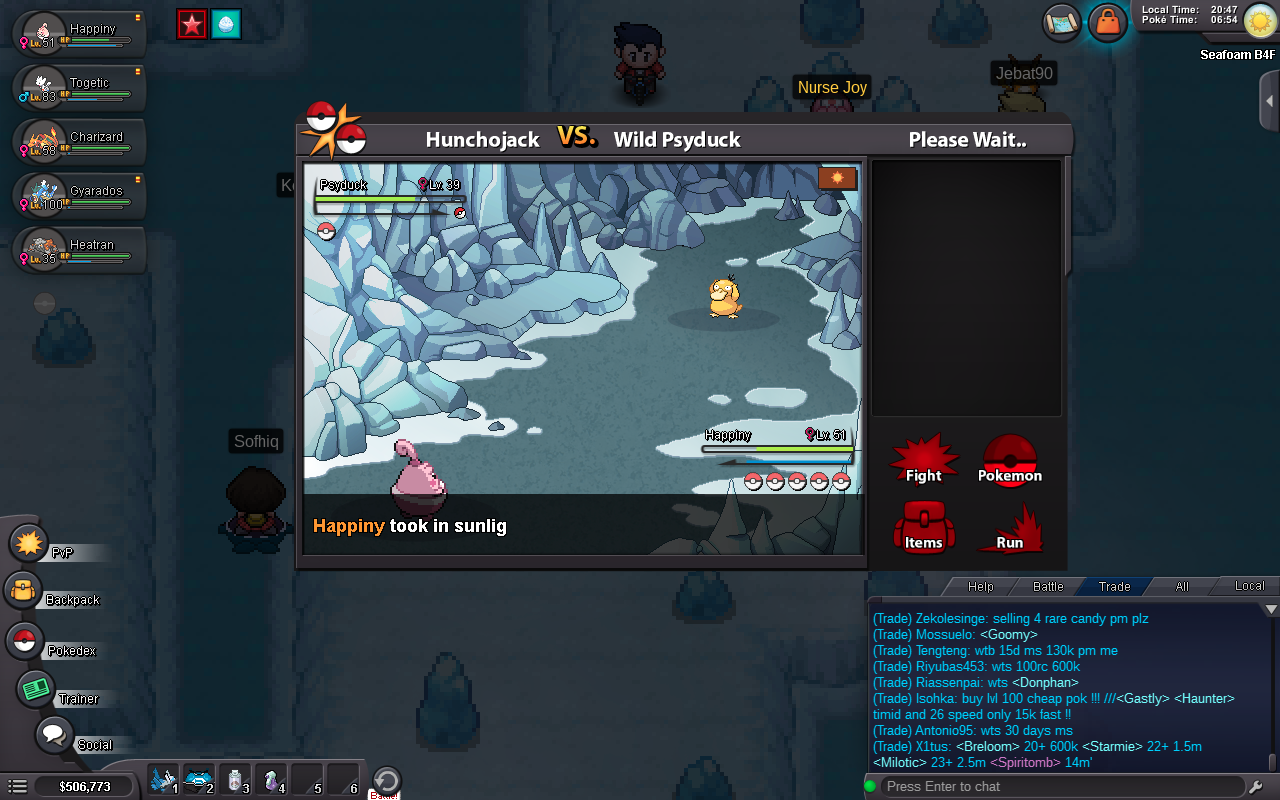
i literally used sunny day the turn before there's something bugged
-
sunny day is active and solar power still takes 2 turns
-
● What's your Name/IGN? Hunchojack ● Are you active in Discord? yes im active on discord ● Where are you from? Canada ● What's your playtime?/How often do you play PRO? i have 262 hours & i play everyday ● What's your goal in PRO? my goal is to be ranked high in pvp ladder & catch all the legendaries ● Why do you want to be part of Chaos? i want to be apart of Chaos because you guys are the best guild and you all seem like very nice people that i'd enjoy conversing with ● What's your favorite Pokemon and why? my favourite pokemon is Umbreon because it has my favourite design & it's a very good tank it's on my pvp team ● What's your favorite animal and why? Dogs, i love them because of how loyal they are to their owners if trained and raised correctly & how playful&loving they are
-
Could you maybe try private messaging me the server link on Discord? my user is: bighuncho#8417
-
I just tried clearing my cookies and still didn't work :( i just made a discord account i don't know why it won't work
-
It says This instant invite is invalid or has expired, maybe i clicked it too late
-
id love to join the pro discord server, every link i've found is expired, try changing the settings of the link to set never expire :)