New Trade Zone
Trade Zone is now live
Use the new Trade Zone for auctions and instant-price trades so Pokemon and item offers are easy to find.

Niclasgrandell
Registered User
-
Joined
-
Last visited
Everything posted by Niclasgrandell
-
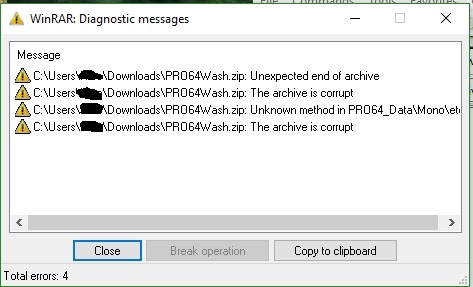
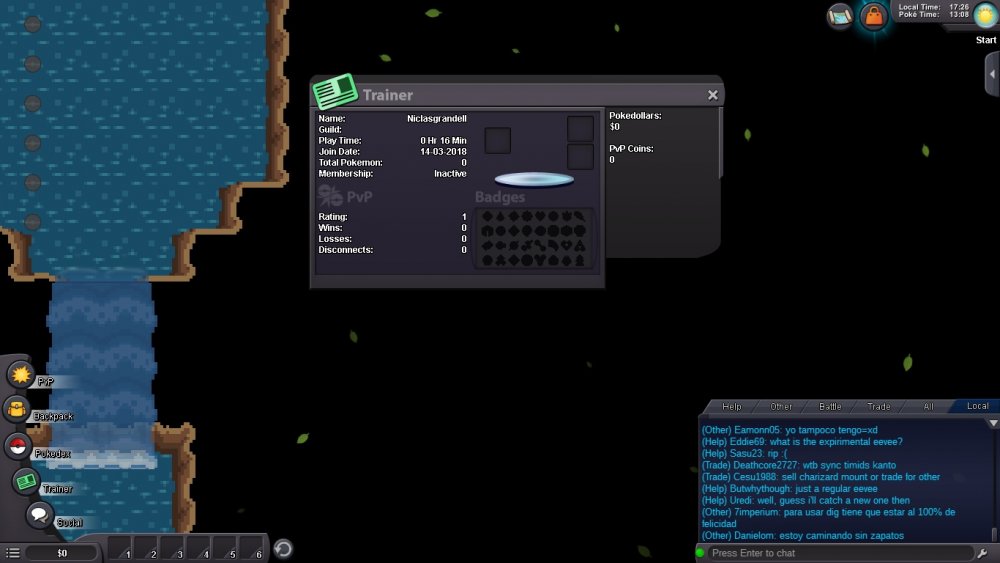
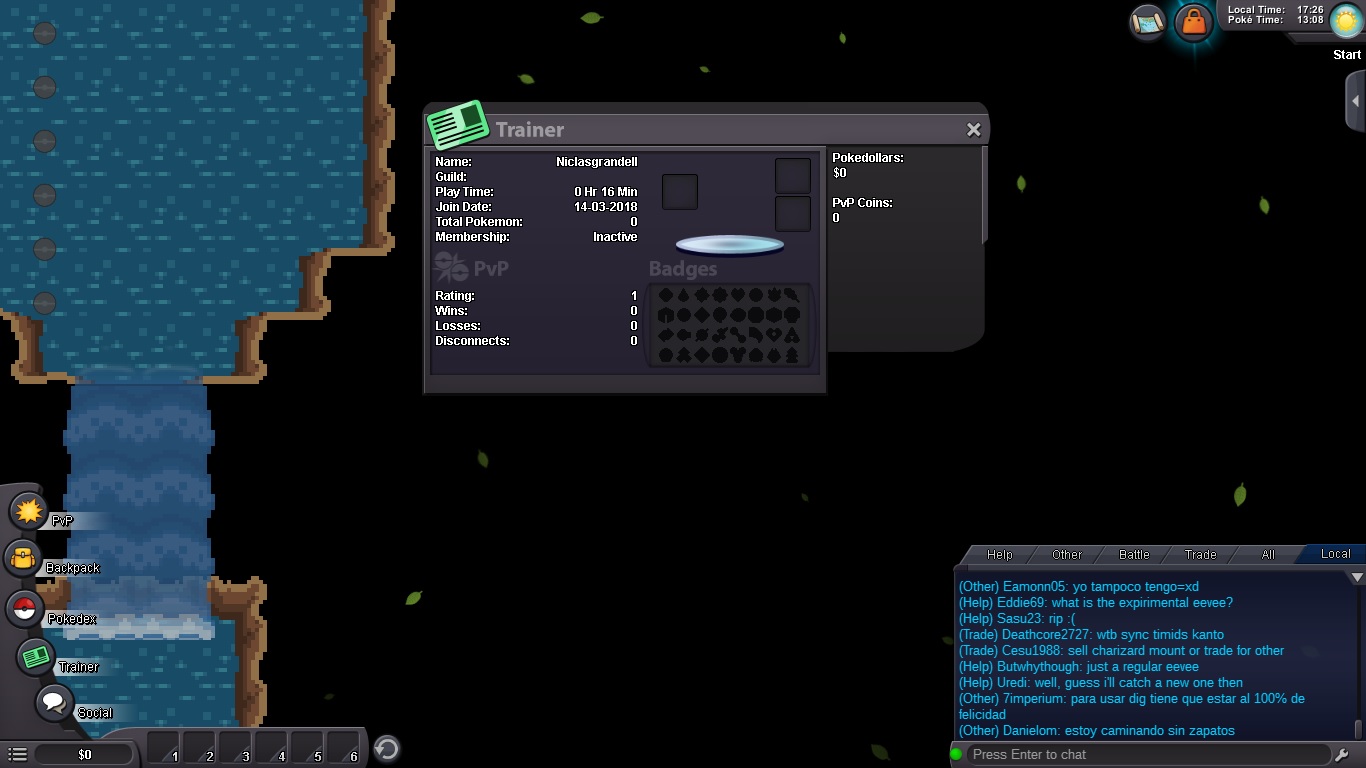
First off, I seem to be able to load and log into the game just fine; however, upon extracting the files from the zip, I would get these warning messages... After that I was able to start up the game and log in without issue; but when I logged in for the first time, the character avatar in the character customization scene was missing (I ended up watching a someone else's playthrough in order to determine what customization numbers I wanted for my character. Now whenever I log in (no matter how many times I uninstall and reinstall the game), I get this: Most of the environment map is missing and no character avatars appear either. What could be the cause of this?