




New Trade Zone
Trade Zone is now live
Use the new Trade Zone for auctions and instant-price trades so Pokemon and item offers are easy to find.

Amanprasad1335
Registered User
-
Joined
-
Last visited
Everything posted by Amanprasad1335
-
Thanks, that was all.
-
Can I still catch Keldeo?
-
Can i still catch Volcanion? Players in help chat doesnt know for sure.
-
No words for me to complain now -_- I was fighting Toothless boss in abandoned Boat in Sinnoh on medium level and game crashed. GMT - 03:36 pm Tuesday, 2nd Feb 2021 This is my fourth case (battling boss and game crashed)
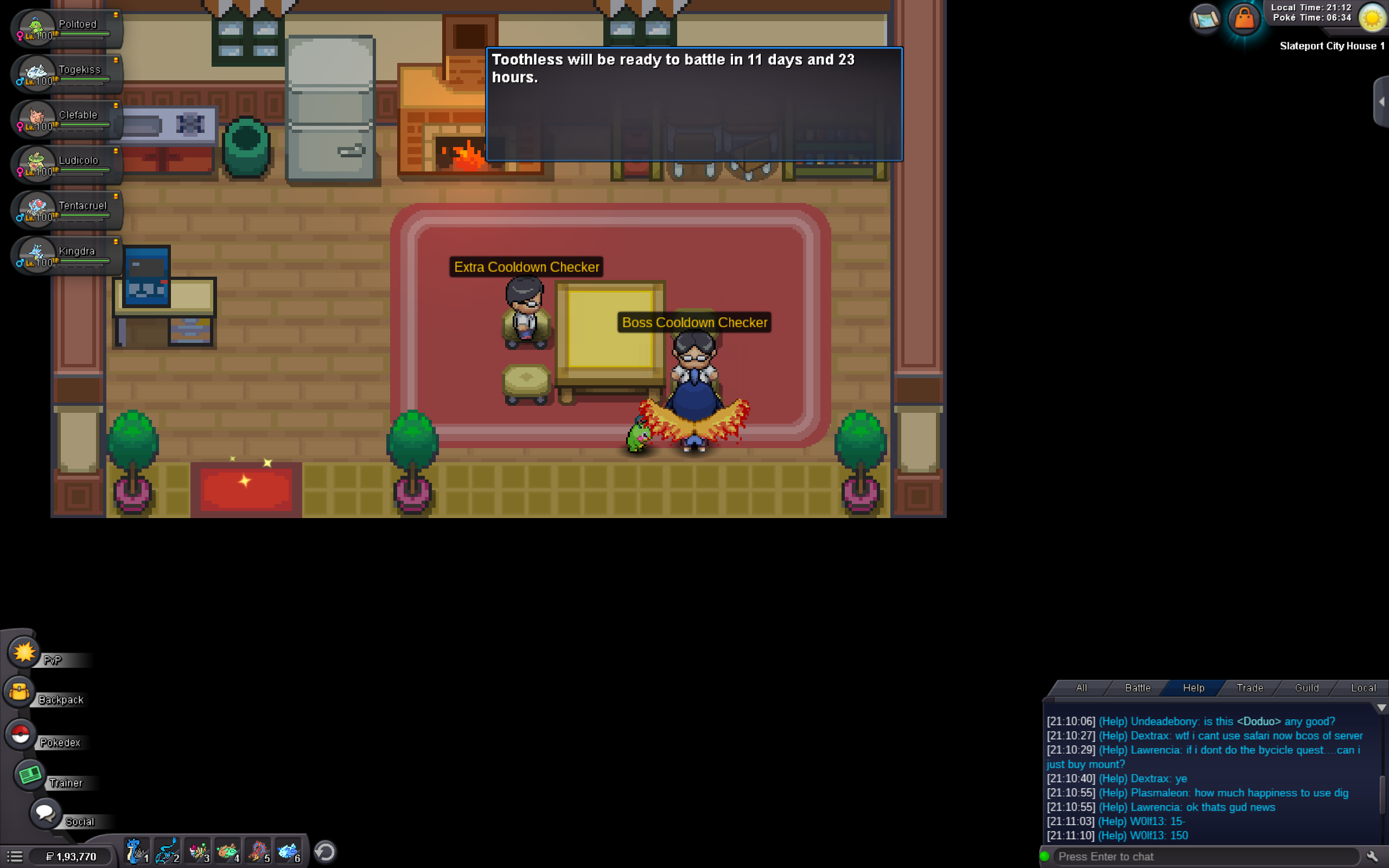
-
I crashed during 3 battles with Lorelei, Bugsy and Gamer Pewdie and Gamer Diepy. This was my 4th crashed boss battle. On Lt.surge,i already won twice and this time was thrice but because of crash,i lost my consequetive wins. Please help me.
-
Bruh,its crashing since i rejoined the game i.e. 3 days ago. I already lost 3 boss fights. This is my 4th boss fight with Lt.surge. I already won 2 matches with him earlier and today was the third and i was excited. I defeated 4 pokemons of Lt.surge. I was playing on Medium Mode and it crashed and i lost all my consequetive wins. GMT = 10:22 am,Tuesday, 2nd Feb 2021
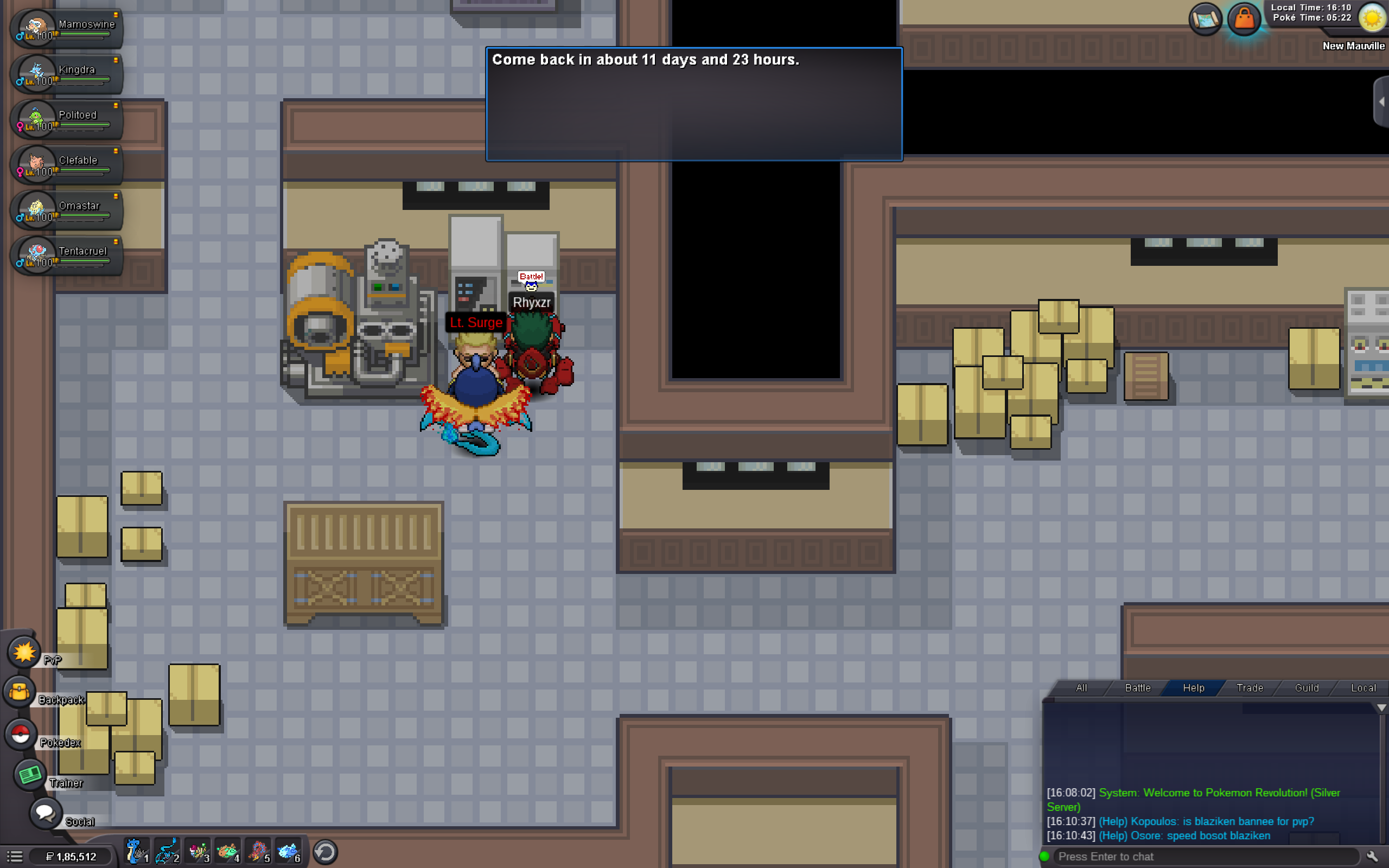
-
I had crash many times but during that crashes, i was fighting with Lorelei,Gamer Pewdie and Gamer Diepy and Bugsy but server crashed and i lost the battles. Please reset my cooldown. I was fighting them at medium level. PMBCC 02-02-2021 09.35.47.pdf