New Trade Zone
Trade Zone is now live
Use the new Trade Zone for auctions and instant-price trades so Pokemon and item offers are easy to find.

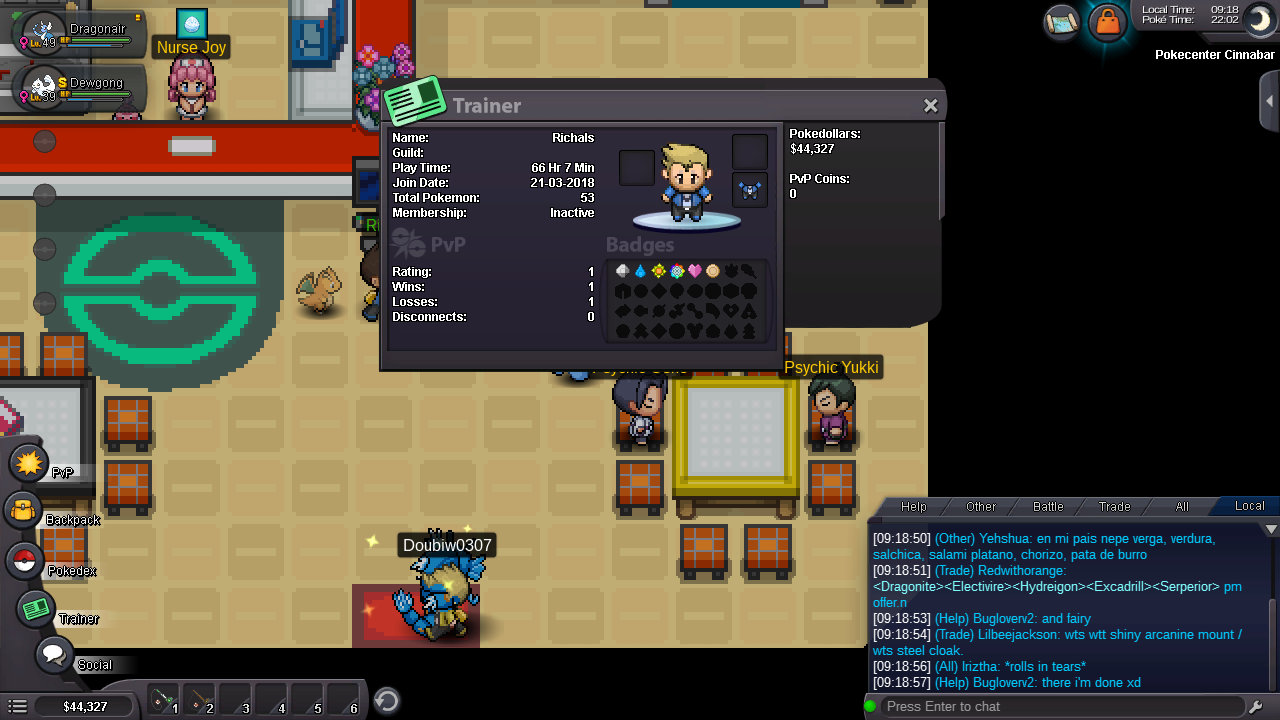
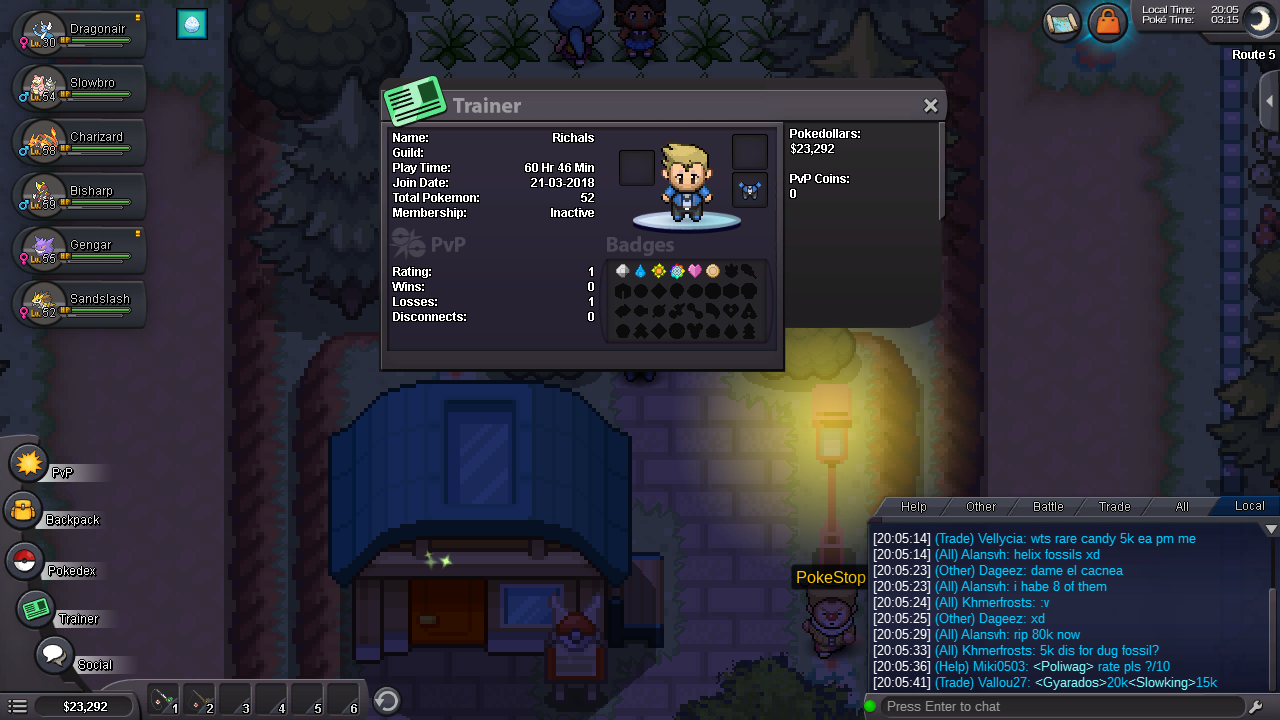
Richals
Registered User
-
Joined
-
Last visited
-
Hey.where to get honey
-
Richals #0611 I am an active player I am 20 years old I will help the guild in whatever way I can to better the guild I played played in blue server originally I know you think I am a guy that do not play games because I didn't know my discord tag. I am from India.I never used discord app before.i n every game I played before I either used game chat or wattsup if we were all known people in a clan.I just created a discord account now.that is why I didn't know about discord tag earlier.sorry
-
I am having my final university exams from day after tomorrow .so I may not be able to to be very active for two weeks.but I will check from time to time.and will became fully active after the exams
-
I am playing using mobile.I can not find itWhere to find discord tag?Where to find discord tag?My real and in game name is Richals I don't know what is my discord tagI want join a good guild for the experience to be in a guild Favourite pokemon grininja.because it is a cool pokemon I am online all my free time.that is a lot of time now I like Polemon that is why I play PRO.I don't know discord tag I am active
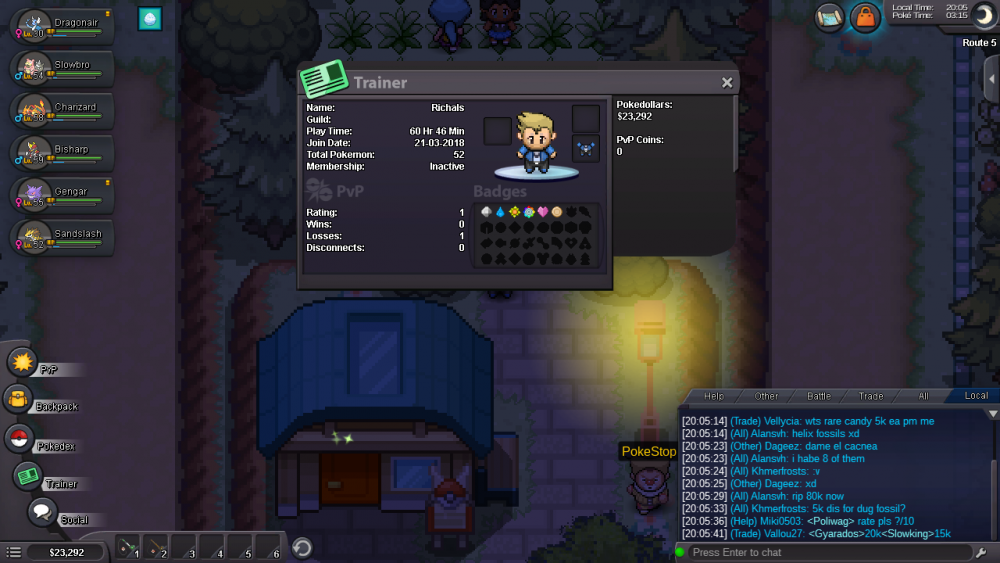 Richals Loves pokemon Loves all the pokemon Speaks English From India
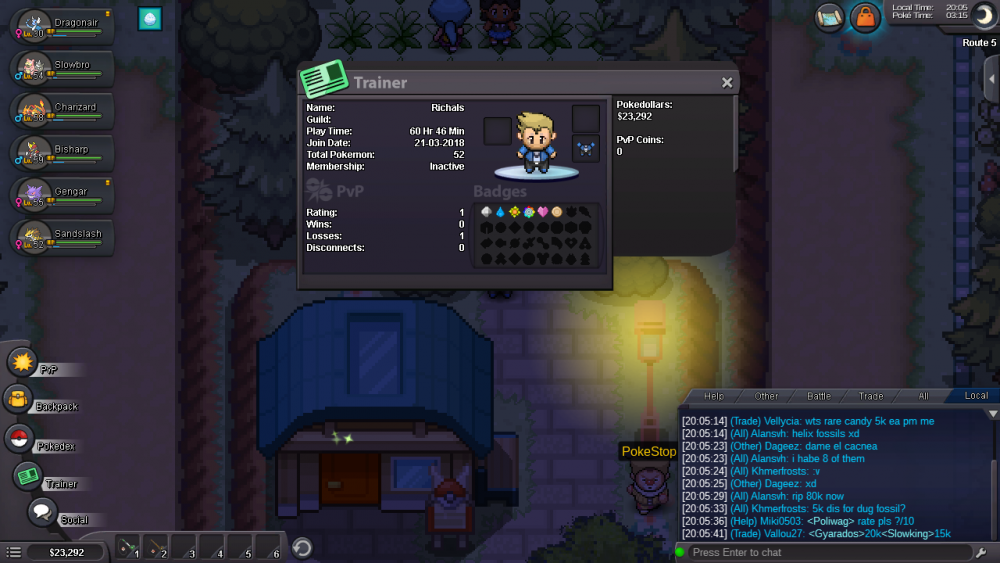 i played for 2 days 6 hours in game now.i want join a guild.please send an invitation .i am from india