New Trade Zone
Trade Zone is now live
Use the new Trade Zone for auctions and instant-price trades so Pokemon and item offers are easy to find.

Intinygraii
Registered User
-
Joined
-
Last visited
Everything posted by Intinygraii
-
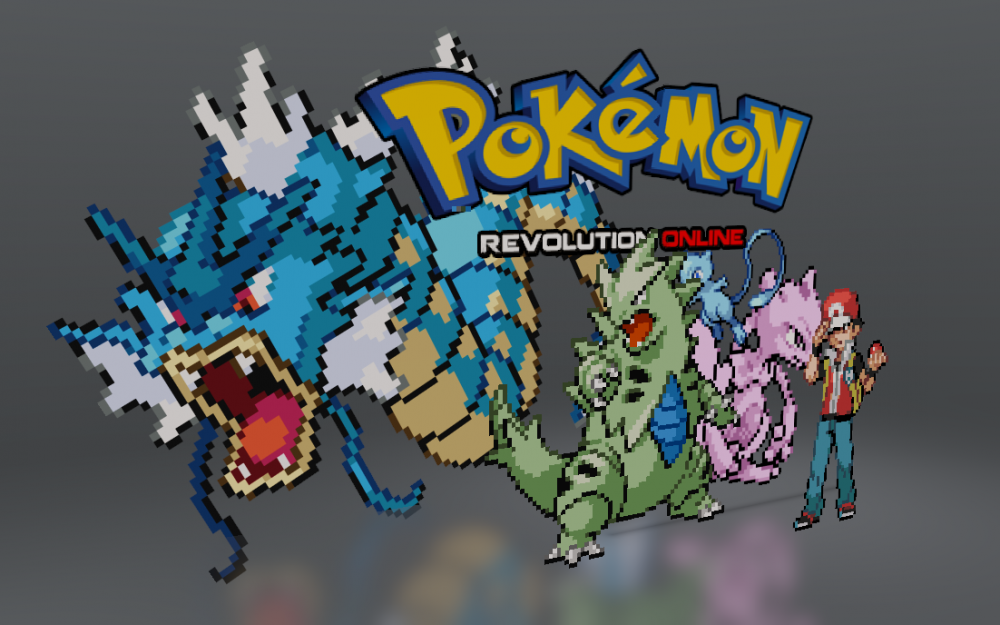
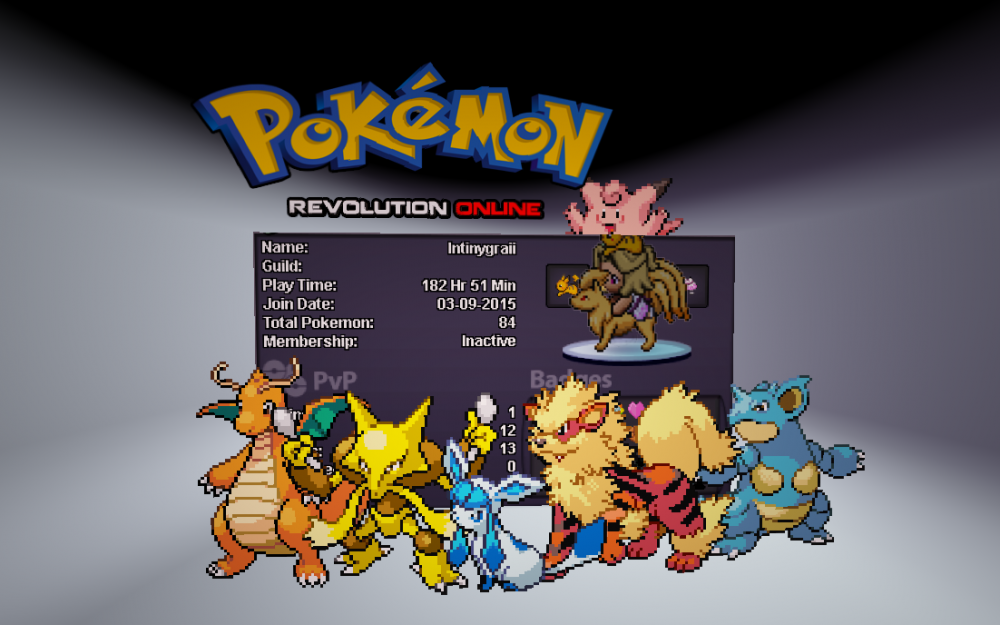
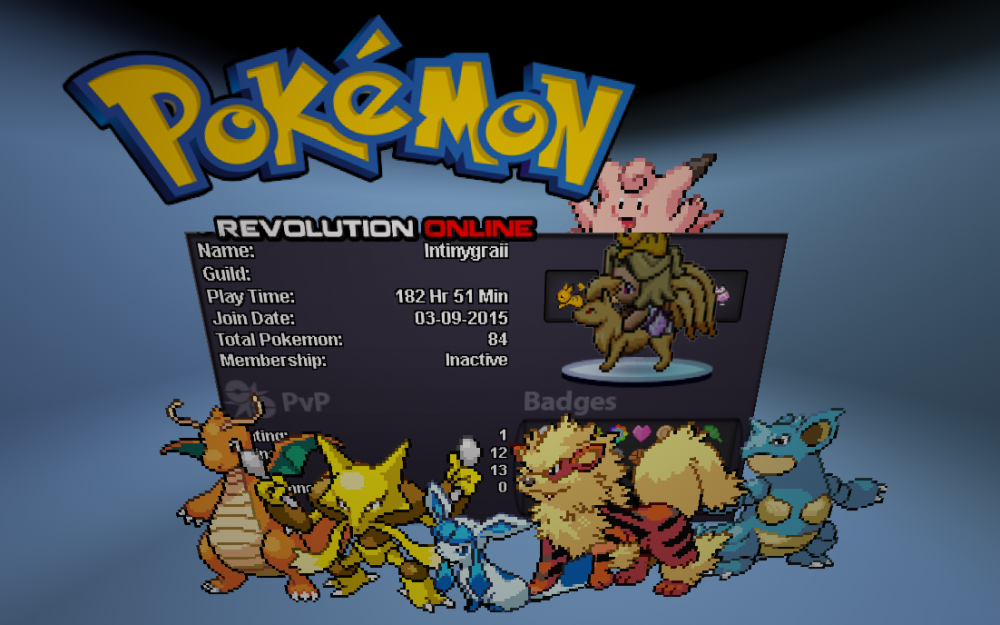
I was just chilling when the sever went down. I was going to mess with some game sprites and I found a 3d paint on windows 10. So I had a little mess about with it. If you plan it out right, you could make little battle scenes with it. Here is what I made when messing around.
-
Cheers man! Chik was my first-second gen pokemon back in the gold and silver days. It was the first pokemon I cloned on pokemon stadium2 aswell.
-
watch?v=xCjWXRaYM2c < Youtube. It's a new a new show. Check it out, tell me what you think. It won't let me post links, I don't know if the forum had a reset or something. It's been a minute since I've been back online and active. I composed the music and mixed it myself.
-
I liked it.