New Trade Zone
Trade Zone is now live
Use the new Trade Zone for auctions and instant-price trades so Pokemon and item offers are easy to find.

Shinyragnaros
Suspended
-
Joined
-
Last visited
Everything posted by Shinyragnaros
-
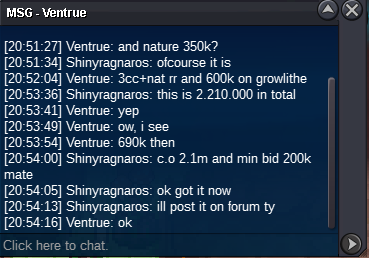
2.3m by @Ventrue - min bid 200k - https://countingdownto.com/?c=3948838
-
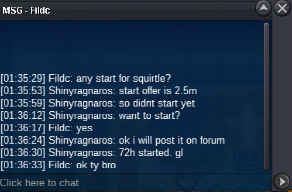
SQUIRTLE - c.o 2.5m by fildc, min bid 250k - approx 33h left
-
c.o 2.1m by hanasaki min bid 200k insta 4m - approx 27h left
-
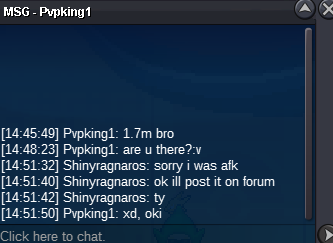
1.7m by pvpking1. min raise 200k insta 4m - approx 47hours left
-
SQUIRTLE - approx 59hours left - b.o 2.5m by fildc, min raise 250k
-
1.5m by Hanasaki min bid 200k. 48hours started. gl

-
squirtle started. 72hours
-
prices updated.
-
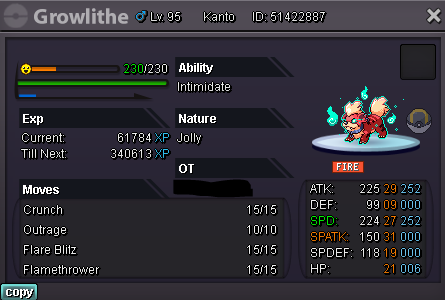
Accept Pokedollars and cc , Reroll Ticket Coin Capsules (420k) Reroll Ticket (700k) Auction lasts 48h, after the first bid https://countingdownto.com/?c=3948838 Start Offer : 1.5M Minimum raise is 200k. Insta : 4M Good Luck.
-
https://pokemonrevolution.net/forum/topic/188669-48h-auction-hlw-raltsmale-jolly-so-25m/
-
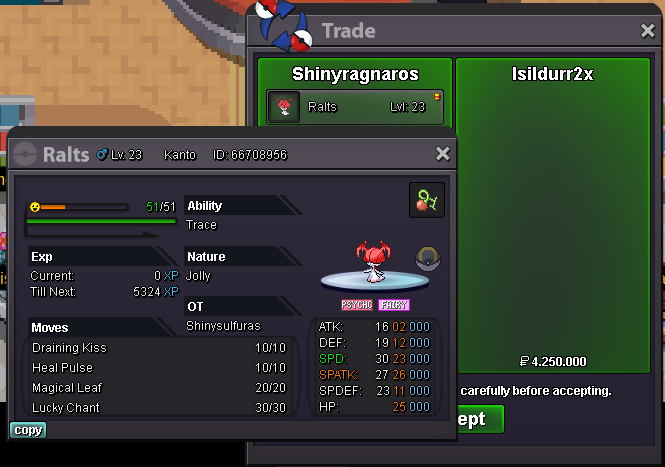
RALTS auction is over. @isildurr2x won. ty for all bidderslast 43mins for ralts . best offer 4.25m by isildurr2x - min bid 250k@marcus88 min. bid is 250k . your post is 4m+50k in total. do you want to up to 4.5m ?RALTS -- c.o 4m by marcus88 . 2hours left, approxcan you clarify the price? i think its not clearly understood. reroll ticket=700k so your offer is 4m+50k ? am i right?3.75m by N0tme57 - 7h30m approx left
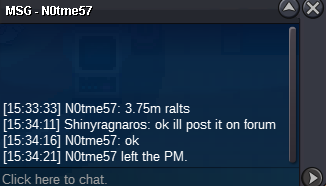 approx 23h left for ralts. c.o 3.5m by isildurr2xBroke link mateRALTS current offer 3.5m by isildurr2x - approx 44h leftRALTS current offer is 3.5m by isildurr2x - approx 56hours leftauction started for ralts - 72h . tyAccept Pokedollars and cc , Reroll Ticket Coin Capsules (400k) Reroll Ticket (700k) All Auctions lasts 72h, after the first bid CHESNAUGHT Start Offer : 4.5M Minimum raise is 250k. Insta : 8M SWABLU Start Offer : 2.5M Minimum raise is 250k. Insta : 6M SNORUNT Start Offer : 2M Minimum raise is 250k. Insta : 5M GOOD LUCK!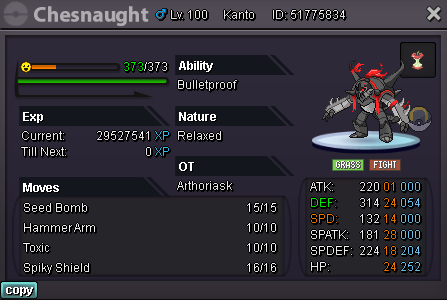

 I had to finish the first mission(Gengarite) without marowak. Now, no marowak in hard mode either..