




New Trade Zone
Trade Zone is now live
Use the new Trade Zone for auctions and instant-price trades so Pokemon and item offers are easy to find.


Ninah
Registered User
-
Joined
-
Last visited
Everything posted by Ninah
-
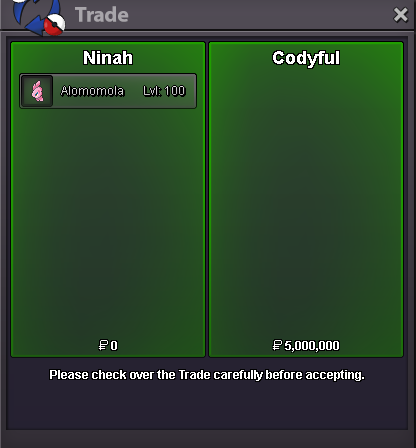
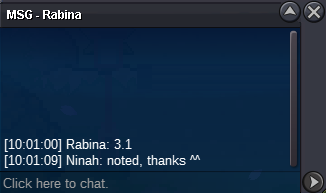
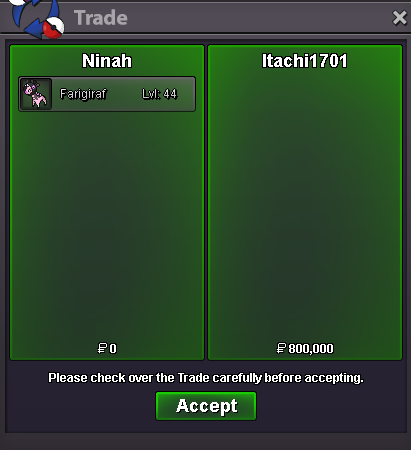
Auction won by @Codyfulfor 5m Contact me PM or Discord (.ninah) to meet and trade Thanks to all Edit: ss
-
-
-
Start Offer 400k Min. bid 100k Duration 2 days after first bid (only accept pokedolar)

-
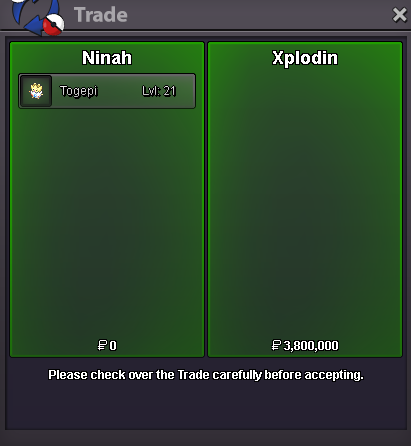
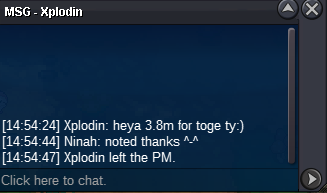
Auction won by @Xplodin for 3.8m Contact me DM here or Discord: .ninah Thanks to allBumpStart Offer 400k Min bid 100k No insta Duration 48hrs
 Auction won by Reddupont for 10m After the trade was made I realized I didn't post on this auction I accept CCs as other payment, I was sure I did but no, so sorry for that Also: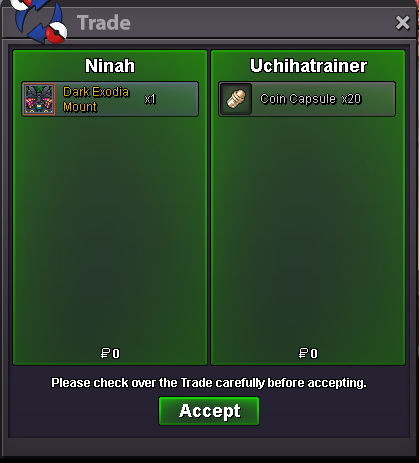
 Start Offer 10m Min bid 100k Insta 30m Duration 3 days after first bid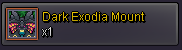

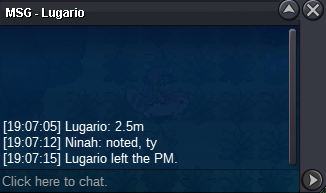
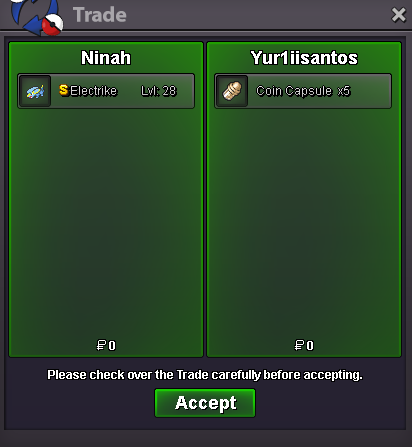
 @Yur1iisantos won the auction for 2,5m Text me here or Discord (.ninah) to meet and trade Thanks to allbumpbumpStart Offer 1m Min bid 200k Insta 5m Duration 72hrs after first bid Accept CC (500k) Reroll IV (550k)
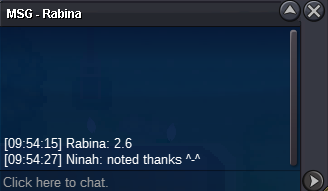
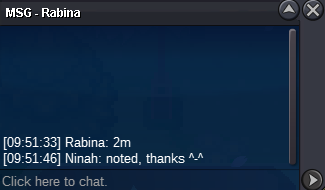
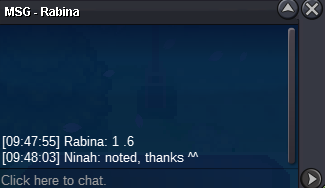
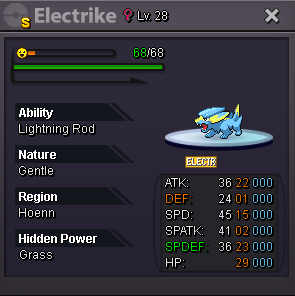 So if its accurate to the minute, bid at minute 15 doesnt count? because from 4:29 to 4:44 theres exactly 15min, so valid bids must be max at min 14 to count? thats the thing I didnt understand and want to learn to if it happens again some day

Account
Navigation
Search
Configure browser push notifications
Chrome (Android)
- Tap the lock icon next to the address bar.
- Tap Permissions → Notifications.
- Adjust your preference.
Chrome (Desktop)
- Click the padlock icon in the address bar.
- Select Site settings.
- Find Notifications and adjust your preference.
Safari (iOS 16.4+)
- Ensure the site is installed via Add to Home Screen.
- Open Settings App → Notifications.
- Find your app name and adjust your preference.
Safari (macOS)
- Go to Safari → Preferences.
- Click the Websites tab.
- Select Notifications in the sidebar.
- Find this website and adjust your preference.
Edge (Android)
- Tap the lock icon next to the address bar.
- Tap Permissions.
- Find Notifications and adjust your preference.
Edge (Desktop)
- Click the padlock icon in the address bar.
- Click Permissions for this site.
- Find Notifications and adjust your preference.
Firefox (Android)
- Go to Settings → Site permissions.
- Tap Notifications.
- Find this site in the list and adjust your preference.
Firefox (Desktop)
- Open Firefox Settings.
- Search for Notifications.
- Find this site in the list and adjust your preference.