New Trade Zone
Trade Zone is now live
Use the new Trade Zone for auctions and instant-price trades so Pokemon and item offers are easy to find.


Ninah
Registered User
-
Joined
-
Last visited
Everything posted by Ninah
-
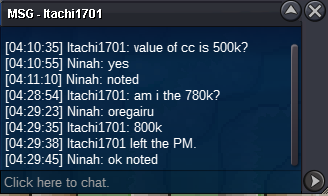
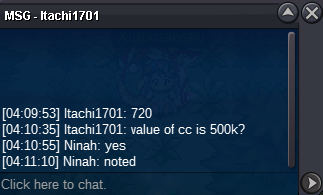
Well, I finally had help figuring out if the 820k bid was within the time limit or not. And unfortunately it was 13 seconds out of the limit so @Itachi1701 wins the auction by 800k. Sorry for the inconvenience and thank you for your patience
-
+15min
-
+15min added
-
Bump💗💗💗💗💗💗💗💗💗💗💗💗💗💗 Start Offer 200k Min bid 20k No insta Duration 48hrs after first bid Good luck
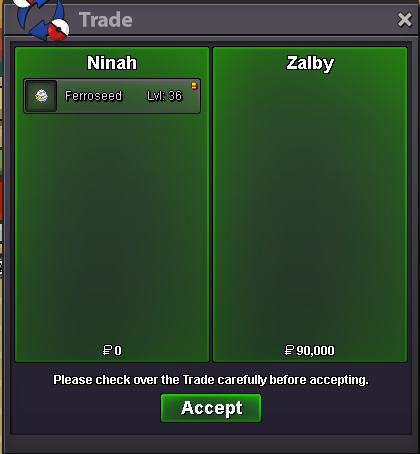
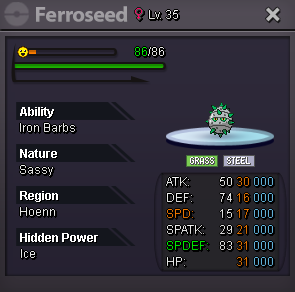
 Ferro #2 Ferro #1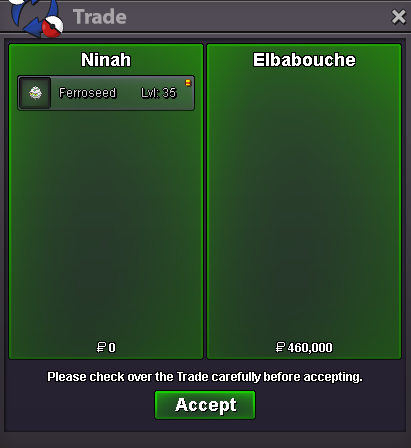
 Hey, sure Let me know when you can go online so we can trade PM here or Discord: .ninah#2 320k
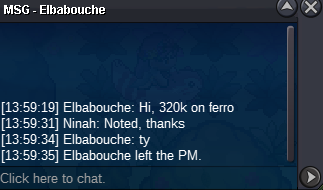 #2 300k
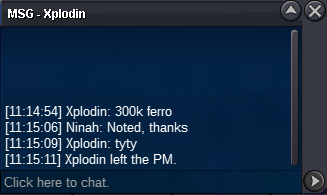 #2 270k
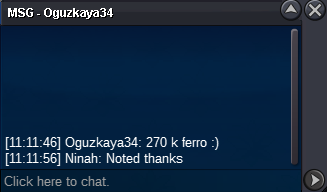 #2 250k
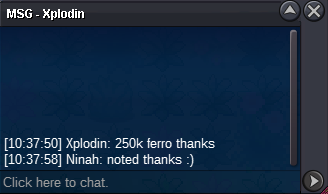 90k #1
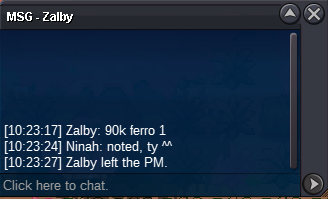 200k #2
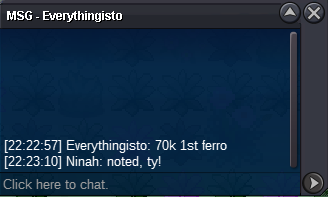
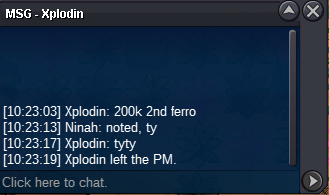 #1 70k by Everythingisto
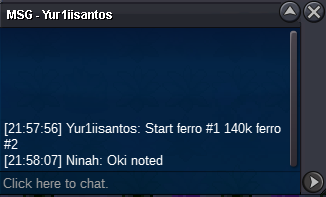
 Start Ferro #1 & 140k for #2
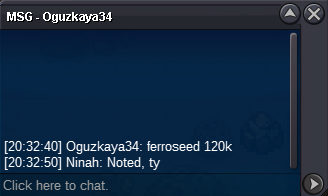
 Hola Las guarderías en PRO funcionan algo diferente, o bien son para aprender movimientos huevo a los Pokémon o para hacer el mini juego diario de Doctor Pokémon. No suben de nivel.#2 Ferro 120k by Oguzkaya34
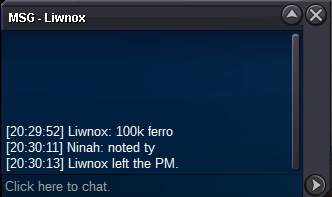
 #2 Ferro 100k by Liwnox
 _________________________________________________________________________________________________________ Ferroseed #1 Start offer 50k Min bid 20k Duration 48hrs after first bid _________________________________________________________________________________________________________ Ferroseed #2 Start offer 80k Min bid 20k Duration 48hrs after first bid _________________________________________________________________________________________________________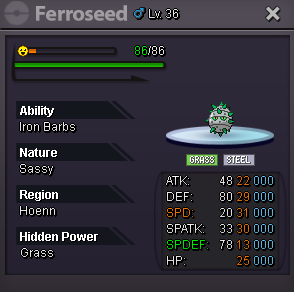
 When will you be available in game so we can trade?
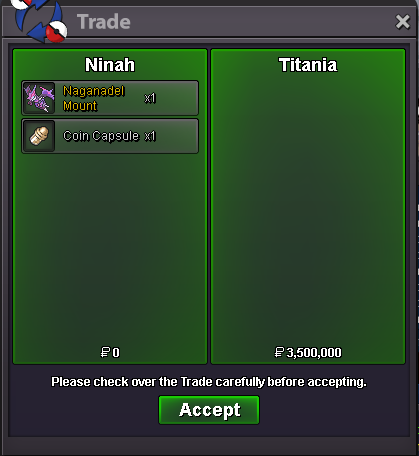
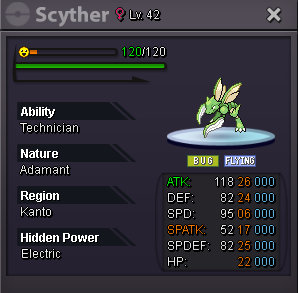 BumpAuction won by @Titania for 3m Contact me PM or Discord .ninah