New Trade Zone
Trade Zone is now live
Use the new Trade Zone for auctions and instant-price trades so Pokemon and item offers are easy to find.

Tidus
Registered User
-
Joined
-
Last visited
-
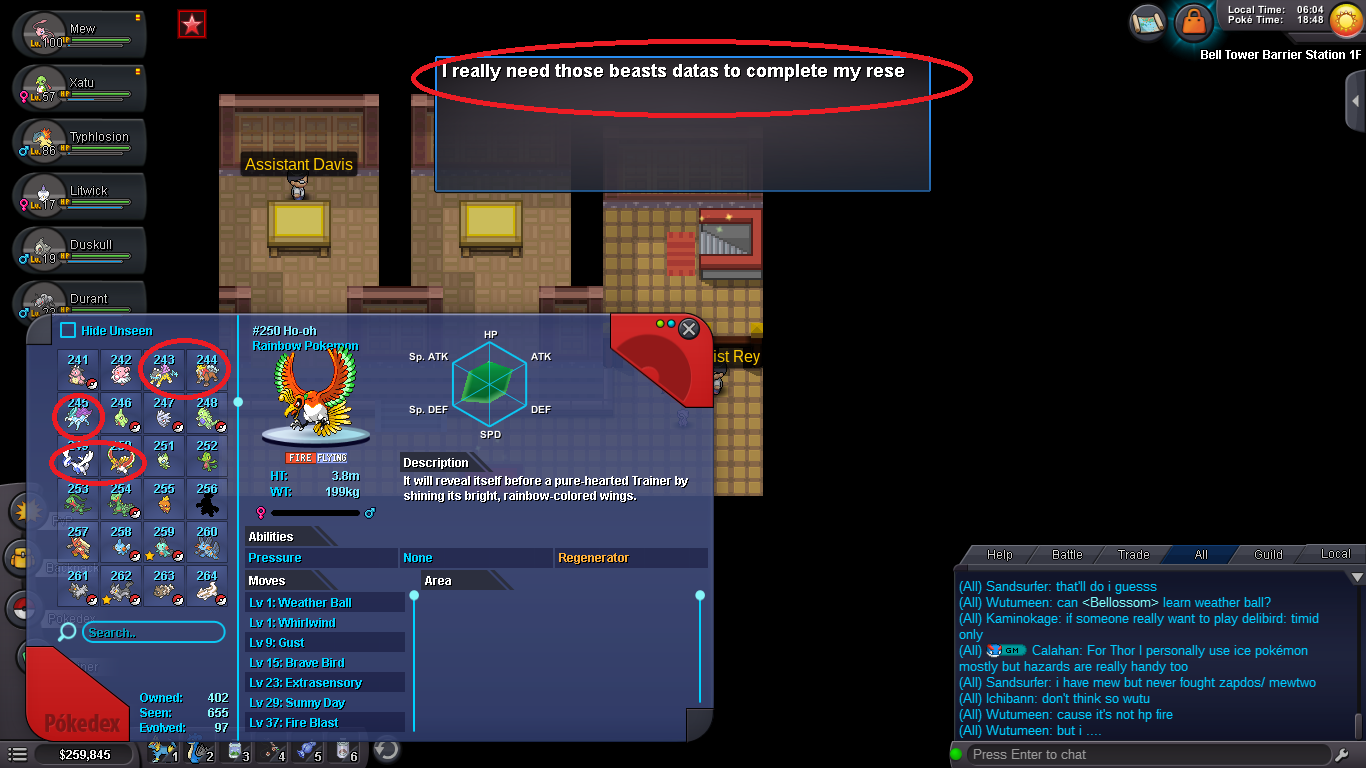
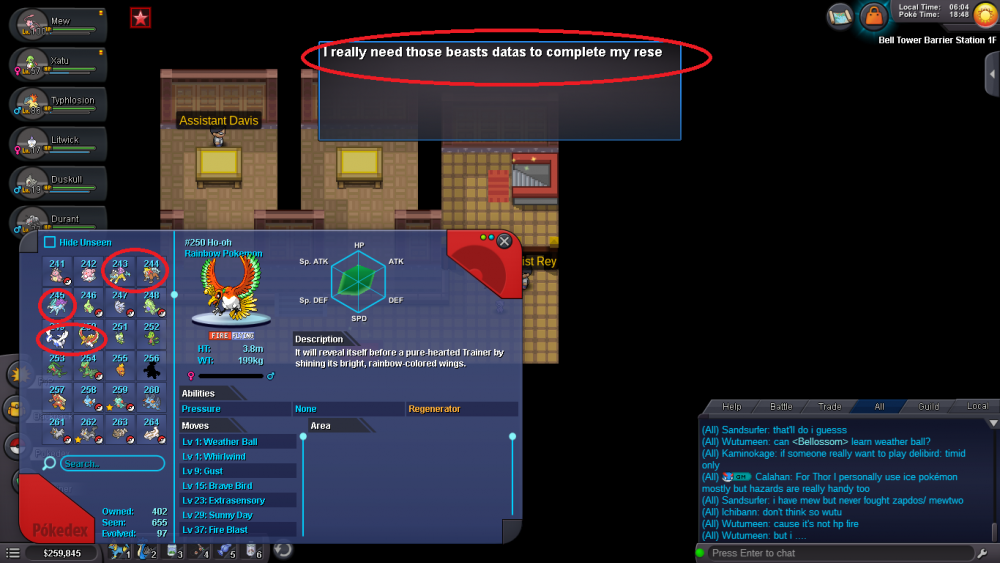
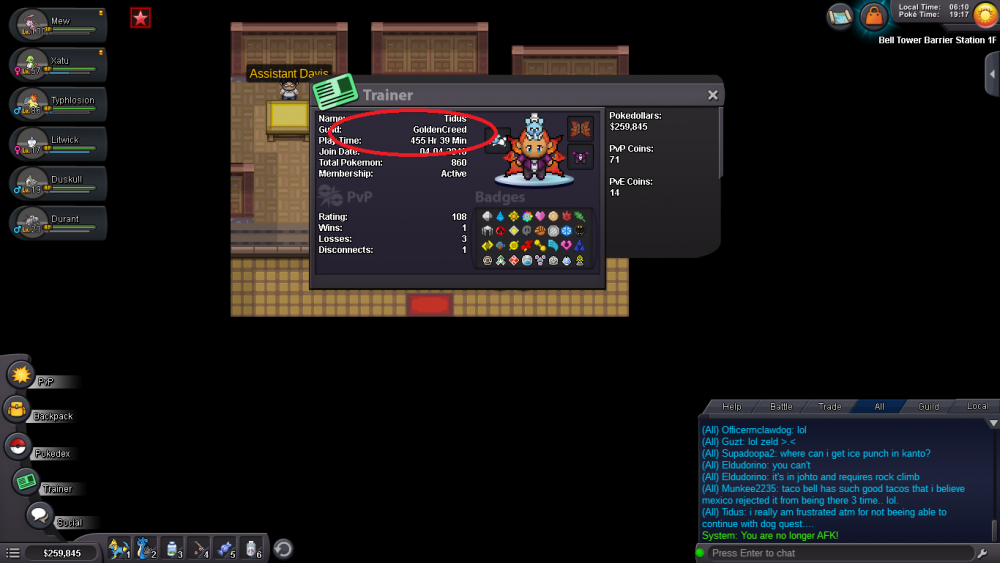
So I got 455 hrs game play. I got all legendaries seen data, GM told me to post thread here cause we can't figure out why the quest doesn't continue..
-
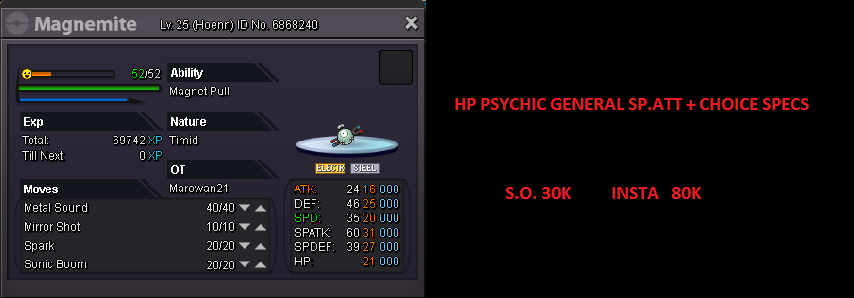
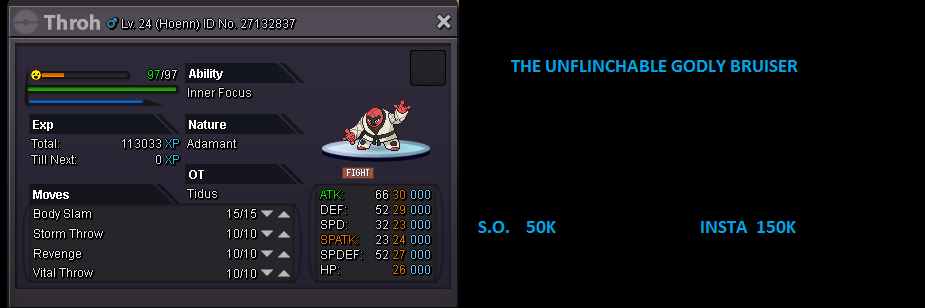
You can leave an offer for anything you like or find me in the game under the name Tidus on the Silver server. I will be checking here regularly.
-
MAY THE BEST TRAINER WIN! P.S. EVERY OFFER MUST COME WITH A NAME, SO EITHER WRITE YOUR CHARACTER NAME AT THE OFFERING COMMENT OR PM ME IN GAME UNDER THE NAME : Tidus


-
Is it more like minutes or hours? Can we maybe get that much? :P
-
I hope not long.. I was in the middle of a transaction xD . We wait and see. And whoever logs in first reply here
-
I think the server is down for maintenance. We got a message lik 20min ago
-
Oh my, I had no idea about this. That's where the missunderstanding happened.. Thank you so much, you've most most helpful and kind. (also really fast to respond) <3 10/10 Cheers!
-
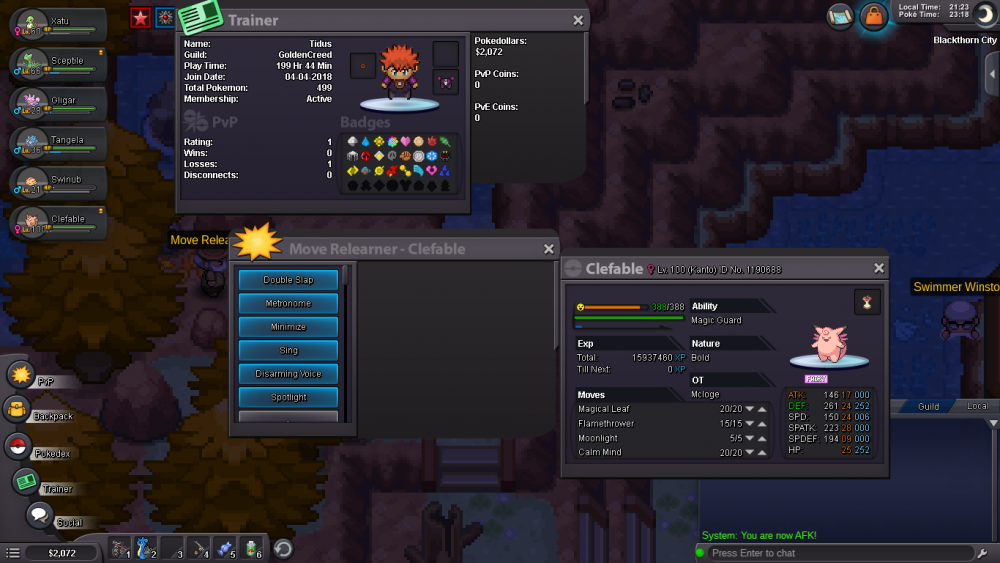
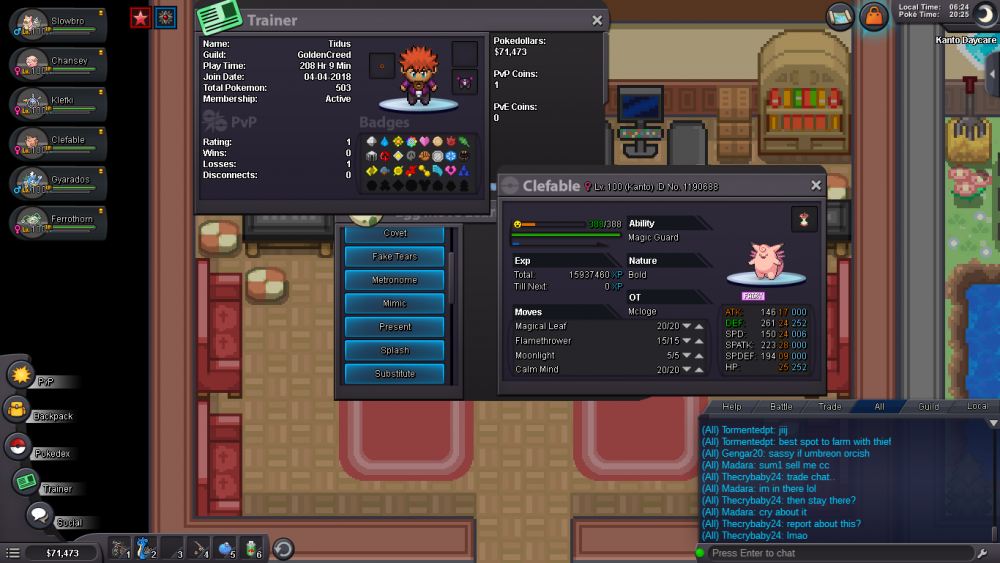
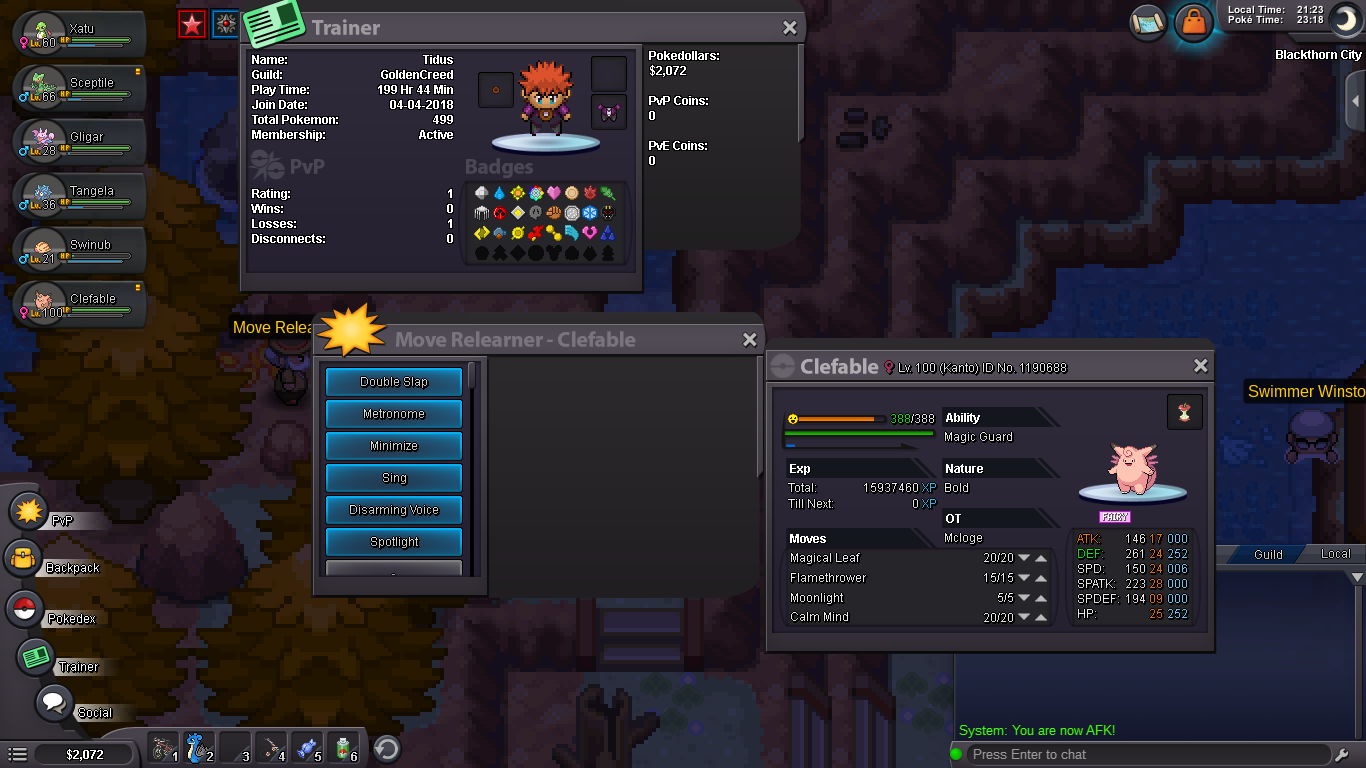
I have previously made a post about this, but there might have been a missunderstanding. My cleffa never tried to learn the move Moonblast, and it doesn't exist on move relearners list, nor the egg tutor's list. I've heard of this bug before, and those people referred me to this support site. What can I do to fix it? :/