New Trade Zone
Trade Zone is now live
Use the new Trade Zone for auctions and instant-price trades so Pokemon and item offers are easy to find.

Tomawsm
Registered User
-
Joined
-
Last visited
Everything posted by Tomawsm
-
The answers to all of these questions are found in my original post... As stated, I installed the game on PC after having issues and the issue is still present there, so I'm pretty sure a reinstall would have no effect. I have started a game on a different server where there is no issues so far, so I would assume that my Android meets the requirements. Though, for the sake of being thorough, I have double checked and it does.
-
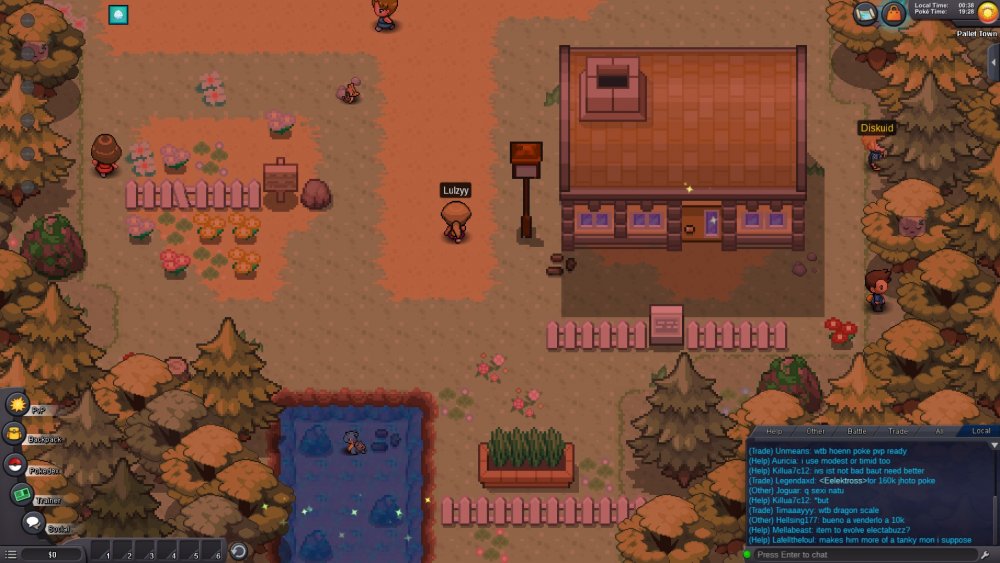
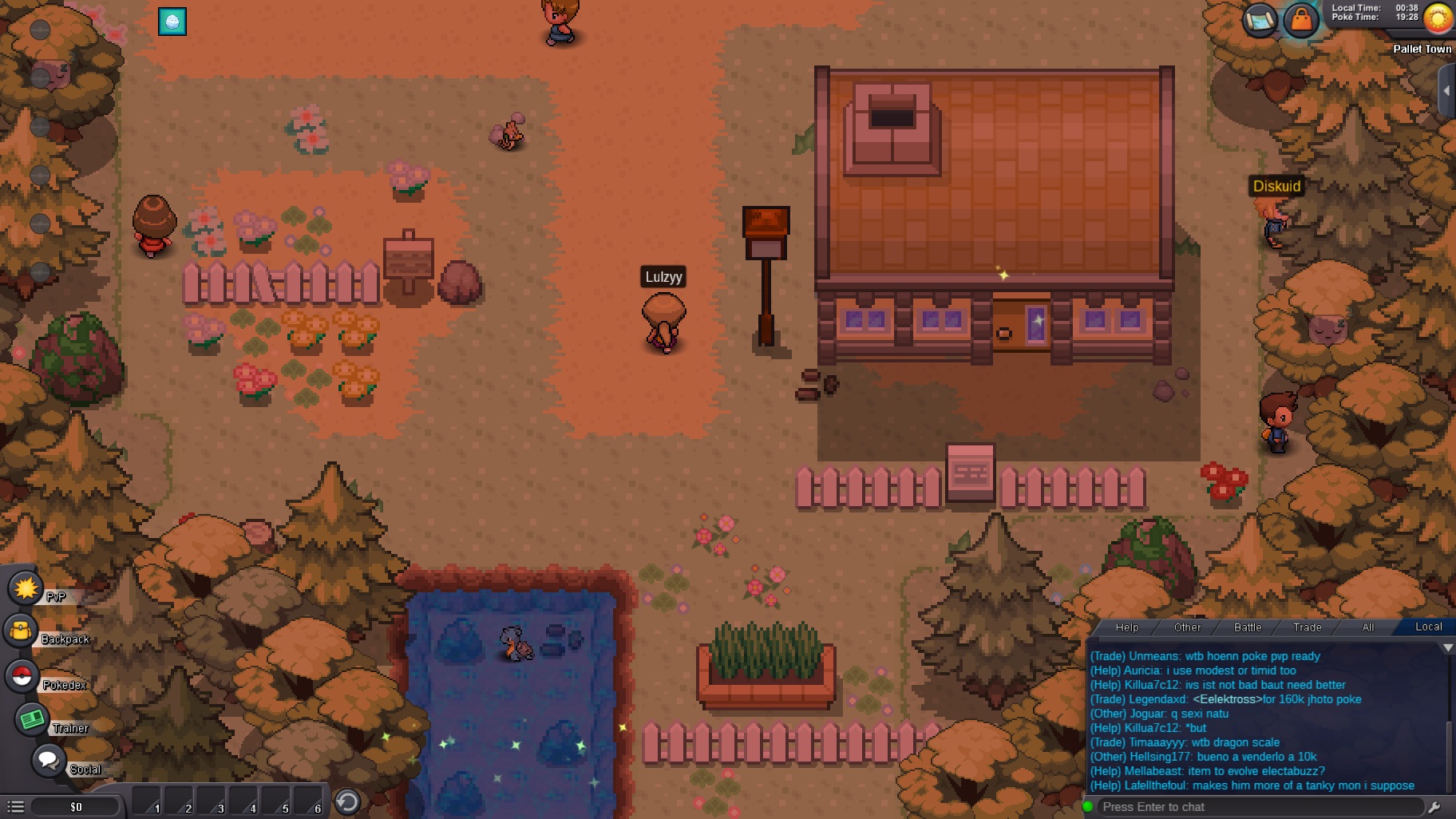
I had just started a game on Android, Blue server, when my avatar just disappeared and I'm unable to move. This is prior to choosing pokemon, in Pallet Town. I tried all the suggestions from the Read First thread, as well as logging in on PC where the problem persists. I also started a game on Red server (also on Android) and have played further in the game with no issue.