




New Trade Zone
Trade Zone is now live
Use the new Trade Zone for auctions and instant-price trades so Pokemon and item offers are easy to find.

Ichigo77
Suspended
-
Joined
-
Last visited
Everything posted by Ichigo77
-
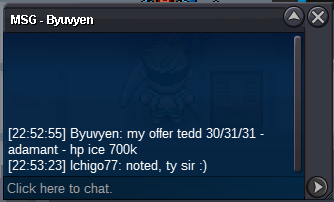
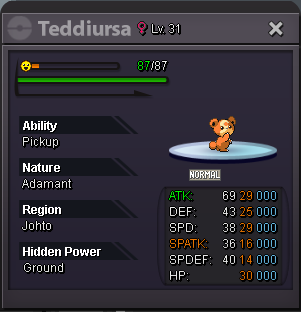
700k Teddi 2 by @Byuvyen
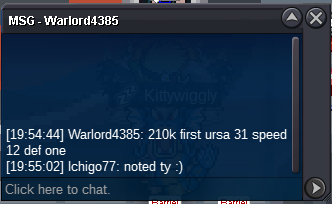
 210k Teddi 2 by @Warlord4385
 60k Teddi 2 by @Jonathanjazz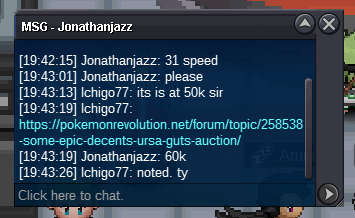
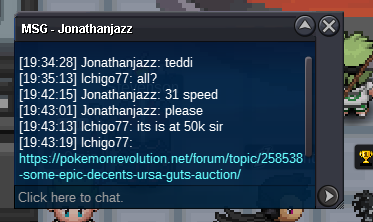 100k on ursa ground
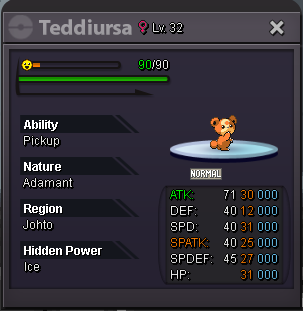
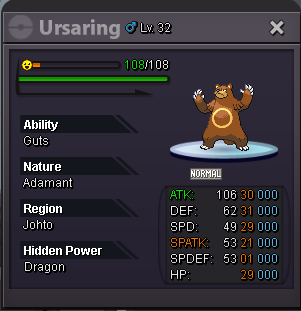
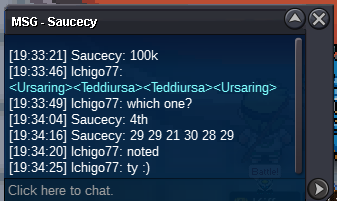 URSA 1 c.o 100k Teddi 1 s.o 10k URSA 2 s.o 10k Teddi 2 c.o 210k Auction Details Start Price: 10k each End Point: 24 Hours (after start) Insta Price: N/A Minimum Raise: 10K Accepted Payments: Pokedollars 15min auction rule Not a bundle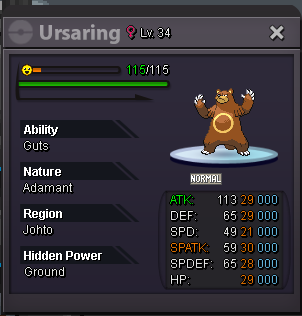
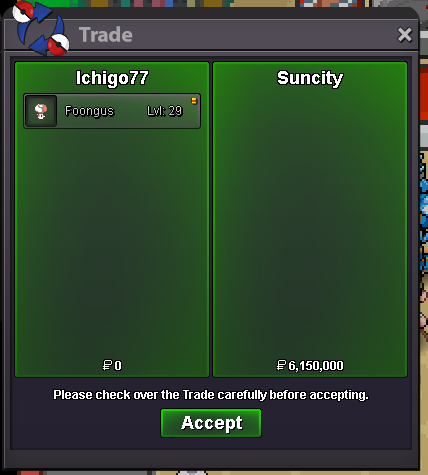
 @Suncity Sry, I'm at work rn. I'll be available roughly after 4hrs.
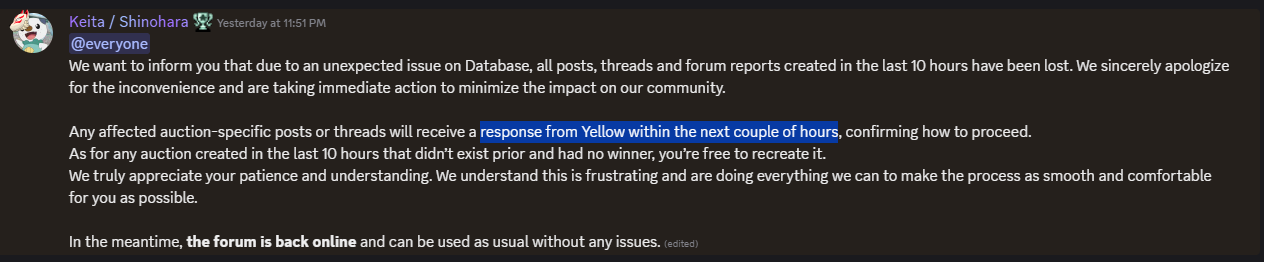
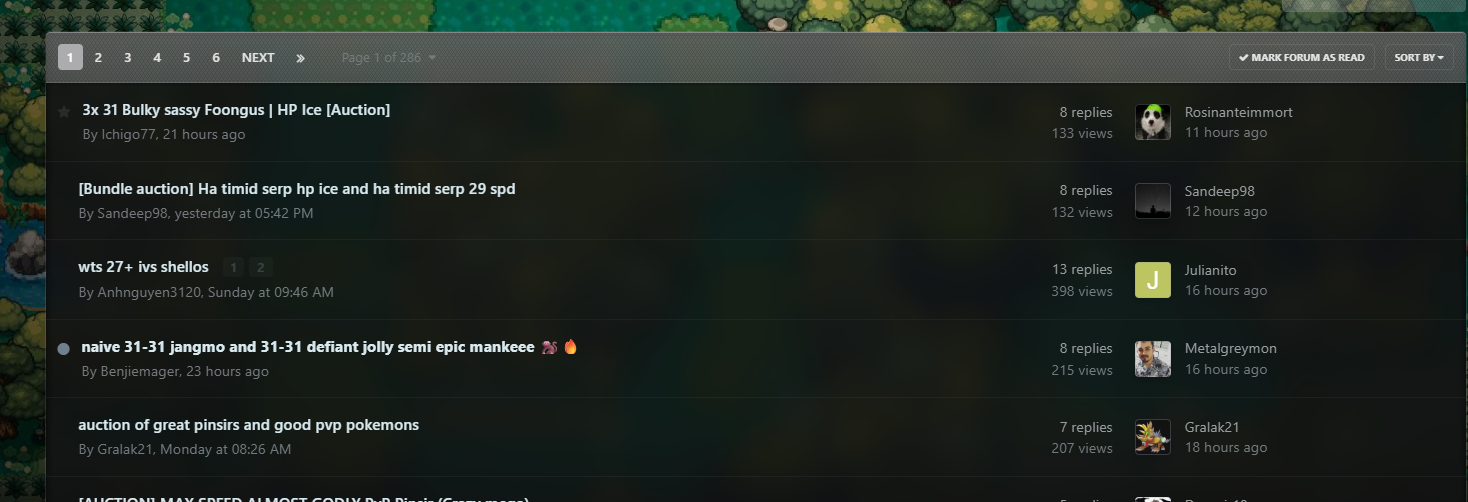
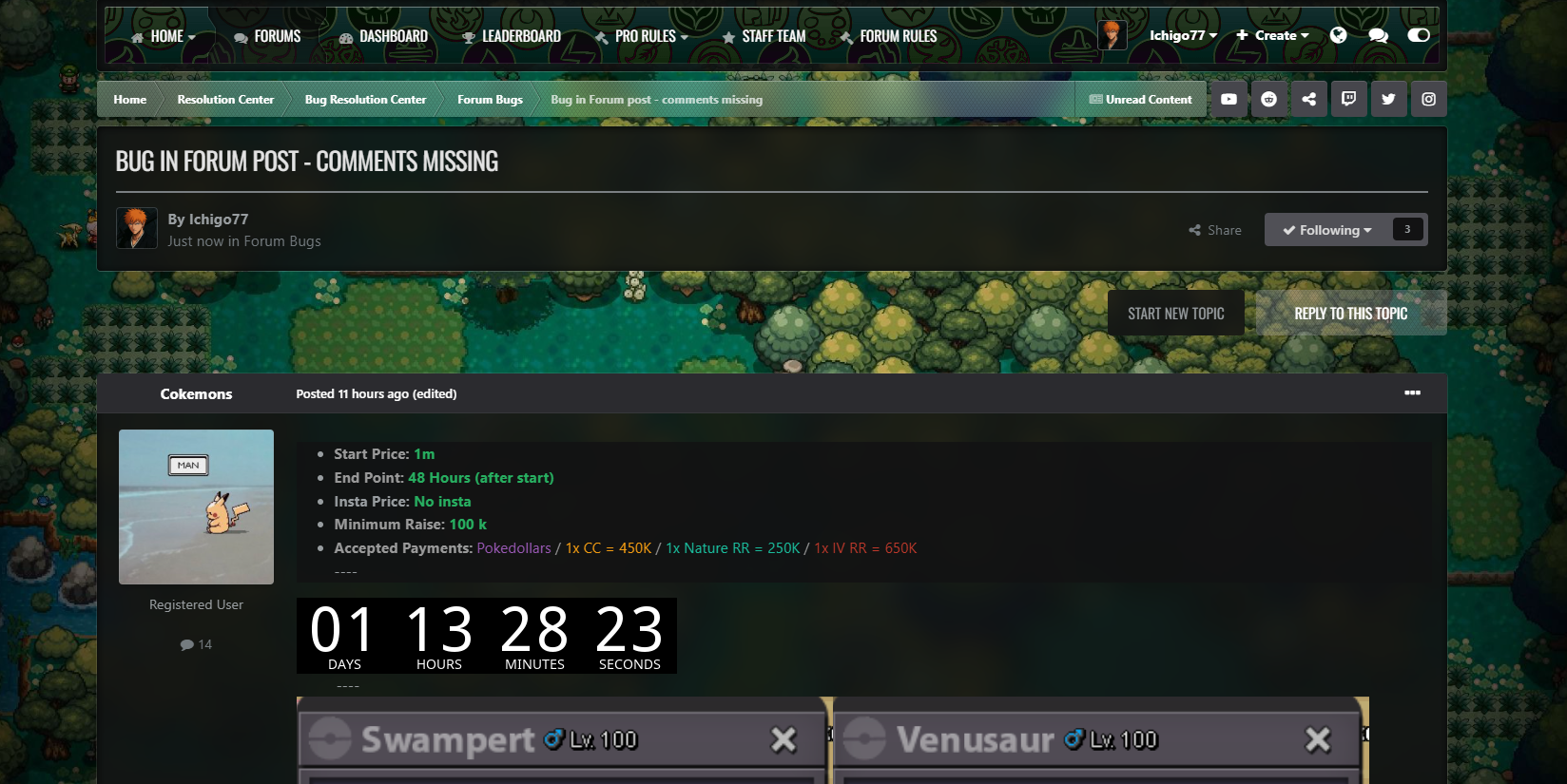
 @Cokemons, I’m not sure whether your auction is still considered valid or not. From my perspective, it seems a bit unclear and possibly unfair, since it was moved to a different section and merged with my content. For confirmation, it might be best to check with the mods to clarify the situation.I originally created this post about the missing comments issue on the forum under the 'Forum Bugs' section. For some reason, everything I wrote in the post content is showing up as a comment here, and my post seems to have been merged with your post about the auction. The title still shows my bug report 😅. This was happened just before the forum breakdown. The missing comments issue was resolved on my end. I think we can close this now, but I don’t have access to edit the post. @CokemonsWinner is @Suncity. Congratulations!!! Apologies, @Azrielyang. The auction ended 12 hours after Jhizen’s post, which means the end time was July 3, 2025, at 6:46 PM UTC.I would prefer extended time. But I leave this to the mods to handle. I’m just hoping for a fair judgment. 🙂 PS - I haven't received any response from Yellow yet.
 I am not sure about the End Time after the Forum crash.I had more than 8 comments in my most and recent one should be from Azrielyang, instead it is showing from Rosinanteimmort 11 hours ago. And I can't see recent comments/bids. PS - I originally posted under bug section, but istead it is showing under someone's auction post.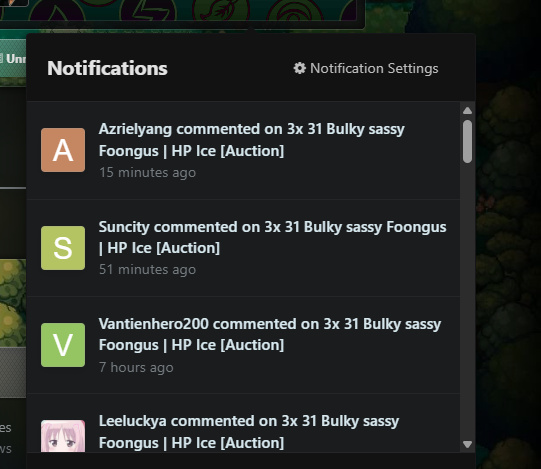
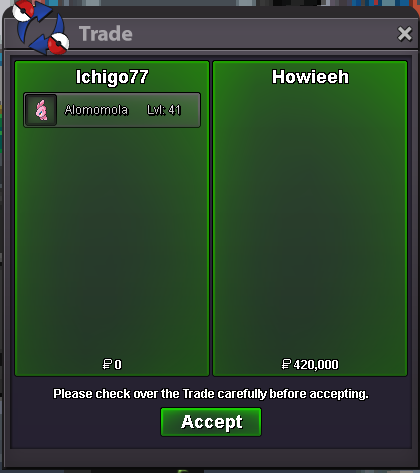
 Winner is @Howieeh. Congratulations!!!
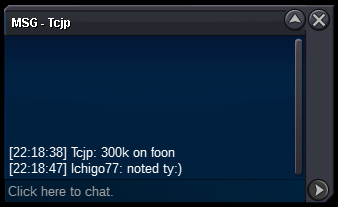
 bumpThank you for clarifying the reasons behind disabling the online users page. I understand and respect the decision. I wanted to mention that the feature was personally useful to me not for gameplay purposes, but for analyzing the reach of my TC promotions, and also to get a sense of what topics people are interested in at the moment. I completely accept the change, and I’m okay with it either way. I appreciate the transparency and the opportunity to share feedback. Thanks & regards Ichigo77300k by @Tcjp
 250k by @Warlord4385
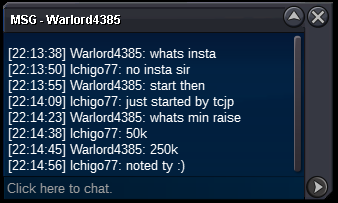 started by @Tcjp
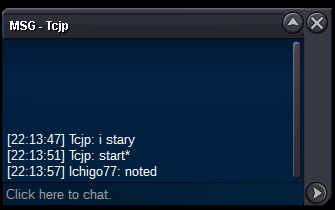 Auction Details Start Price: 200k End Point: 24 Hours (after start) (Extended - 12hrs from Jhizen's comment) Insta Price: N/A Minimum Raise: 50K Accepted Payments: Pokedollars 15min auction rule
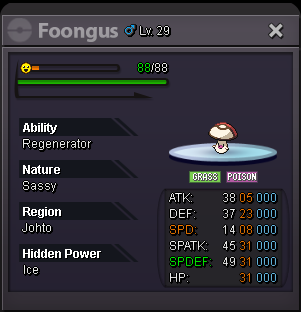 350k by @Grizz1612
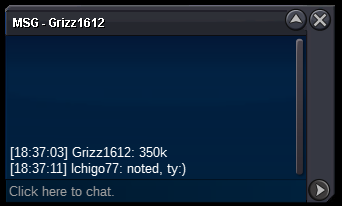 190k by @Digaolcs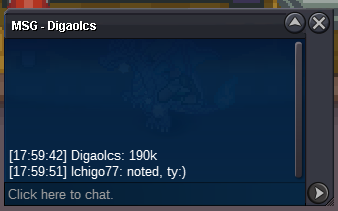
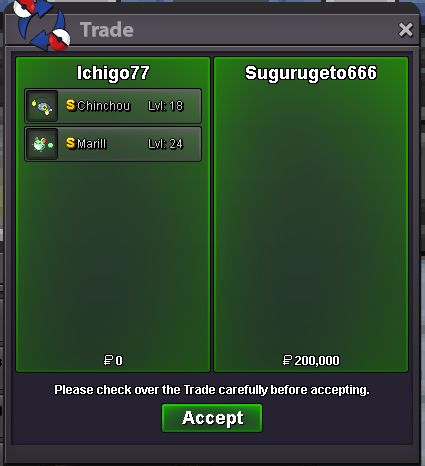

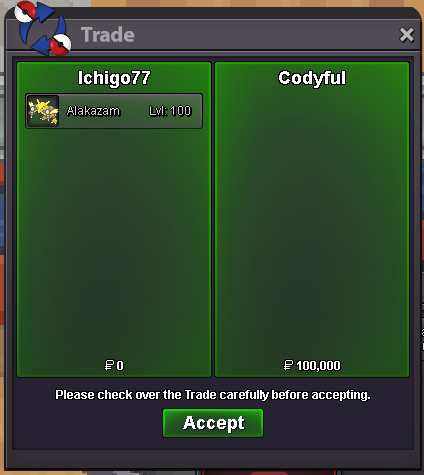
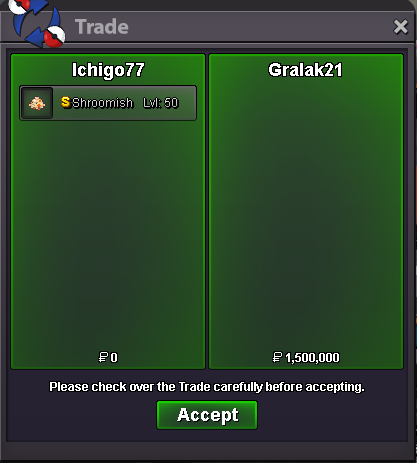
Account
Navigation
Search
Configure browser push notifications
Chrome (Android)
- Tap the lock icon next to the address bar.
- Tap Permissions → Notifications.
- Adjust your preference.
Chrome (Desktop)
- Click the padlock icon in the address bar.
- Select Site settings.
- Find Notifications and adjust your preference.
Safari (iOS 16.4+)
- Ensure the site is installed via Add to Home Screen.
- Open Settings App → Notifications.
- Find your app name and adjust your preference.
Safari (macOS)
- Go to Safari → Preferences.
- Click the Websites tab.
- Select Notifications in the sidebar.
- Find this website and adjust your preference.
Edge (Android)
- Tap the lock icon next to the address bar.
- Tap Permissions.
- Find Notifications and adjust your preference.
Edge (Desktop)
- Click the padlock icon in the address bar.
- Click Permissions for this site.
- Find Notifications and adjust your preference.
Firefox (Android)
- Go to Settings → Site permissions.
- Tap Notifications.
- Find this site in the list and adjust your preference.
Firefox (Desktop)
- Open Firefox Settings.
- Search for Notifications.
- Find this site in the list and adjust your preference.