New Trade Zone
Trade Zone is now live
Use the new Trade Zone for auctions and instant-price trades so Pokemon and item offers are easy to find.

Vietnamreborn
Registered User
-
Joined
-
Last visited
-
bump
-
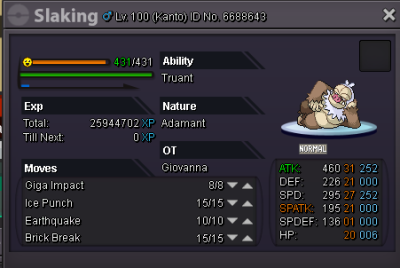
Slaking sold ingame.
-
320k is my offer, no lower.
-
Sure, noticed.
-
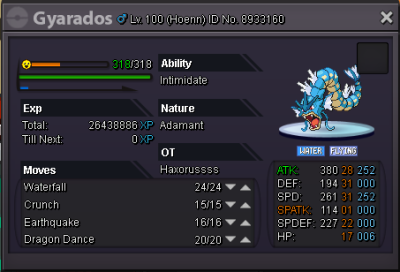
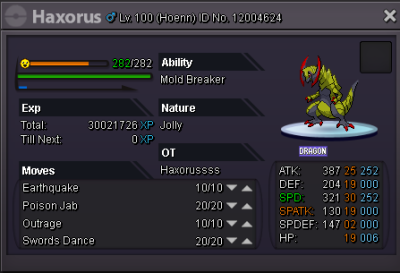
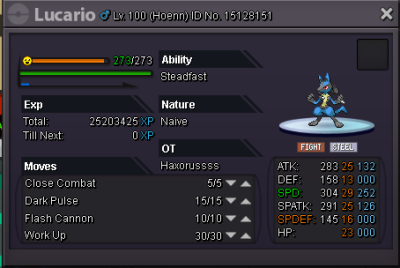
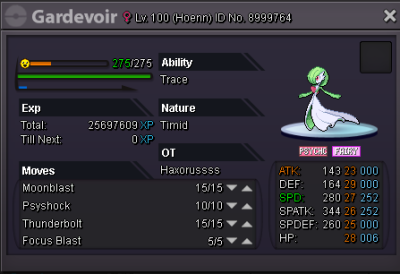
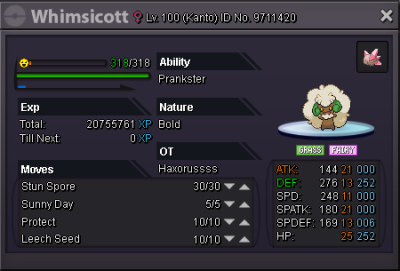
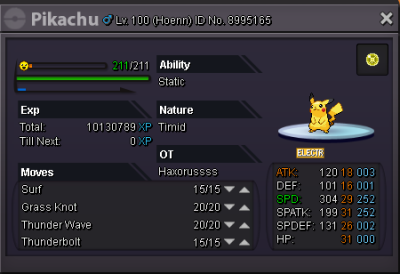
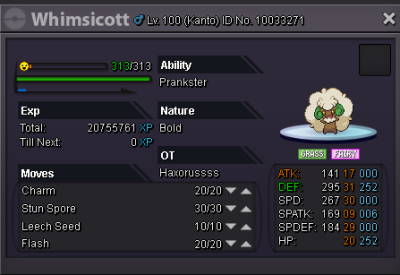
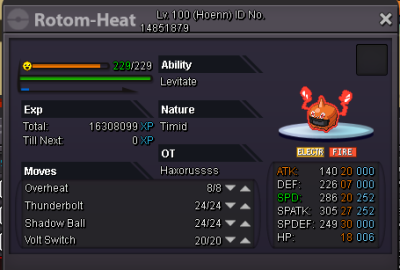
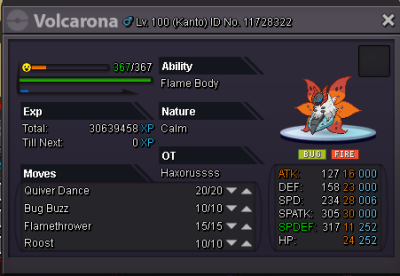
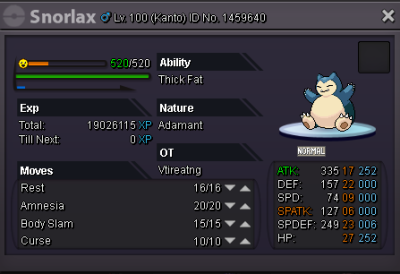
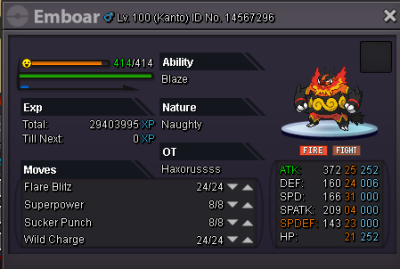
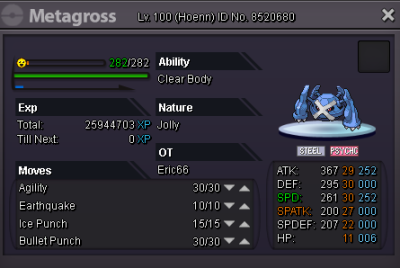
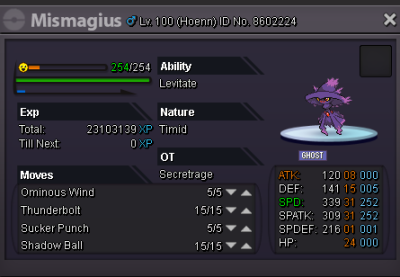
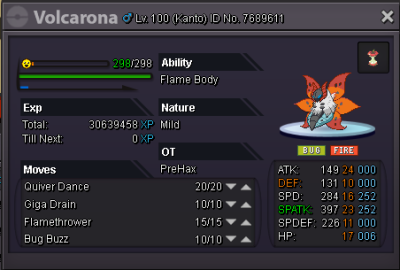
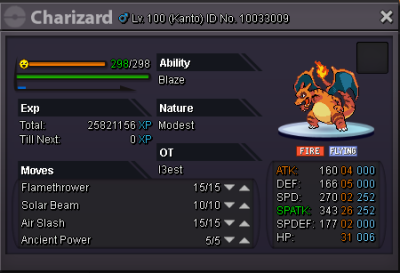
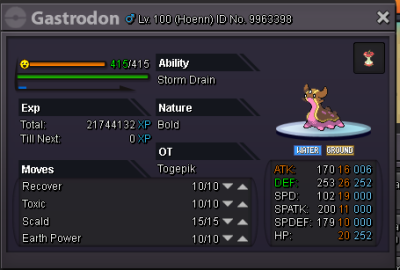
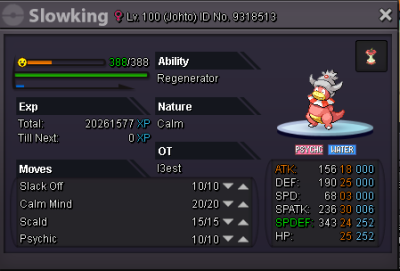
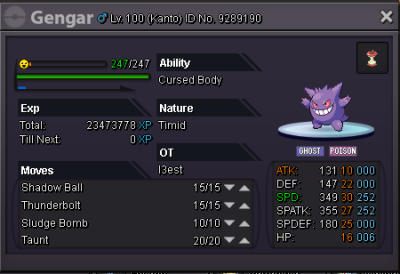
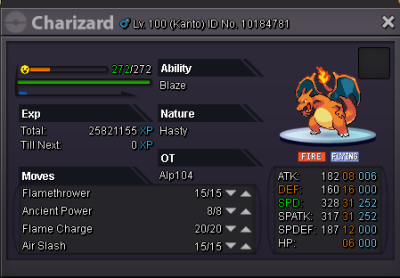
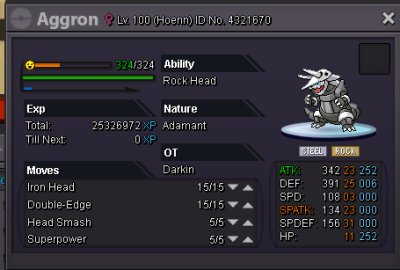
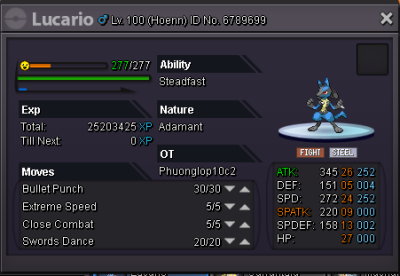
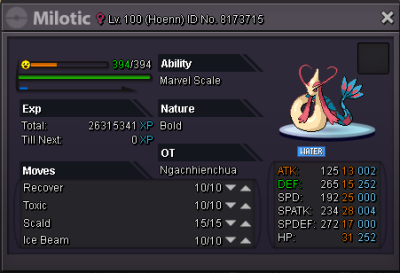
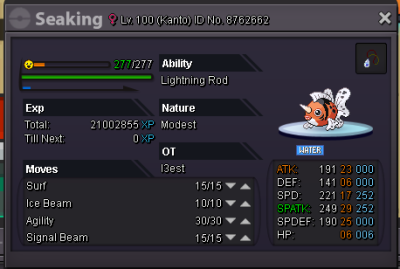
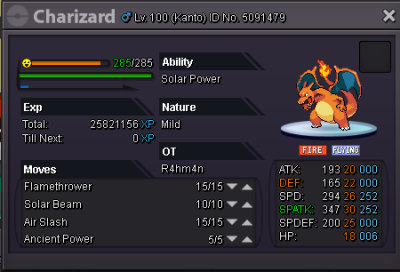
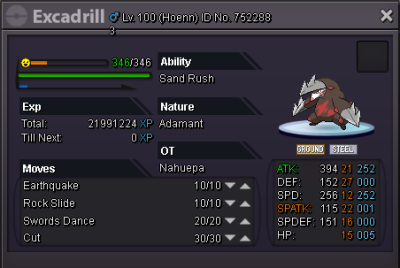
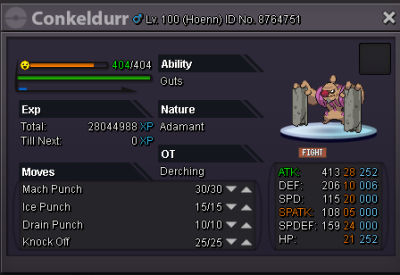
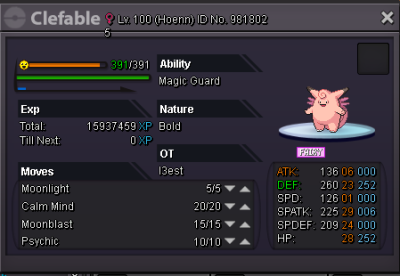
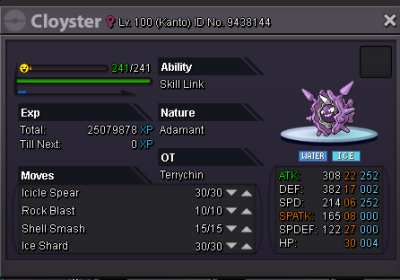
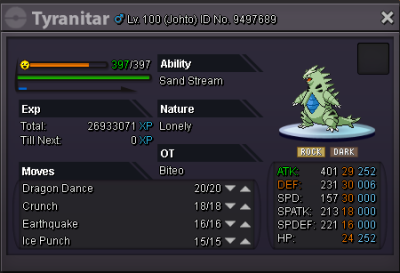
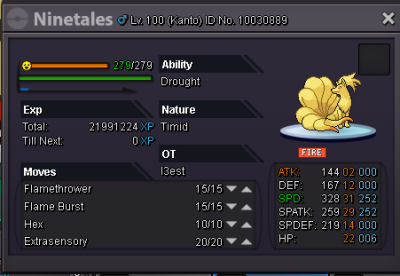
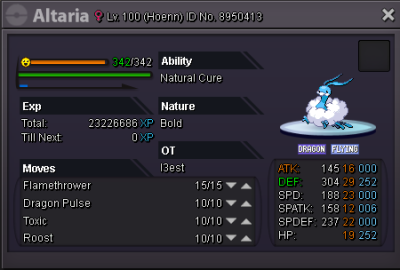
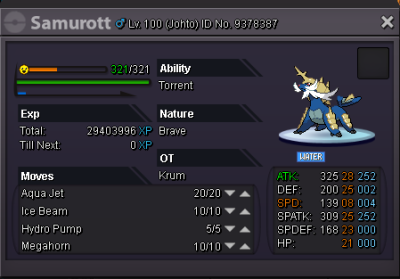
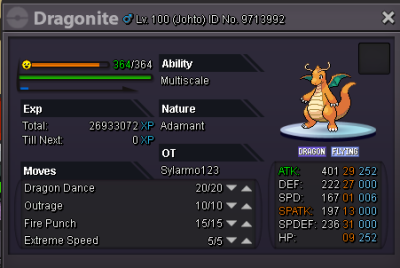
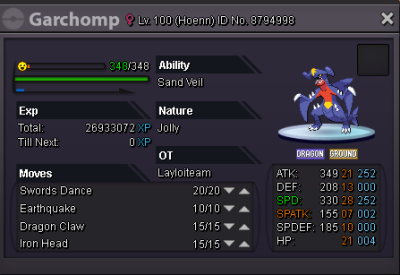
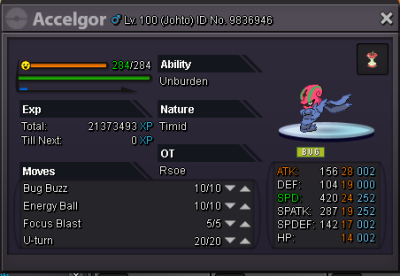
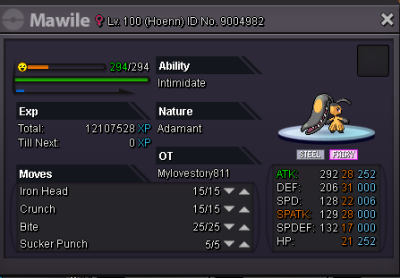
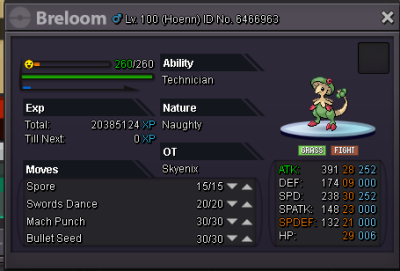
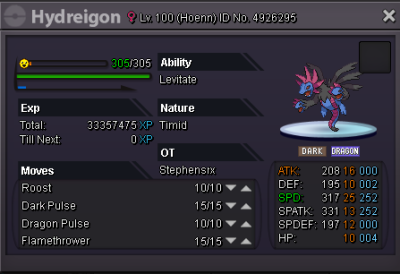
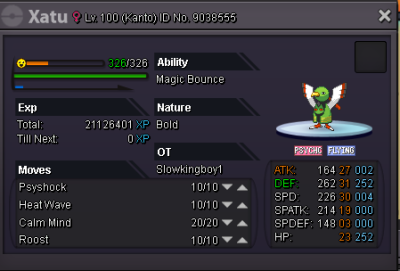
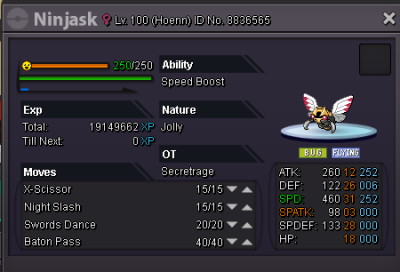
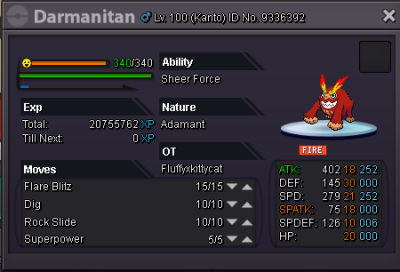
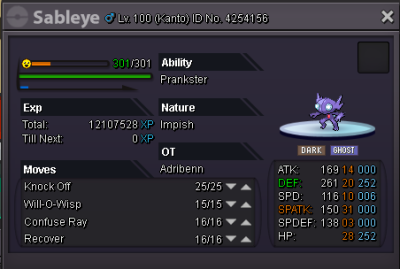
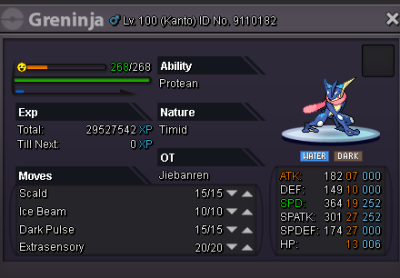
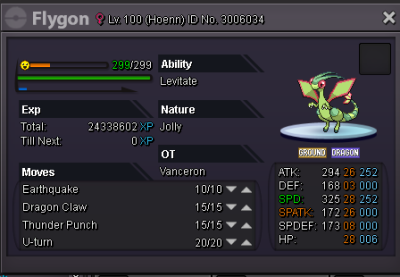
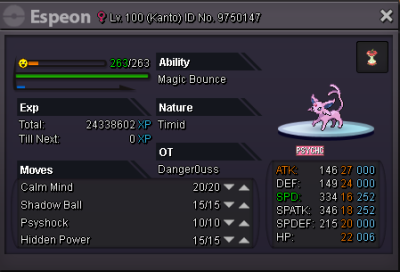
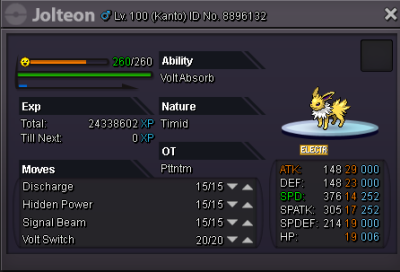
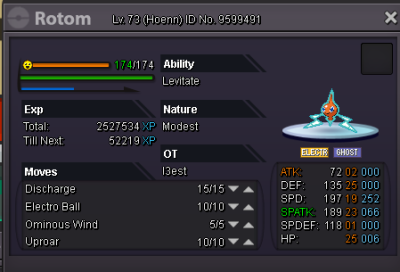
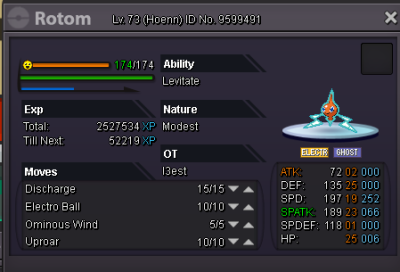
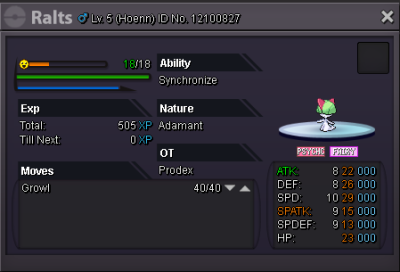
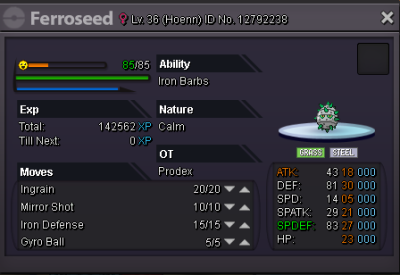
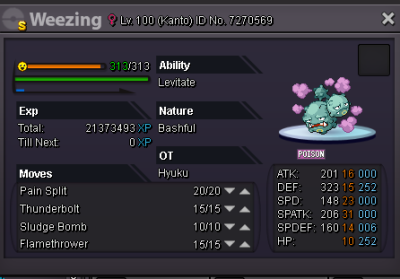
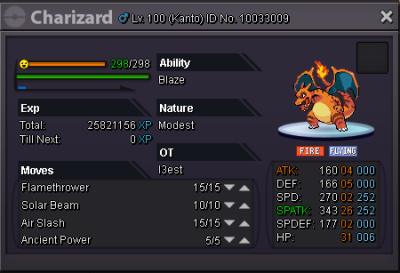
Welcome to our Guild shop Rules: 1: Fake offers will be reported. 2: No trade just selling for poke$. 3: CC (Coin capsule) can be accepted for 220k each if you want to offer or buy a pokemon by CC. 4: Some poke may dont have specific price, feel free to make an offer for it. 5: You can offer lower price than insta, we might accept it or we will creat an auction for it if you want. Best offer will win in the end of the auction. 5: NO unrelated comment here. 6: No cancel bid after you offered unless we accept for that. Trained Pokemon: [spoiler=""] gyarados: 250k insta haxorus: 250k insta gardevoir: 500k insta whimsicott: 200k insta pikachu(with item): 250k insta Rotom heat: 950k insta volcarona: 480k insta snorlax: 240k insta tyran: 390k insta mismagius: 220k insta Volca: 280k insta gastrodon: 200k insta Slowking: 380k insta gengar: 200k insta char: 220k insta aggron: 200k insta galvan: 240k insta lucario: 280k insta craw: 200k insta Milotic: 320k insta seaking: 200k insta excadrill: 200k insta conkeldurr: 280k insta Untrained Pokemon: Shiny and event Pokemon: Sold: