New Trade Zone
Trade Zone is now live
Use the new Trade Zone for auctions and instant-price trades so Pokemon and item offers are easy to find.

Reece
Registered User
-
Joined
-
Last visited
Everything posted by Reece
-
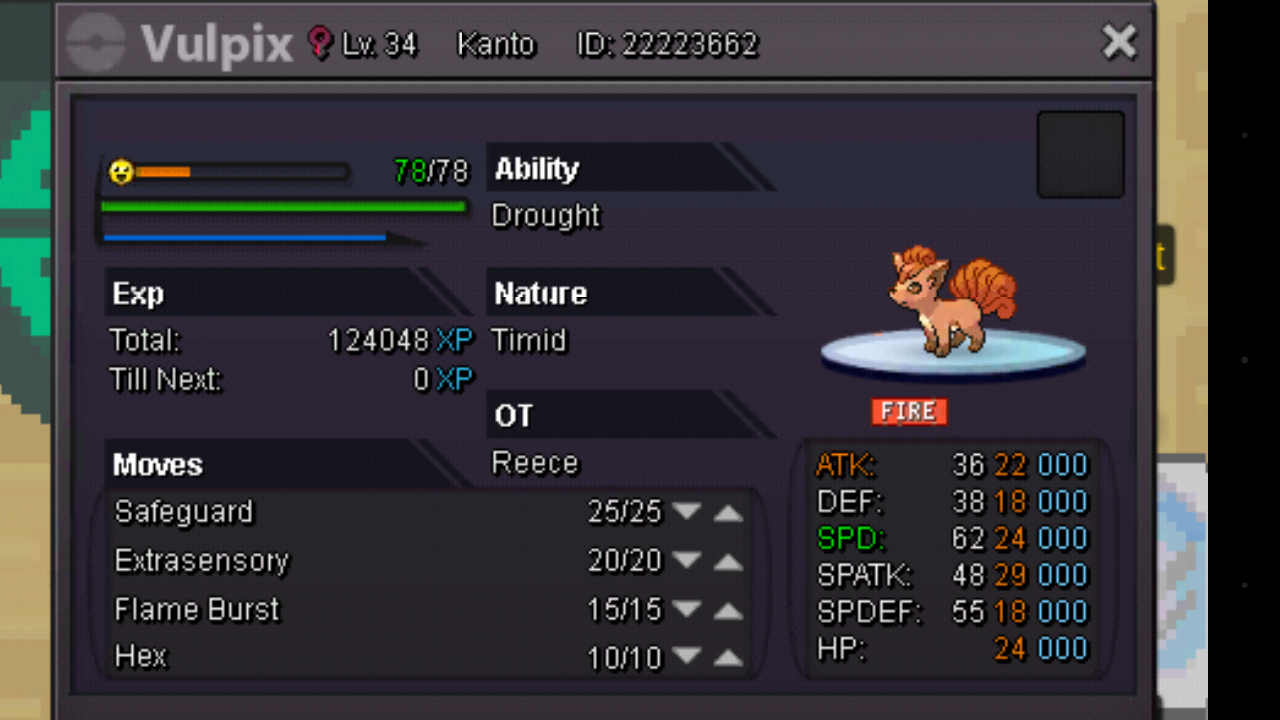
I.G name : reece Start bid: 500k Minimum Raise:100k Accept iv reroll: 700k No Instant Ends in: 21hr I will be ending this auction as I've planned on training it up to the max and re selling it again. Thankyou for your understanding.
-
Thank you very much I got their data . I just started the jirachi quest luckily there we have to fight them .
-
Here is a pic
-
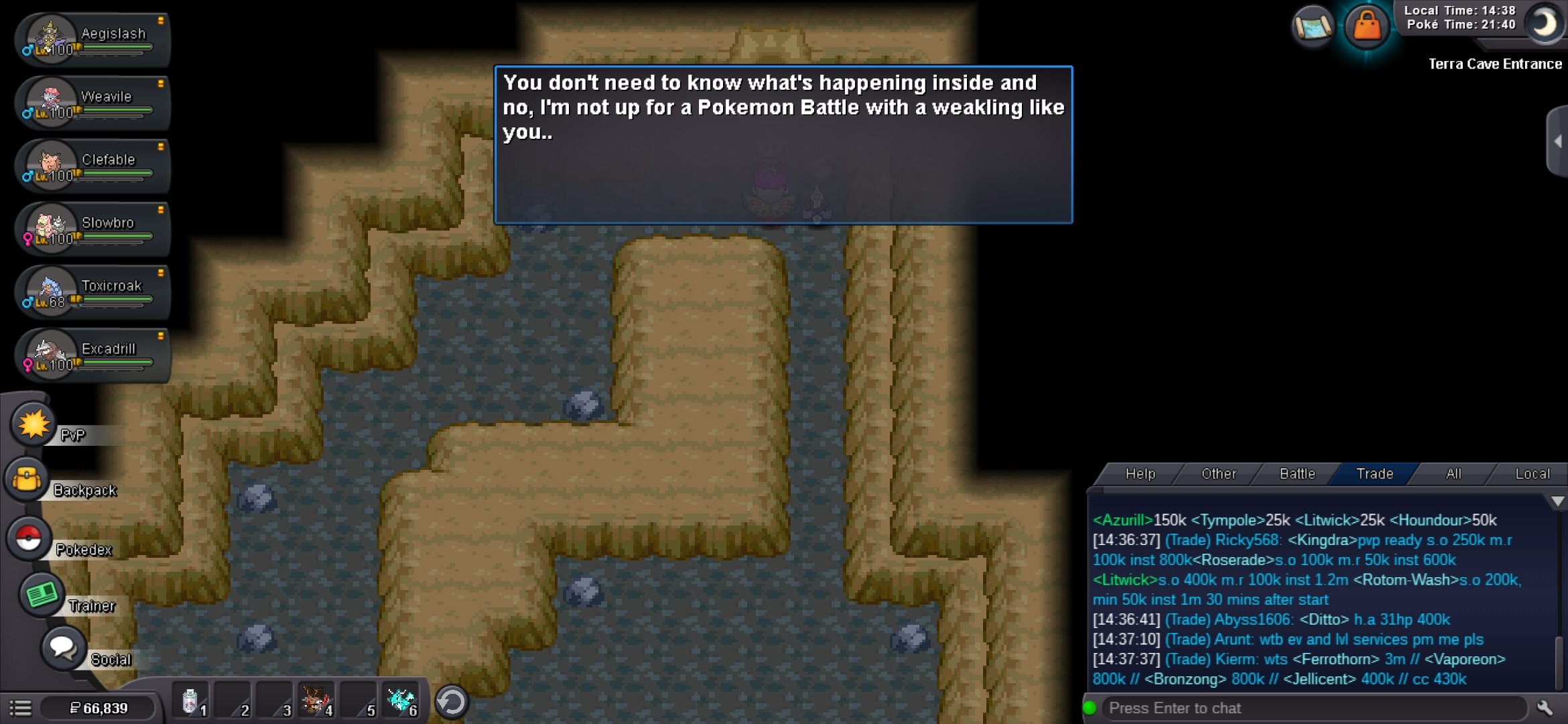
Let me get straight to the point. I became champ of all regions and I want to do the jirachi quest . The only problem is I don't have groudon seen data even tho I have completed everything. I tried going to cave of origin but team magma and aqua are blocking the entrances of groudon and kyogre. I also tried going back to route 128 underwater but it says "I have nothing to do here" and dosent allow in the cave . I've tried everything . Please help .
-
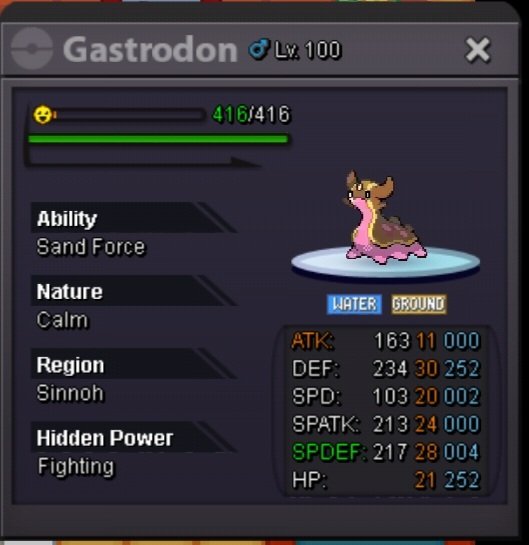
Start offer = 500k Min raise = 100k Time = 48 hrs after first bid Accept = rr 700k Ign = reece Discord = XreecePC#4199
-
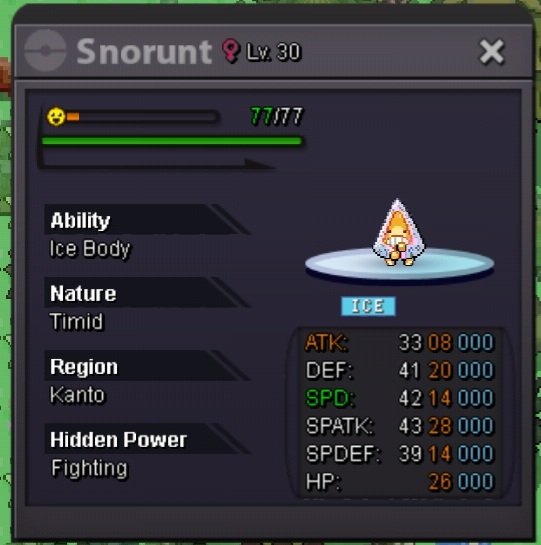
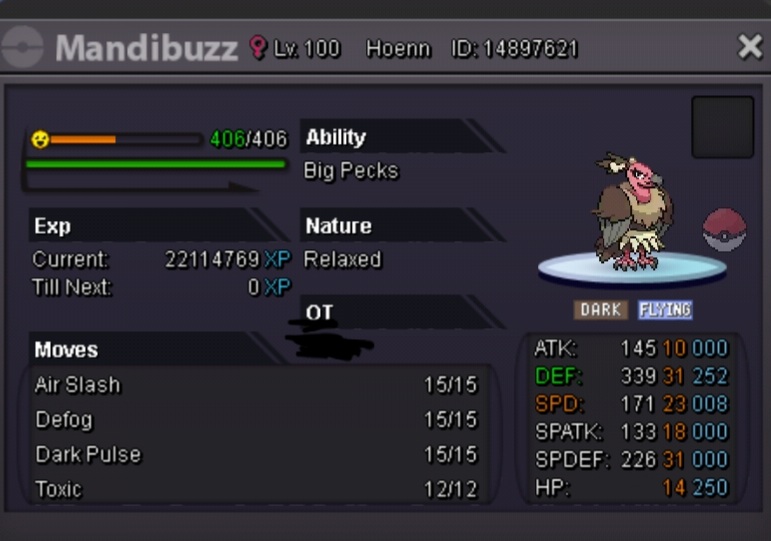
staring bid : 500k Min rise : 50k Ends at : 4h after 1st bid Contacts: In-game: reece Inbox:
-
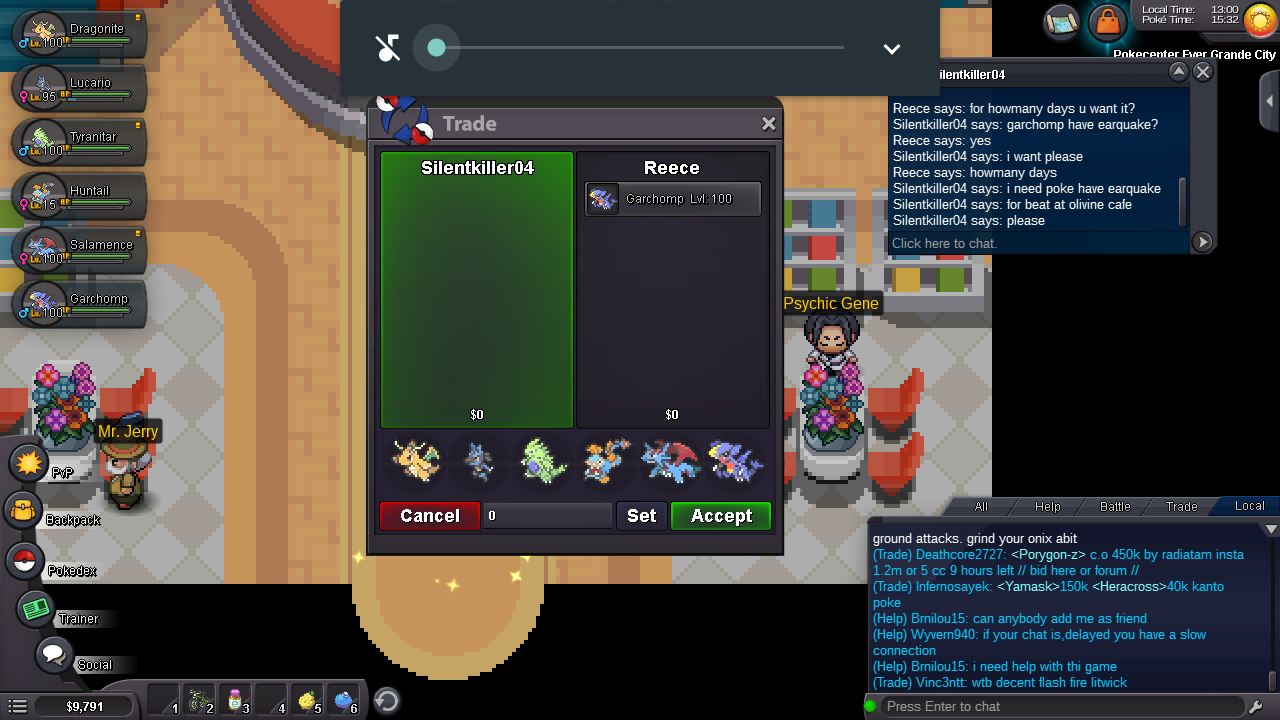
This guy has taken my garchomp for 2 days but hasn't given it back to me.he is ignoring my pm and acts as if he doesn't know anything please do something I need my garchomp back . Thankx
 Guys can I report a player here ??