New Trade Zone
Trade Zone is now live
Use the new Trade Zone for auctions and instant-price trades so Pokemon and item offers are easy to find.

Lilkrillin
Suspended
-
Joined
-
Last visited
Everything posted by Lilkrillin
-
I will close the shop in 1-2 weeks -
-
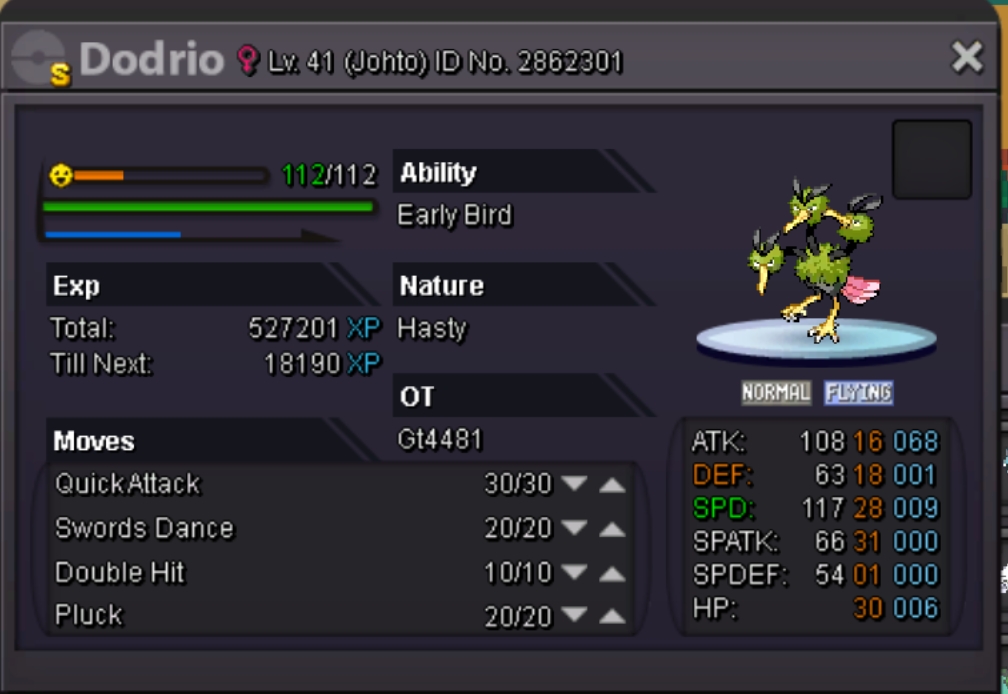
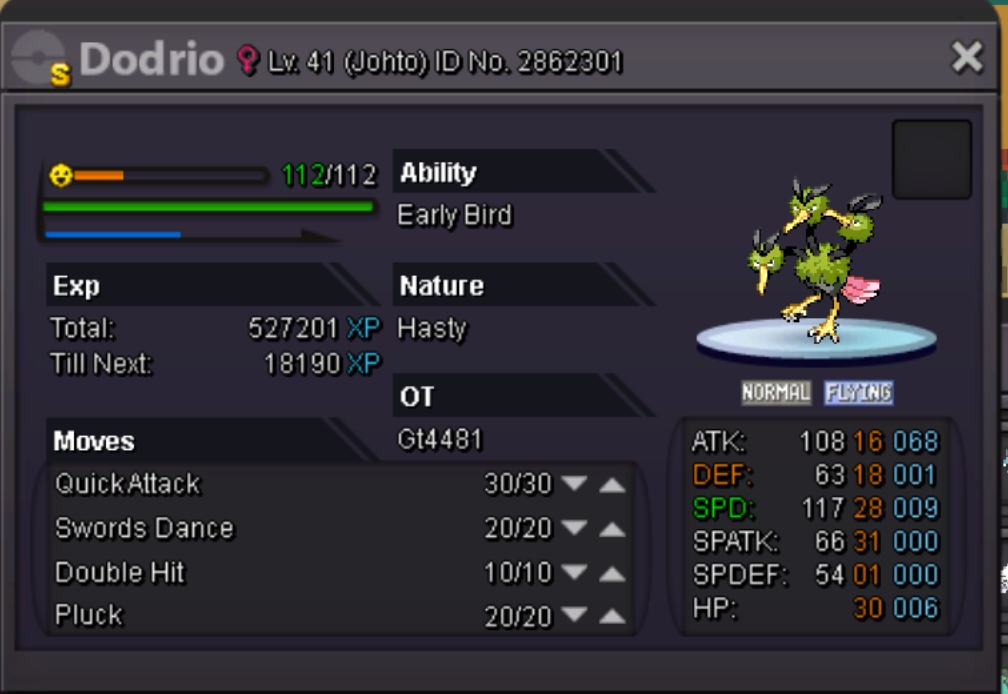
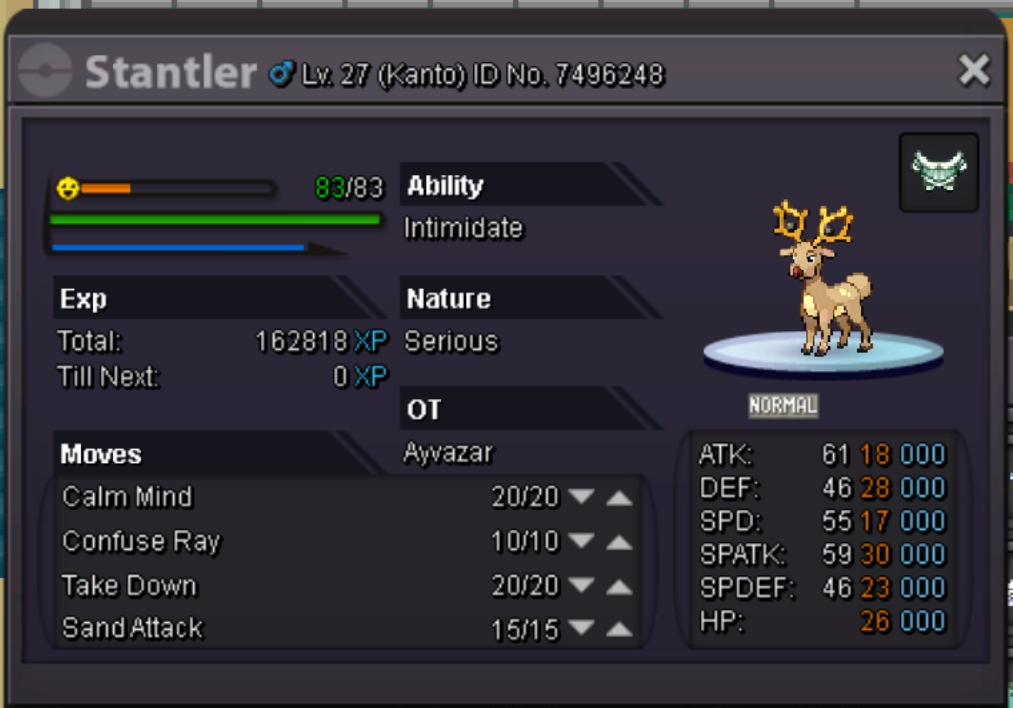
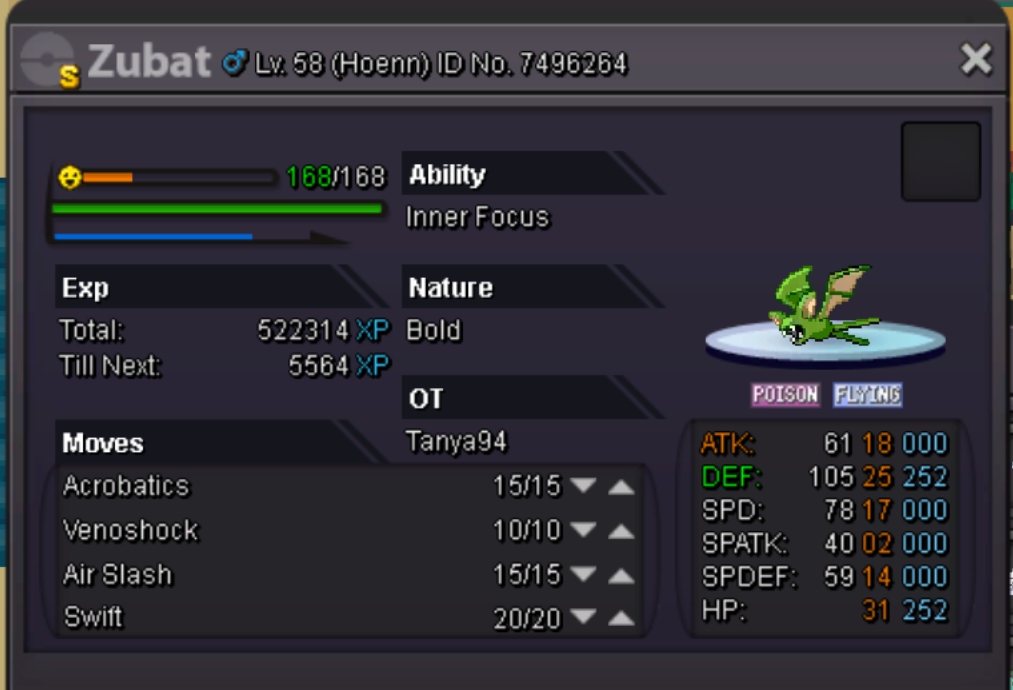
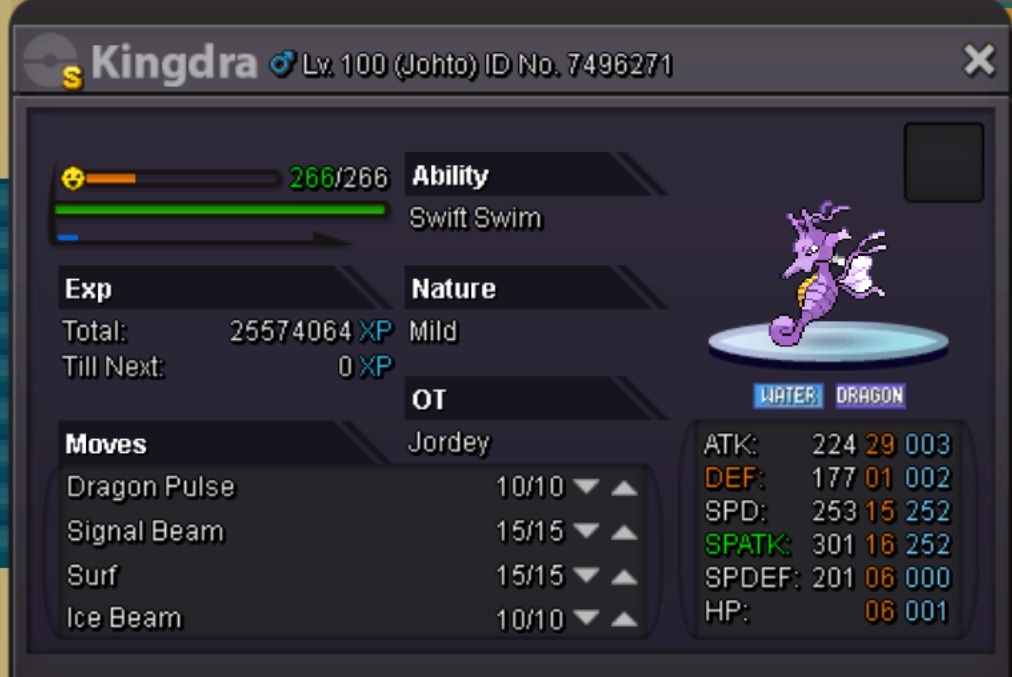
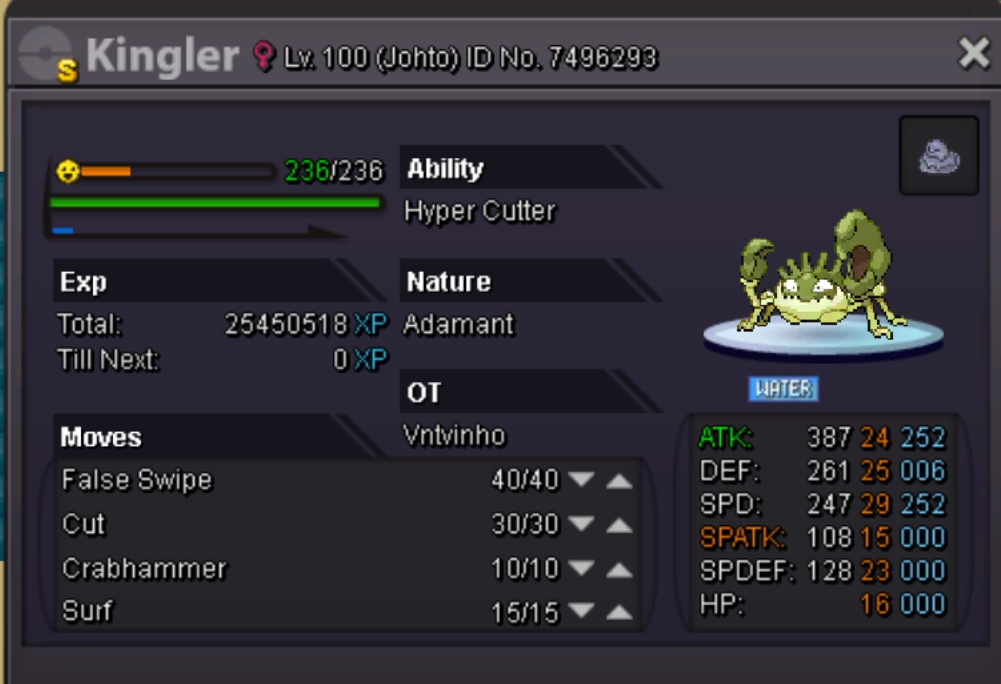
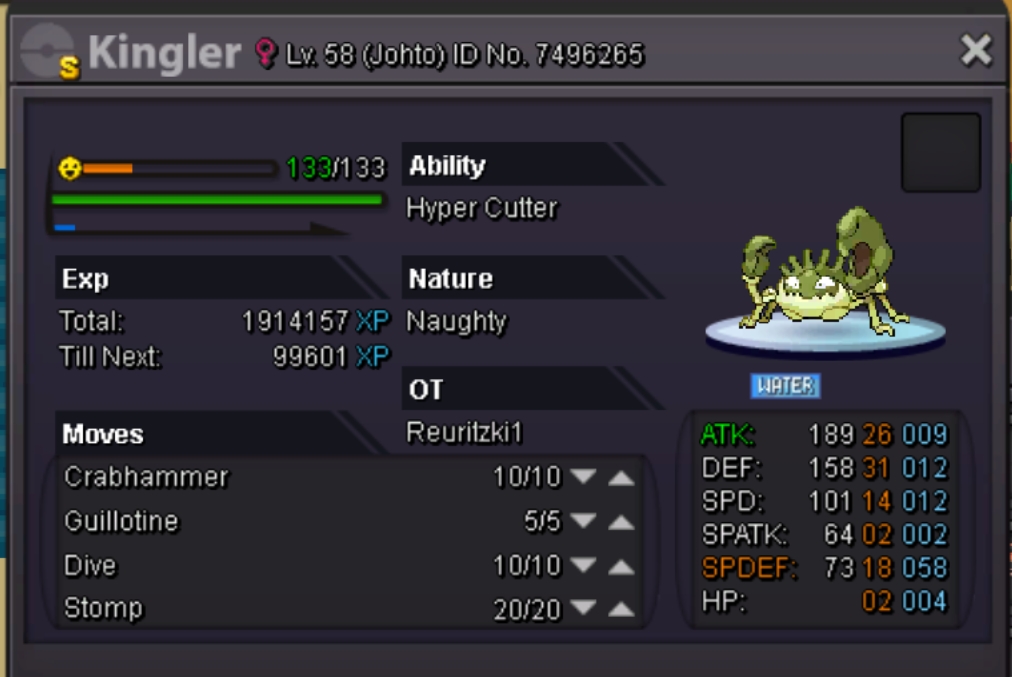
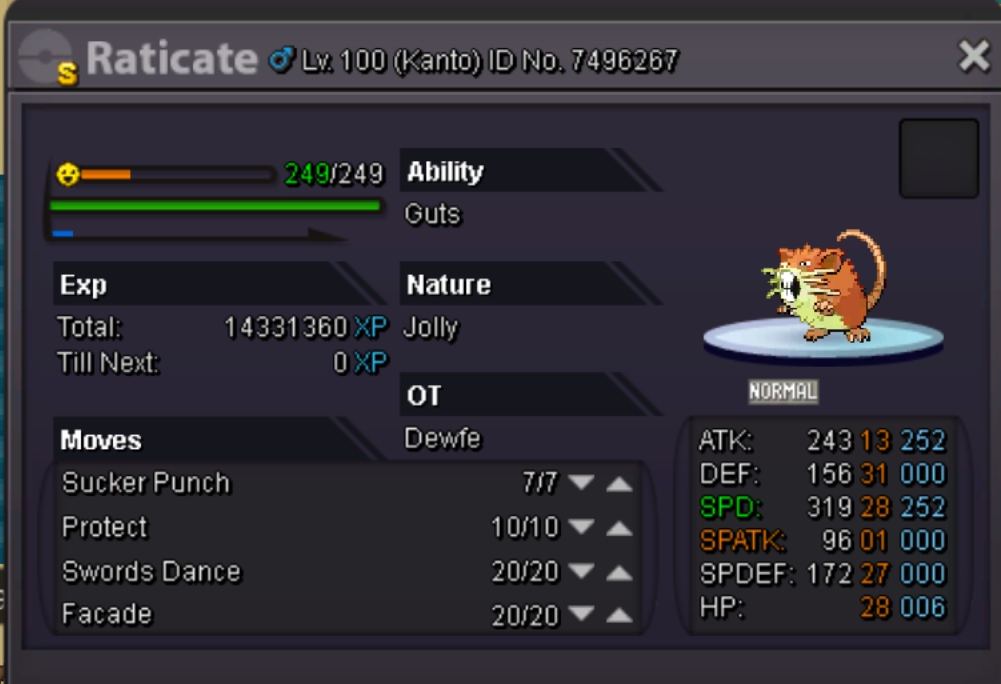
Hello i am selling the rest of my shinys as í left the game already many time ago and i think people must enjoy it! [spoiler=5k each] [spoiler=50k each] [spoiler=100k-200k] [spoiler=300k-500k] [spoiler=600k-900k] [spoiler=1m+] [spoiler=Event pokes]
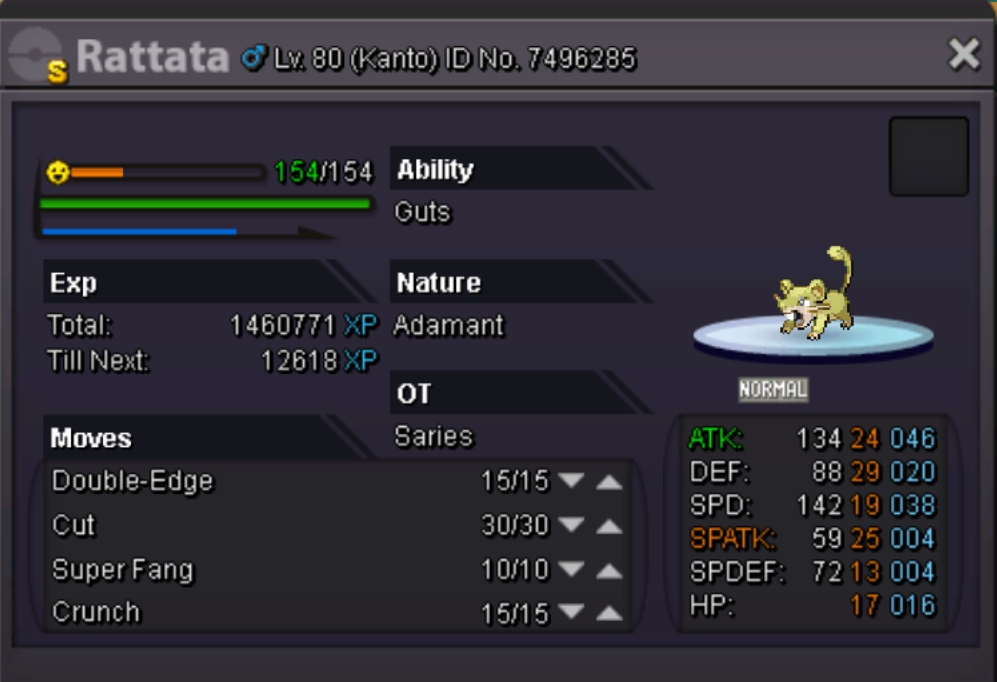
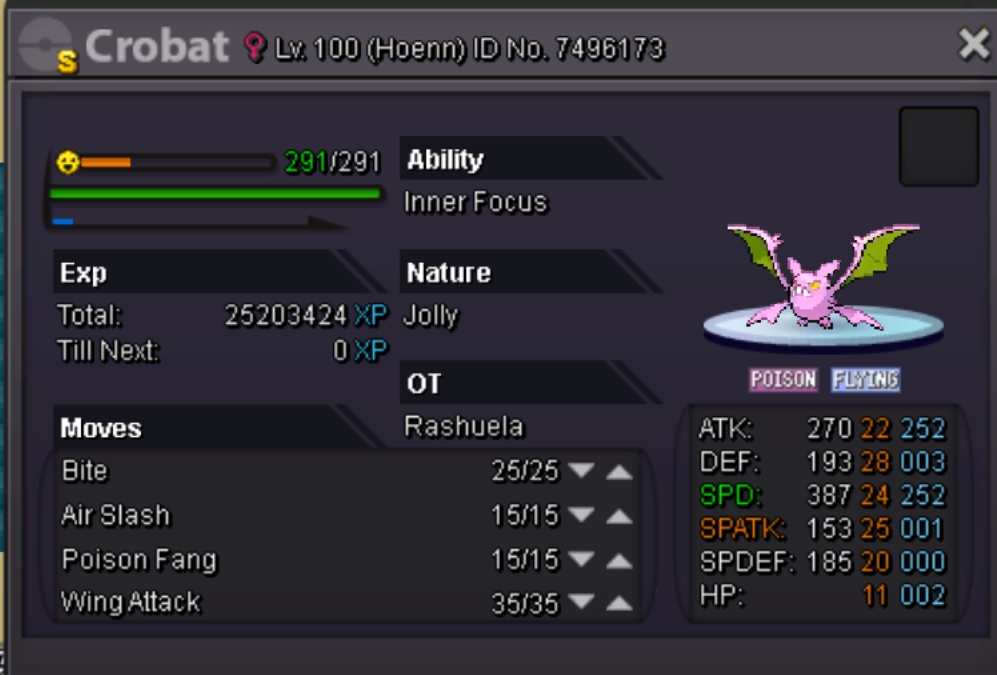
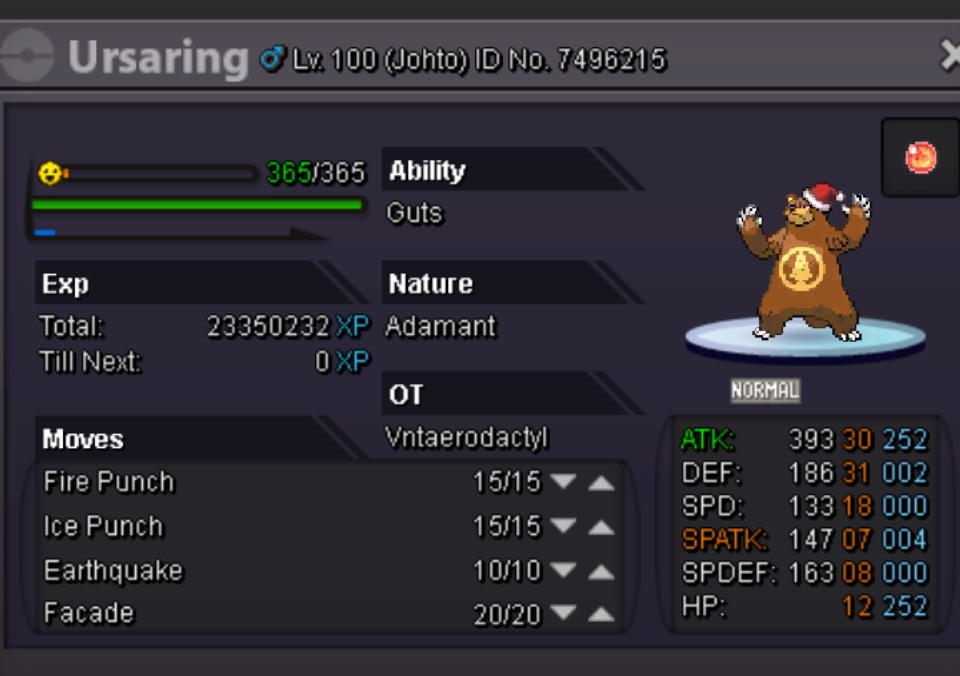

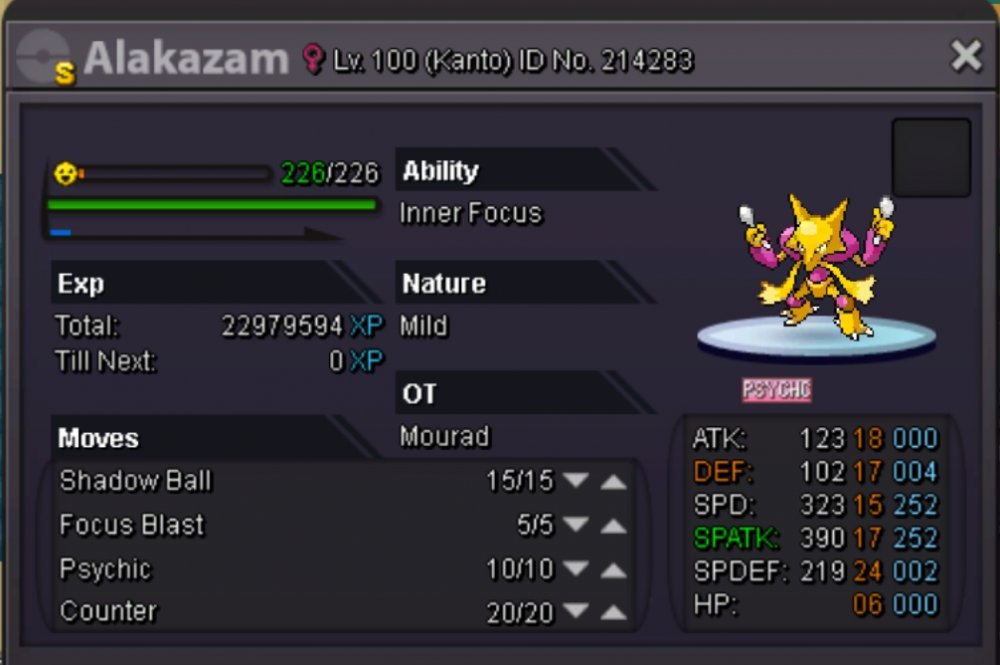

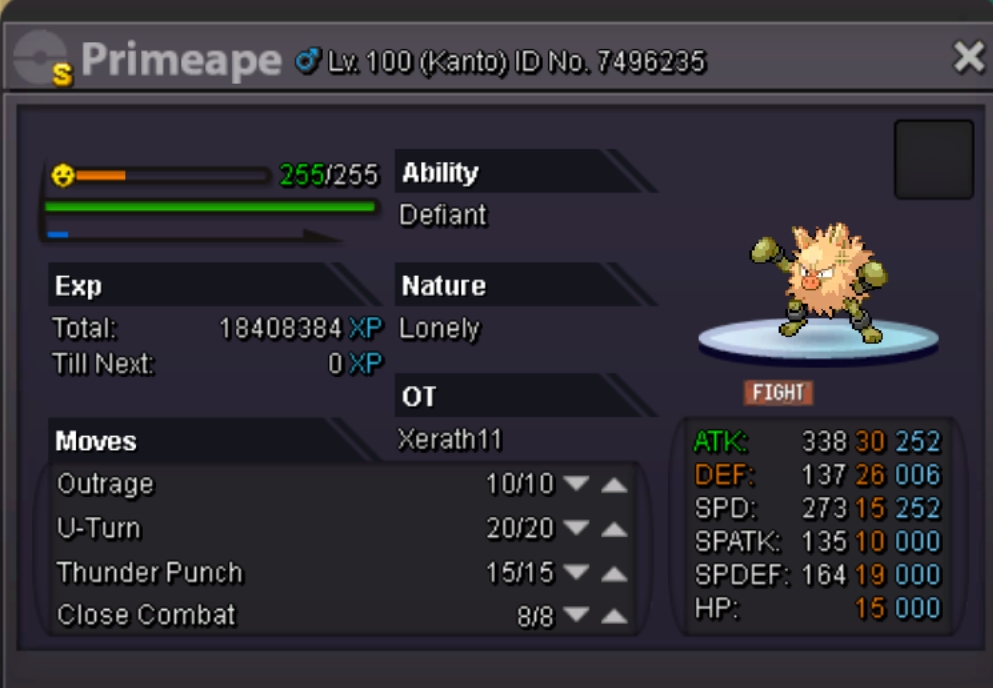
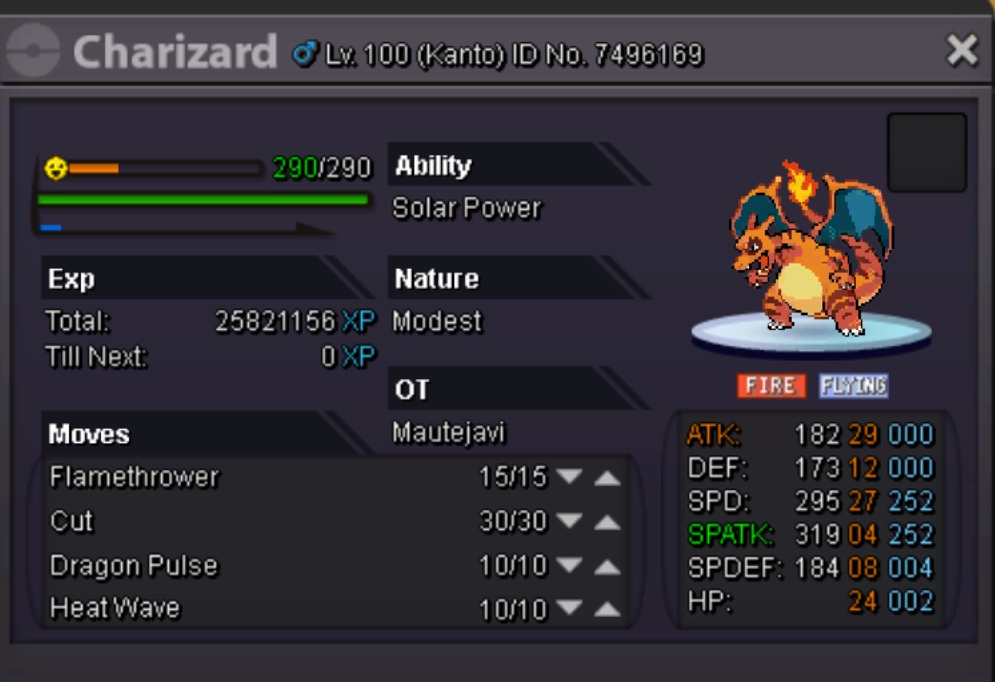

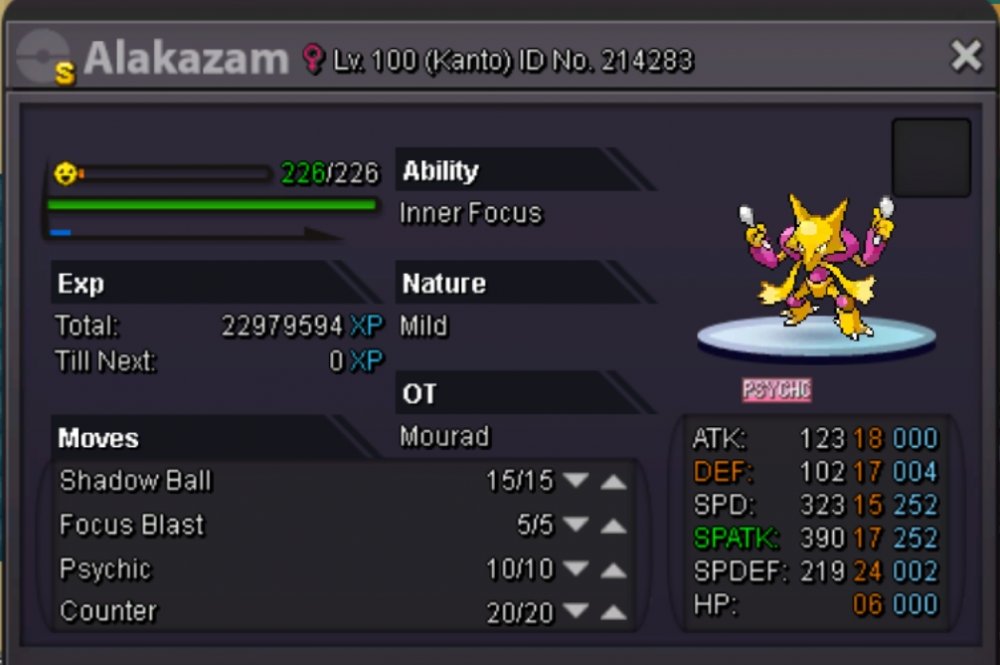
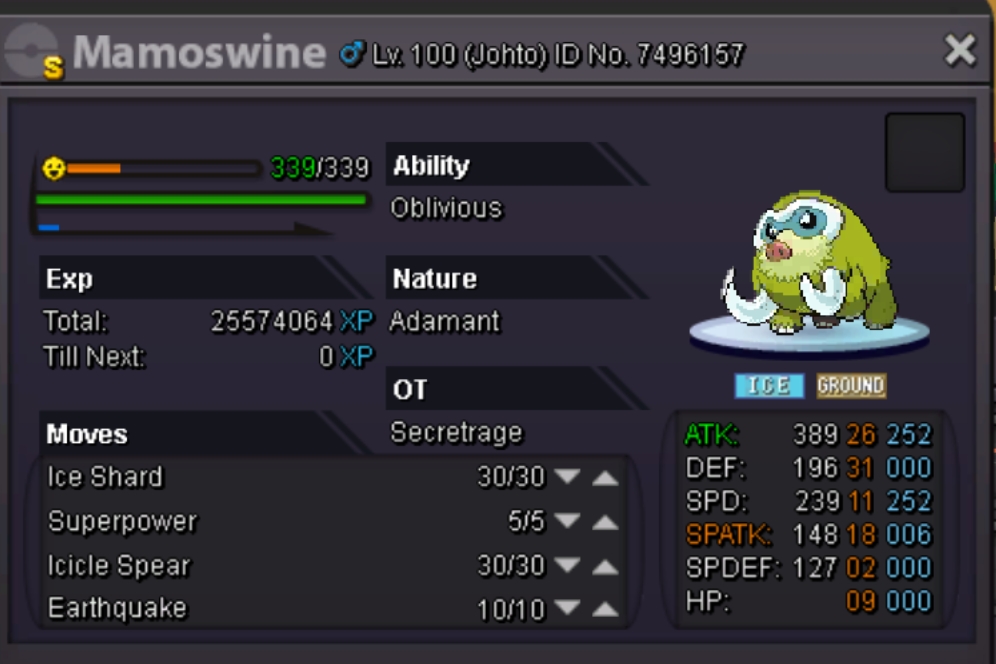
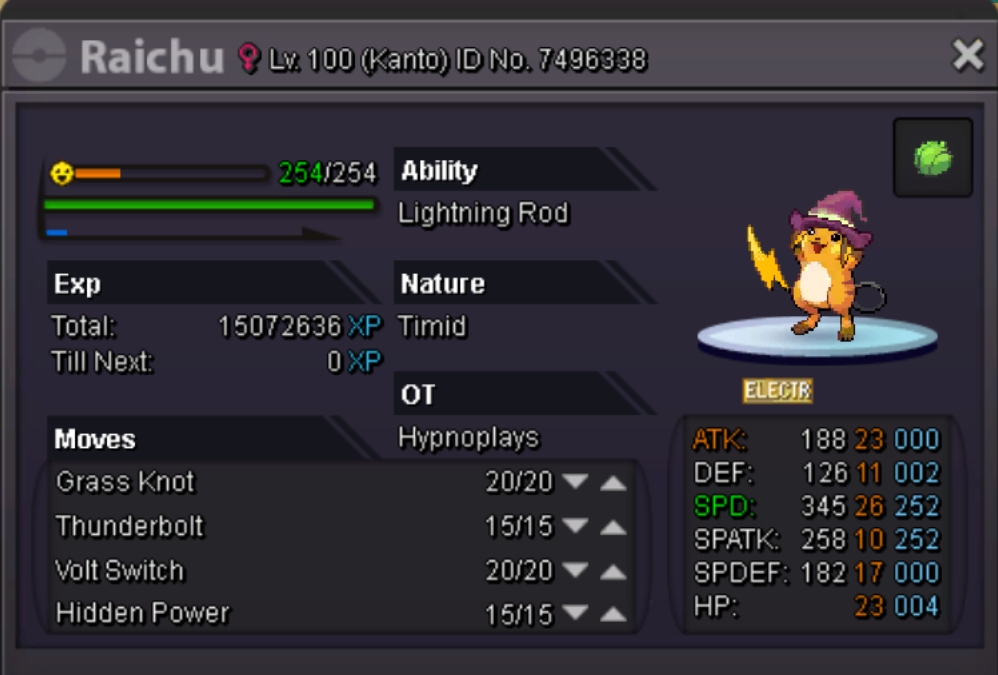
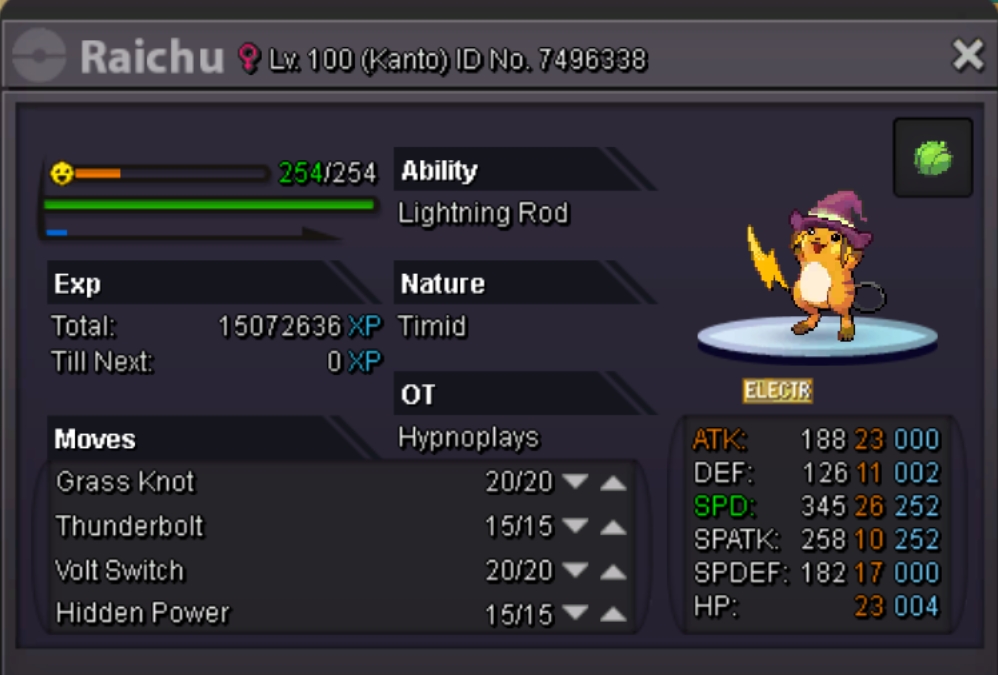

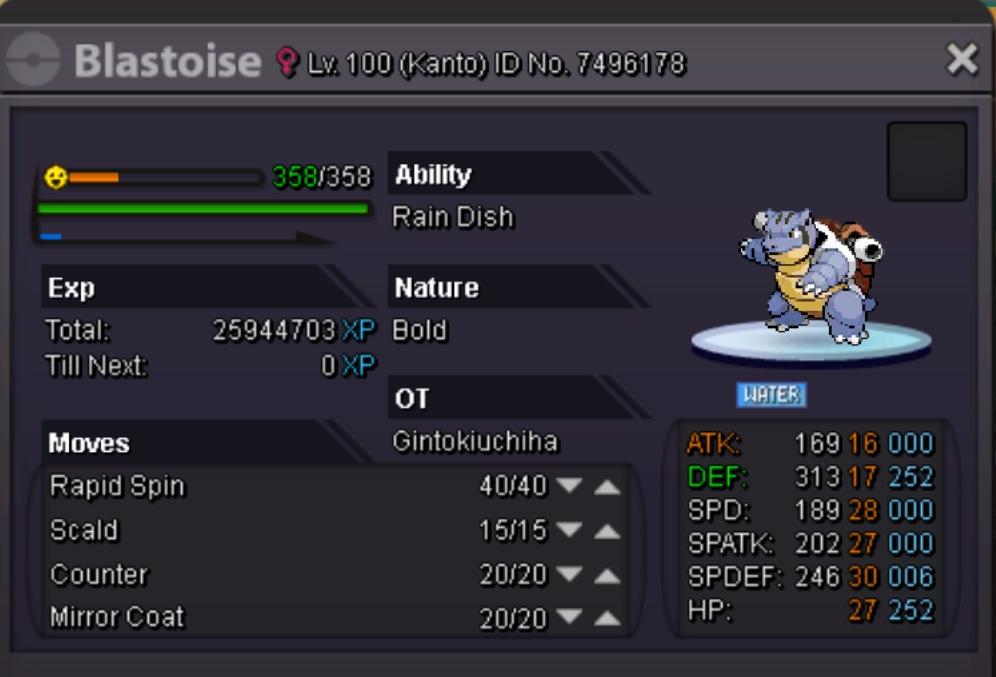
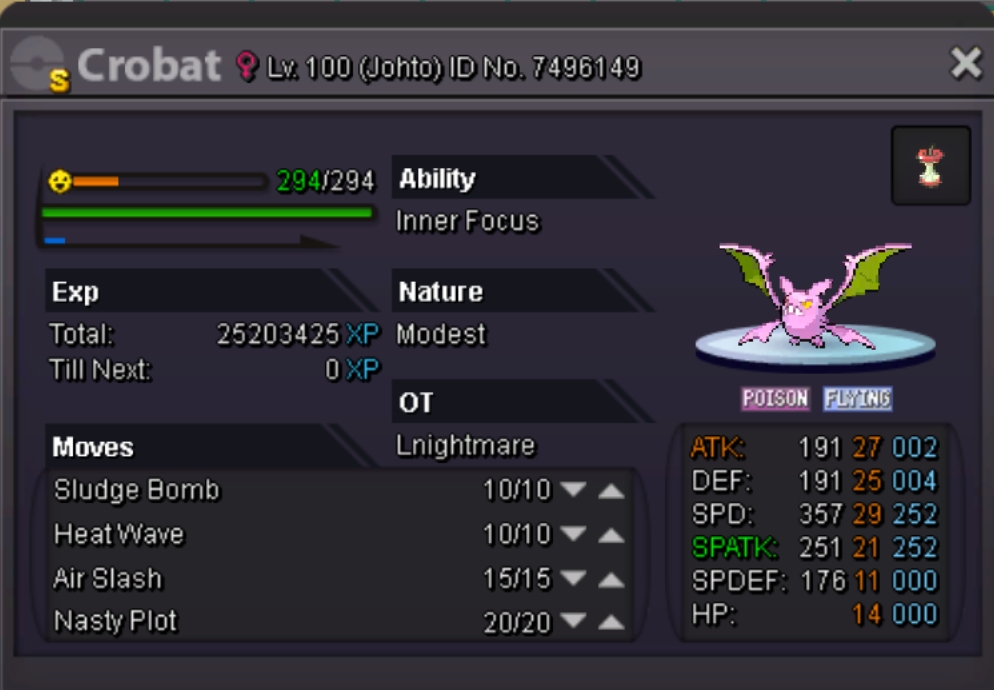

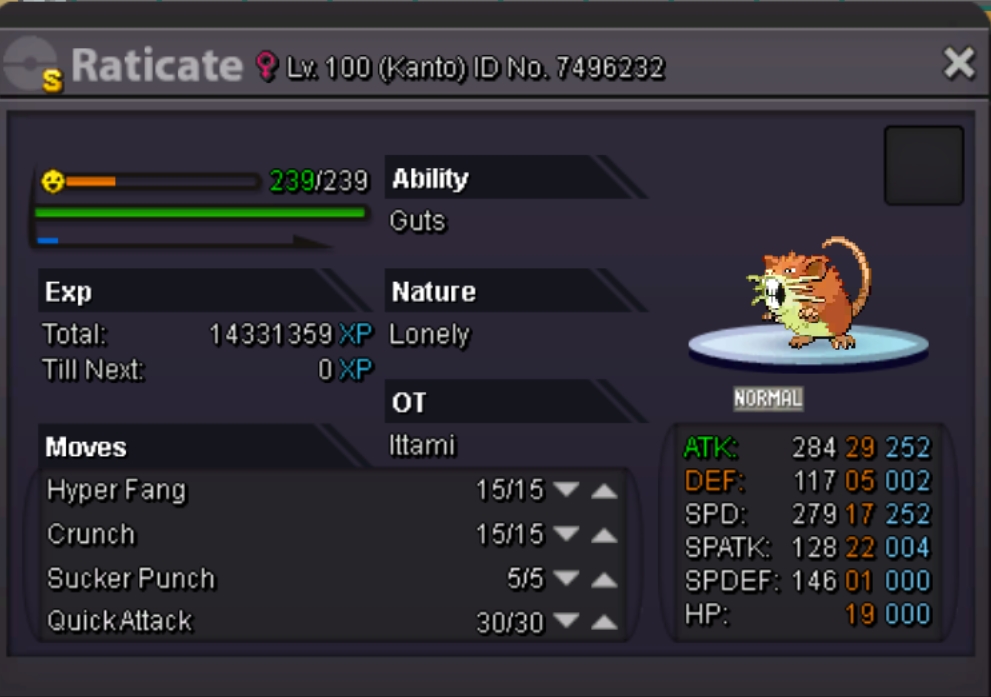
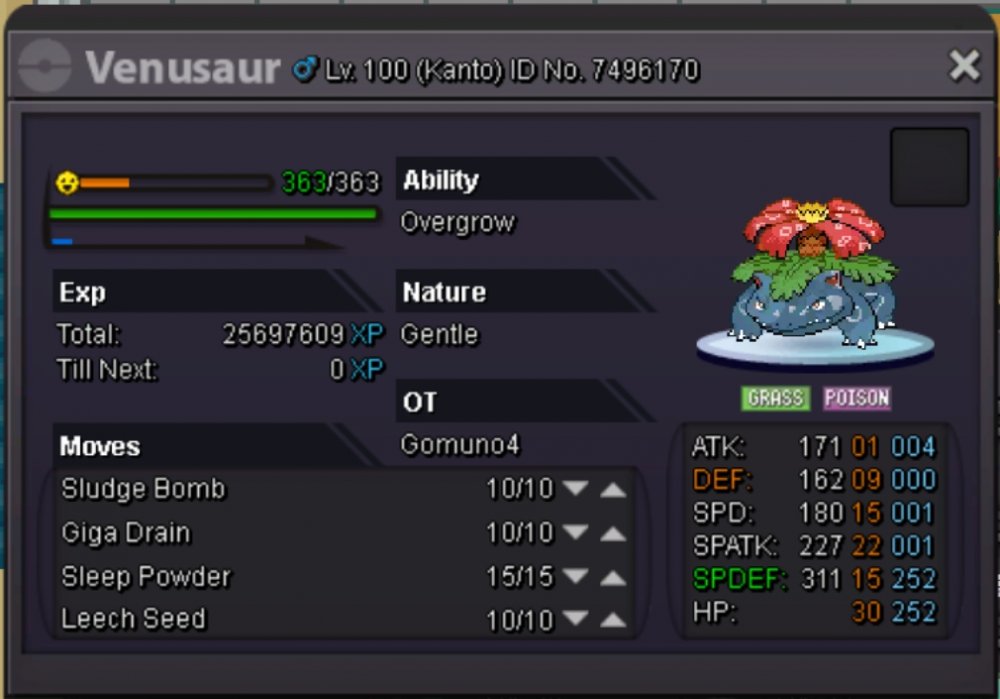
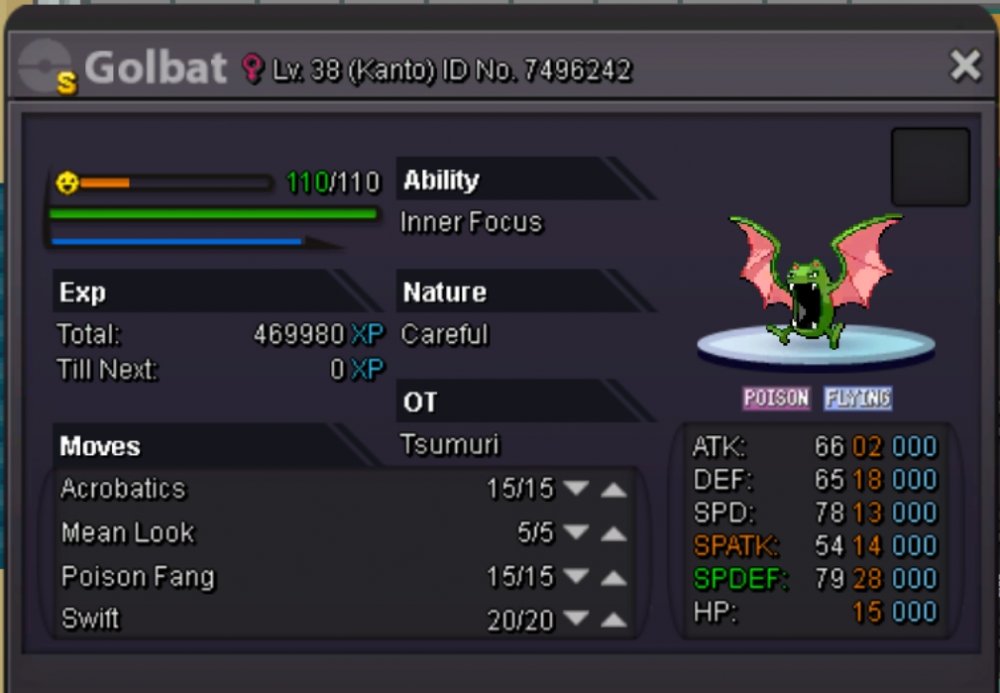
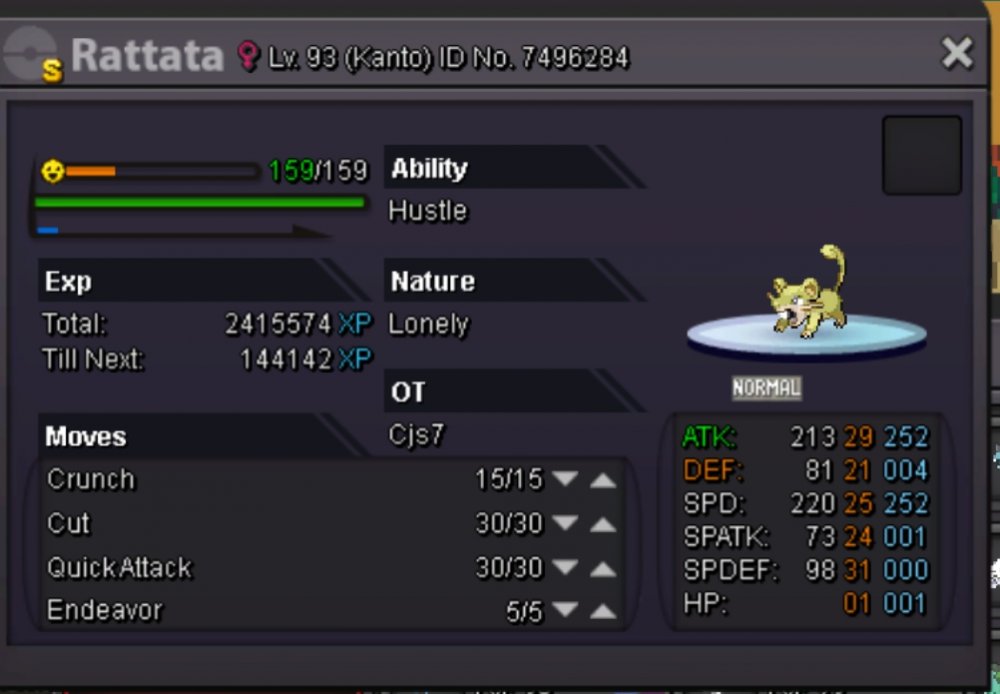

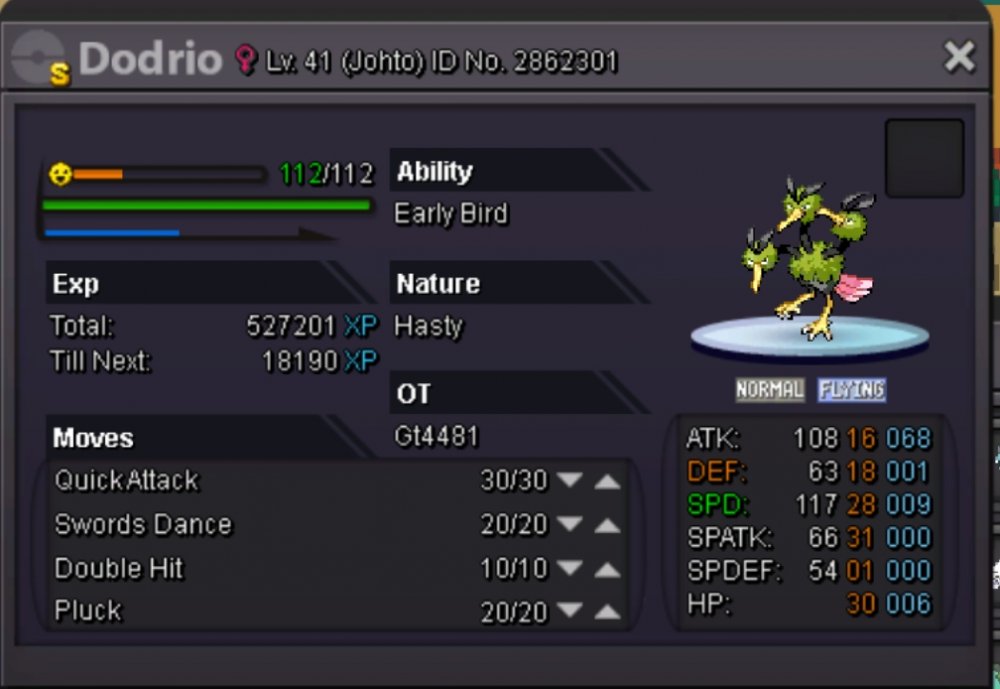
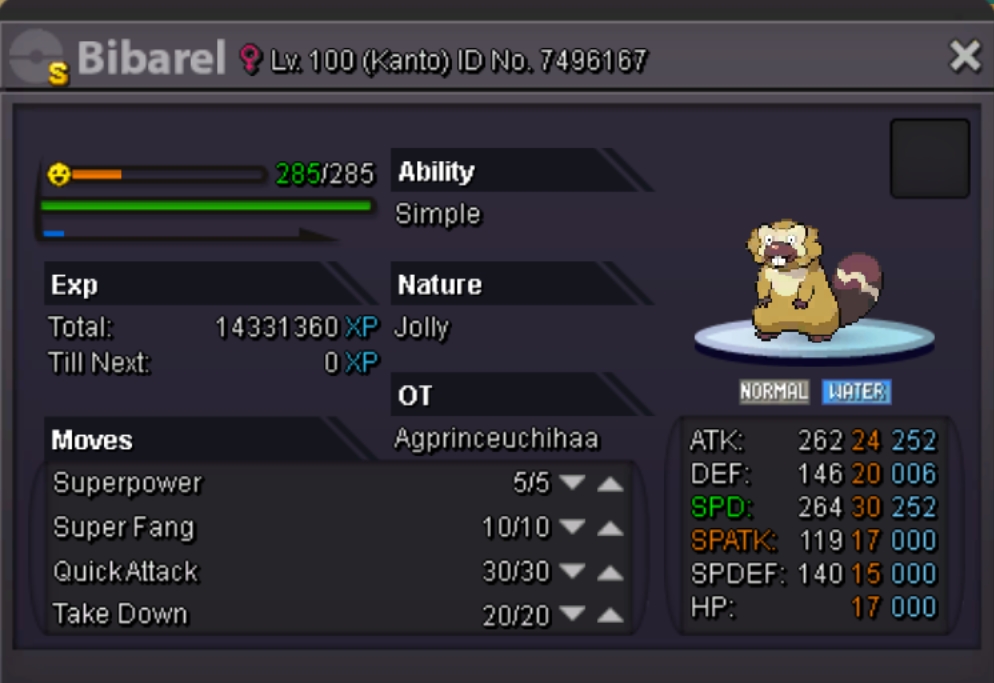

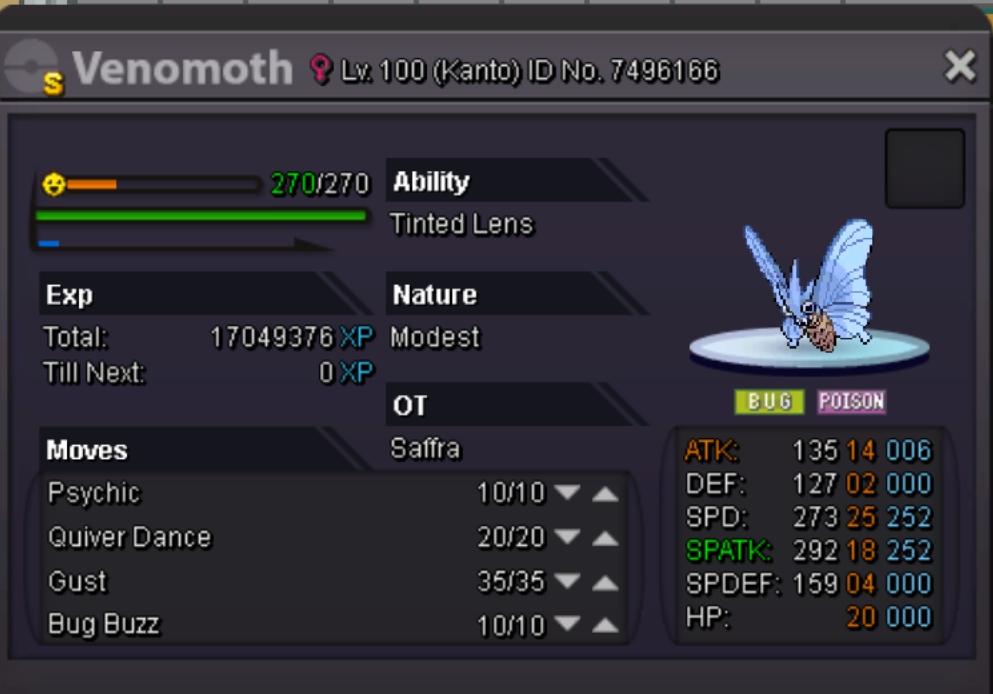
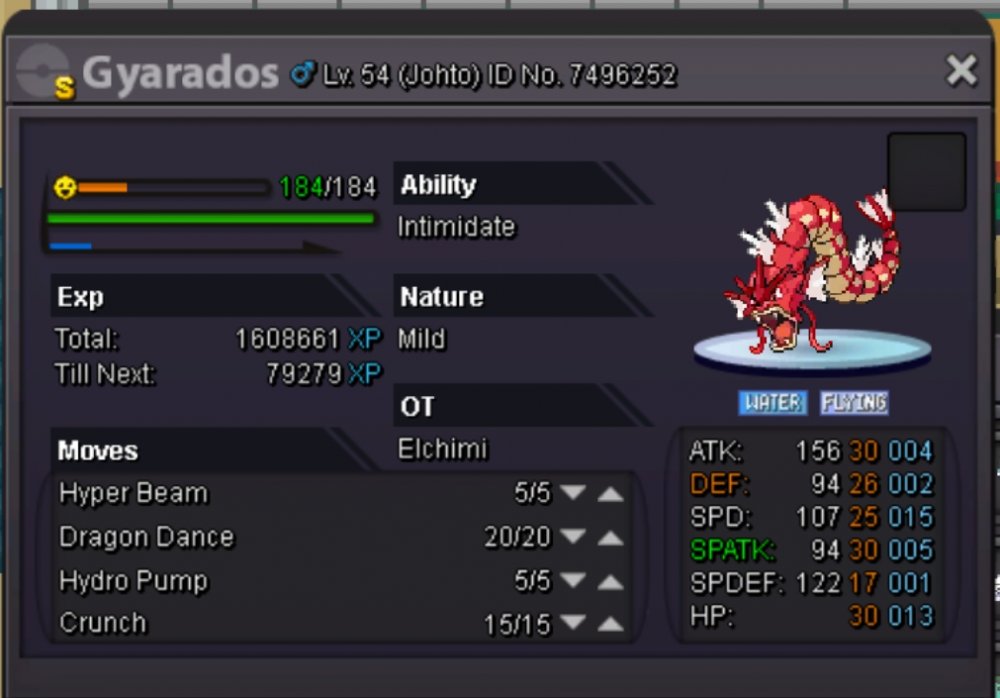

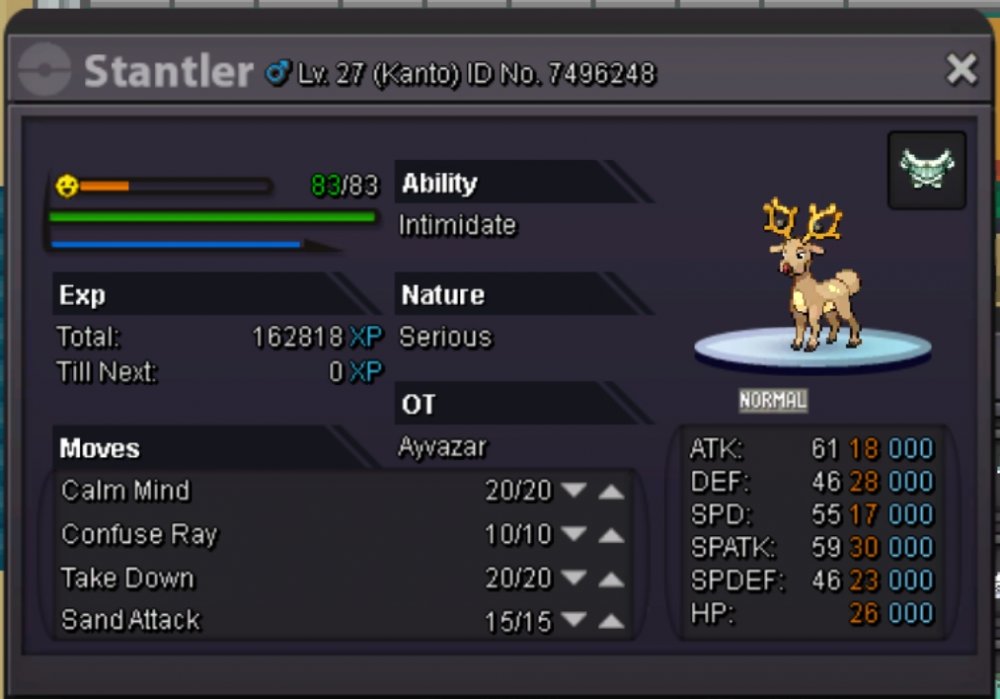
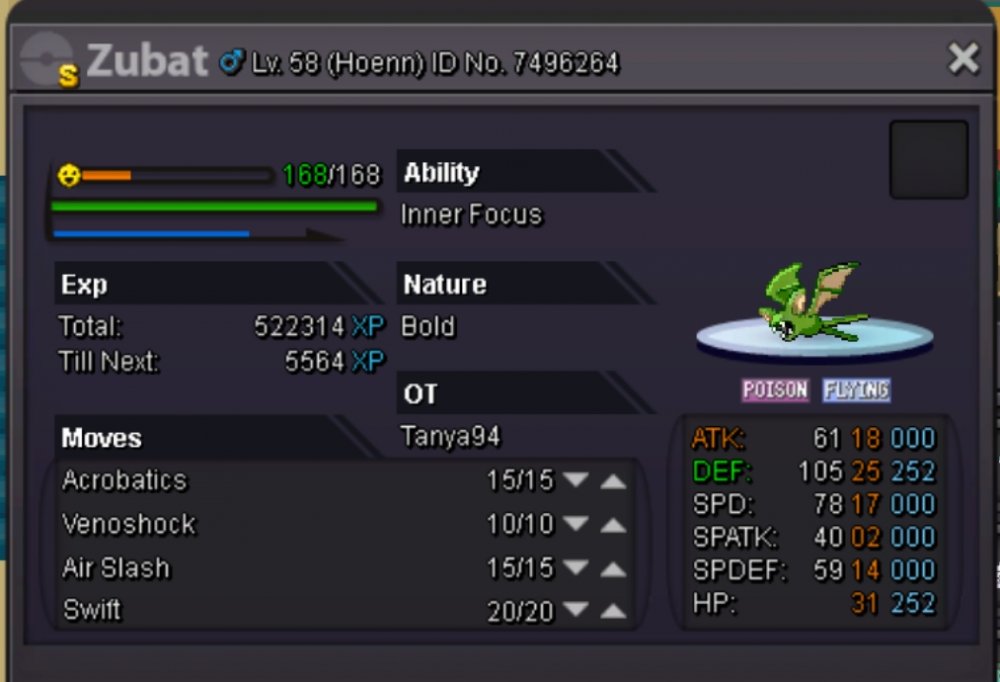
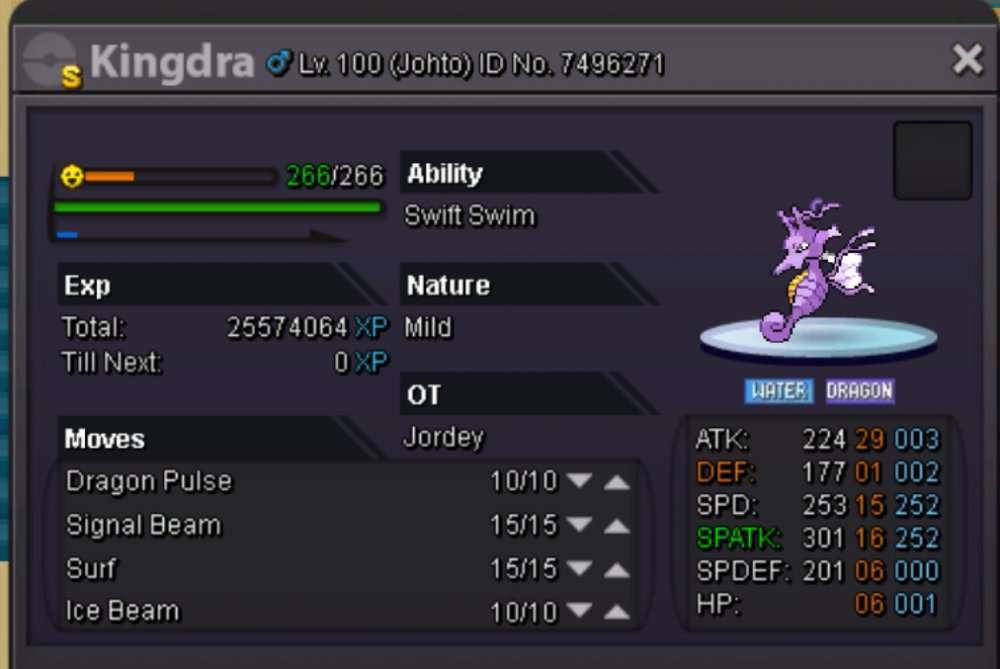
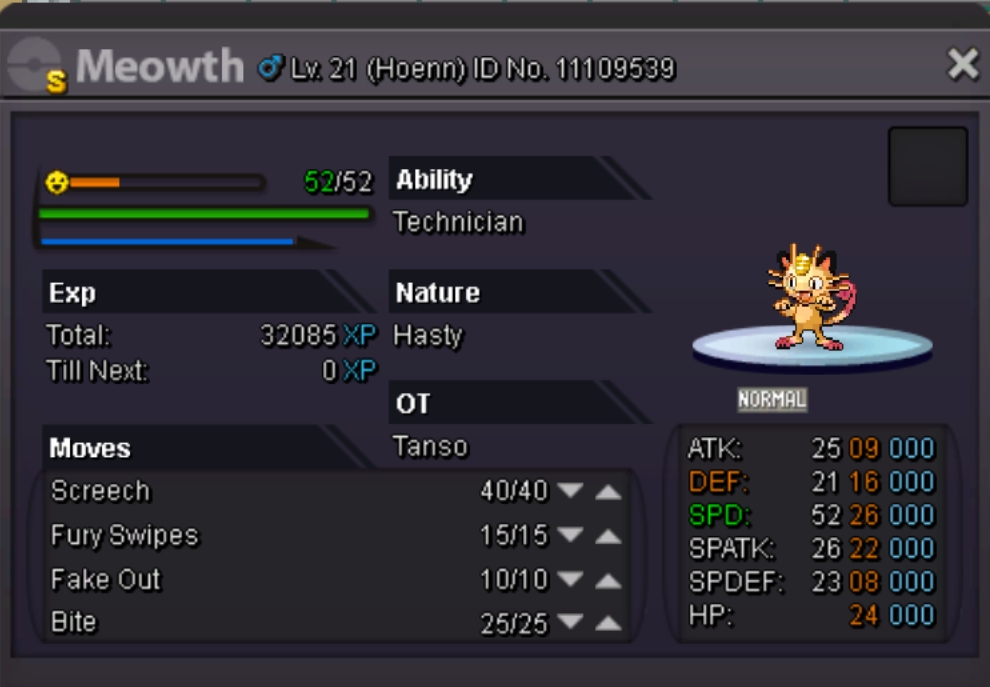
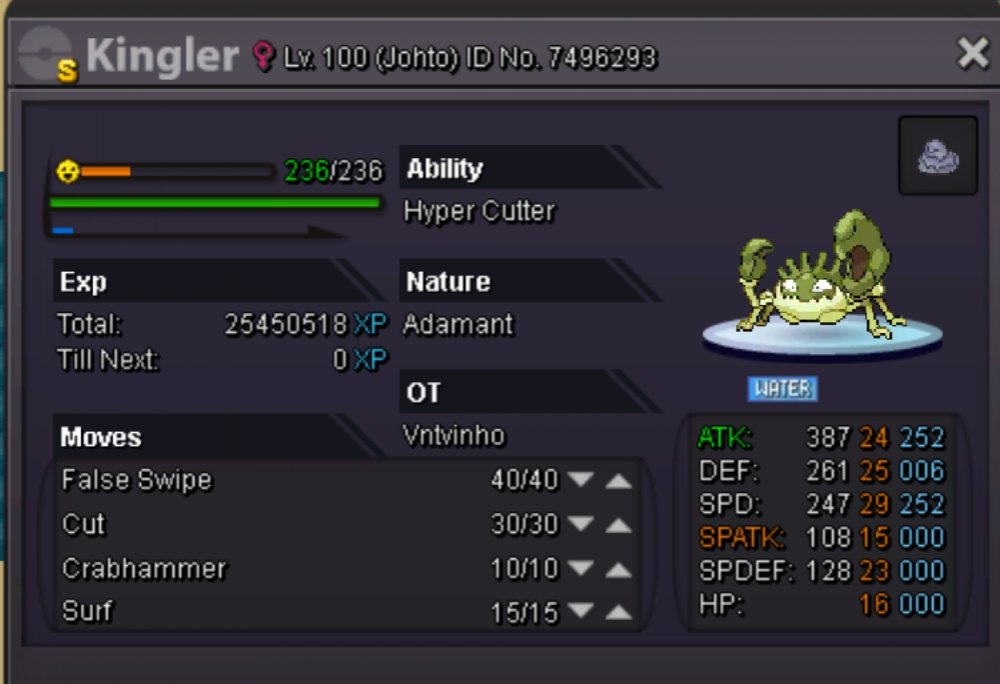
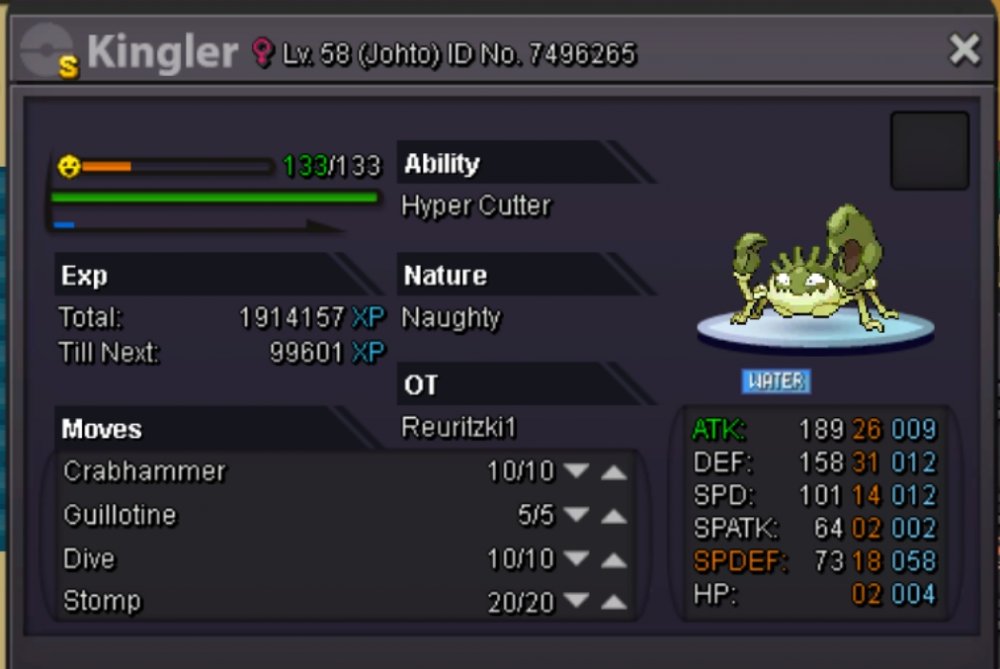
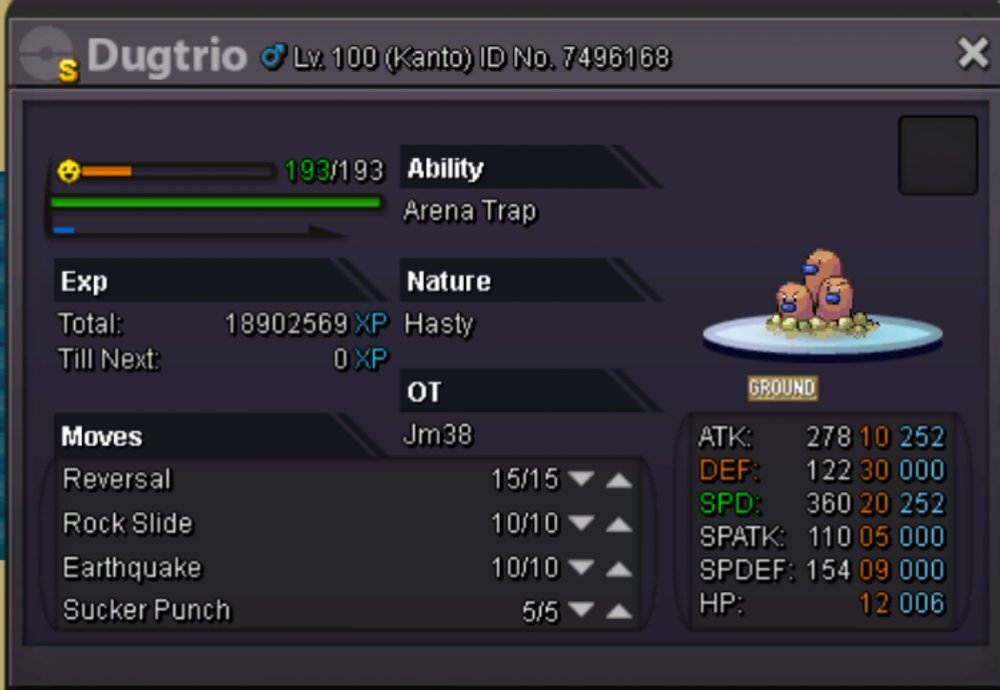
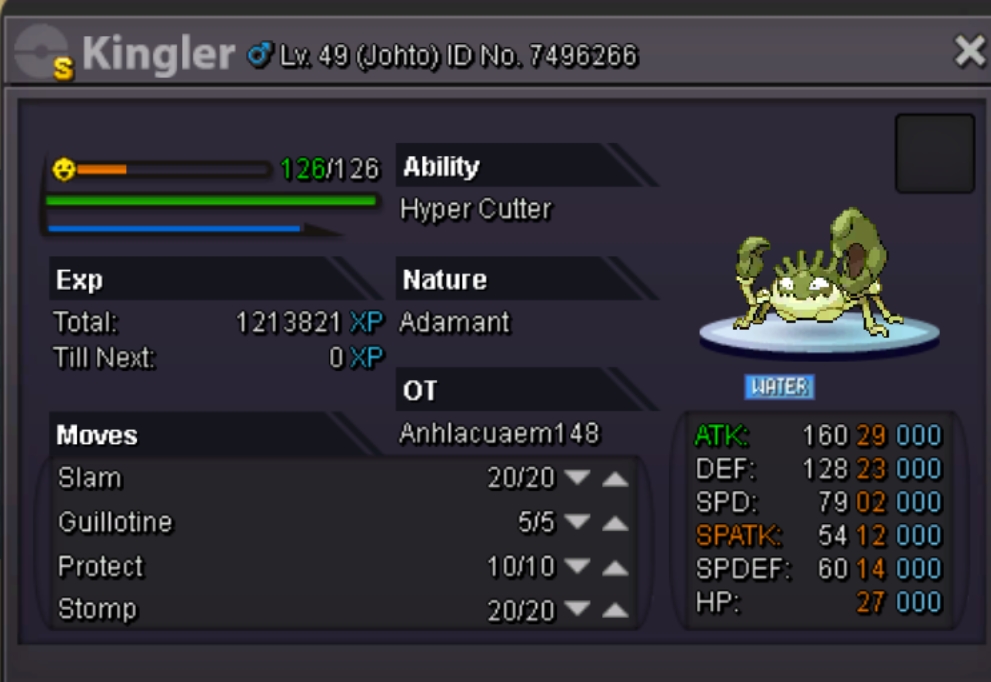
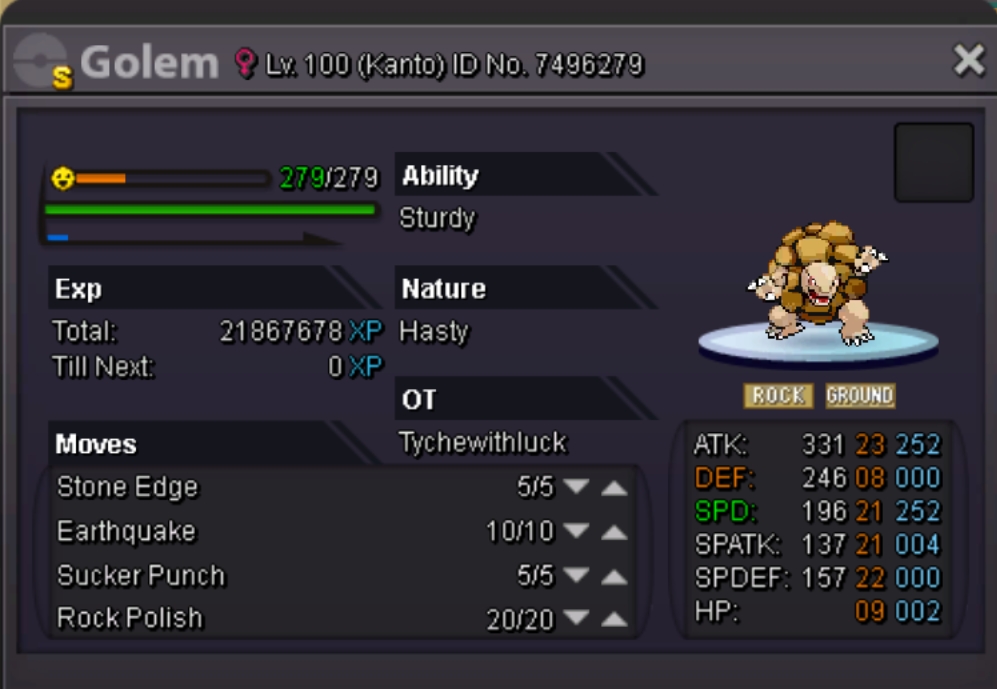
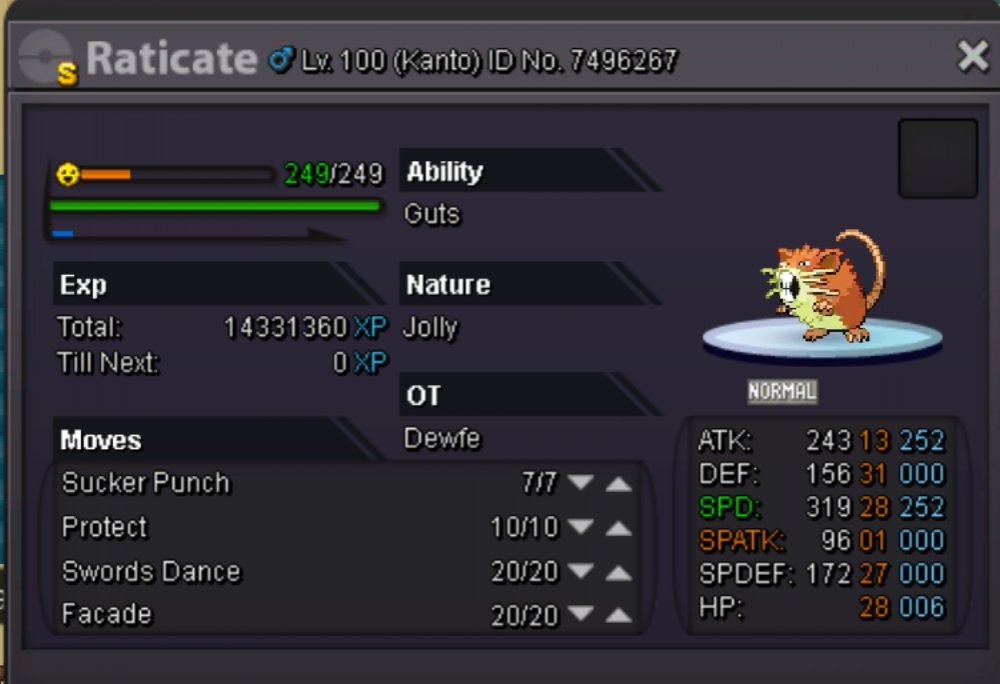
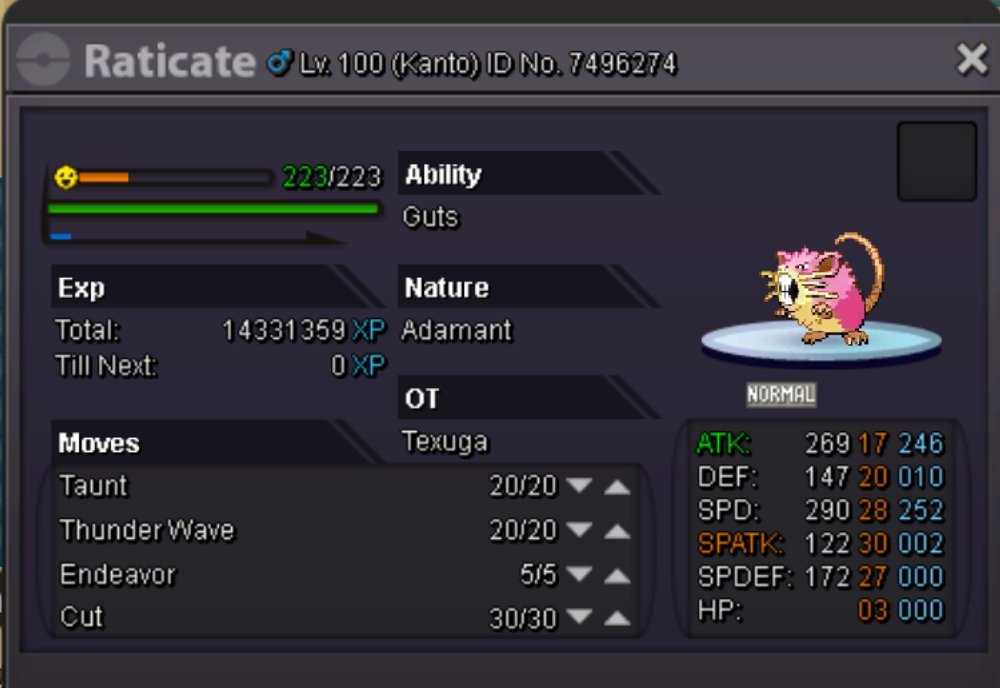
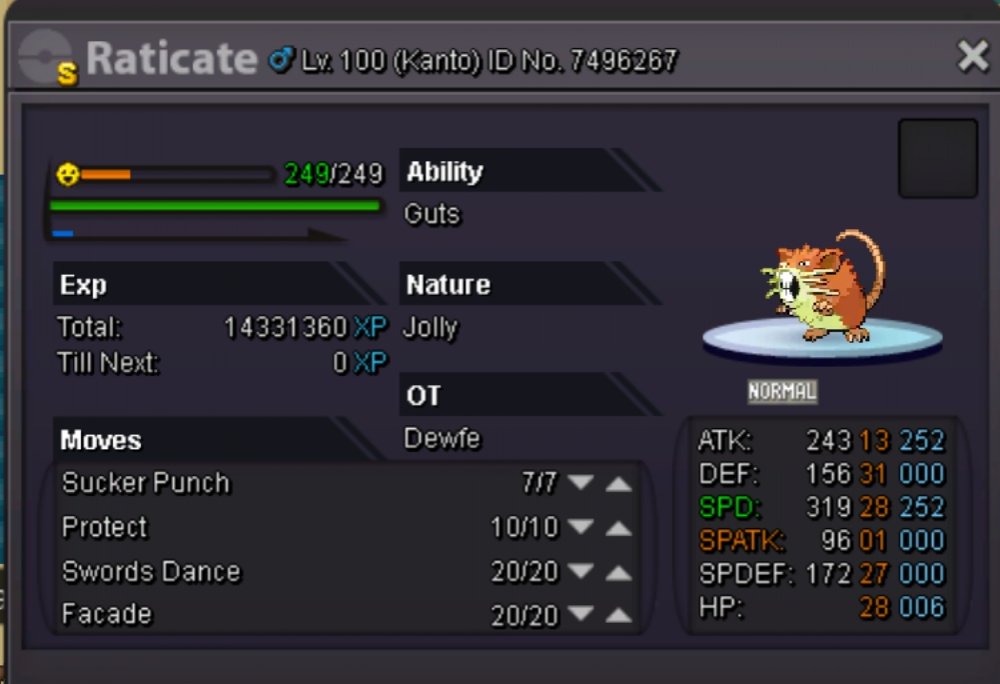
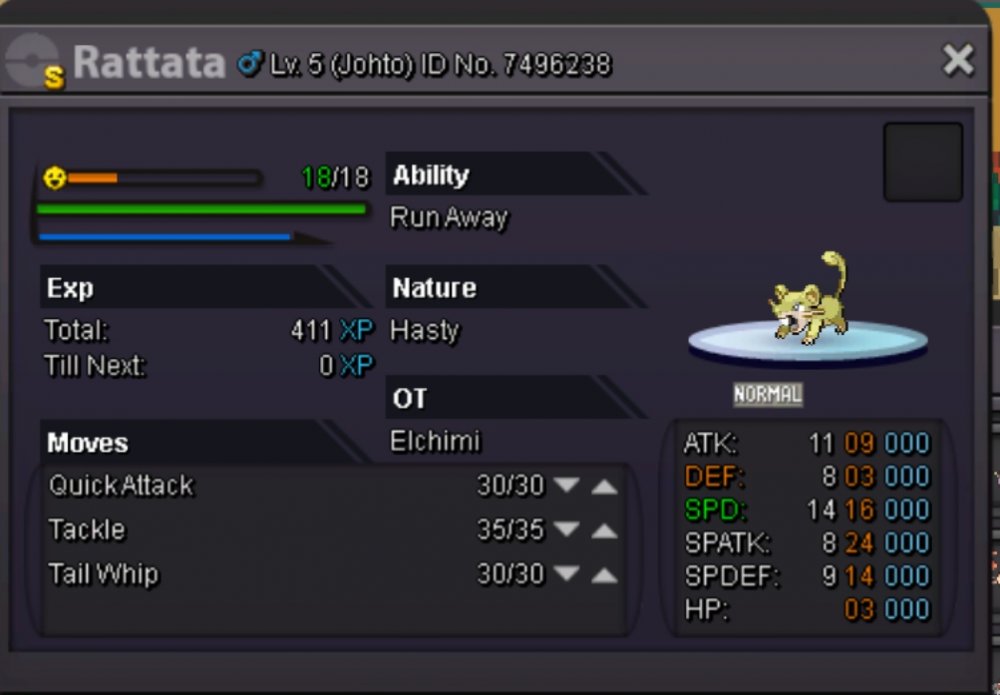

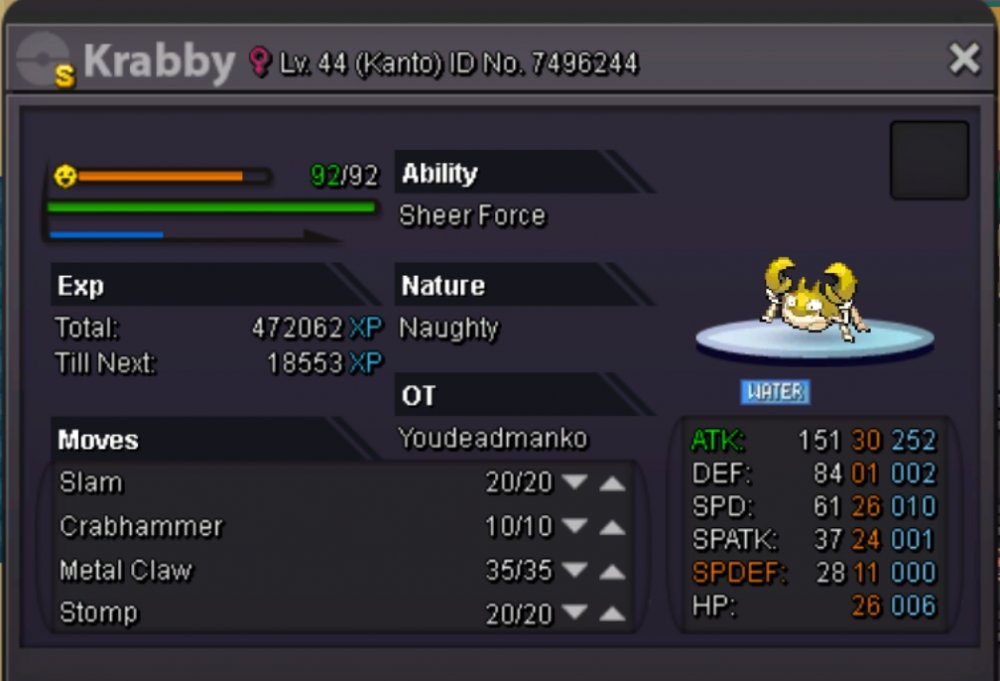
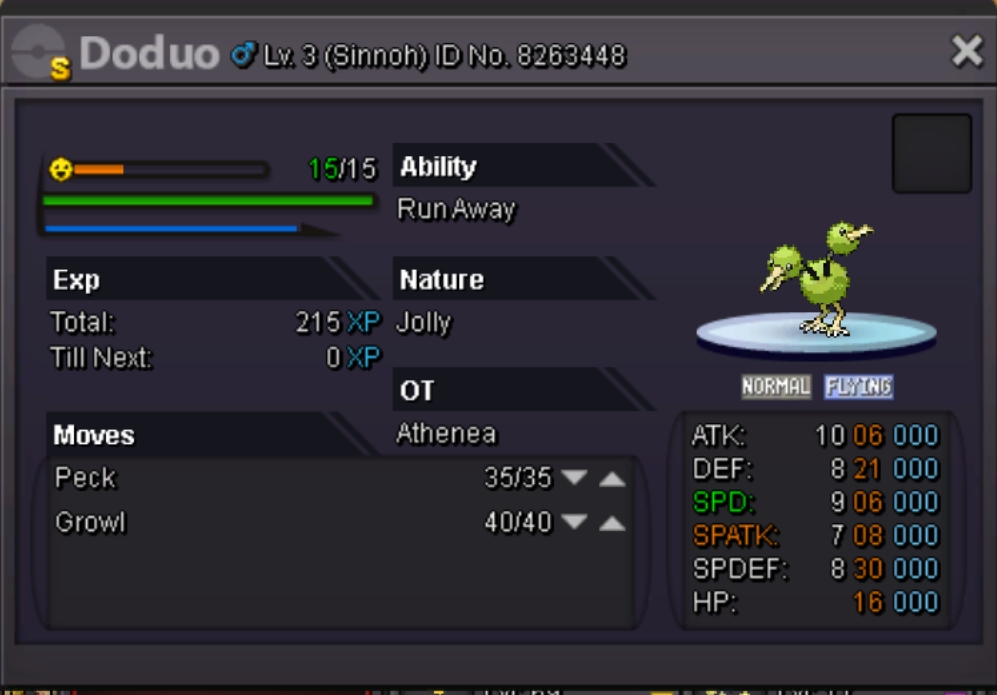
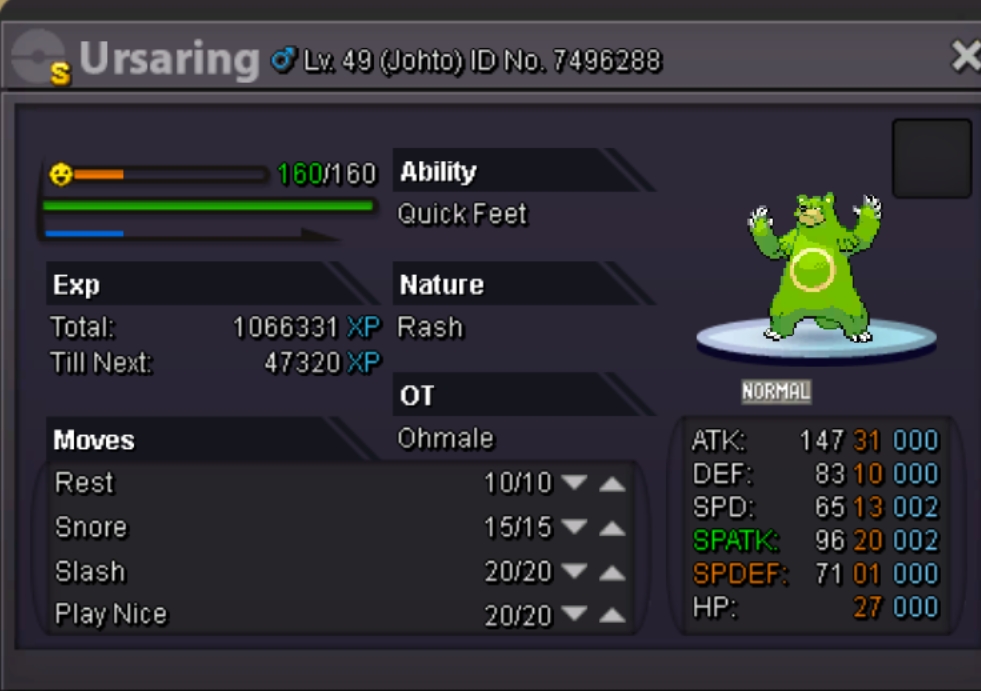
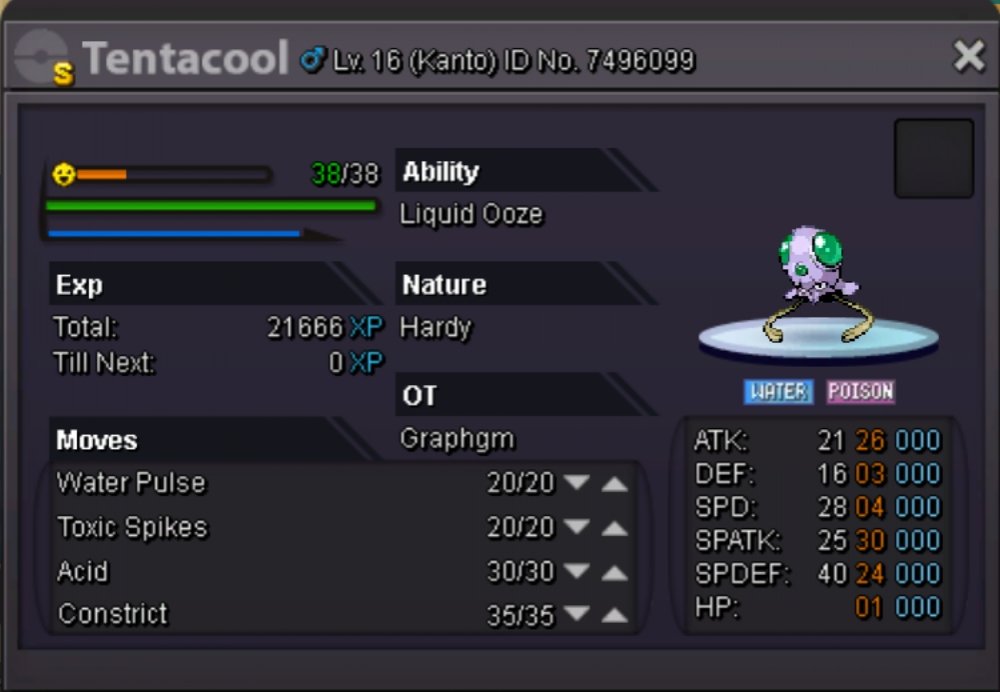
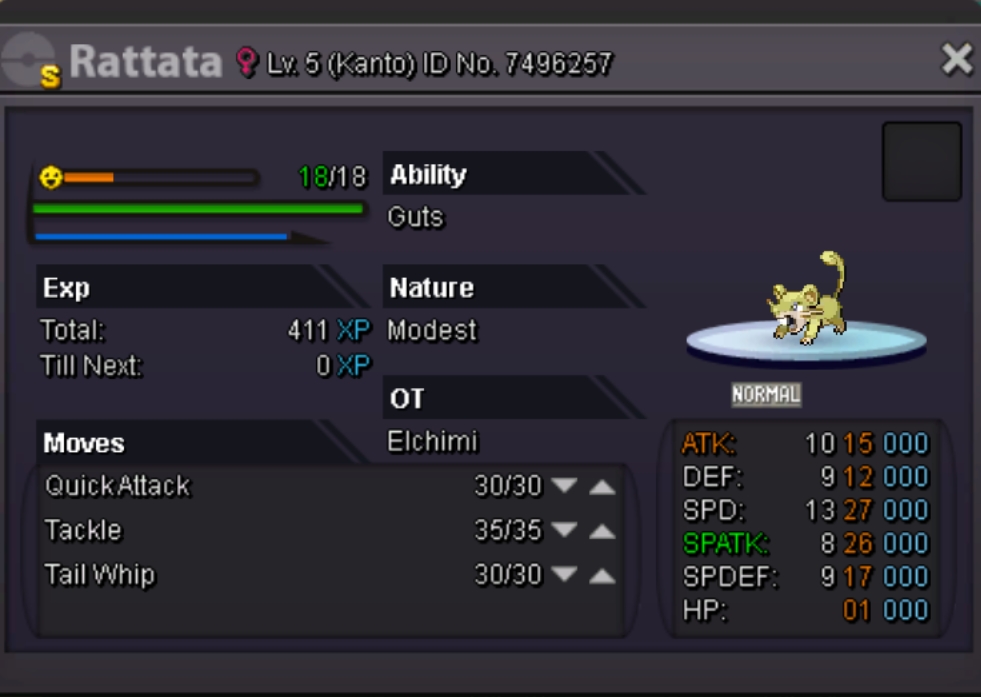
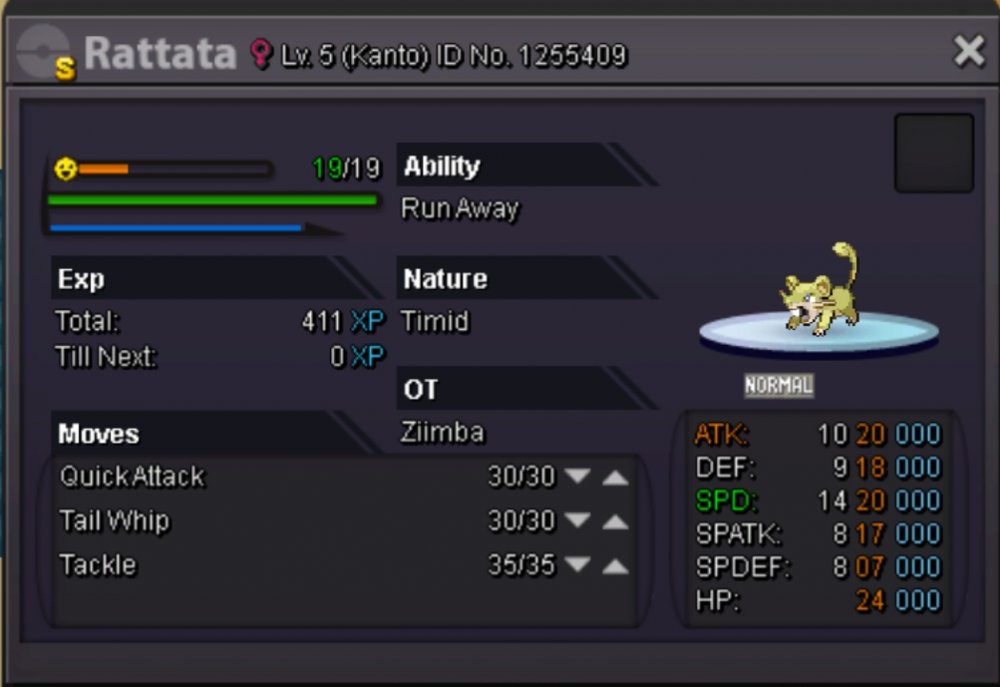
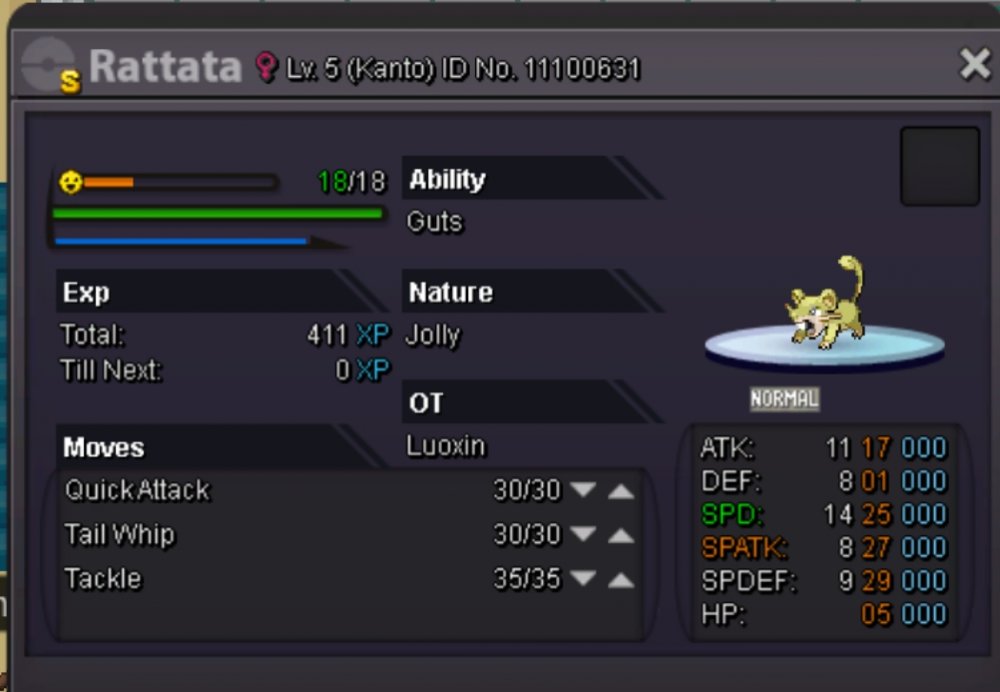
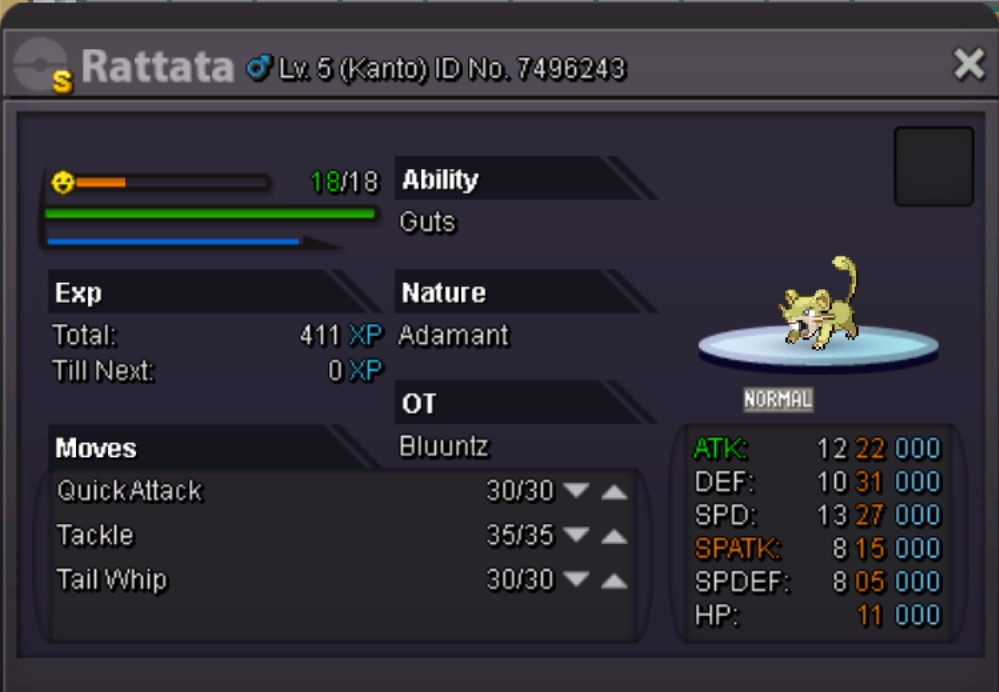

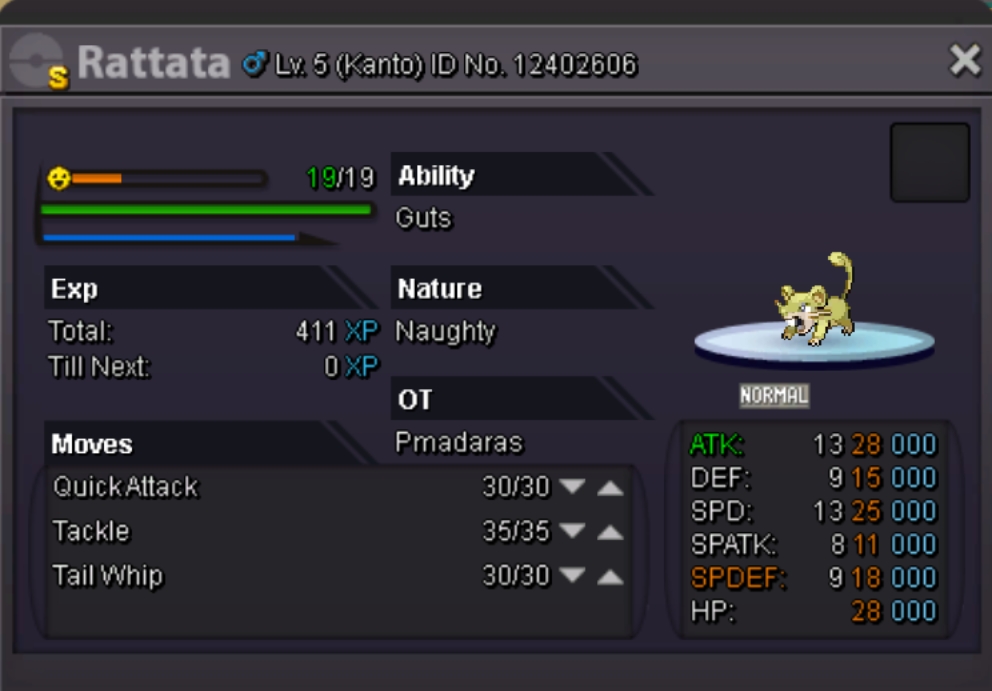
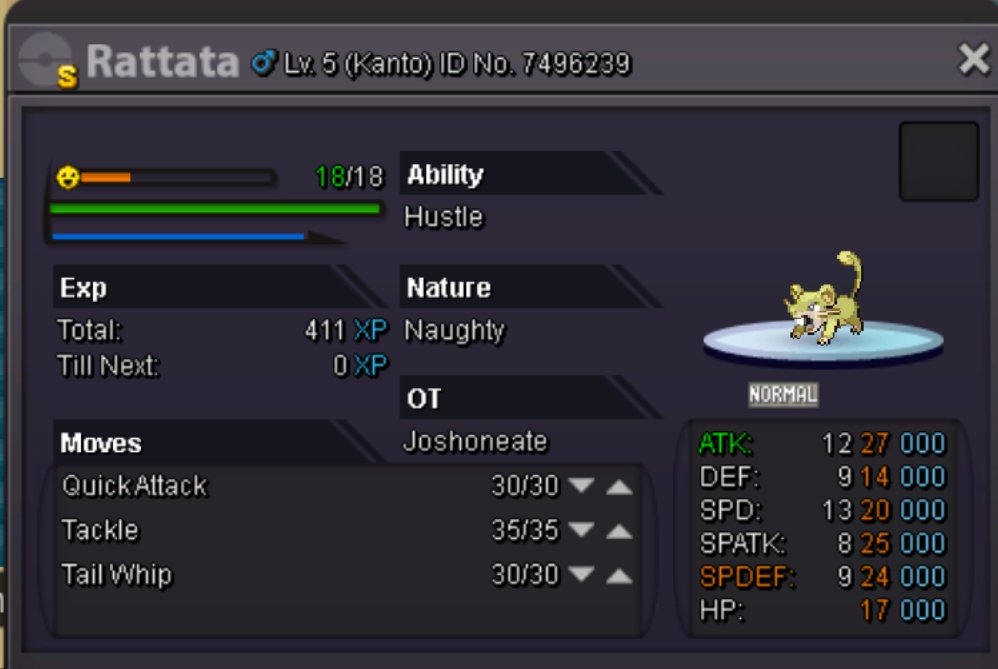


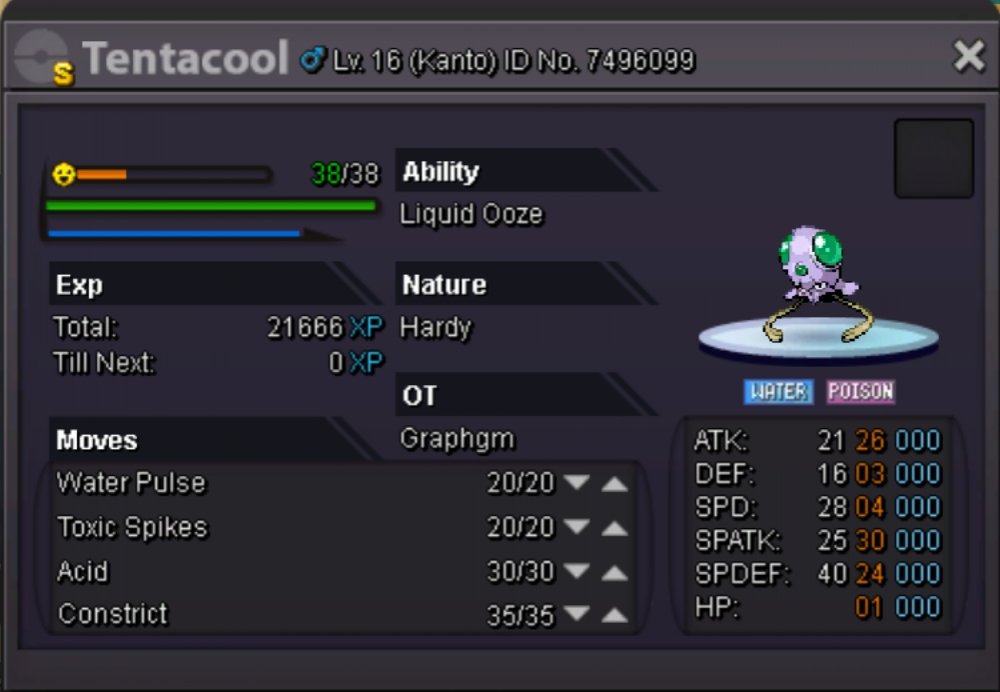
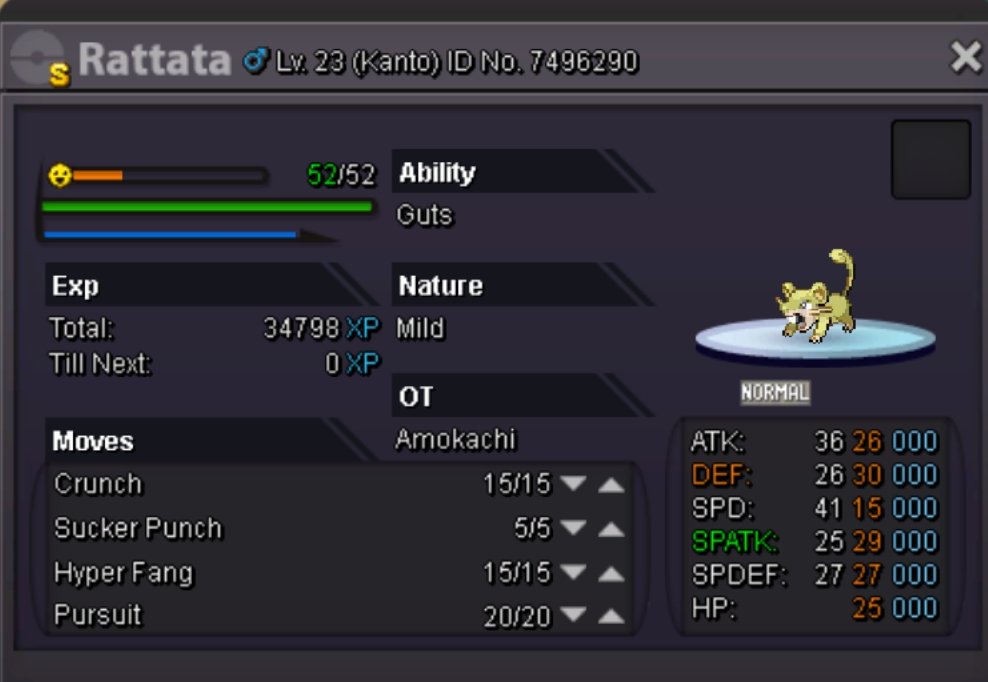
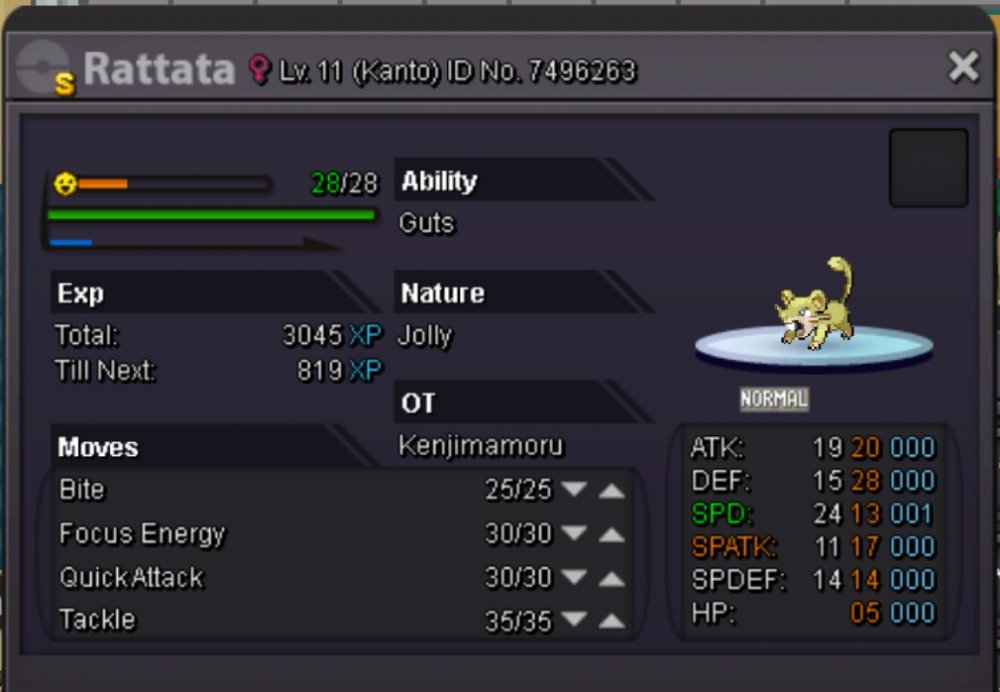
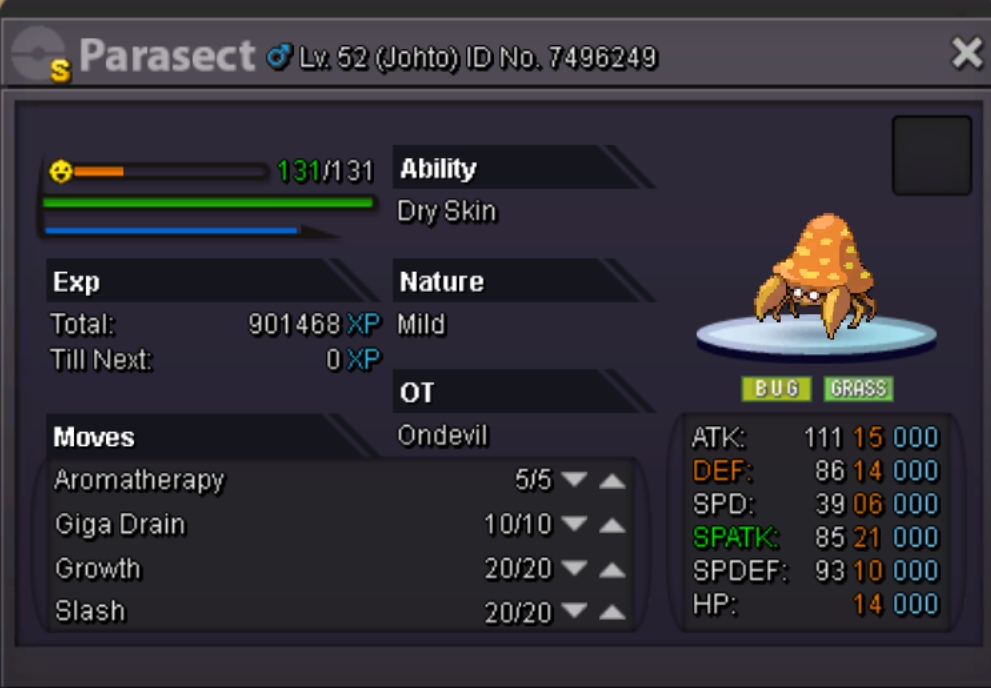

-
going
-
I will be online in like 1h
-
I buy insta :)
-
Cant see images.. I want to see the new shinys added :)
-
I have, will pm u in game or pm me cnnblt
-
I can buy miltank and mismagius if u still have it at the end of season.. :) (no enought money now) hope you can keep for me ^^ i will get 2.7m when season ends
-
Bid ended. Can be closed
-
2h left~
-
Bump---around 9h left
-
Bid ended ?
-
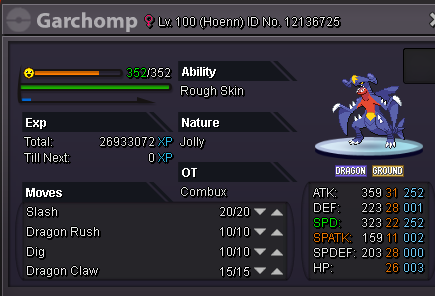
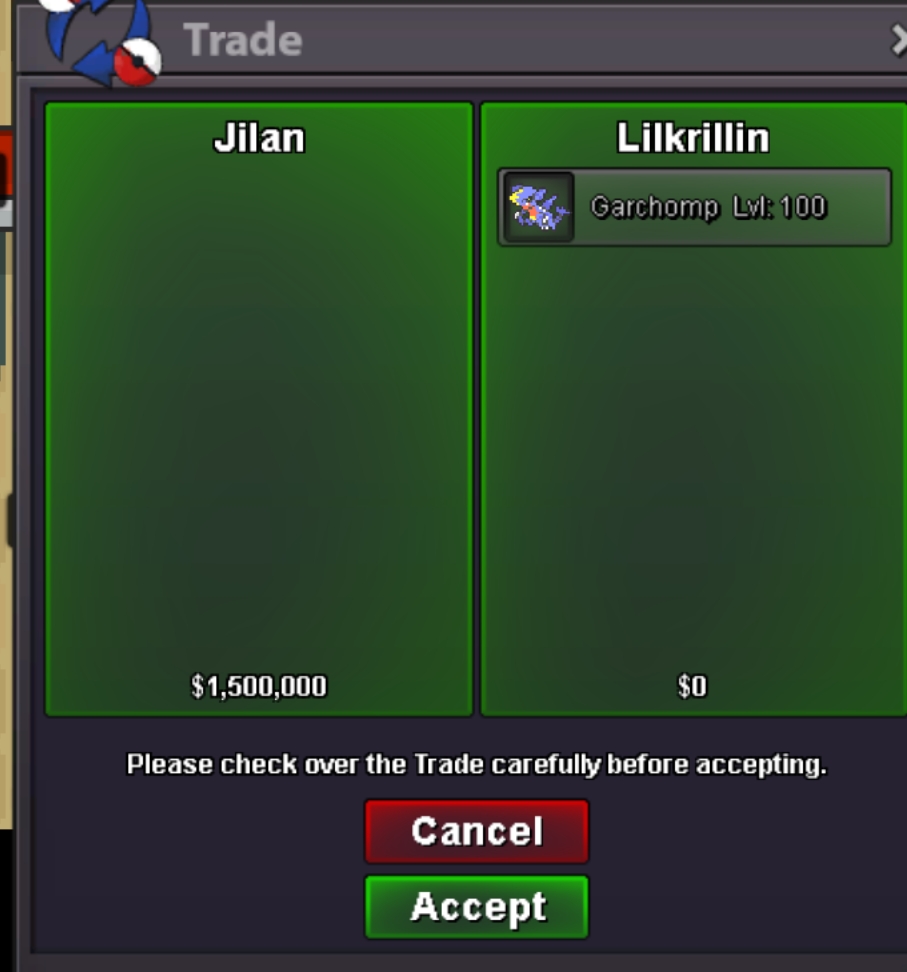
Buump. C.o for dragonite 600k stillI am onlineHmmm 1m 100k hereCool i will be in like 2h onlineAdded insta priceI will add insta today later, and time ends in 3 days from the start, that was yerterday^^You are the new c.o now :)NotedBuuuuumpChanged start offerBump(AUCTION CANT BE CANCELLED, BEST OFFER WILL WIN) Im selling this lovely dragonite for rain team ^^ Start offer 600k. 3 days from the first bid Insta : 1.2m c.o 750k by nicho- FINISHED Also want to sell this jolly h.a garchomp :) Start offer: 500k. 3 days from the first bid. Insta: 1.5m SOLD INSTA TO JILAN