New Trade Zone
Trade Zone is now live
Use the new Trade Zone for auctions and instant-price trades so Pokemon and item offers are easy to find.

Juanjo217
Registered User
-
Joined
-
Last visited
Everything posted by Juanjo217
-
I worked Thanks you for giving me your time for this
-
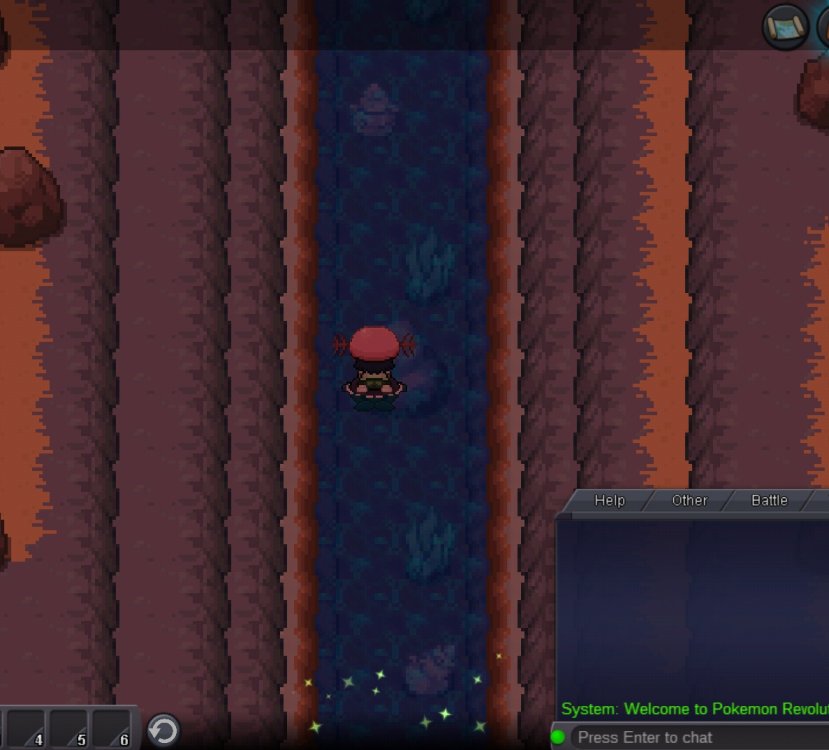
the NPCs came back but the aqua team swimmer does not let me in anyway. Would there be any way to reactivate the magma team's quest to see if it works?
-
the screen was loaded and I appeared in the empty pokemon center without NPCs
-
just talked to the nurse but she only talks about curing my pokemons and nothing else
-
-
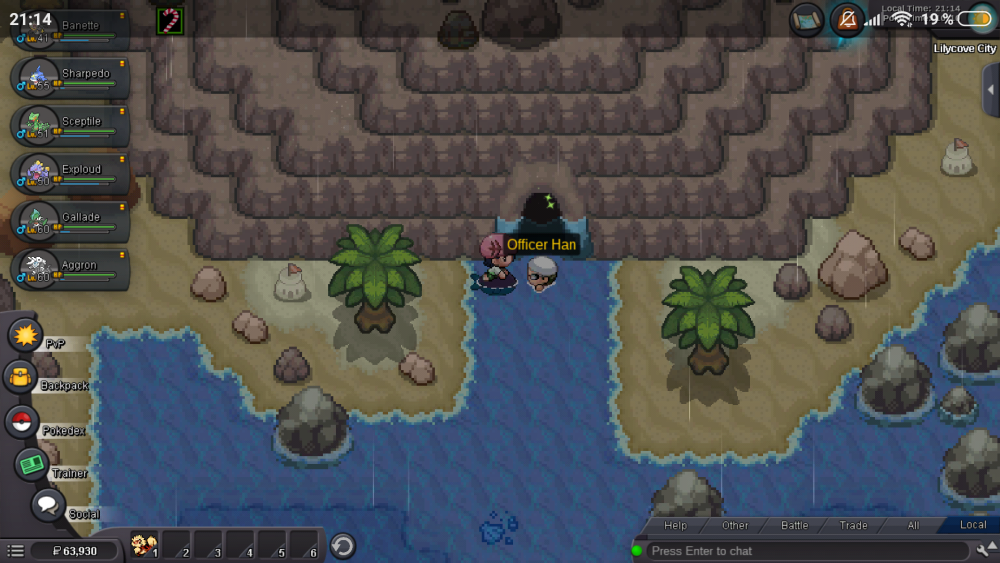
It does not allow me to access the area Team Aqua Hideout the swimmer at the entrance does not allow me to pass despite having made the area Magma Hideout Team
-
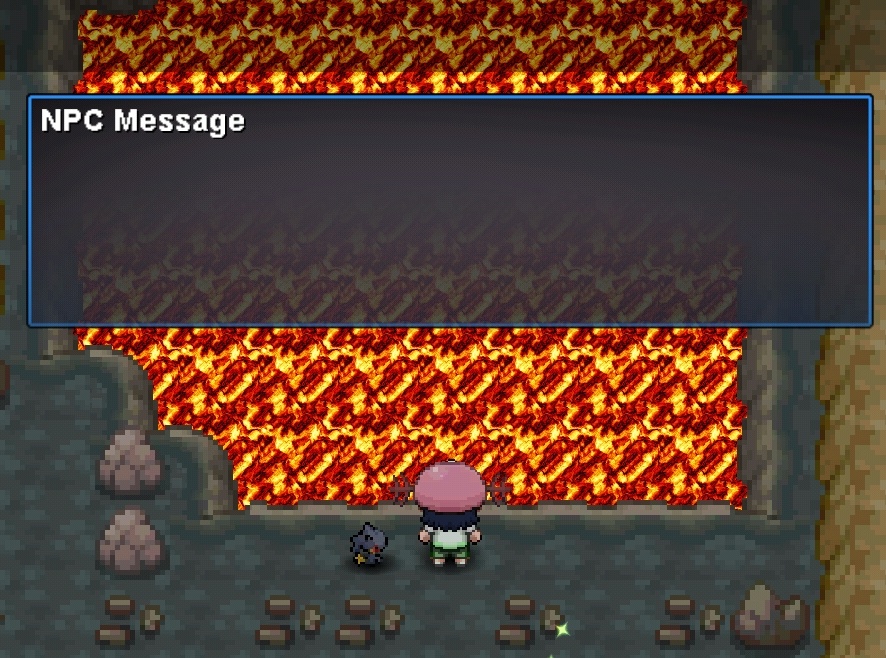
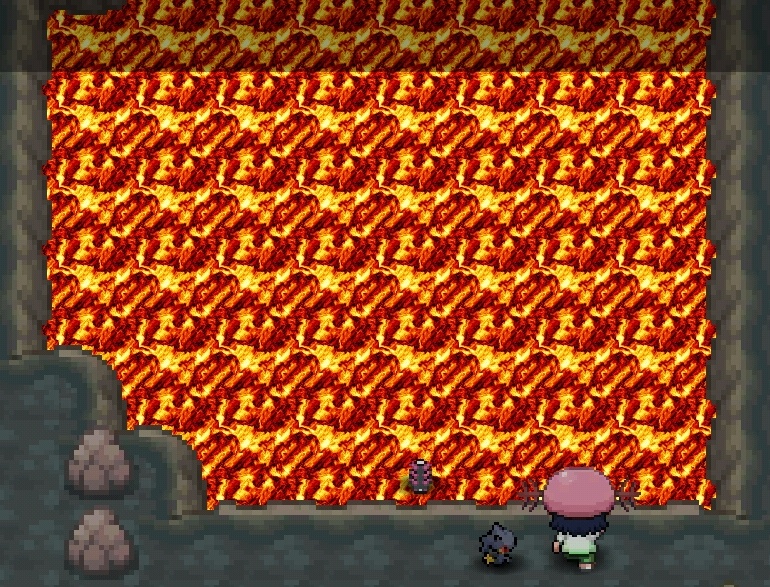
PRO Username: juanjo217 On which server issue happened: Gold after defeating the last npc in the area where groudon came out the rival parq follow the story, but when you finish where groudon was instead of disappearing to follow the story there is a sprite of something that when pressed to speak says NPC message and not me let continue with the team mission aqua.Please