New Trade Zone
Trade Zone is now live
Use the new Trade Zone for auctions and instant-price trades so Pokemon and item offers are easy to find.

Mdemmers
Registered User
-
Joined
-
Last visited
Everything posted by Mdemmers
-
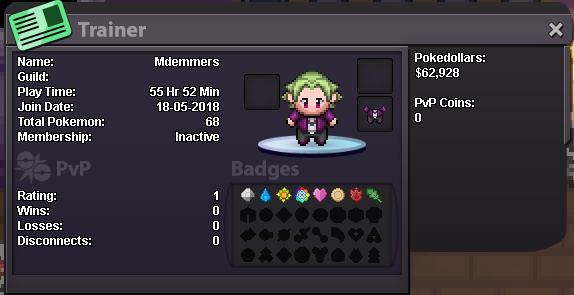
- IGN: mdemmers - Why would you like to join us?: Lately I've been having a lot of fun just chatting with people in PRO and a guild with some cool dude sound like a ton of fun. - What do you like doing most in PRO?: I like just chilling, either grinding up some of my mons hunting for new ones or just progressing the story. - What do you think I should add to benefits for becoming a Sharks Guild Member?: For now i don't know im still kinda new in this whole community - Screenshot of your trainer card in game: - Have any ideas for the Guild that I can implement / change?: Like i said i'm still not well versed, but i'll be sure to let you know if i think of anything