New Trade Zone
Trade Zone is now live
Use the new Trade Zone for auctions and instant-price trades so Pokemon and item offers are easy to find.

Keyfob
Registered User
-
Joined
-
Last visited
-
I dont know how it worked, but i 1 hit him with crunch on my gyarados lol
-
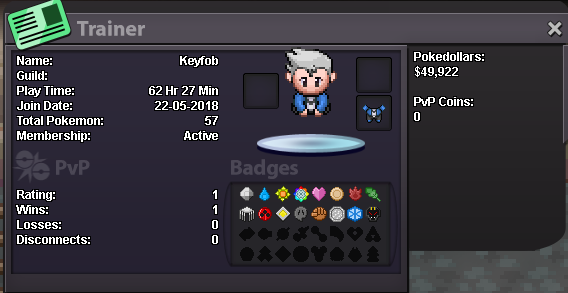
• Why do you want to join Eternity? Ive been playing solo and have been wanting to get more of a community vibe in the game, its getting lonely out there :P • real name / ingame name: Hi, im Tyler, and my ingame name is Keyfob • Ur country/ which language(s) do you speak? Im from Canada and i speak english • discord name+tag / how often u r online there? Tyler #1974 i basically live on discord, if im not sleeping i have discord open • what is your goal on pro: I wanna be the very best, like no one ever waaaas! Now that i got that out of the way, i want to complete all the regions for now, then waste my life away shiny hunting and completing my pokedex • screenshot of your trainercard