




New Trade Zone
Trade Zone is now live
Use the new Trade Zone for auctions and instant-price trades so Pokemon and item offers are easy to find.

Eshwar17
Registered User
-
Joined
-
Last visited
Everything posted by Eshwar17
-
@Incandescent can you please force trade my mon for the money
-
Can any trade mod force trade, am unable to find sympatoche online when am on.
-
@Sympatoche has won the auction. Let me know when you can come online.
-
Ends in 2.5 hrs approx
-
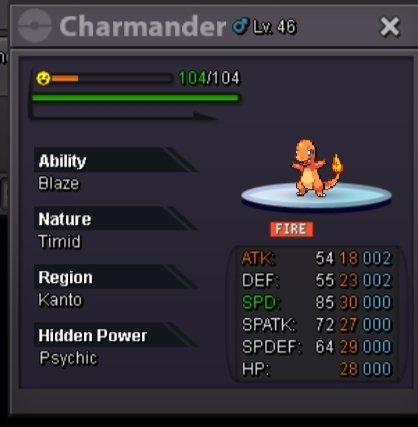
C.o 300k by blulotus Min bid-50k No insta. Duration 48hrs from the first bid.
-
Zil18 has won the auction
-
No you are not there is still like 20hrs left
-
C.o 500k

-
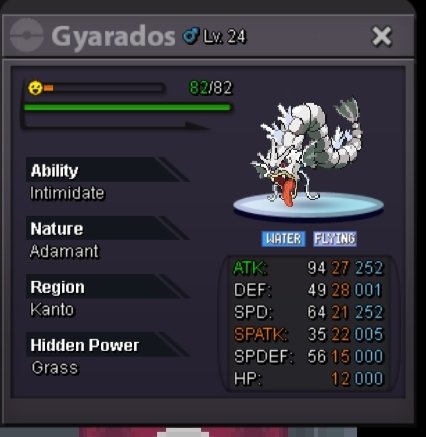
C o-640k by zil18 Min bid-20k No insta Duration -48 hours after the first bid. Only cash
-
Sold can be closed
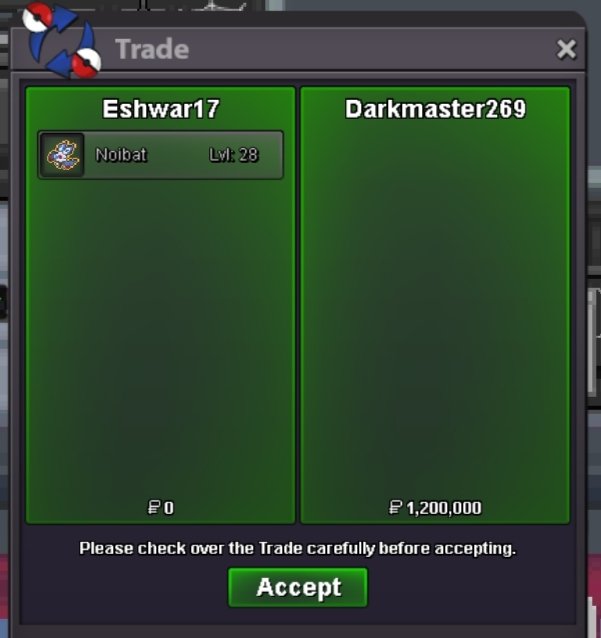
-
Can we meet in vermillion or murky town. I don't even know where arche valley is
-
Yes you won. Let me know when you can come online. And your timezone
-
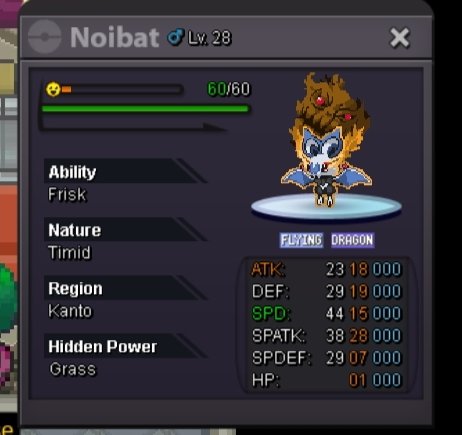
C.o- 1.2m by darkmaster No insta Min bid-50k Duration -48 hours from the first bid Don't accept rerolls. Accept cc at 400k each
-
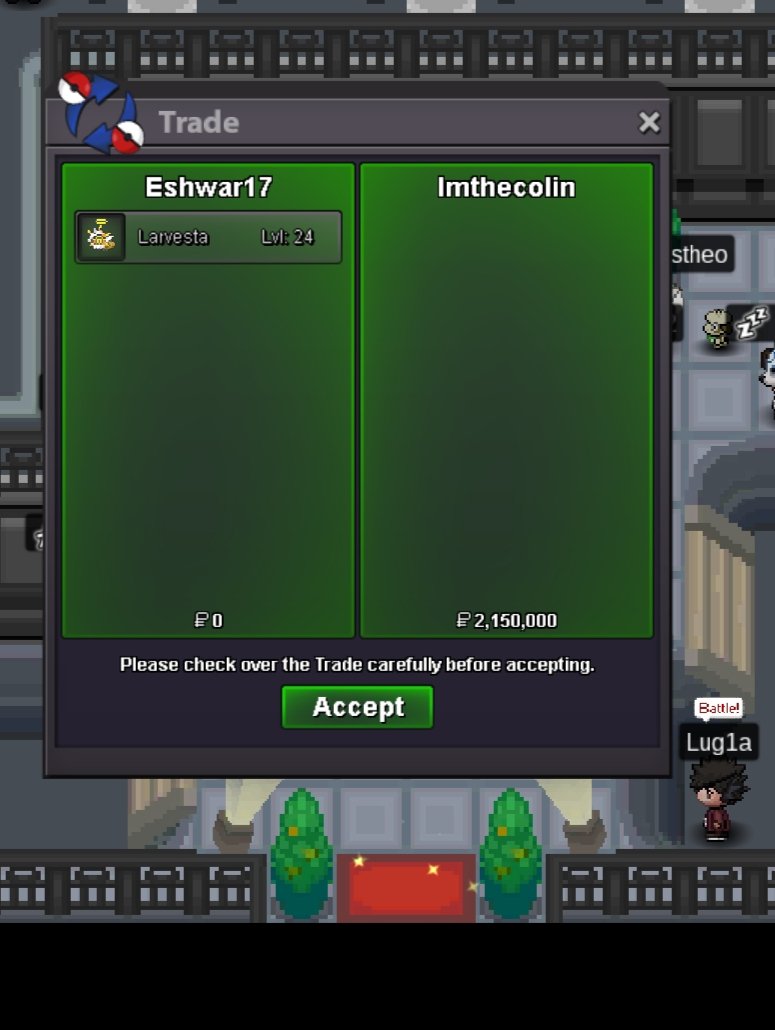
Sold
-
As per the trade rule if an offer was made within last the 15mins of an auction then the end time will be extended by 15mins from the last offer was made.
-
Am afraid you were a bit late. imthecollin won the auction
-
Auction extended by 15mins as an offer was made in the last 15 mins
-
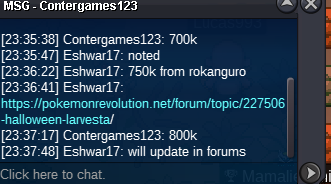
New bid
-
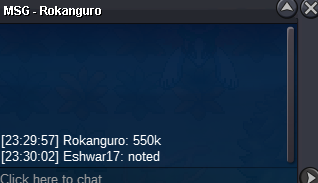
New offer
-
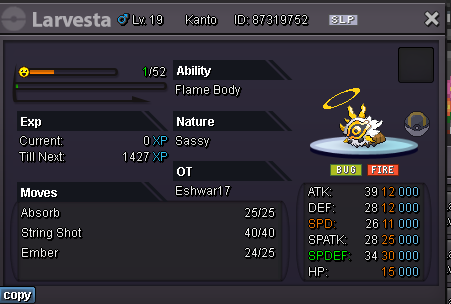
Co-2.15m imcollin No insta Min bid-50k Duration -48hrs after the first bid
-
I can start with 700k if u want
-
Start
-
-
Sold can be closed
-
Merge has won the auction @Merge let me know your discord id and when u can come online
