New Trade Zone
Trade Zone is now live
Use the new Trade Zone for auctions and instant-price trades so Pokemon and item offers are easy to find.

Zoroarkxd
Registered User
-
Joined
-
Last visited
Everything posted by Zoroarkxd
-
Thank you! Just making sure.
-
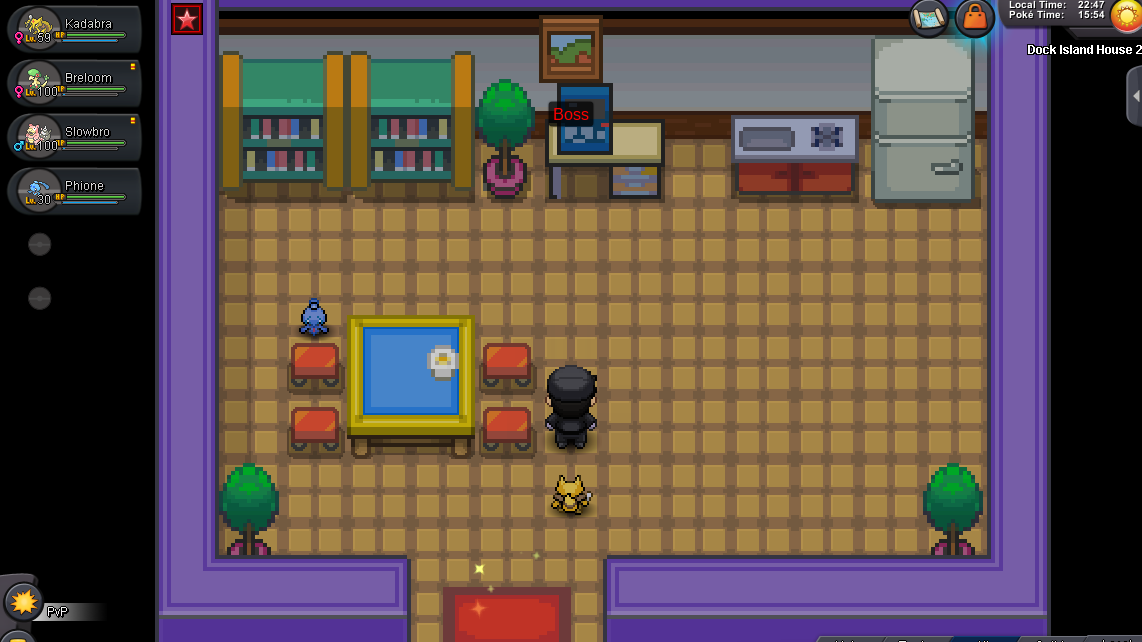
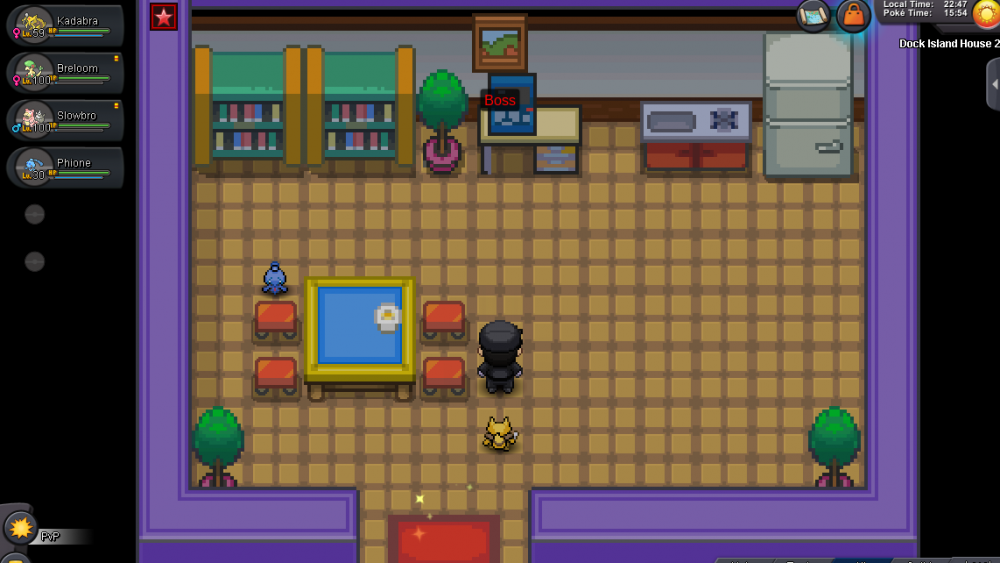
I came in here to fight battle boss, then I see the phione, so I talked to it and it started a battle. I caught it, then proceeded to fight battle boss and this is my 3rd consecutive win, then a phione showed up again as my 3rd time win prize. Is this a bug or am I able to catch it a second time. I haven't talked to this second phione, because I don't want to be banned if bug.
-
It worked now, thank you! :D
-
Am I suppose to get some type of text from talking to meteor?
-
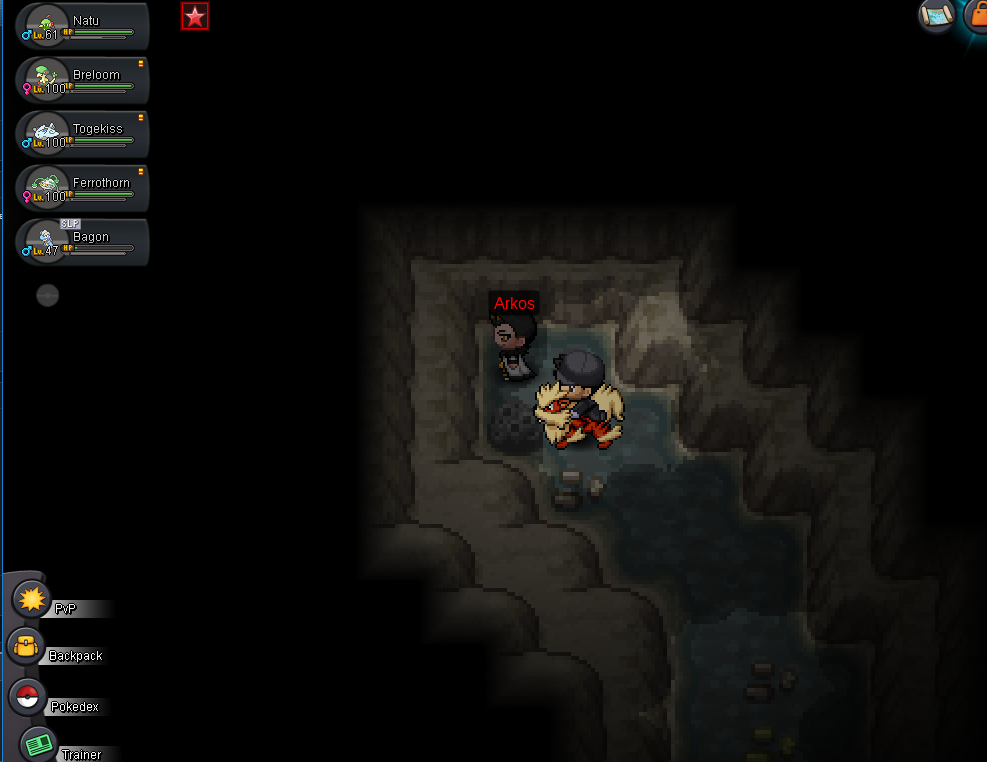
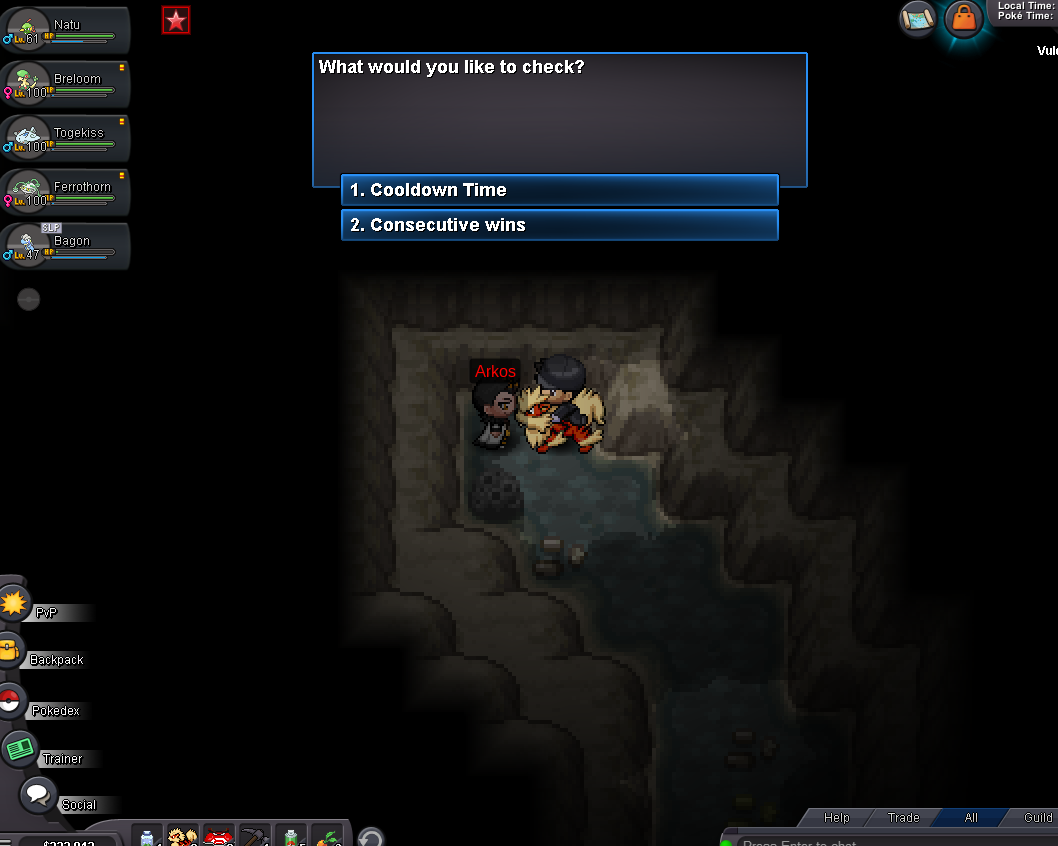
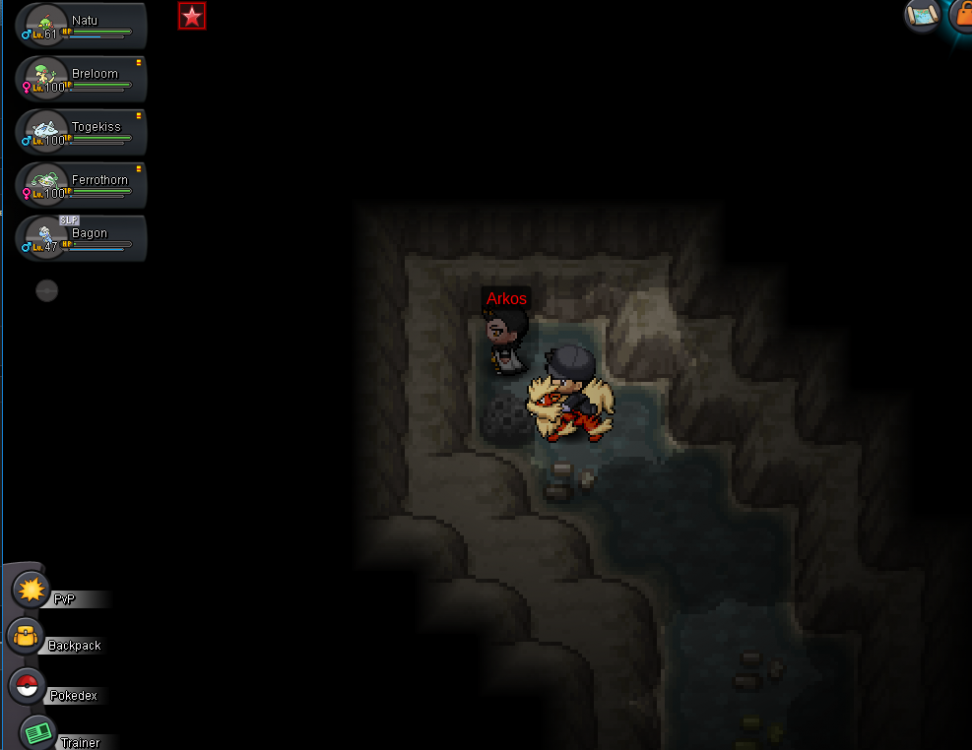
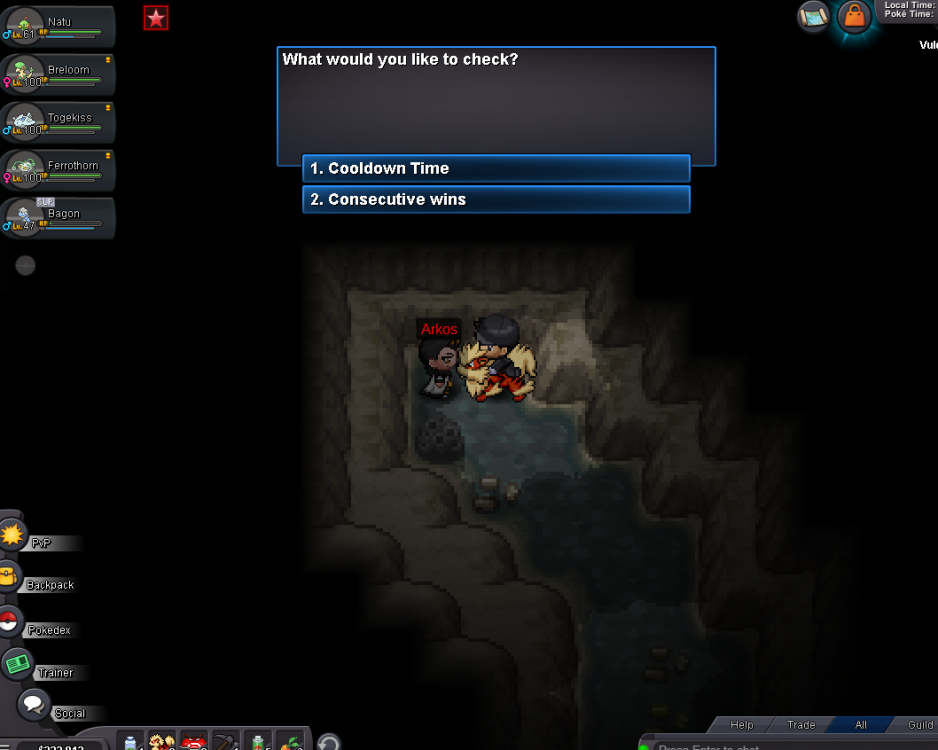
scyther, then Arkos boss asked if I had sync with me and I said no. Then I went to go get a sync, then came back, but the boss doesn't give me an option to choose again after I came back.
-
I just beat Arkos boss for the third time from Vulcan. I chose to go get a sync pokemon, but when I came back Arkos boss is on cooldown and didn't ask if I brought a sync poke. Was I suppose to just choose a prize without getting a sync pokemon?
-
Oh okay, thank you!
-
i did the mission for the mayor's wife allready, but Arkos boss keeps saying this