Skip to content
View in the app

A better way to browse. Learn more.

Pokemon Revolution Online

A full-screen app on your home screen with push notifications, badges and more.

To install this app on iOS and iPadOS
  1. Tap the Share icon in Safari
  2. Scroll the menu and tap Add to Home Screen.
  3. Tap Add in the top-right corner.
To install this app on Android
  1. Tap the 3-dot menu (⋮) in the top-right corner of the browser.
  2. Tap Add to Home screen or Install app.
  3. Confirm by tapping Install.
New Trade Zone
Trade Zone is now live
Use the new Trade Zone for auctions and instant-price trades so Pokemon and item offers are easy to find.
Open Trade Zone

Tommysgirl1

Registered User
  • Joined

  • Last visited

Everything posted by Tommysgirl1

  1. Still waiting on an answer
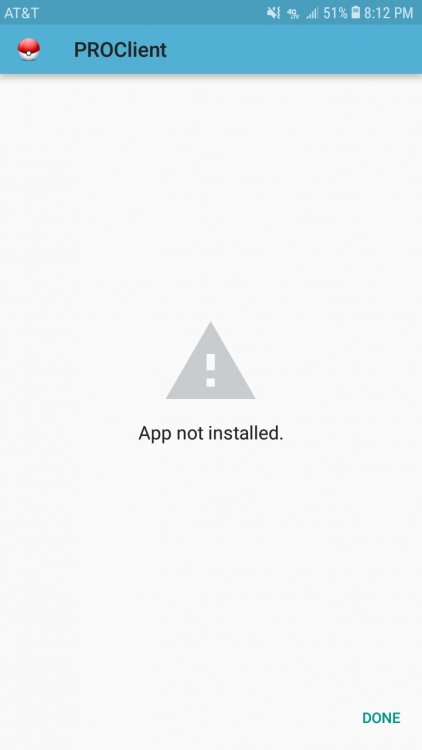
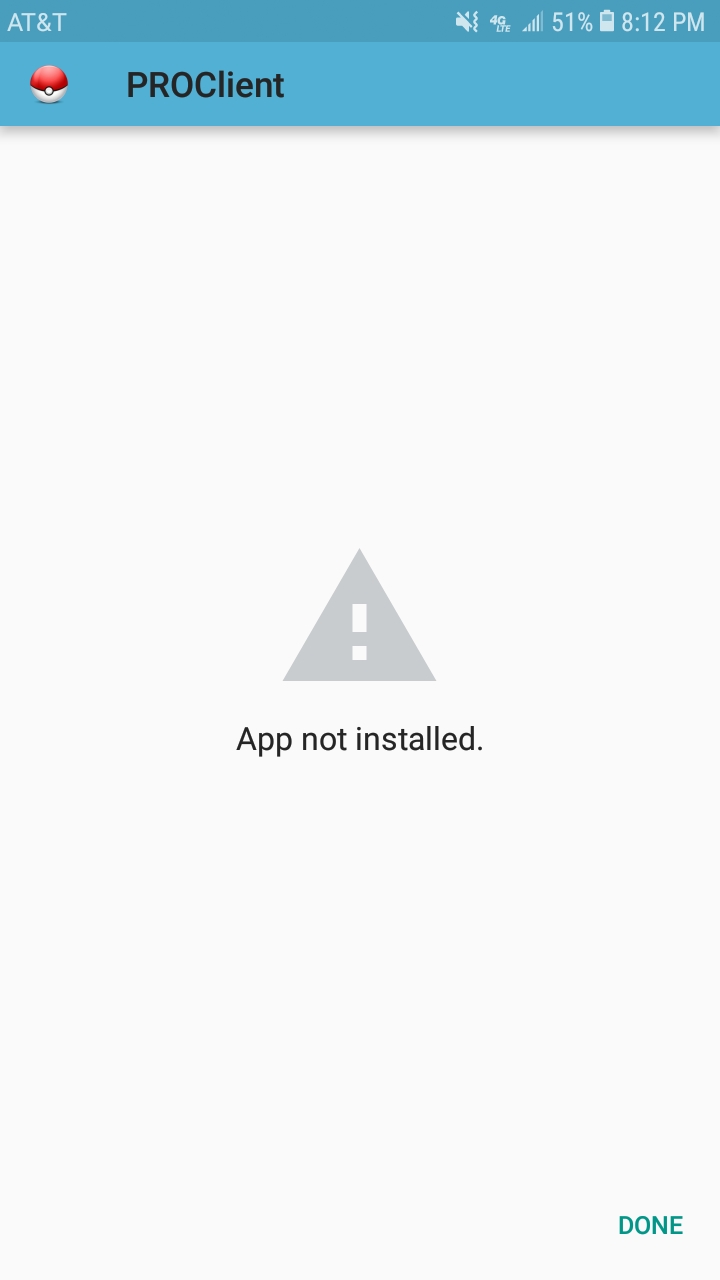
  2. So, I was able to download the file... but I cant get it to install. I have: -restarted my phome -downloaded it from my pc and moved it to my phone - reset my app permissions -made sure my phone was allowed to download apps from unknown sources And after the app is staged and installing, it stops last minute and gives me the error "App not installed" I have 1.3G to spare on my phone, so its not a space problem, and ive tried installing the app using both wifi and just data alone... S.o.s.
Account

Navigation

Search

Search

Configure browser push notifications

Chrome (Android)
  1. Tap the lock icon next to the address bar.
  2. Tap Permissions → Notifications.
  3. Adjust your preference.
Chrome (Desktop)
  1. Click the padlock icon in the address bar.
  2. Select Site settings.
  3. Find Notifications and adjust your preference.