New Trade Zone
Trade Zone is now live
Use the new Trade Zone for auctions and instant-price trades so Pokemon and item offers are easy to find.

Nikhilnick
Registered User
-
Joined
-
Last visited
Everything posted by Nikhilnick
-
Pm me on discord(Nikhilnick#5070)
-
Insta ttar
-
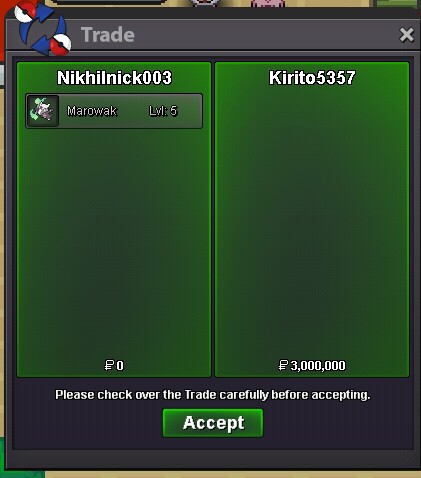
1.1m marowak
-
Sold insta.
-
4 hours left.
-
Start
-
-Start offer - 1.5m -Insta -3m -Min bid raise is 100k -Auction ends in 2 days after first bid -Accept cc as 300k


-
Nikhilnick003!! i wish you the very best in your future, take care my friend.
-
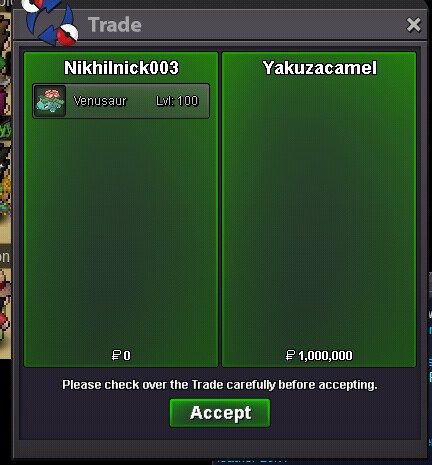
Sold
-
"luuky#0908" this is his discord id
-
Noted.
-
-S.o : 1m -Insta :3m -Accept cc : 280k each -Auction ends in 2days after this post -Fake bids will be reported Gl

-
Insta added -3m
-
Bump
-
-insta 3m -Fake offers will be reported -Accept cc at 280k Good luck

-
Insta
-
Buy insta
-
Thank you for your quick response. That's it and hopefully the bug is solved. Have a good day :)
-
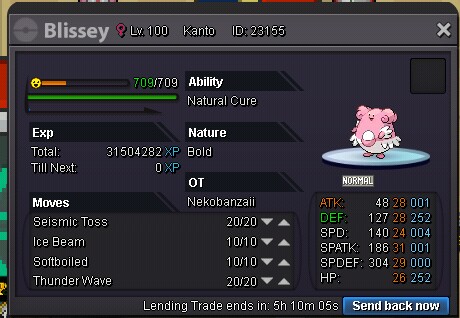
I was lending my blissey to a friend and the game crashed during the process and i am not able to send it back and retreive it. Please fix this bug as i am not able to sell it anymore.
-
The Auction is cancelled since i was not satisfied with the final price(mentioned in rules). Thanks everyone for participating :)
-
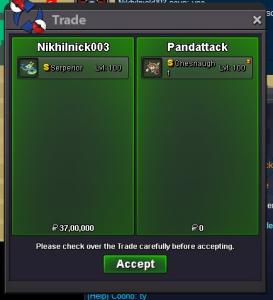
sorry serp was traded for a shiny in game.
-
Min bid raise is 1m xd. checkout the rules :)
-
Sold in game.
-
Bump
-
RULES- - Accept cc - 300k -Auction ends in 3 days after first bid -Fake offers will be reported so think before leaving an offer -I reserve the rights to cancel the auction if i am not satisfied with the price -Start bid - 1m -Insta buyout - 20m -Min bid raise is 1M GOOD LUCK :)