New Trade Zone
Trade Zone is now live
Use the new Trade Zone for auctions and instant-price trades so Pokemon and item offers are easy to find.

Yvione
Registered User
-
Joined
-
Last visited
-
wew! Thank you now I can finally meme on pro.
-
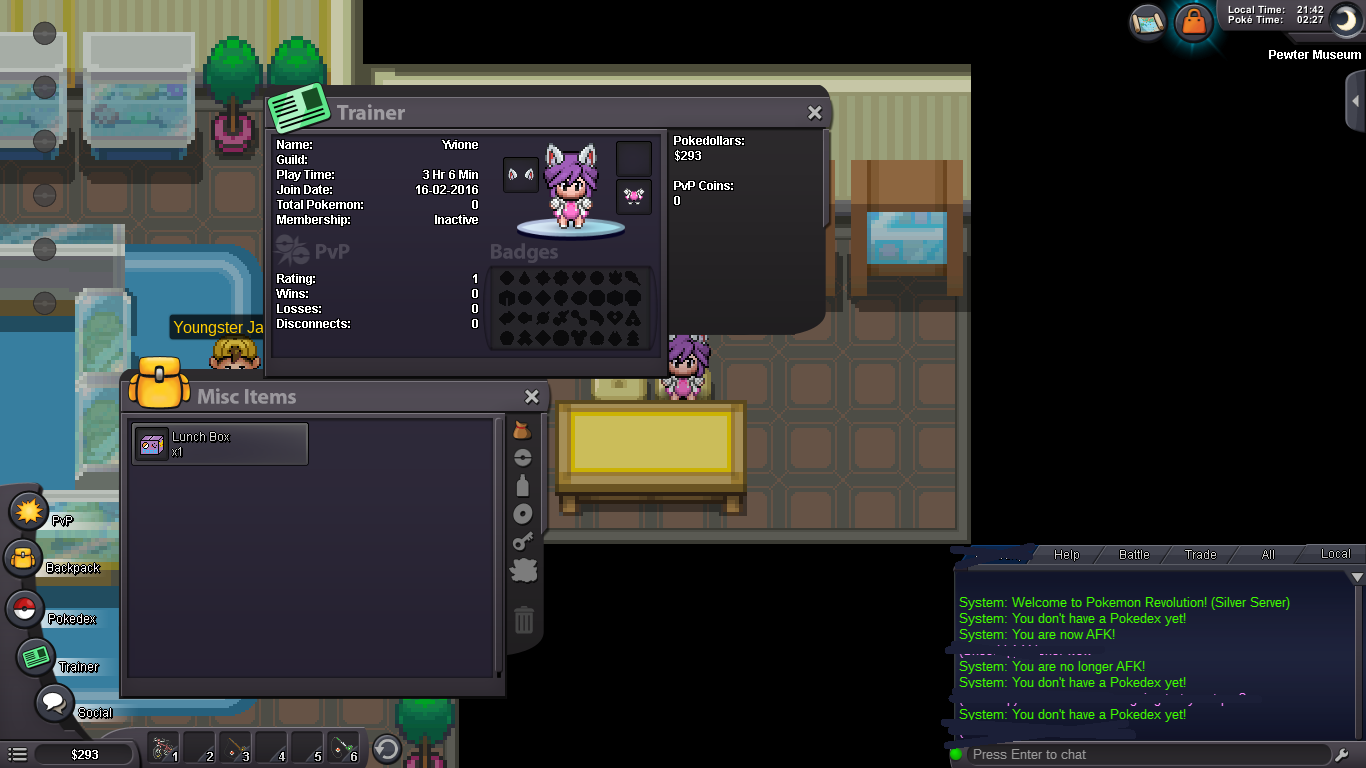
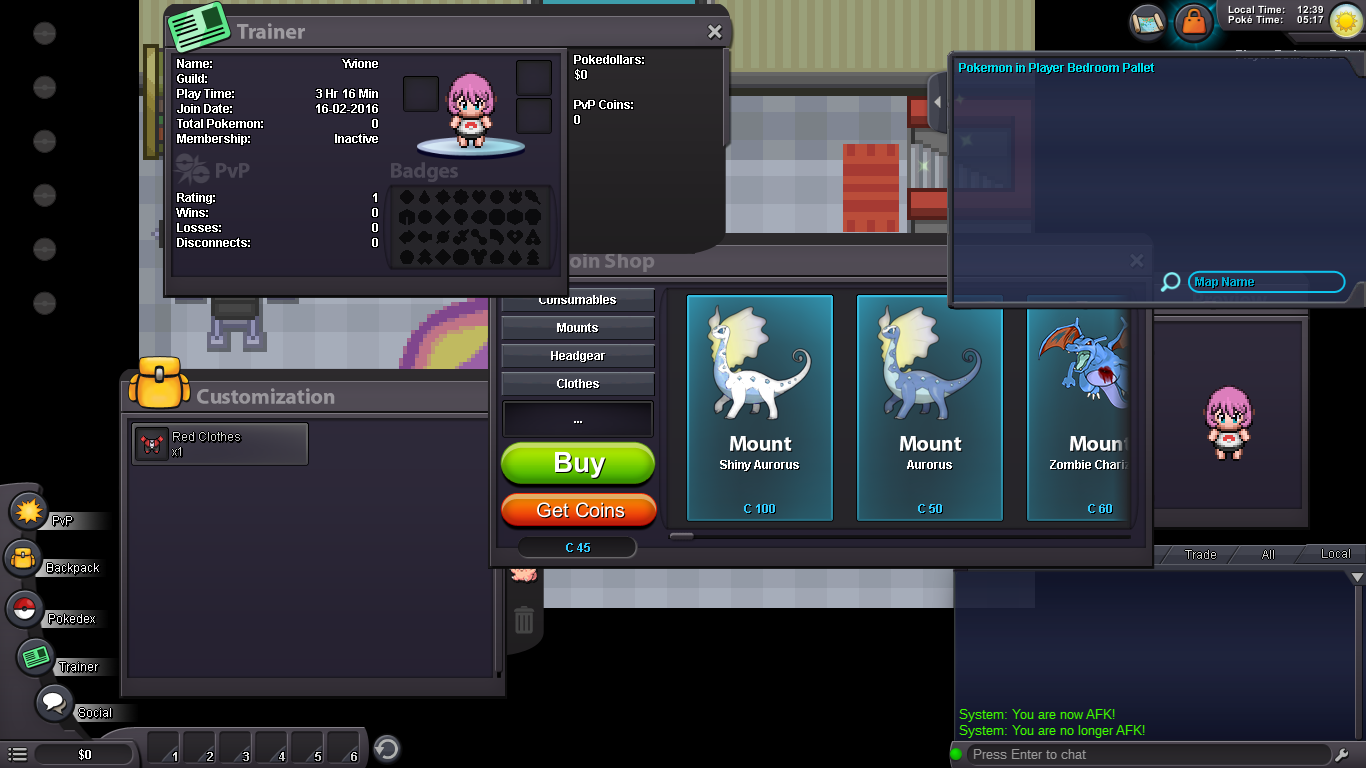
Hello! Just want to clarify that my account has been successfully reset, however I did receive my 40 coins but my accessories has not been refunded as told in the previous thread. The images below show before and after of the following issue. Thanks!
-
Hello~ I apologize for not answering in clear accuracy. Just wanted to confirm what you wrote and willing to accept my reset with the refund thingies.
-
That would be great! That's really what I wanted in the first place, hehe.
-
Hello PRO Staff~ So basically I decided to merge my secondary account to replay the Kanto region, and I guess I ran into a rather strange issue where my items had been deleted, including my pokedex, total pokemon/ect. I'm guessing it's because my character from Red merged to Silver but most of the progress didn't get put in. Stuck in Pewter City at this moment and will remain offline until further investigation. Also bought some stuff from the coin shop before I realized these shenanigans happened if the character will happen to rollback. Anyway thanks for making this awesome game.