New Trade Zone
Trade Zone is now live
Use the new Trade Zone for auctions and instant-price trades so Pokemon and item offers are easy to find.

Hektor321
Registered User
-
Joined
-
Last visited
-
start
-
-
-
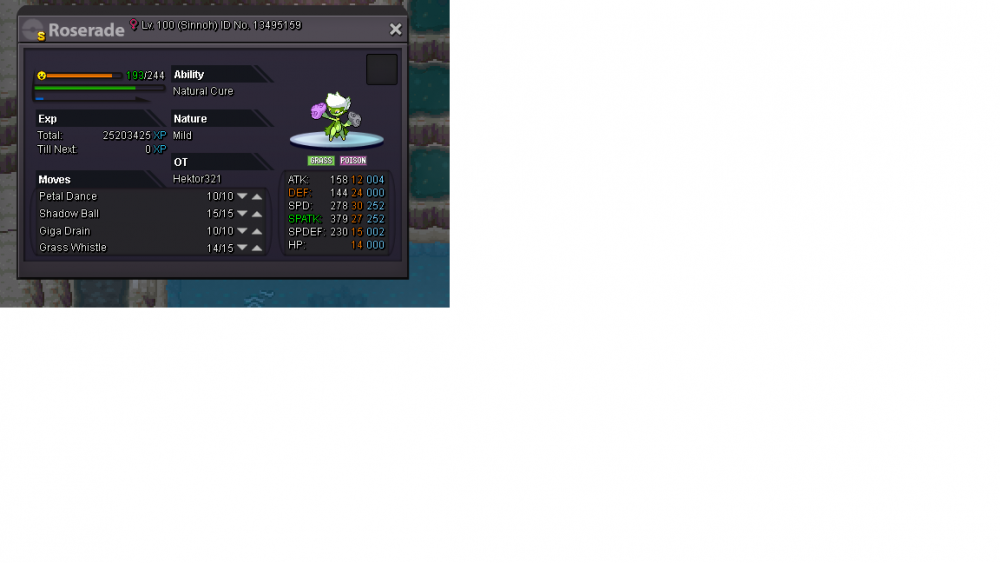
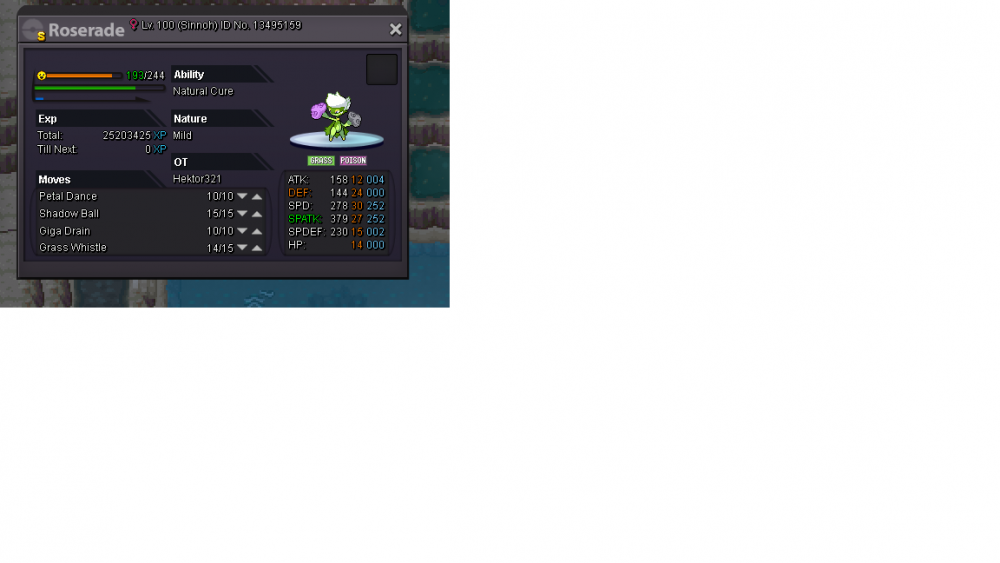
so as i said i went to the bug catching contest and while i was fighting a pokemon the server disconnected and teleported me straight to the pokemon center and i couldn't get any reward like that its funny cuz this happened to me yesterday as well is it possible for a gm to let me go in the bug catching event (somehow reset my run) since its really irritating like that i have noticed that the servers have been shutting down quite a lot recently i really don't want to wait another 18 hours just to get diconecceted again.alright thank youas far as I am aware legendary pokemon cannot be tradedHi guys, I have a question about darkrai since he's my all time favorite pokemon and I happen to see that he used to be available last year's Halloween but unfortunately for me I wasn't playing the game back then now I have 400+ hours ingame time and I would really like to catch him so my question is will you be able to catch him anytime soon again either from an event or a quest thanksstarting an action for this pokemon starting price is 400k insta 2.5m gonna end it in 2 days you can pm me here or in game (hektor321) gl to everyone
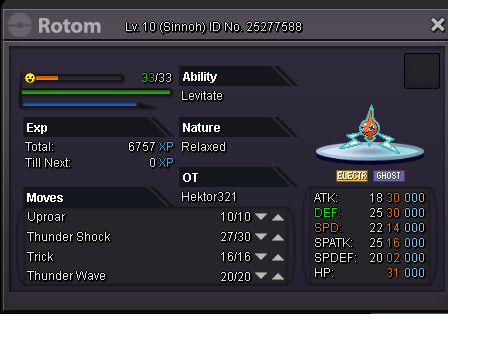 I am starting an action for 24 hours starting price is 200k
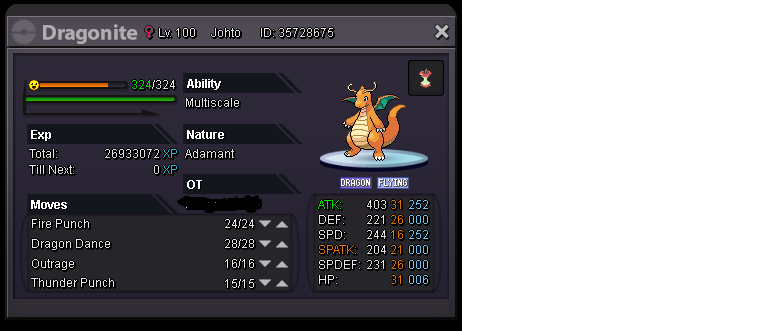
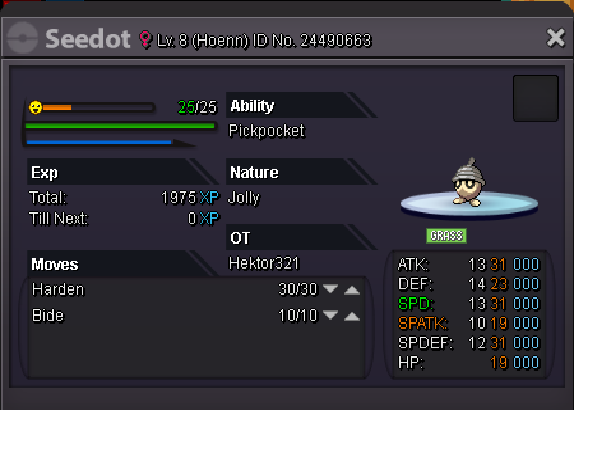 im online right nowsure I will sell her to u just give me your ingame name and let's meet up whenever you are readyim gonna accept the highest price in 2 days starting from 1m !