New Trade Zone
Trade Zone is now live
Use the new Trade Zone for auctions and instant-price trades so Pokemon and item offers are easy to find.

Rwarrior
Registered User
-
Joined
-
Last visited
-
Where can i get the honey thing
-
Hey guys when i tried to enter the kalijodi cave t he map is not loading i tried resetting it but still the loading screen is coming. Help what should i do now.
-
No just reply starting with admin
-
Did u post the ban appeal. Ik they took almost a half a day to reply and fixed it.
-
Tell the admin about it they will fix it. The same thing had happen to me.
-
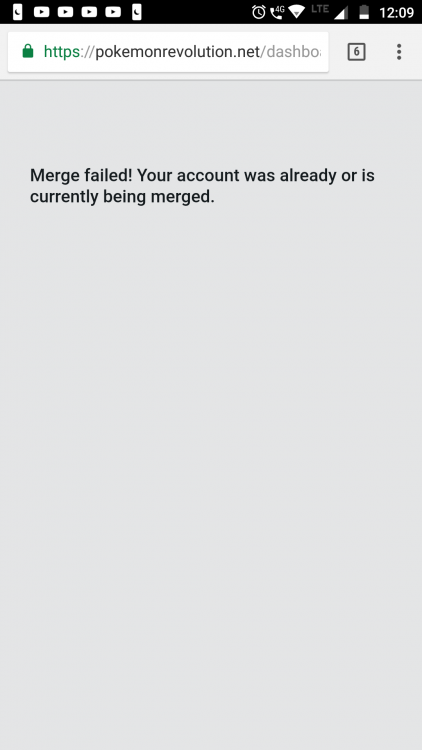
Hey i click on the merged thing but nothing is coming. What should i do now.
-
If you have some errors while doing the merge, check the Common Merge Errors: FAQ. With that being said, I wish you a great day and welcome back to PRO! Armin Hey thanks for replying I'll see if it works or not and ill let u know
-
Thanks for replying
-
Hey admin i think I've not been online a year and my account got reset what should i do now. To get back my old account. Help plzz. And it was i guess red, yellow server I don't remember